Time tracking in manufacturing is entirely different from desk-based office work. It’s not as simple as autologging time entries from a Chrome tab or timing how long a bunch of admin tasks take. Instead, you’ve got:
- Operators clocking in on different machines.
- Team members covering multiple roles in a single shift.
- Multiple jobs running concurrently that require accurate monitoring of production rates in real-time.
Most important by a square mile? Health and safety. Labor laws exist for a reason, so if someone’s clocked too many hours and is still operating heavy machinery, fatigue is a genuine safety risk.
Your time data needs to be accurate enough to protect people, not just balance payroll. At the same time, that same data drives your margins, so you’d better be sure it’s accurate.
To help you with these (and other manufacturing challenges), this guide explores the best manufacturing time tracking software on the market.
Whether you’re looking for a way to track by job, machine, and task, or need deeper real-time reporting insights into your labor costs, we’ll give you a complete rundown of which platforms do a great job at tracking time on the manufacturing shop floor.
Here’s an overview of the top seven manufacturing time tracking tools.
| Tool | Best for | Overall G2 score (out of 5) | G2’s ease of use score (out of 10) | Free trial? | Paid pricing from… |
| Toggl Track | Simple, mobile-friendly time tracking without surveillance | 4.6 | 9.2 | Yes | $9/user/mo |
| Clockify | Budget-conscious production teams | 4.5 | 9.3 | Yes | $5.49/seat/mo |
| QuickBooks Time | QuickBooks payroll users | 4.5 | 9.0 | Yes | $10/mo |
| Deputy | Shift-heavy manufacturing operations | 4.6 | 9.2 | Yes | $5/user/mo |
| Timeclock Plus | Complex overtime rule environments | 4.3 | 8.7 | No | Contact vendor |
| HubStaff | Distributed field manufacturing crews | 4.5 | 9.0 | Yes | $4.99/seat/mo |
| Clockshark | Field and construction manufacturing | 4.6 | 9.3 | Yes | $40/mo |
7 time tracking software options for the manufacturing industry
We’ve spent more than 20 years building time tracking software used by over 600,000 teams worldwide. During that time, we’ve learned what separates tools that look good in a demo from those adopted successfully on the shop floor.
For this guide, we combined our in-house expertise with real-world research — reviewing vendor documentation and analyzing customer reviews — to understand how each platform performs beyond marketing claims. Here’s how the top tools compare.
1. Toggl Track: Best for simple, mobile-friendly time tracking without surveillance
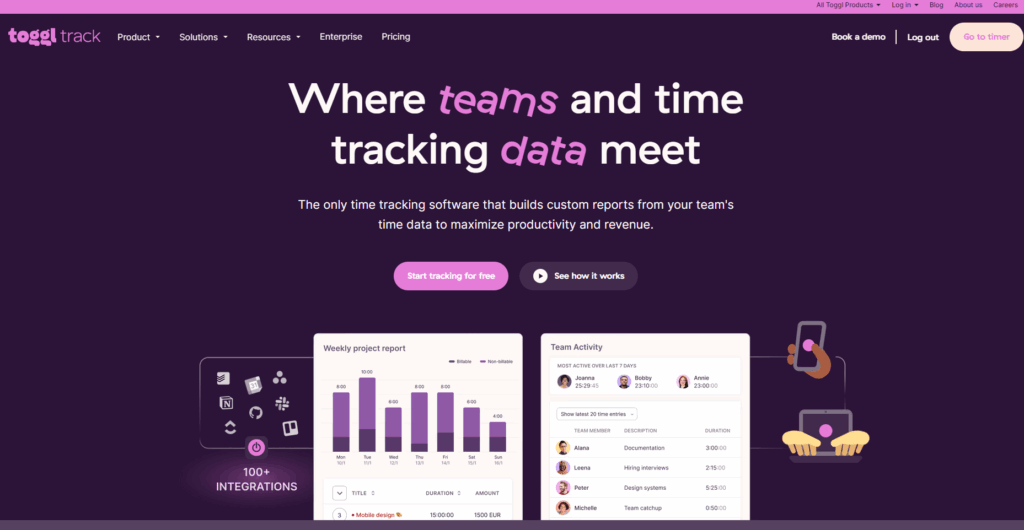
Toggl Track is a simple, intuitive time tracker that makes it easy to record your hours in any type of production or maintenance work environment.
Whether someone’s moving between machines, helping on different jobs throughout the day, or splitting their time between production and office work, they can start tracking in seconds from their phone, desktop, or a shared device, without having to interrupt work or rely on manual notes at the end of a shift.
Perception Engineering, which provides manufacturing support, machine design, and automated equipment solutions, uses Toggl Track to streamline time tracking and reduce admin across its team. Owner Stephen Wierenga explains:
“Each employee saves at least 15-20 minutes per day, while providing extensively more detailed and accurate data about which projects and tasks they worked on.”
Key features
- Automated time tracking prompts with idle time notifications
- Fast, intuitive time tracker across mobile, desktop, web, and browser extensions
- One-click timers to start tracking instantly and switch between jobs or tasks
- Mobile apps for Android and iOS, with full offline tracking and automatic sync
- Track employee hours and billable hours by project, task, client, or team member
- Dedicated reporting views, including Summary, Detailed, Workload, and Profitability
- Custom reports with advanced filters, grouping, and saved report templates
- Built-in billable rates, labor cost tracking, and profitability analysis
- Timesheet approvals, reminders, and locked entries for clean payroll data
- 100+ integrations, including QuickBooks Online, Jira, Salesforce, Slack, Asana, and ClickUp
- Open API, webhooks, and Zapier/Make integrations for ERP, payroll, and custom workflows
- Export reports to PDF, CSV, or Excel for payroll, invoicing, or accounting
Private and frictionless tracking by design
One of the huge benefits of using Toggl Track is how easy it is to get started. Your team will quickly slide time tracking into their workflows, without getting distracted by clunky kiosk experiences or glitchy connections.
Toggl Track also takes a clear stance on privacy, which is great for improving the employee experience. We don’t offer any GPS tracking, geofencing, biometric scanning, or any other surveillance-style monitoring of your team, so they always feel secure and in control of the data.
On the floor, manufacturing teams track time by selecting a project and task, then tapping the start button. For example, an operator might open the Toggl Track mobile app on a shared tablet, choose their project (or create a new one), select the relevant project task, and tap Start. The timer runs in the background while they work.
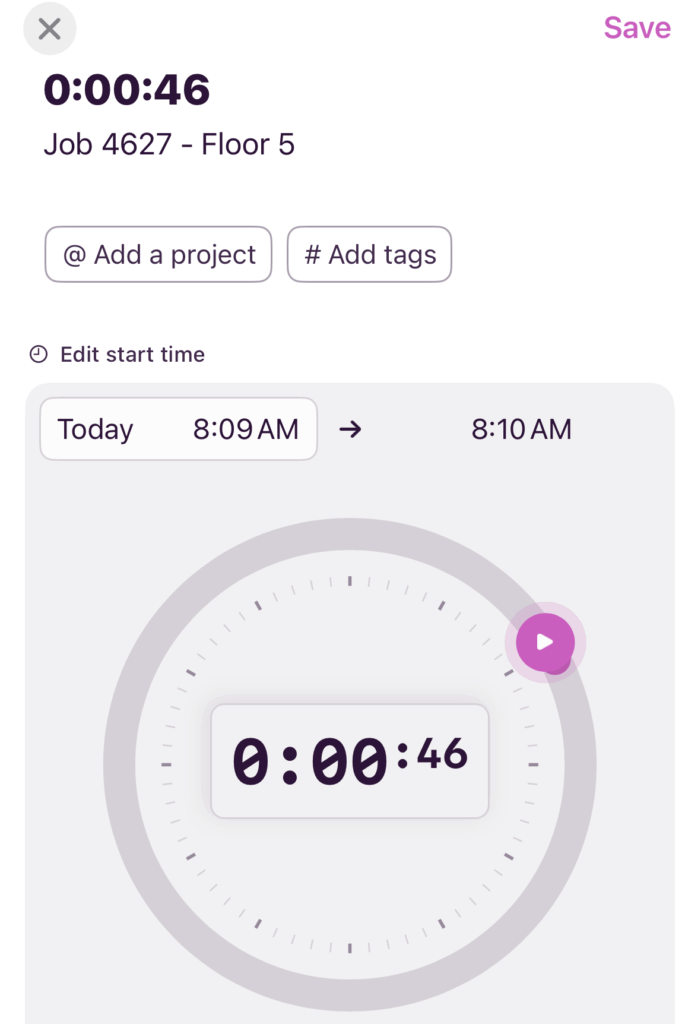
If they move to a different job or switch machines, they simply tap Stop, select the new project and task (for example, “Machine maintenance” or “Assembly support”), and start a new timer. Each block of time is recorded separately, creating a precise log of exactly where their shift went.

Clean timesheets that don’t interrupt the shift
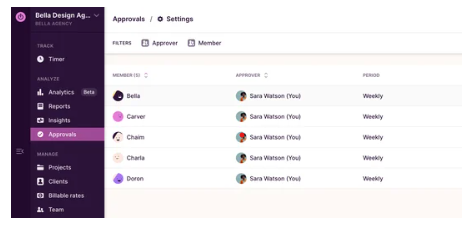
Employees can also use the Approvals tab in Toggl Track to submit clean timesheets, which admins can review, approve, or reject with comments. If connectivity is unreliable on-site, Toggl Track supports offline time tracking, so employees can keep logging time without a connection, and the data will sync once service is restored.
Powerful reporting for labor cost tracking and analysis
Once time is tracked, Toggl Track’s next-level reporting experience makes it easy to explore the data properly.
Dedicated views like Summary, Detailed, Workload, and Profitability give you different ways to understand your data, whether you want a quick overview or a deeper breakdown.
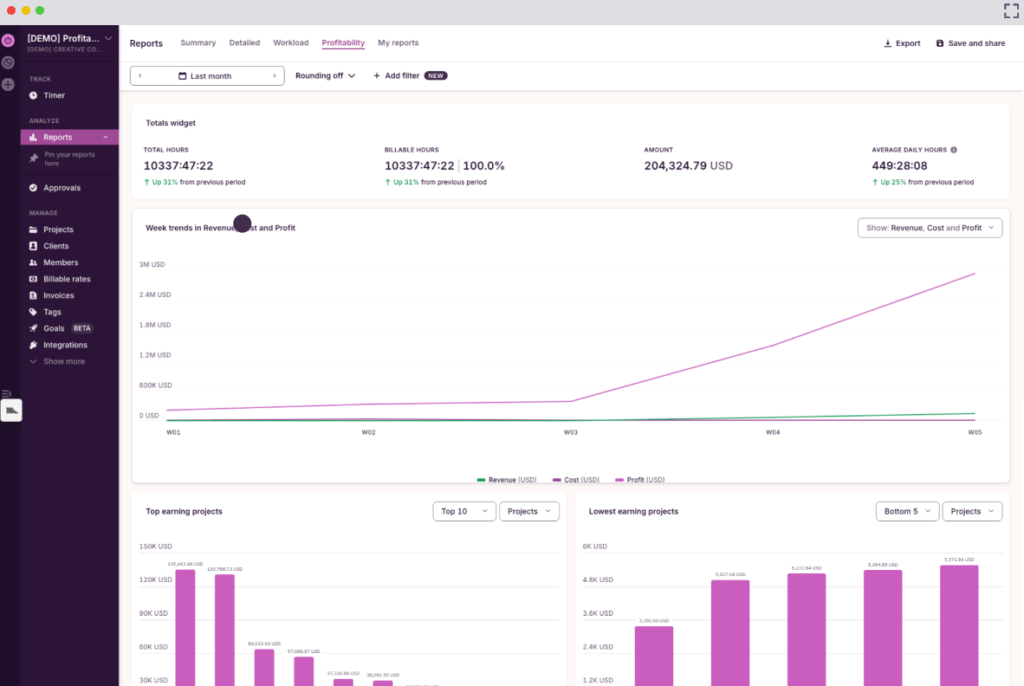
Everything lives in one place, so you can analyze, save, and share reports without relying on spreadsheets. It’s also easy to export the data as a PDF and distribute with other key stakeholders as needed.
What users are saying
“The user-friendly interface makes setting up tasks and beginning monitoring quick and simple. It is straightforward and well-organized. With color-coding and pie charts, reports are entertaining.” — Riley D., a coating team manager
Pricing
- Free 30-day trial available, no credit card required
- Free forever plan for up to 5 users
- 3 paid plans: Starter, Premium, and Enterprise
- Paid plans start at $9/user/mo
2. Clockify: Best for budget-conscious production teams
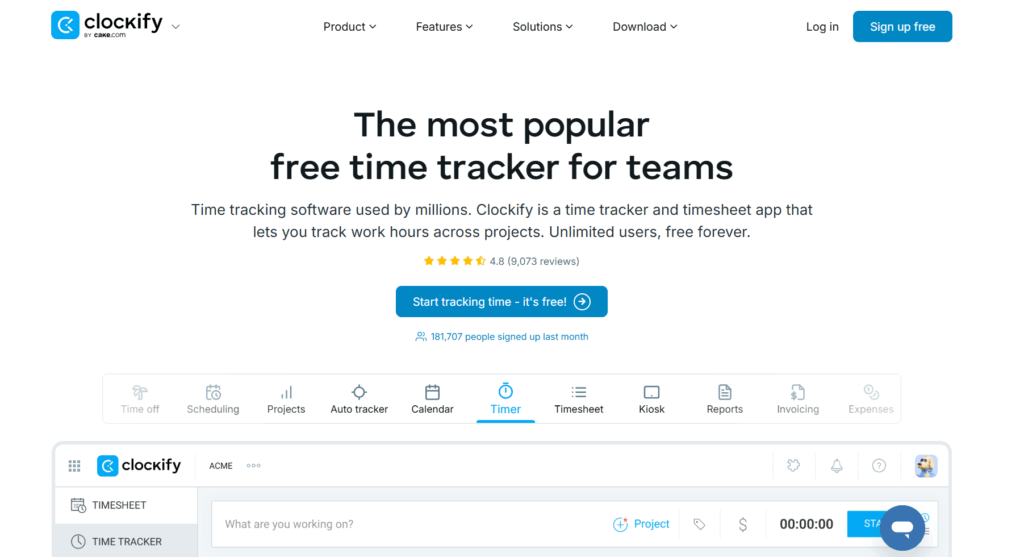
Clockify is a low-cost time tracking platform that gives manufacturing teams a simple way to record employee hours using a kiosk mode that turns any internet-connected device into a shared clock-in station. Workers sign in with their PIN to start a shift, then switch between jobs or cost codes as they move through the day.
Clockify also includes reporting tools that allow managers to export and review time data. While it covers the essentials well, it’s best suited to teams that need straightforward labor tracking rather than deeper production-level insights.
Key features
- Kiosk functionality synced across mobile, kiosk, web, or desktop devices
- GPS tracking
- Optional employee timesheets
- Mobile app for Android and iOS devices
- Employee attendance tracking
- Customized reports are available with exporting options
What users are saying
“Clockify has comprehensive and dependable time tracking features measures. The reporting measures from this app gives us insightful information about our projects.” — Marledvuka L., operations manager
Pricing
- Free trial available
- Free plan available
- 4 paid plans: Standard, Pro, Enterprise, and Productivity Suite
- Paid pricing starts at $5.49/seat/mo
3. QuickBooks Time: Best for QuickBooks payroll users
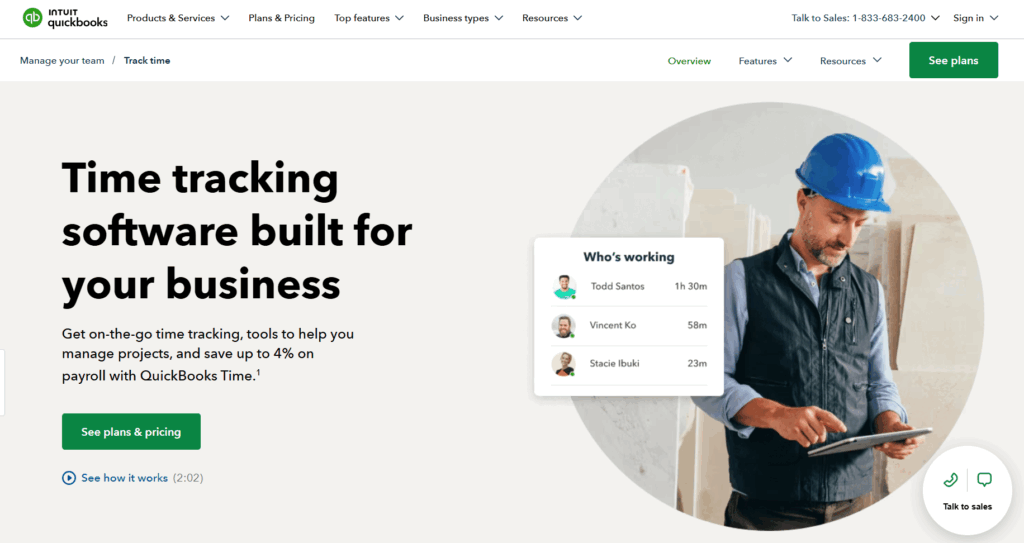
accounting. Approved hours flow straight into payroll, making it easier to track labor costs alongside financial data. While it supports job tracking and attendance monitoring, its reporting and workflow flexibility are more closely tied to accounting needs than detailed production tracking.
Key features
- Quick clock in with 4-digit PIN and photo confirmation
- Available across device types, including tablets and computers
- Ability to clock in, switch jobs, and track breaks
- Mobile time tracking app for Android and iOS devices
- Timesheet tracking with supervisor approvals
- Built-in employee scheduling tools
- Direct integration with QuickBooks payroll and accounting
- Reporting tools for hours worked, attendance, and job costing
What users are saying
“We like to keep track of our hours and have access to seeing what hours they have for the week. It also makes it easier for those who drive trucks daily as well because the office isn’t open in the mornings when they leave.” — Ashley L., a machinery floor assistant
Pricing
- Free 30-day trial available
- 2 paid plans: Time Premium and Time Elite
- Paid plans start from $10/mo
4. Deputy: Best for shift-heavy manufacturing operations
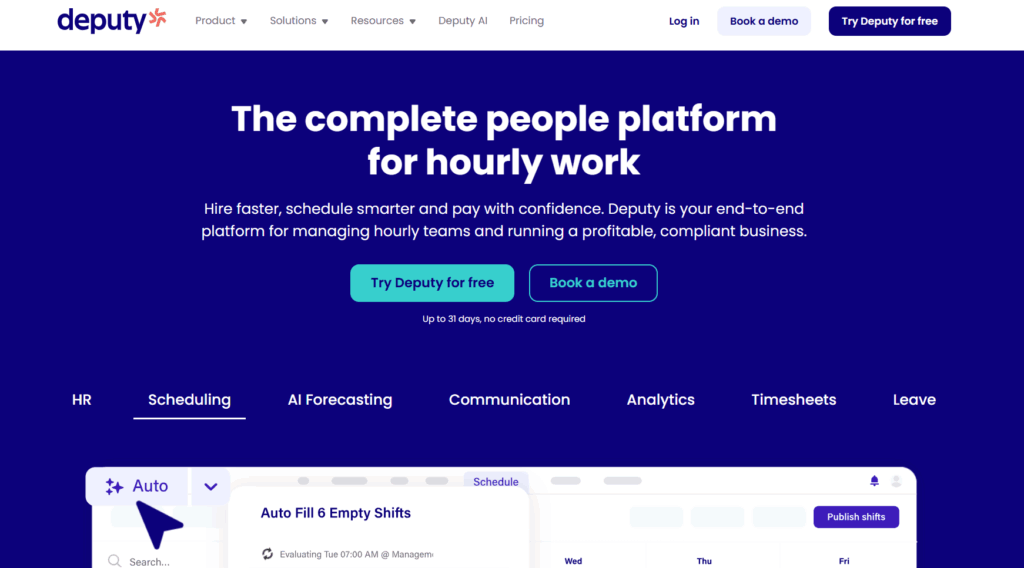
Deputy is a workforce management platform focused on making sure you have enough employees covering the right shifts. Manufacturing teams can use the software to build rotas quickly using drag-and-drop functionality to assign shifts based on availability and make any tweaks in real time.
Alongside scheduling, Deputy includes built-in employee time tracking, allowing workers to clock in from mobile devices and supervisors to review and approve timesheets. While it provides solid visibility into shift coverage and attendance, its reporting and job-level tracking are more limited compared to tools focused specifically on labor costing.
Key features
- Drag-and-drop employee scheduling tools
- Shift swap functionality and availability tracking
- Alerts for missed shifts, lateness, or overtime risk
- One-click timesheet approval workflows
- Mobile app for Android and iOS devices
- Real-time schedule updates and notifications
- Export timesheets to payroll systems
- Centralized communication and team announcements
- Leave and availability management
What users are saying
“It solves the problem of people queuing up to use the clock-in machine, and people are able to start their work straight away as soon as they resume as it only takes a few seconds to sign in.” — Enterprise user
Pricing
- Free trial available
- 3 paid plans: Lite, Core, and Pro
- Paid pricing starts at $5/user/mo
5. TimeClock Plus: Best for complex overtime rule environments
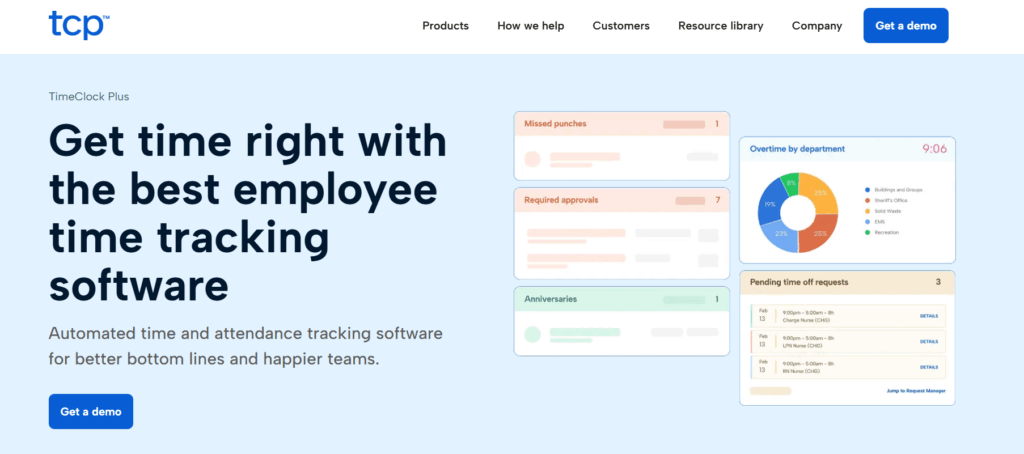
TimeClock Plus by TCP is a workforce scheduling and time tracking system for manufacturing teams with complex compliance requirements. It makes light work of overtime policies, union agreements, fatigue limits, and shift differentials, while also allowing teams to track time and connect labor data with production and payroll systems.
Because of its depth, TCP typically requires more setup and configuration than simpler time tracking tools.
Key features
- Support for biometric, kiosk, mobile, and hardware time clocks
- Automated overtime, break, and payroll rule calculations
- Built-in employee scheduling with shift assignment tools
- Ability to sync job codes with enterprise resource planning (ERP) or human capital management (HCM) systems
- Detailed attendance tracking, including breaks and accruals
- Compliance tools for labor laws, union rules, and fatigue limits
- Supervisor approvals and exception management workflows
- Time reporting tools for labor allocation and compliance audits
- Mobile and self-service clock functionality for employees
What users are saying
“I like that we are able to utilize TCP TimeClock Plus for both payroll and costing. The system is easy to set up, and technical support is very accessible when needed. I also like that their tech support and customer services teams always put time, effort and care when helping address concerns.” — Manufacturing user
Pricing
Accurate pricing is available from the vendor on request.
6. HubStaff: Best for distributed field manufacturing crews
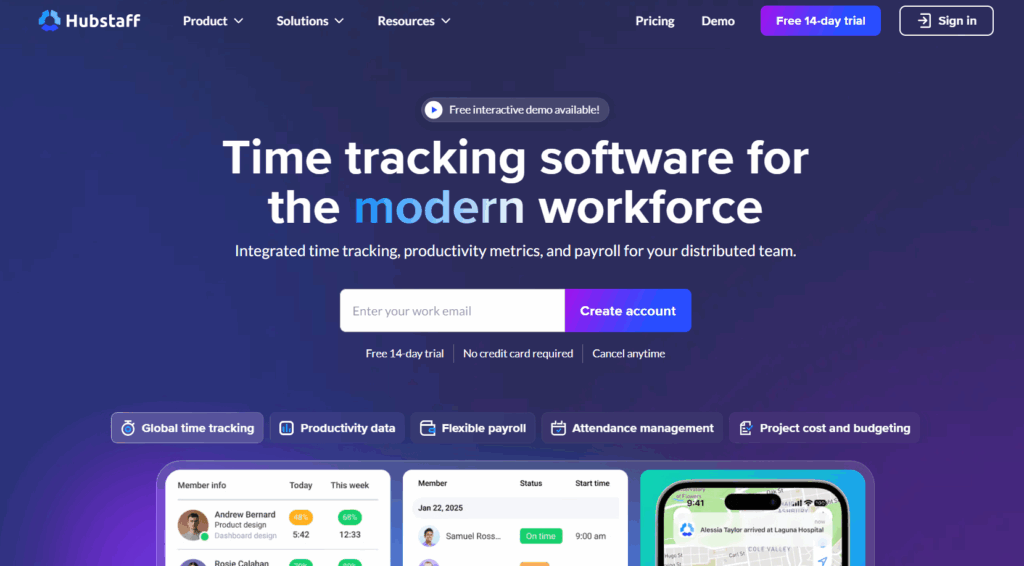
One of Hubstaff’s defining features is GPS tracking, which allows managers to verify employee locations and view movement throughout the day. It also includes scheduling tools, automated timesheets, and payroll integrations that reduce the legwork for internal teams.
While Hubstaff supports job-based tracking and reporting, its strongest capabilities are focused on broader workforce visibility and location tracking rather than detailed production-level labor analysis.
Key features
- GPS-based clock-ins and location verification
- Mobile-first time tracking for distributed teams
- Automatic timesheet generation and approvals
- Real-time map showing active employees
- Automated payroll based on tracked hours
- Shift scheduling with absence and lateness alerts
- Labor cost tracking against budgets
- Custom reports with export options
- Invoicing based on recorded work hours
What users are saying
“What I like best about Hubstaff is how straightforward the time tracking is, even for large teams. It makes it easy to generate detailed reports and see how time is spent across different tasks. This visibility helps us identify where extra time is being spent and improve efficiency on specific tasks.” — Shubham K., a mid-market user
Pricing
- Free 14-day trial
- 4 paid plans: Starter, Grow, Team, Enterprise
- Paid pricing starts at $4.99/seat/mo
7. Clockshark: Best for field and construction manufacturing
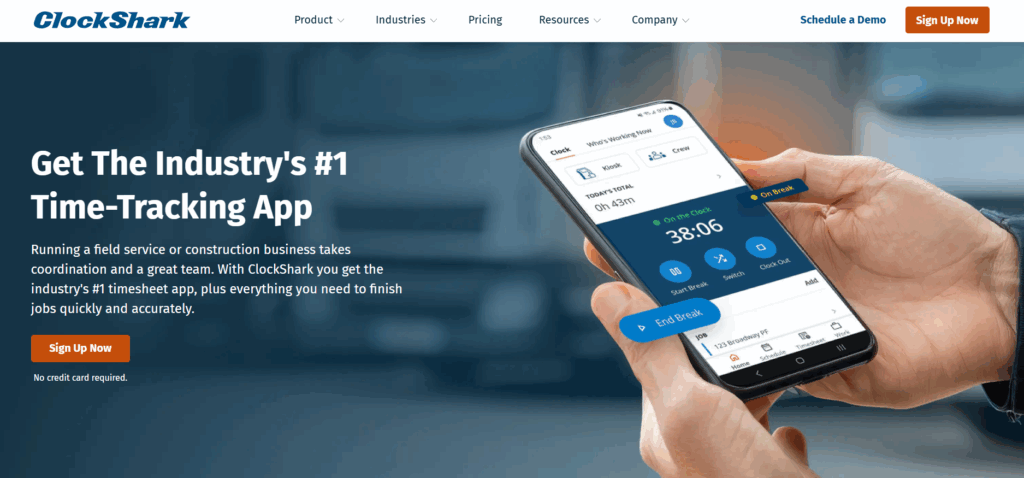
ClockShark is suited to teams that work across multiple locations rather than a single production floor. Its Crew Clock and kiosk functionality also support shared devices, allowing supervisors or team leads to clock in multiple employees at once. GPS tracking and geofencing provide location visibility, which is useful for off-site production or maintenance work.
But while ClockShark works well for mobile crews and field service operations, it’s less tailored to fixed factory environments where employees primarily clock in at a central location.
Key features
- Crew Clock feature for tracking multiple employees from one device
- Kiosk mode with PIN-based clock-in
- GPS tracking and breadcrumb location history
- Geofencing with clock-in reminders based on location
- Job scheduling and assignment tools
- Offline time tracking with automatic sync
- Export timesheets to payroll and accounting systems
- Job costing reports and labor summaries
- File attachments, notes, and job communication tools
What users are saying
“I love that our teammates can clock in and out of jobs with ease. No more confusing paperwork! It’s all digital now and makes time-keeping way less overwhelming.” — Louisa J., HR coordinator
Pricing
- Free 14-day trial
- 2 paid plans: Standard and Pro
- Paid pricing starts at $40/mo
How to choose manufacturing time tracking software (and common mistakes to avoid)
Finding a time tracking tool that records hours is the easy part. Choosing one that works well in a manufacturing environment is the real challenge. Success depends on your team adopting your choice of tool, so it’s worth knowing what to focus on and the mistakes that catch many manufacturers out.
Test ease of use on the shop floor
“Busy” wildly underscribes the production environment in most manufacturing companies. Nobody has time to stand around figuring out how to use a new tool or clock out at the end of a tiring shift. If time tracking feels confusing (or slow!), people will cut corners, meaning any data you do collect becomes unreliable.
Get around this by choosing software with a low learning curve and clean, uncluttered dashboards. Supervisors should be able to review hours and spot any issues without digging through menus. The goal is to make it easy for employees to track time correctly, and easy for managers to lean on the data to optimize staffing, costs, and production decisions.
Check you can track time by job, work order, or machine
Tracking total hours is a good starting point, especially for satisfying labor laws, but to enhance profitability, you really need to know exactly where those hours went.
Employees should be able to log time against specific jobs, work orders, or machines as they move through the day. If someone starts the morning on a particular job, switches to machine maintenance, then helps finish another order in the afternoon, the software should make it easy to capture each of those transitions accurately.
This level of detail is what makes proper job costing possible, spotting any work that eats into your margins. You can also compare estimated vs actual labor hours, making it easy to spot overruns early.
Evaluate how the software handles shifts and overtime
Manufacturing schedules aren’t exactly static. Your software needs to keep up with the reality of your business, whether that includes rotating shifts, antisocial hours, or unexpected overtime — however your team works.
Some companies may benefit from tools that connect employee scheduling with employee time tracking, automatically recording hours against the correct shift. This functionality also saves supervisors from having to manually fix timesheets later.
Confirm it works in low-connectivity environments
Quality time-tracking platforms offer mobile apps for Android and iOS that let your teams track time on the go — a huge selling point for manufacturing teams rarely tied to a desk. Yet, connectivity can be patchy in some production environments.
Look for software with offline tracking that allows your workers to clock in and out, or log their time, whatever the signal’s like. Once your connection is restored, the data should sync automatically without anyone needing to re-enter their hours.
Check integration capabilities early
The real value of time tracking software is how well it connects with the rest of your systems. Make sure your time tracking tool integrates with your payroll, ERP, or production systems, so approved hours flow through automatically.
Integrations with invoicing, project management, and workforce management tools can also make a big difference. When your time data feeds directly into job costing, billing, and staffing decisions, everything becomes faster and more accurate.
Verify compliance and audit readiness
To keep up with all the red tape running a manufacturing business, your software should keep a clear record of when employees clock in and out, including any edits, approvals, or overtime. This creates a reliable audit trail and reduces the risk of disputes or compliance issues later.
Compare reporting depth
Tracking endless data is pretty pointless unless you’re extracting true value from it. To make sense of the input, choose platforms that offer reporting and analytics. Strong reporting allows you to filter results, switch between summaries and detailed views, and quickly see who worked on what.
Custom reports are especially useful. These let you focus on the metrics that matter to your operation, whether that’s labor hours per job, overtime by team, or total hours on a specific production line. If you can answer specific questions about your labor data in a few clicks, the reporting is doing its job.
Consider whether you need employee surveillance
If your business operates in a regulated environment, choosing a platform with built-in GPS tracking and location verification may be necessary for compliance — in fact, some industries require these capabilities for meeting relevant laws, contracts, and safety regulations. But many other manufacturing teams operate from fixed production facilities where this level of monitoring isn’t required. In those cases, avoiding surveillance features can actually improve adoption.
Employees are more likely to track their time consistently when the process feels straightforward and respectful, rather than intrusive. Ultimately, the best time tracking system is one your team will use properly every day. Accuracy comes from consistency, and consistency comes from trust.
Capture manufacturing time accurately with Toggl Track
Manufacturing runs on precision. The more accurately you track your team’s time, the easier it becomes to keep production running smoothly. The right tool shouldn’t slow anyone down or turn time tracking into a chore. It should fit naturally into the workday and give you reliable data you can actually use.
That’s exactly what Toggl Track is built for. It’s simple to roll out yet powerful enough to give you real clarity into your hours. How about that for a win-win?
Sign up for Toggl Track for free and start capturing manufacturing time accurately today.
Frequently asked questions (FAQs) about manufacturing time tracking software
What features should manufacturing time tracking software include?
The best time tracking software for manufacturing companies includes several core features, such as:
- Time tracking by job, work order, machine, or cost center
- Real-time labor cost and productivity reporting
- Compliance-ready audit trails for labor and safety regulations
- Integrations with payroll, ERP, and accounting systems
- Support for timesheets and approvals
- Clock-ins for shop floors
Can time be tracked by job, work order, or machine?
Yes, manufacturing time tracking software allows employees to log time by job, work order, machine, or task. Detailed tracking is essential for production environments as it allows manufacturers to:
- Calculate true labor cost per job
- Compare estimated vs actual production hours
- Identify bottlenecks and inefficiencies
- Improve job costing accuracy
- Protect margins through precise labor allocation
How does manufacturing time tracking software handle shifts and overtime?
Manufacturing time tracking software applies your shift patterns and overtime rules automatically as employees log their hours. It records when someone moves into overtime and reflects that in the totals without manual recalculation. This gives payroll accurate data and helps managers see when working hours are running longer than they should.
Which time tracking software is suitable for both shop floor and office staff?
Toggl Track is suitable for both shop floor employees and office staff as it supports different ways of working in one system. On the floor, it supports quick clock-ins on shared kiosks or tablets that make it easy to log time against jobs or machines. In the office, it offers both desktop and mobile tracking with clear reporting, so all labor data sits in one place.
How does time tracking software integrate with payroll or ERP systems?
Time tracking software integrates with payroll or ERP systems by syncing approved hours directly into those platforms through built-in integrations or APIs. Once time entries are finalized, they can flow into payroll for wage calculations or into ERP systems for job costing and reporting. This removes the need for manual data entry and reduces the risk of errors caused by spreadsheets.

Rebecca has 10+ years' experience producing content for HR tech and work management companies. She has a talent for breaking down complex ideas into practical advice that helps businesses and professionals thrive in the modern workplace. Rebecca's content is featured in publications like Forbes, Business Insider, and Entrepreneur, and she also partners with companies like UKG, Deel, monday.com, and Nectar, covering all aspects of the employee lifecycle. As a member of the Josh Bersin Academy, she networks with people professionals and keeps her HR skills sharp with regular courses.