All the Ways to Log Your Time
Time tracking isn’t one-size-fits-all. Different workflows require different approaches. Some people need precise, minute-by-minute tracking, while others prefer to log their time at the end of the day.
Here’s a breakdown of all the ways to log your time entries, depending on your goals.
Automated Time Tracking
What if your time could track itself? With automated tracking, your tools handle the work for you, logging time spent on emails, meetings, or specific apps seamlessly in the background — all while you stay focused on your tasks.
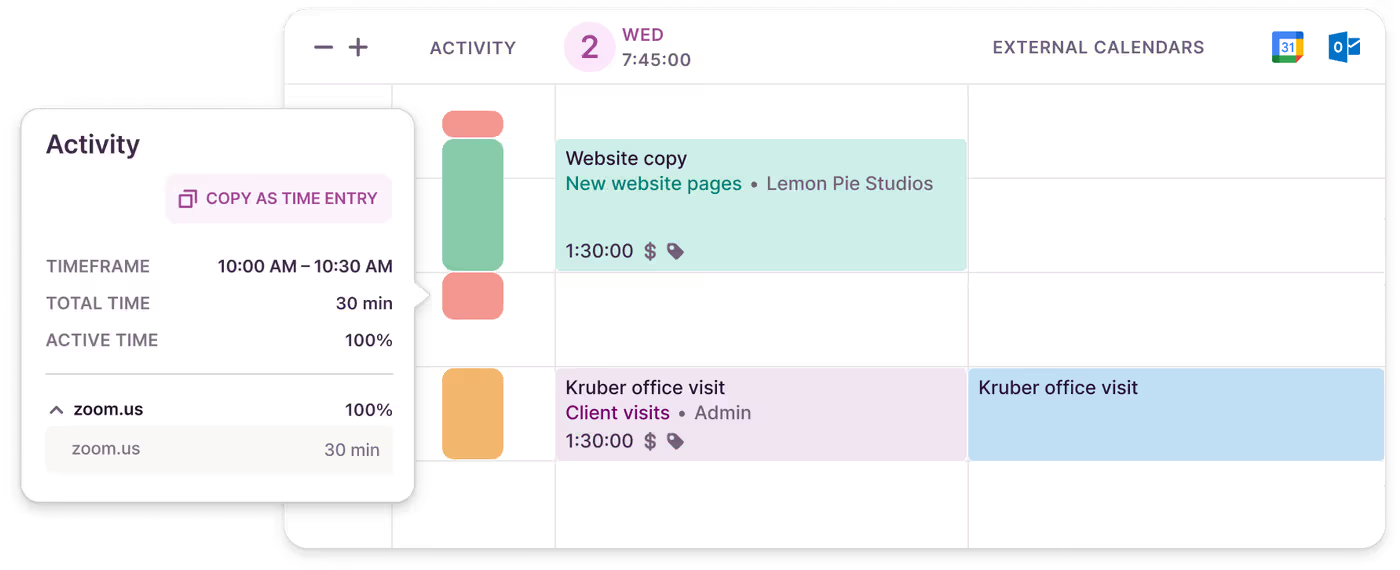
Discover how to automate time tracking in Toggl.
Timer Mode
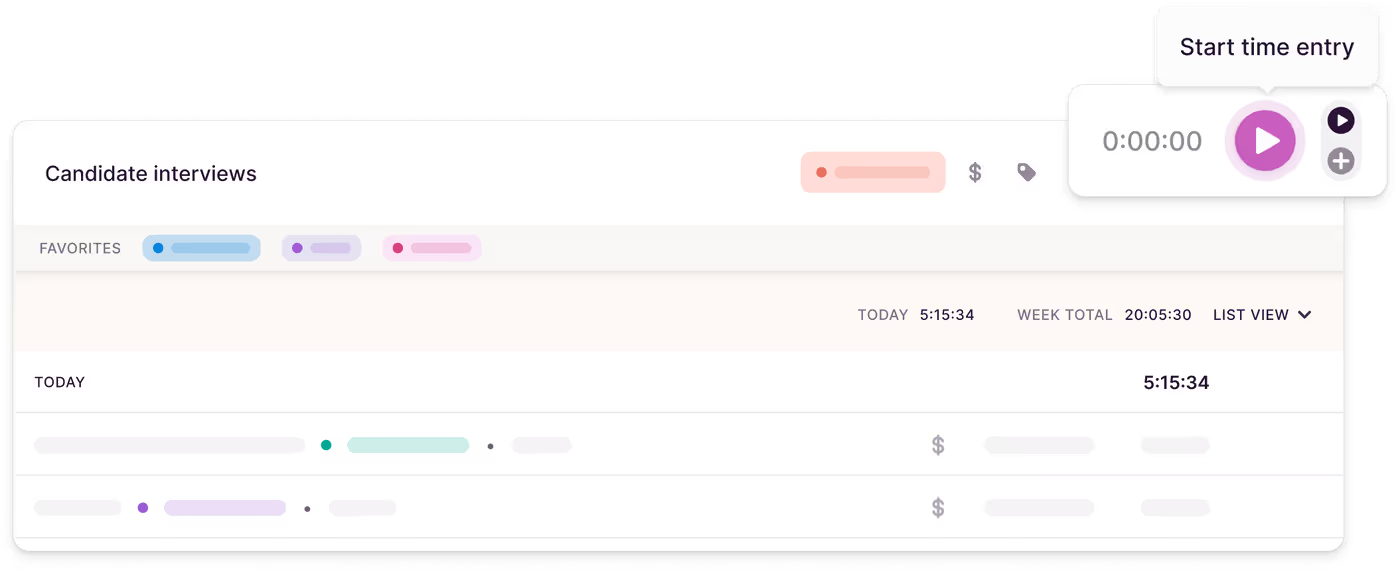
The timer is your accountability partner. Think a task will take 30 minutes? The timer might reveal it’s actually 47. Timer mode captures your work in real-time, giving you accurate insights.
Here’s how it works: press "Start" when you begin, add a description, assign a project, and toss in a tag. When you’re done, hit "Stop." It’s a reliable way to log what’s real — not just what you estimated.
Over time, timer mode helps you uncover patterns, showing where your time is best spent — or where it’s slipping away.
Manual Mode
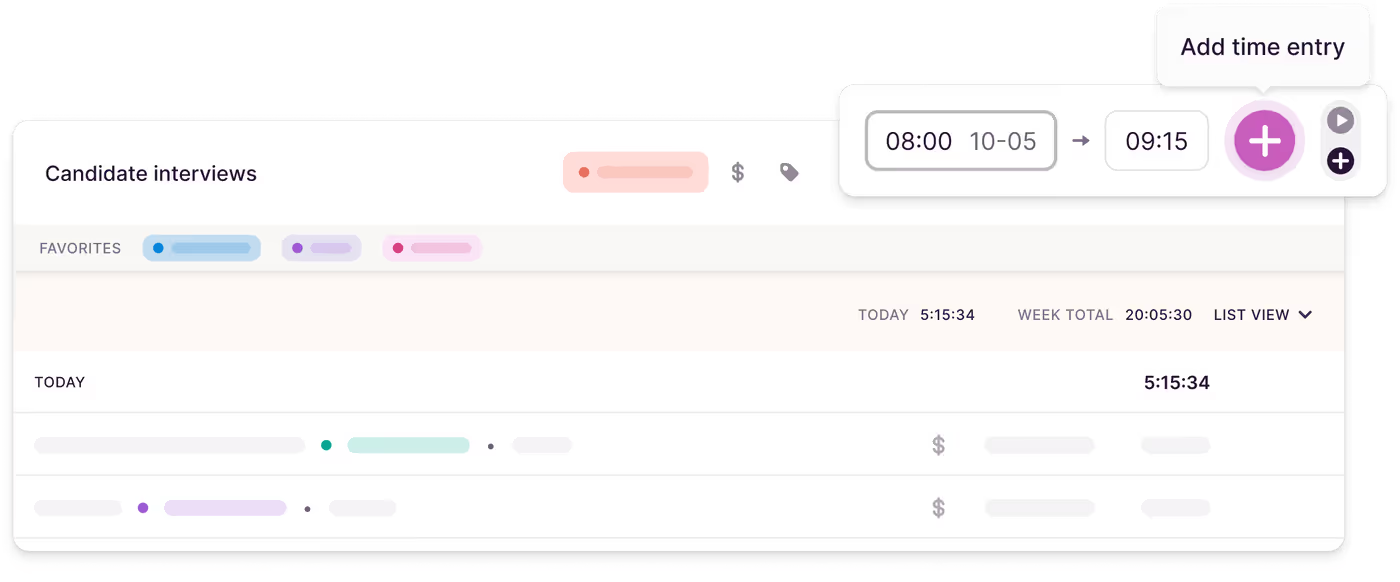
Not every task fits neatly into a plan. Maybe you were too deep in focus or juggling too much to hit "Start." That’s where manual mode comes in.
Simply add your task manually later: enter the start and end time, attach it to a project, and you’re done — no stress, no guilt.
Duration-Only Mode
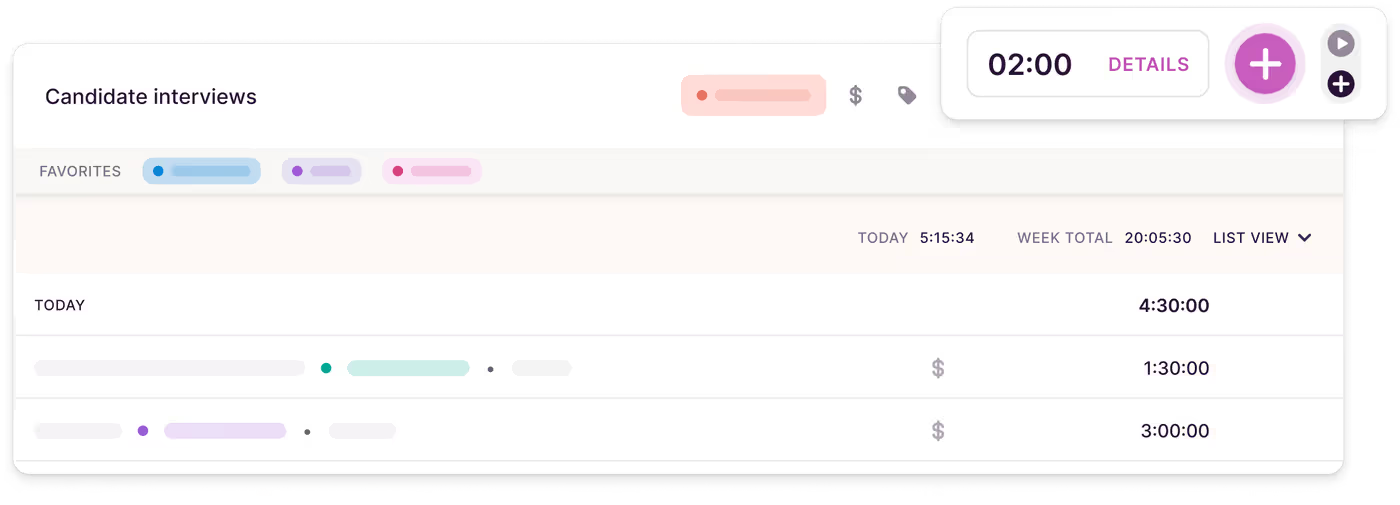
Sometimes precision isn’t necessary. For teams that value hours spent over specific timestamps, duration-only tracking is a perfect fit. This mode eliminates the pressure of recording exact start and stop times, making it ideal for flexible and remote teams.
Admins can enable this for the whole team. Log entries like “2 hours for Client Call” or “3 hours for Research” without worrying about the clock.
Timesheet View
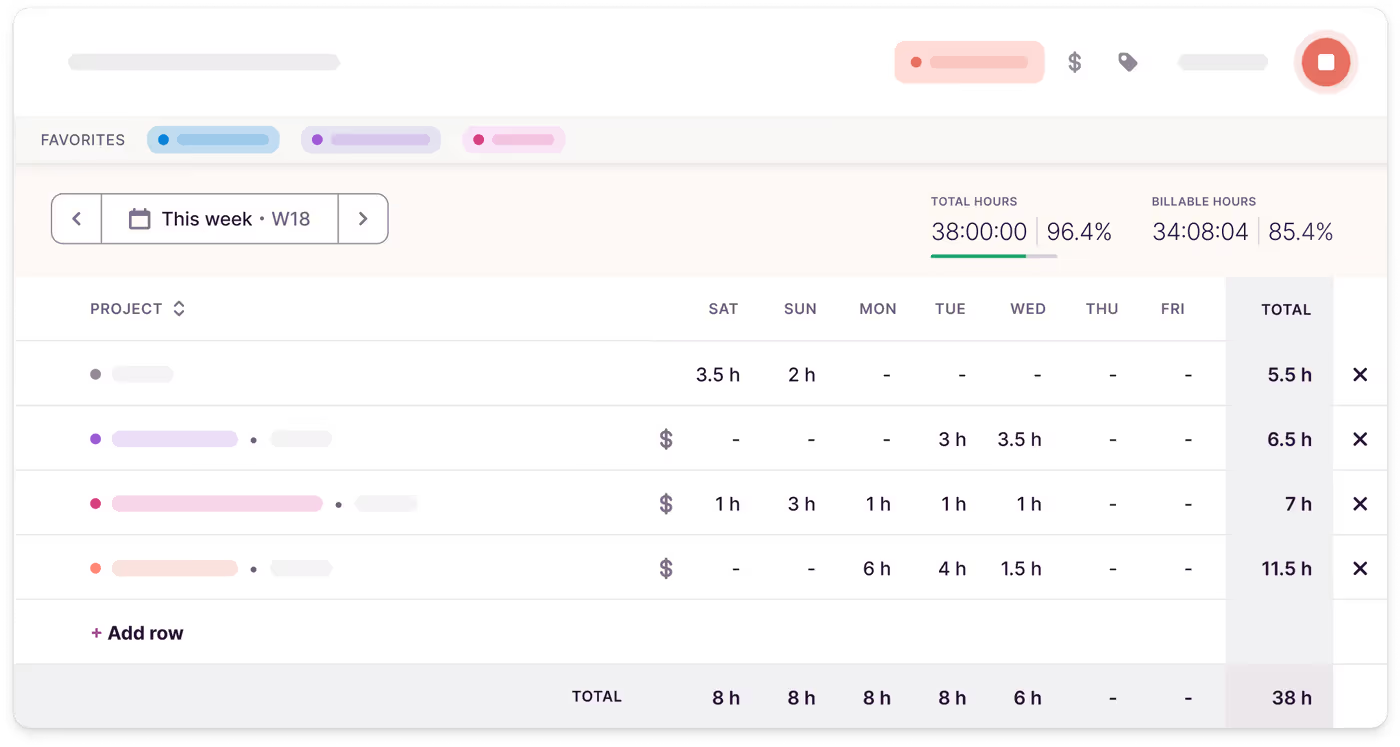
The Timesheet view is designed for teams and individuals who prefer structured time logging — without the hassle of spreadsheets — and for those who prioritize a clear overview of their work over ultra-precise task tracking.
It organizes and summarizes your weekly time entries in a clean, easy-to-scan layout, making it simple to log, review, and adjust your hours across the week, so you can quickly spot and fill any gaps.
Learn how to use it here.