








Track exact work hours using a timer app

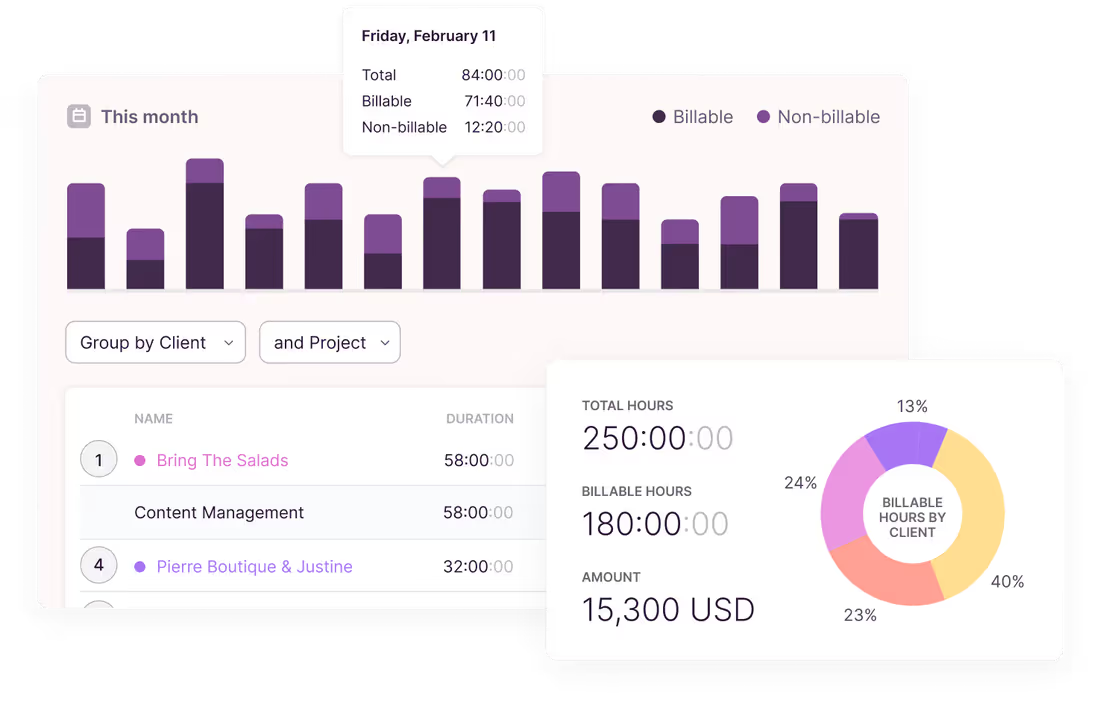
Accurate time billing
Track the actual billable and non-billable time spent on projects and tasks. Bill clients fairly and transparently for every hour worked to increase your revenue.
Accurate time billing
Track the actual billable and non-billable time spent on projects and tasks. Bill clients fairly and transparently for every hour worked to increase your revenue.

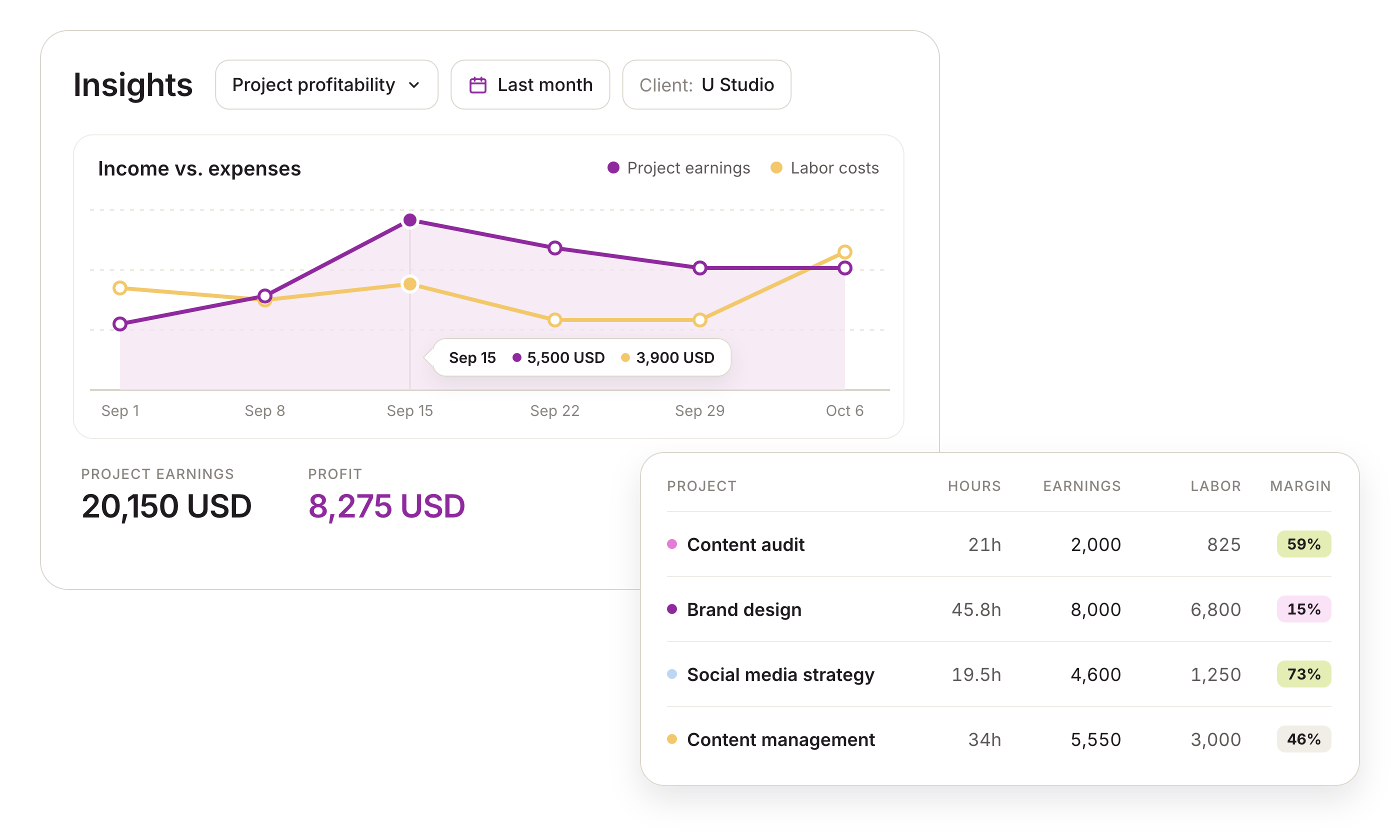
Effective work management
Track estimated vs. actual hours spent to identify bottlenecks and take corrective action. Identify project resource demand to balance workloads effectively.
Effective work management
Track estimated vs. actual hours spent to identify bottlenecks and take corrective action. Identify project resource demand to plan capacity, balance workloads, and manage projects effectively.

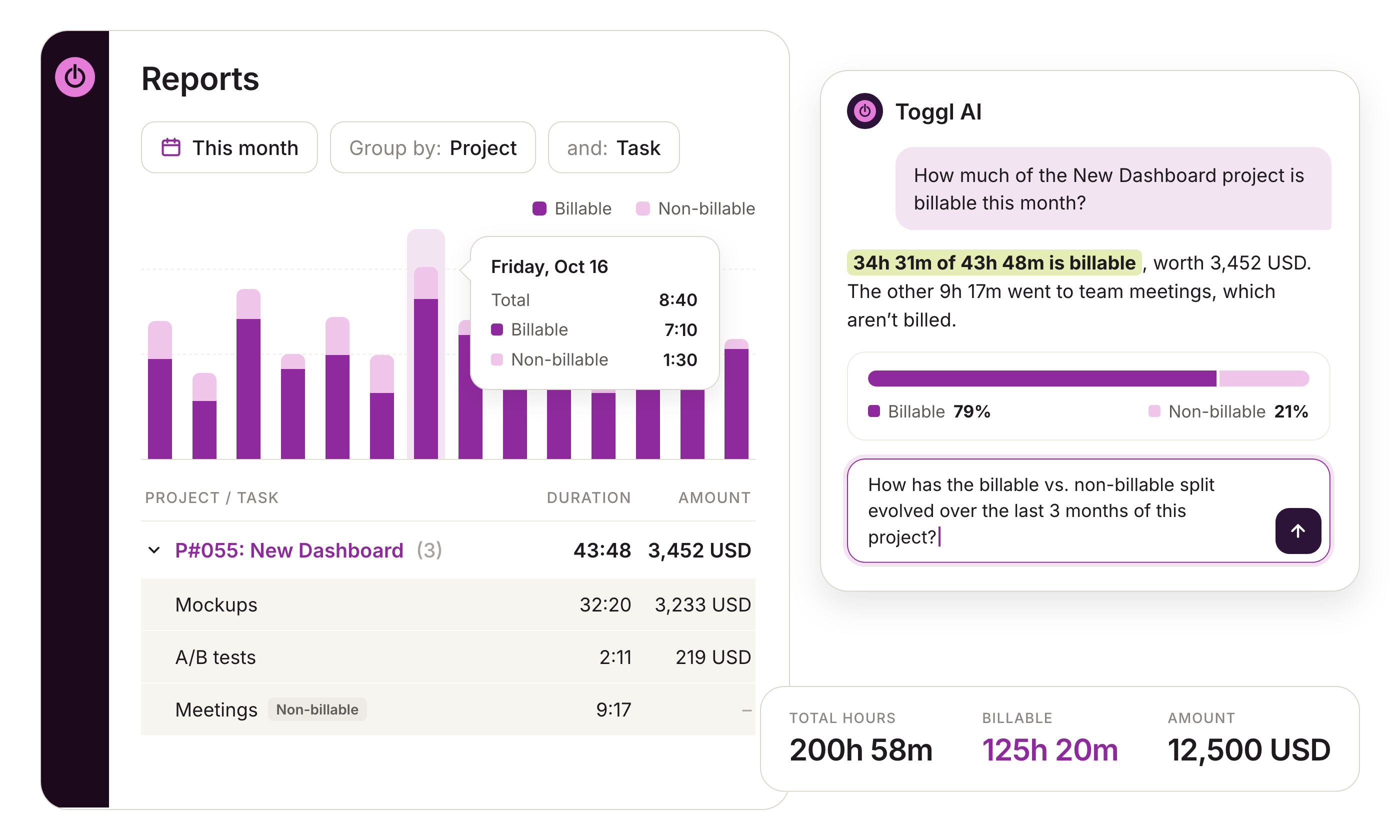
Efficient time reporting
Get meaningful insights into your team’s time data with just a few clicks. Improve project progress, team performance, resource allocation, and payroll accuracy.
Efficient time reporting
Get meaningful insights into your team’s time data with detailed reports. Improve project progress, team performance, resource allocation, and payroll accuracy.
For faster results, ask Toggl AI to find and explain the data in natural language. Billable vs non-billable splits, work mix on a project, or profitability and costs— our AI assistant shows the right data in seconds.



Companies that use Toggl see:




Timer app features
Easily switch between apps and tasks without needing to remember to log time.
Easy to use
Select a project task or type in the activity you’re working on. Then, start the timer with one tap. When you’re done, tap again to stop the timer. It’s simple for everyone.
Track billable and non-billable hours
Time billable and non-billable activities. Set billable rates for projects, tasks, or team members to generate accurate invoices and deliver profitable projects.
Manually add/edit time entries
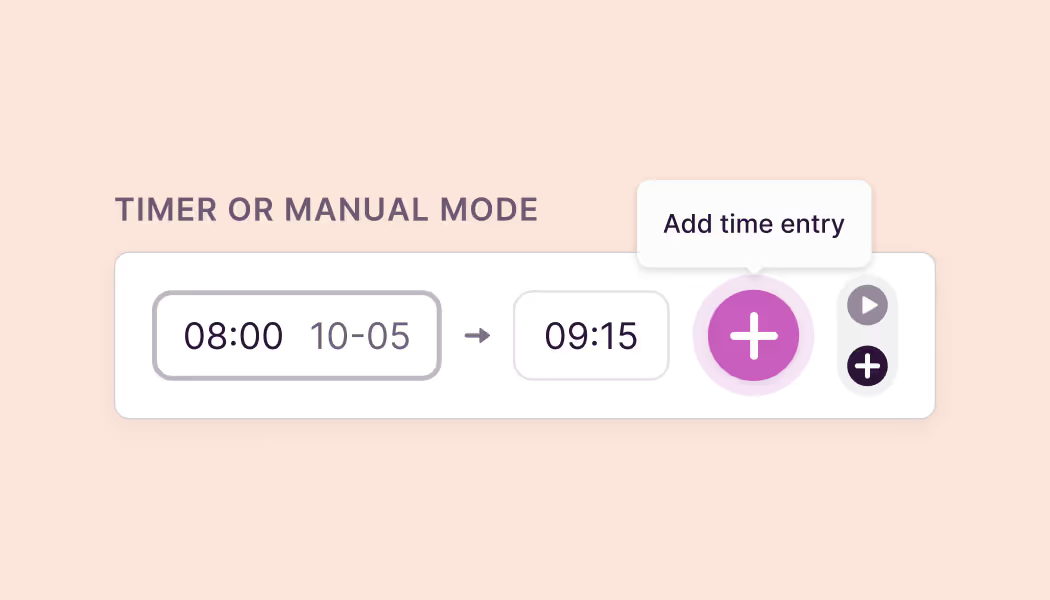
Never miss making the right time entry, even if you forget to start or stop the timer. Easily add, edit, delete, or duplicate time entries manually.
Idle time tracking
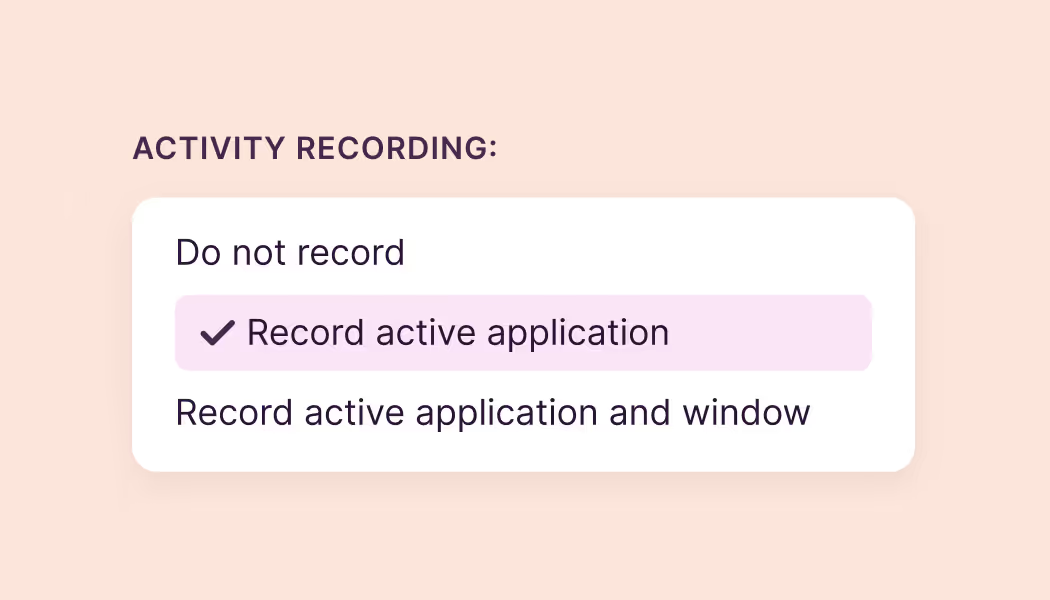
Record billable work accurately by discarding idle time. Customize idle time duration and record idle time when you use Mac and Windows desktop apps.
Meaningful time reports
Use the built-in reports or make custom charts and reports to analyze and gain insights into your team’s time data. Ask Toggl AI to break down the right numbers for faster reporting.
Users love us...
Small team and no budget? We have you covered
“The best free time tracking app”
Even those who have never used time tracking software before can get up and running quickly.
Today, 14 Apr
7:15:50
Illustrations
2:12:50
5 billable hours every day
3/5 hours
REACHED
Code every day
5/5 hours
NEW WEBSITE
12 of 20h
PM Daily
0:00:25
How does Toggl’s time tracking and billing work?

Create your free account
Yes, you can start using Toggl 100% free.
Start timer
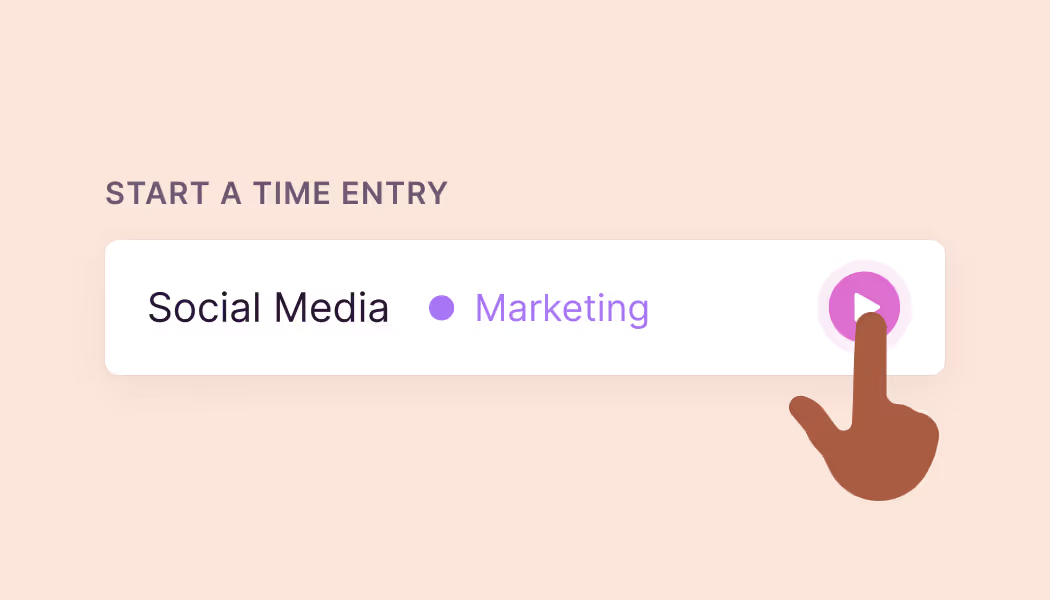
Type in the activity you’re working on or select a previously created task, project, or client. Mark it as billable or non-billable. Then, start the timer with one click.
Stop timer
Click again to stop the timer. Add or edit the time entry manually if you didn’t start or stop the timer at the right time. Add additional information to your time entry with Tags.
Invite your team
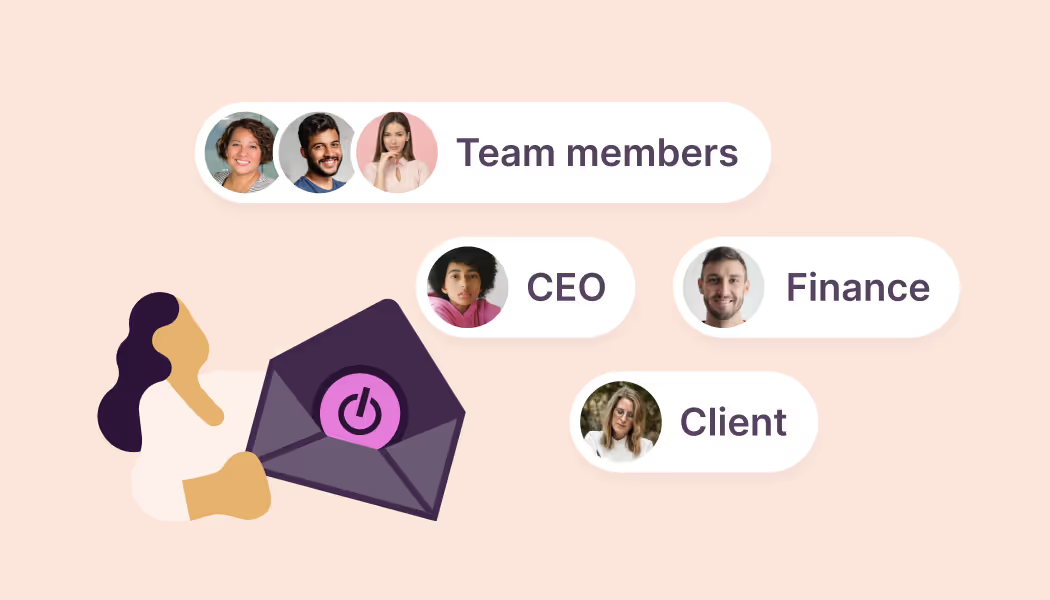
Get your entire team set up in seconds. You can invite up to five team members for free.

Use the timer across devices
The timer feature works across devices. You can use it in our web app, with our browser extension, or download our Android, iPhone, Mac, and Windows apps.
Discard idle time
Configure and track idle time using the timer on Toggl’s desktop apps. Edit the idle time to make it a time entry or discard it to track time accurately.
FAQs
