
Payroll tracking built on hours someone actually signed off

Toggl turns tracked time into an approved, locked record of who worked how many hours and what they cost.

Weekly timesheets your team submits and their approver signs off, line by line

Hourly labour cost per person, with history—changing a rate doesn’t rewrite last quarter

Reports exported to CSV, grouped and filtered by member

Multiple contractors and rates, one payroll time tracking platform

The spreadsheet arrives late, one person guessed at their week, and by the time Finance spots it, the period is closed.

Toggl fixes the input rather than the output: the same tasks your team plans against are the ones they track against, a named approver reviews the week before it counts, and the approved timesheet is the record everything downstream reads.

Time that’s easy enough to get logged
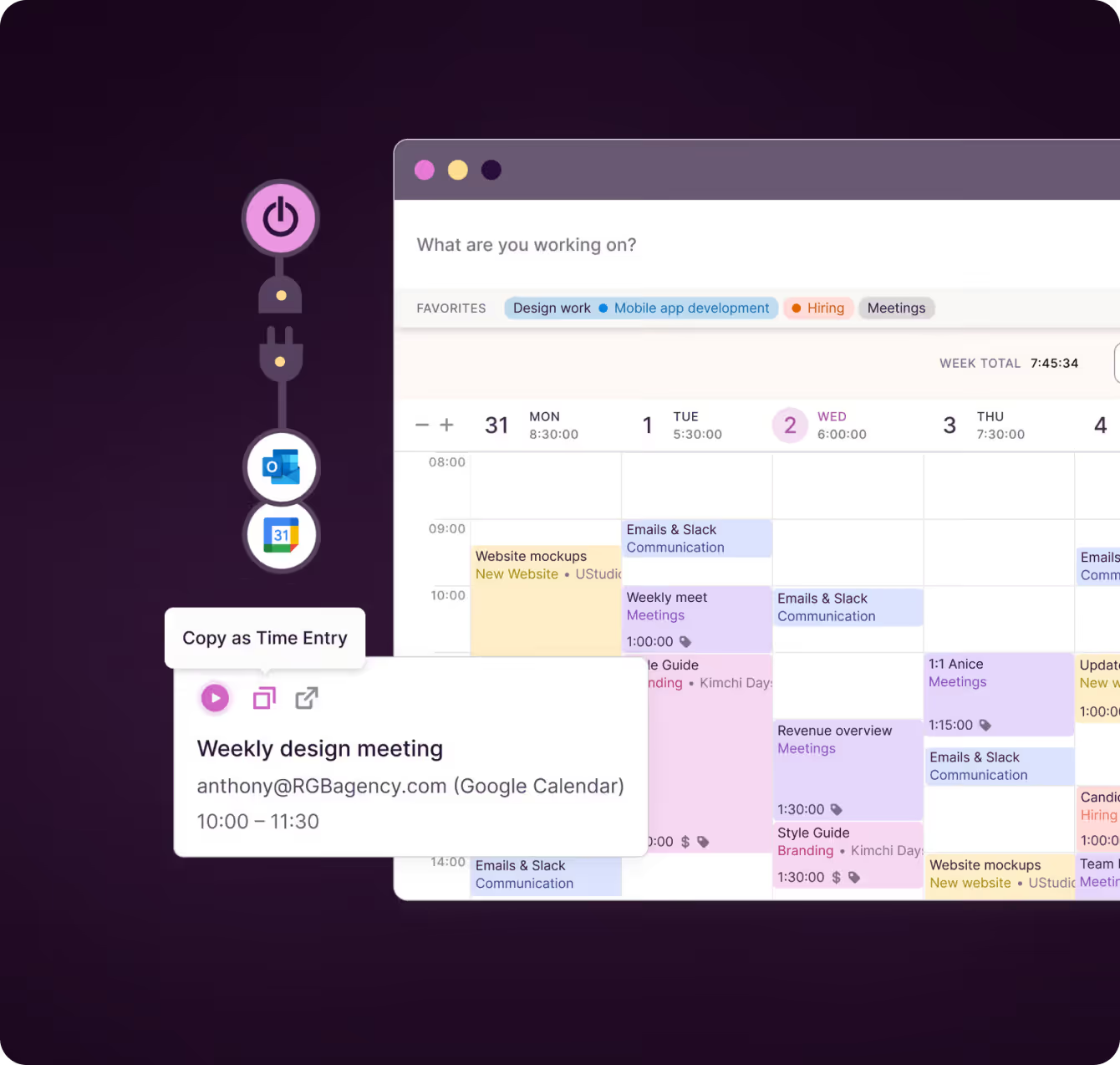
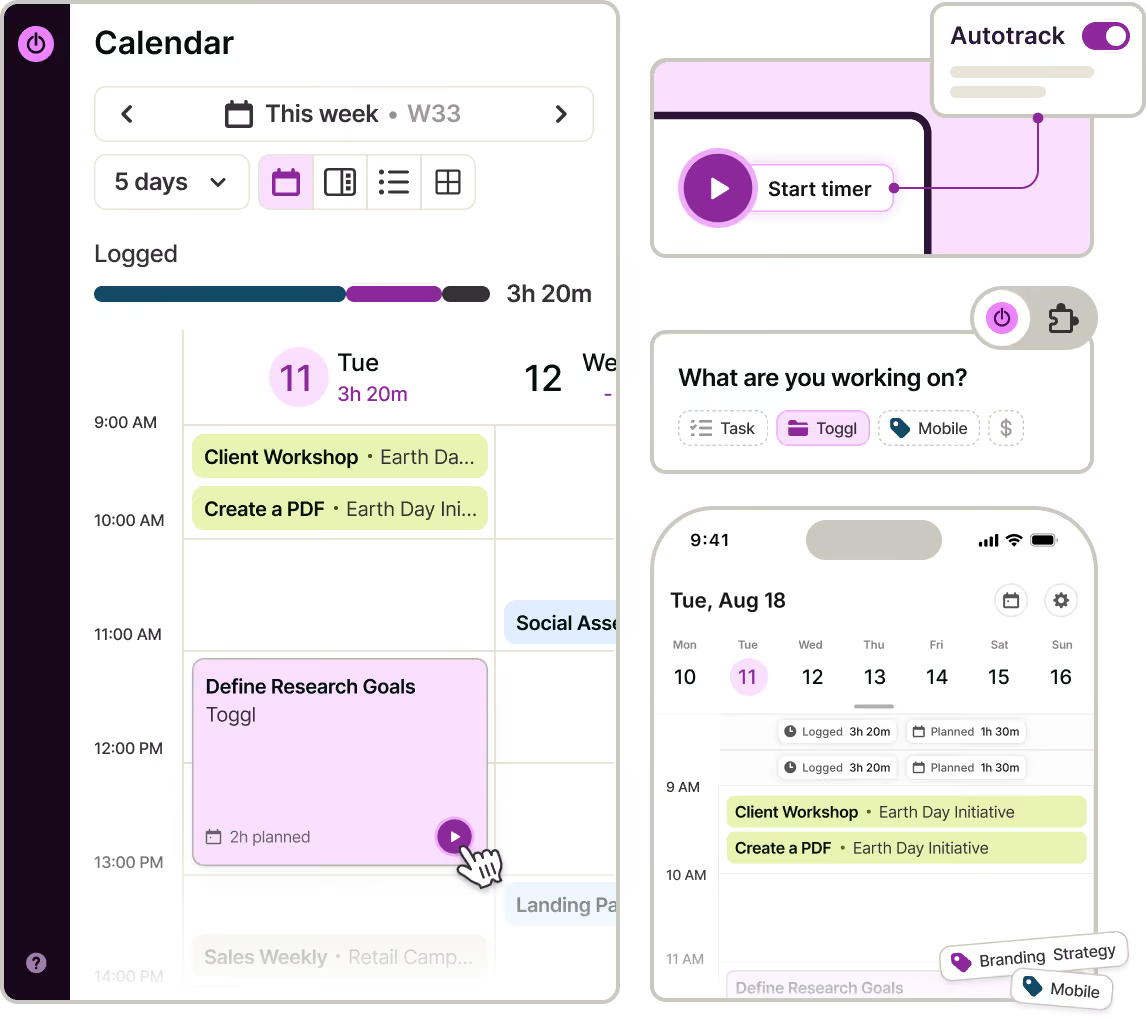
Start a timer, count down, work in Pomodoro intervals, log time manually, turn a calendar event into a time entry or use automated time tracking. The less friction there is on Monday, the less reconstruction there is on Friday (reconstructed hours are where payroll disputes begin).
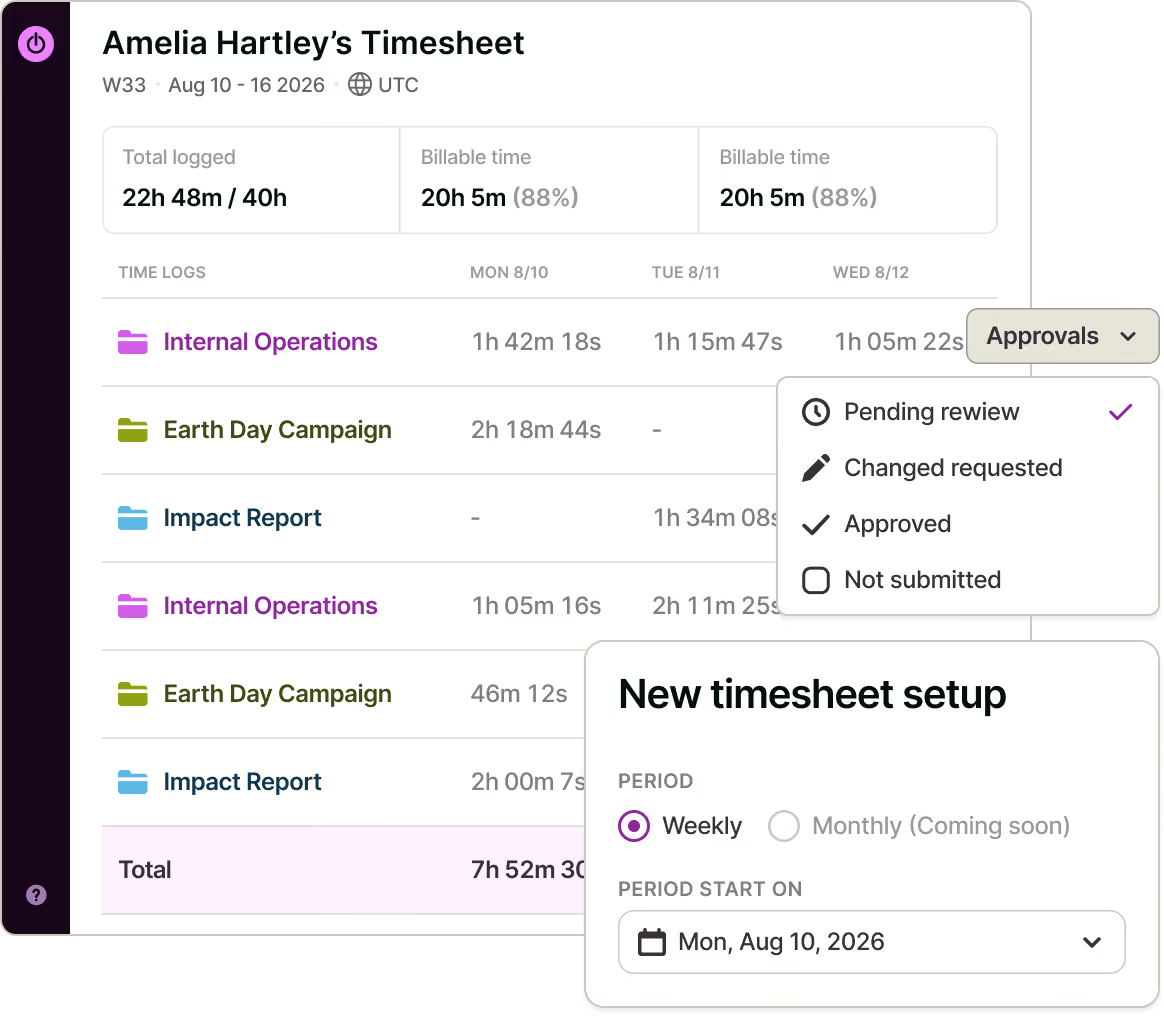
One weekly approval flow

Choose who submits, who approves, and which weekday the period starts on. Once submitted, the timesheet locks. Approvers can review pending, approved, and missing timesheets in one place, flag individual entries with a note, or approve and request changes in bulk. Automatic reminders nudge members before the deadline.
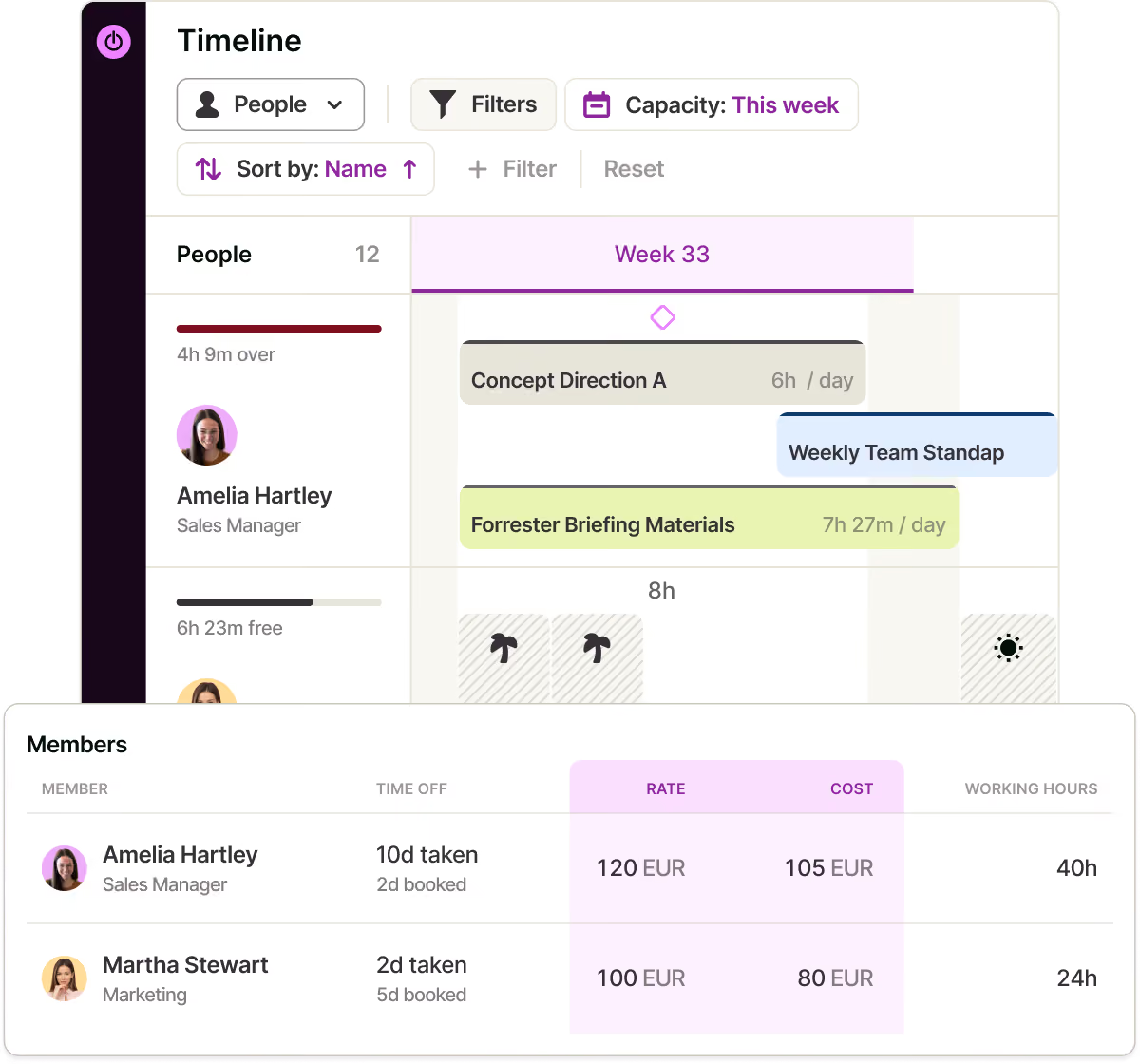
Working hours, leave, and labour costs in context

Set each person’s working hours as a weekly total or per-day schedule, with public holidays, non-working days, and approved leave already subtracted. Add labor costs alongside billable rates.
Clean, payroll-ready numbers out

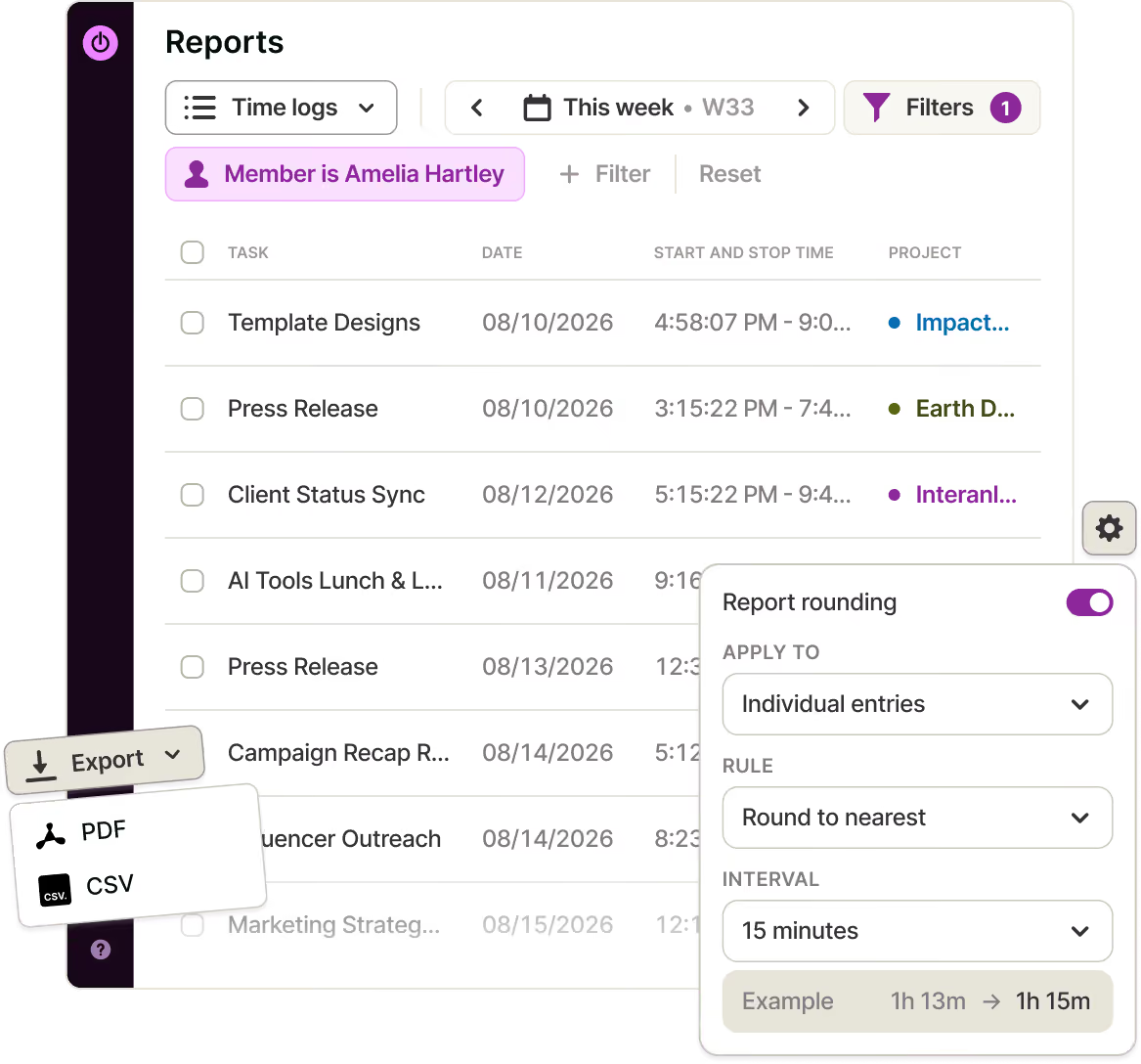
Round tracked time up, down, or to the nearest interval, either on individual entries or grouped totals. Group and filter reports by member, then export the reviewed hours and costs for whoever runs payroll.

“Toggl allowed us to accurately track employee payroll hours to help us scale from a team of 35 people in one location to over 100 in four countries across myriad locations.”

— Gabriel Fagundez, Chief Operating Officer at Moove It
Built for every role on the team
Finance and Payroll
Get one approved, locked source for hours per person per week, with labour costs in one system.
Owners and Managers
See utilization and profitability from the same hours payroll is based on, so costs per project and per person reconcile by default.
Team Leads
Review your team’s week in one place, flag the entries that need fixing, and approve the rest in bulk.
Employees and Contractors
Track as you go on desktop, web, or mobile, submit once a week, and see exactly what your approver wants changed.

With accurate time data, the week is signed off before it reaches payroll.
Payroll gets hours that someone already checked
Toggl hands over approved timesheets with labor costs attached, not raw timer entries. Your team tracks as they work and submits a weekly timesheet. Payroll exports reviewed hours per person, with public holidays and approved leave already subtracted, so nothing gets reconstructed.
40+ hours saved monthly
at Perception Engineering with one-click time tracking and reporting
100% time tracking adoption
with easy, non-intrusive time reporting at software consultancy Newlogic
20% increase in profitability
by accurately tracking billable work hours at Sweat+Co PR agency

Payroll tracking features

Everything you need to hand over hours you can defend.
Timesheet approvals
Set the period’s starting day, choose who submits and approves.
Locked submissions
Make submitted timesheets read-only for members, with the option to correct and resubmit them.
Flexible corrections
Flag individual time logs, request changes, or approve and withdraw approval in bulk.
Automatic reminders
Nudge members before their timesheets are due and keep overdue submissions visible.
Labor and billable rates
Keep what people cost separate from what you charge, with effective dates that preserve historical accuracy.
Working hours and leave
Account for individual schedules, approved time off, and public holidays in capacity and utilization.
Report rounding
Round individual entries or grouped totals up, down, or to the nearest interval.
Payroll-ready exports
Export Summary, Time logs, Workload, Utilization, and Profitability reports to CSV, grouped and filtered by member.
API access
Pull time and rate data directly into whichever system pays your people.
Payroll time tracking features for your team
Everything between someone logging an hour and payroll being able to defend it.
Timesheet approvals
Choose who submits, who approves, and which weekday the period starts on. Submitted timesheets lock, so the numbers payroll reads don't quietly change after sign-off.
Flexible corrections
Flag a single time entry instead of rejecting someone's whole week. They fix it and resubmit, and an approval can be withdrawn if something surfaces later.
Labor costs with effective dates
Set hourly costs at the member, project, or task level. Rates carry dates, so giving someone a raise this month doesn't rewrite what last quarter cost.
Working hours and leave
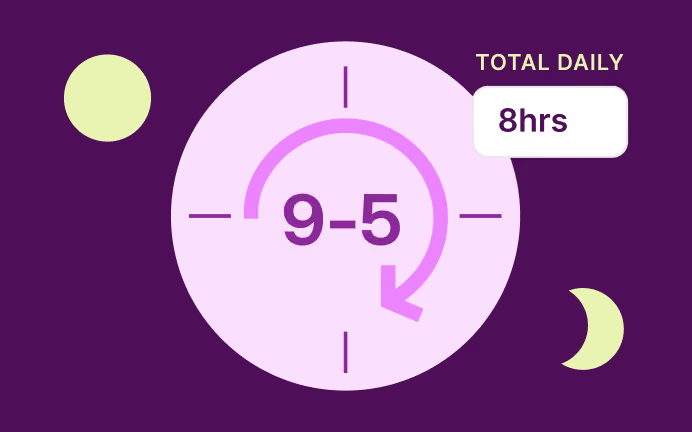
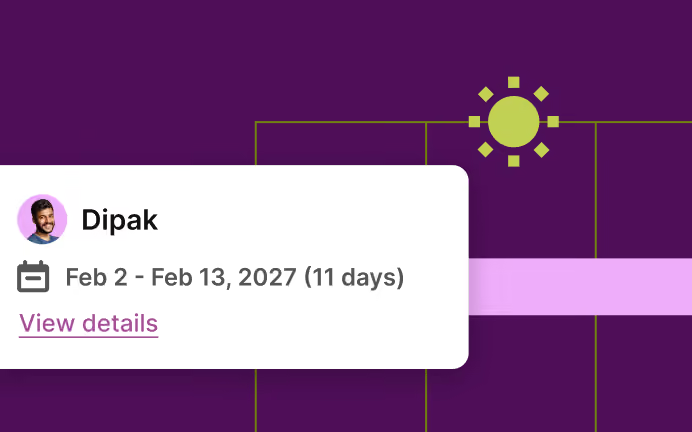
Set a weekly total or a per-day schedule for each person, with public holidays, non-working days, and approved time off already subtracted from their availability.
Rounding and payroll-ready exports
Round individual entries or grouped totals up, down, or to the nearest interval. Group by member and export to CSV for whoever runs payroll.
Reminders and required fields
Nudge people before their timesheet is due. Keep overdue submissions visible and require a project, task, or description before an entry saves.

Integrations with popular online tools

Why 120,000+ users started...

Testimonial
Learning to use Toggl is a breeze, because it's highly intuitive and simple. It ushers you along quickly so that you get back to work right away and start tracking your time immediately. The free plan is generous and could be more than adequate for solo workers or even small groups of up to five people with light needs.
PCMag
“My favorite time tracker! Toggl integrates with so many other project management tools and invoicing apps, and the team rolls out regular fixes and additional useful features. Great price for the functionality and ease of use!!!”
— Pauline LC, User review on Capterra
User review on Capterra
On Capterra
No complicated setup or unnecessary bells & whistles!
Renee
Business Analyst
On Capterra
Even those who have never used time tracking software before can get up and running quickly.
Kathleen
Service Area Manager
On Capterra
"After trialing 20 similar products, Toggl was a clear winner providing everything I needed."
Andy
Consulting Software Engineer
Testimonial
With Toggl, you can track your time right away and view your tracked time entries, and worry about the details later. It also has a generous free tier of service that gives you access to all its apps (Android, iOS, Windows, macOS, Linux, Web, and browser extensions).
zapier
On Capterra
Allows me to record project time [to ensure] I'm charging reasonable rates.
Gabrielle
Senior Accounting
GetApp
I love its simplicity—its integration with Asana makes everything easier. It allows me to see how I use my time to be able to make decisions that improve my profitability.
User review
On Capterra
Regular updates ensure that any bugs are caught quickly and customer support responds within a day; these features make using Toggl a breeze.
Trevor
Senior Project Leader
Testimonial
It's not one of those apps where you need to spend half a day figuring out how to actually use it: sessions can be started as they happen or added later, and once the app has got a feel for your schedule and how you work, it'll even make suggestions about what you want to track next.
techradar
...tracking time with Toggl in the last 30 days
Toggl's Free plan is free forever. Our Premium plan comes with a free, 30-day trial. No credit card required to get started.
Small team and no budget?
We've got you covered.
“The best free time tracking app”

"After trialing 20 similar products, Toggl was a clear winner providing everything I needed."

Today, 14 Apr

7:15:50

Illustrations

2:12:50

5 billable hours every day

3/5 hours

Brainstorm session

REACHED

Code every day
5/5 hours

NEW WEBSITE

12  of  20h
PM Daily
0:00:25

How payroll tracking works in Toggl
1. Create a workspace and invite your team

Get started free – no card required.
2. Set up approvals

Choose who submits, who approves, which weekday the period starts, and when reminders are sent.
3. Track the week

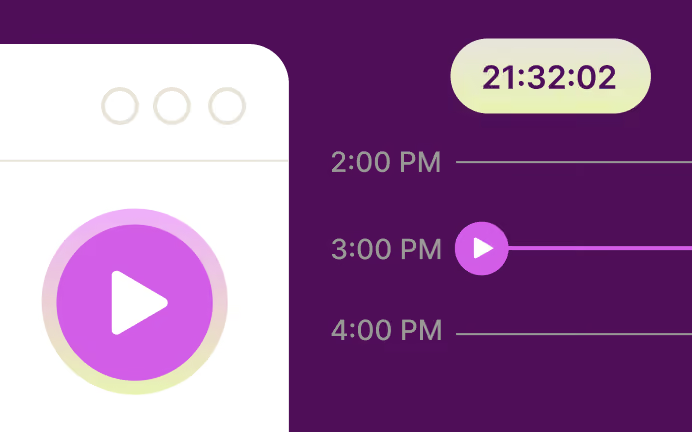
Track time from the web, desktop, or mobile app. Start a timer, capture time automatically, add it manually, work in Pomodoro intervals, or turn calendar events into time entries.
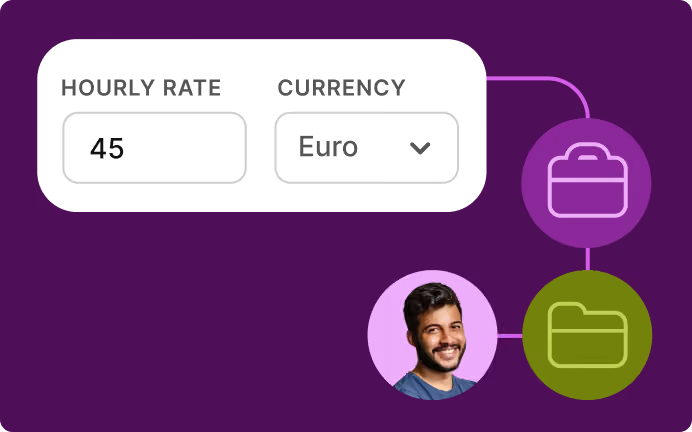
4. Set required fields and reminders

Apply the same tracking rules to everyone to keep data accurate and consistent.
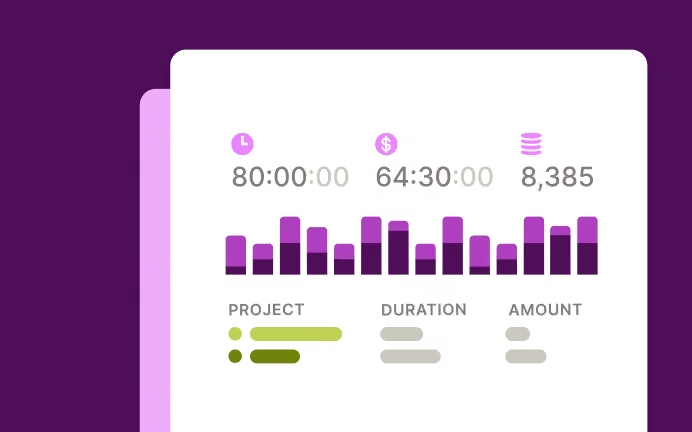
5. Submit and review

Members submit their timesheets; approvers flag what needs fixing and approve the rest.
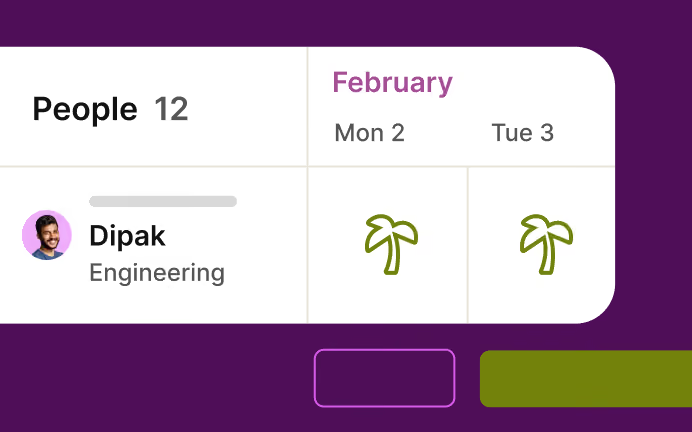
6. Report or export

Group the report by member, apply rounding, and download the CSV if needed.

Toggl's Free plan is free forever.

Join 5 million users tracking their time to get results

No credit card required

Free 30-day trial for all features

Cancel anytime

FAQs

What is payroll time tracking software?

Payroll time tracking software records how many hours employees and contractors work before those hours are sent to payroll. Toggl adds timesheet approvals, labour costs, working hours, report rounding, and CSV exports so payroll receives reviewed data instead of unchecked timer entries.

How do you track employee hours for payroll?

Have your team track time as they work, then submit a weekly timesheet to a named approver. The approver reviews and locks it, and you export the approved hours and labour costs to whoever runs payroll. Toggl keeps that record so nothing is reconstructed after the fact.

Can Toggl be used for payroll time tracking?

Yes. Toggl lets employees track their hours, submit weekly timesheets, and send them to a named approver. Once approved, the timesheet becomes a locked record that Finance or Payroll can export and use in its payroll system.

Does Toggl run payroll?

No. Toggl provides the approved hours and labour-cost data that payroll runs on. It doesn’t calculate gross-to-net pay, generate payslips, handle taxes, or make payments.

How do employee timesheet approvals work in Toggl?

An admin chooses who submits timesheets, who approves them, and when the weekly period begins. Employees submit their hours, approvers review them, flag individual time entries when something needs correcting, and then approve the timesheet or request changes.

Can approved timesheets still be corrected?

Yes. Approvers can flag individual time entries instead of rejecting the entire timesheet. Employees can correct those entries and resubmit, while approvals can be withdrawn if an issue is found later.

Can Toggl track employee hours and labour costs?

Yes. Set hourly labour costs at workspace, member, project, or project-member level. Rates have effective dates, so changing someone’s rate doesn’t rewrite the historical cost of work completed under an earlier rate.

Can I export approved timesheets to payroll software?

Yes. Group and filter reports by employee, apply time rounding, and export the data to CSV. You can also use the API to send time and rate data to your payroll system or another internal tool.

Can Toggl prevent incomplete timesheets?

There’s an ability to require a project, task, or description before a time entry is saved. This helps prevent incomplete employee timesheets from reaching the approval and payroll stages.

How do time off and public holidays affect employee hours?

Toggl subtracts public holidays, non-working days, and approved leave from each person’s availability. Time Off Pro also adds leave balances, accruals, policies, and approval workflows.

Does payroll time tracking work on mobile?

Yes. Employees can track time using the mobile timer, Pomodoro mode, tasks, and Calendar. Timesheet approvals, labour costs, and the complete report set are available on web and desktop.

Can timesheet approvers see employee labour costs?

Only if they have permission. Access to labour costs is controlled separately from permission to review and approve timesheets.