

Get a big picture view of your time
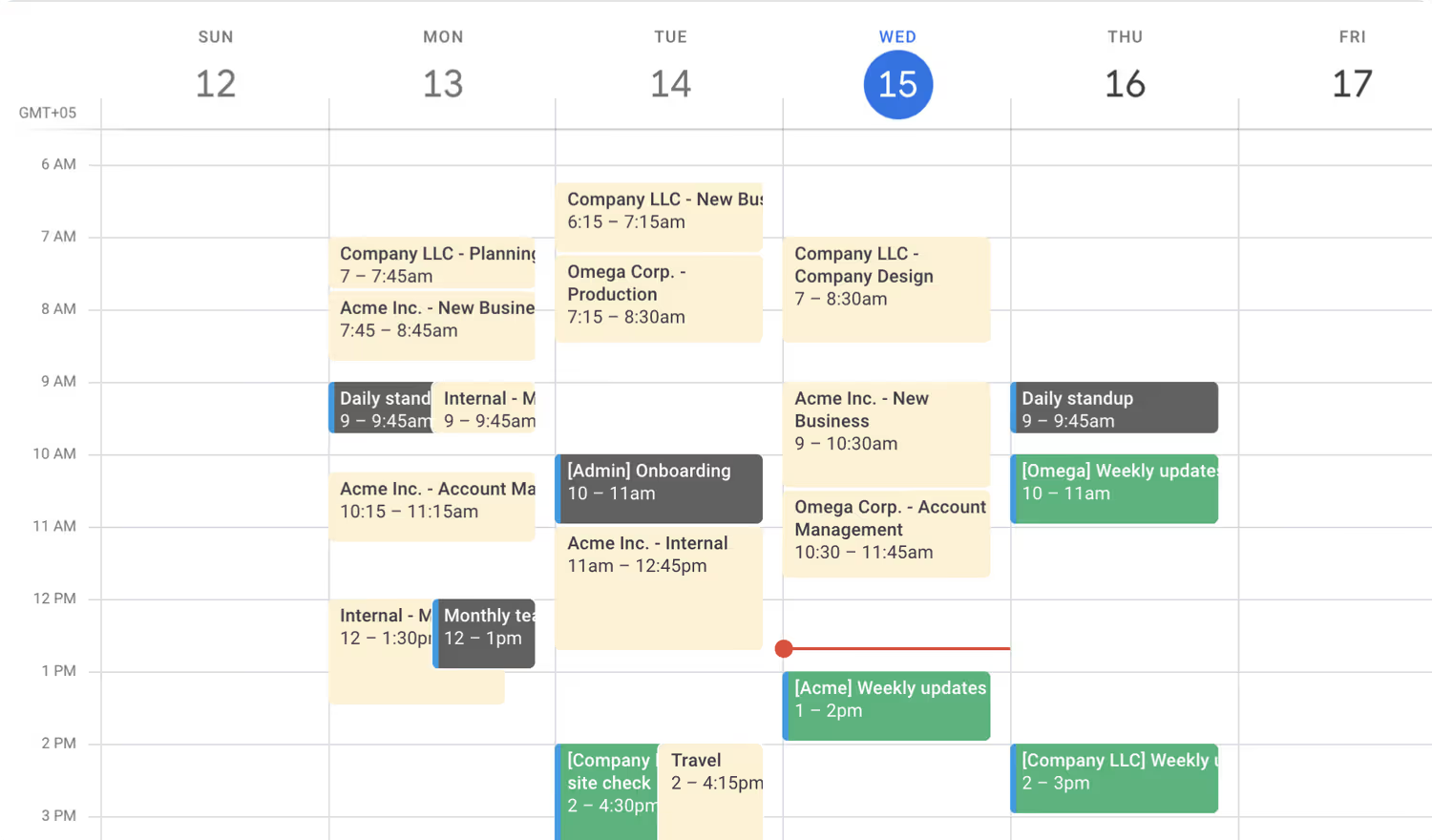
Add your time entries to an external calendar. Subscribe to your time entries as calendar events, and view both future events and past time entries in one place! No need for third-party workarounds.
Works with iCal-compatible calendars such as Google Calendar and Apple Calendar.
Looking for other calendar integrations?
Toggl Track also integrates with Google Calendar and Outlook Calendar.
Setting it up
- Go to the Integrations page in the Toggl Track web application through the Setting menu in the sidebar.
- Click the toggle next to iCal and click the 3-dot button and select Copy iCal URL.
- Go to the calendar of your choice and paste in the iCal URL to add the calendar. Your time entries will appear in your calendar as calendar events.
Note: The integration only exports your time entries from the past two weeks. Time entries older than two weeks will not show up in your calendar.
To learn more about how it works, check out our Knowledge Base article.

Integrate Toggl into your workflow today