



Time and Billing Software

Track billable and non-billable time. Get paid faster.

Toggl is a simple, yet flexible time billing software for teams. Capture every billable minute, manage billing rates, and analyze profitability with labor costs.

Time billing that builds trust

Say goodbye to missing billable hours and padded timesheets. Bill accurately for the exact time your team spends working on client tasks.

Track billable hours accurately

Report every billable minute precisely with automated time tracking, start-stop timers, or manually adding and editing billable time entries.
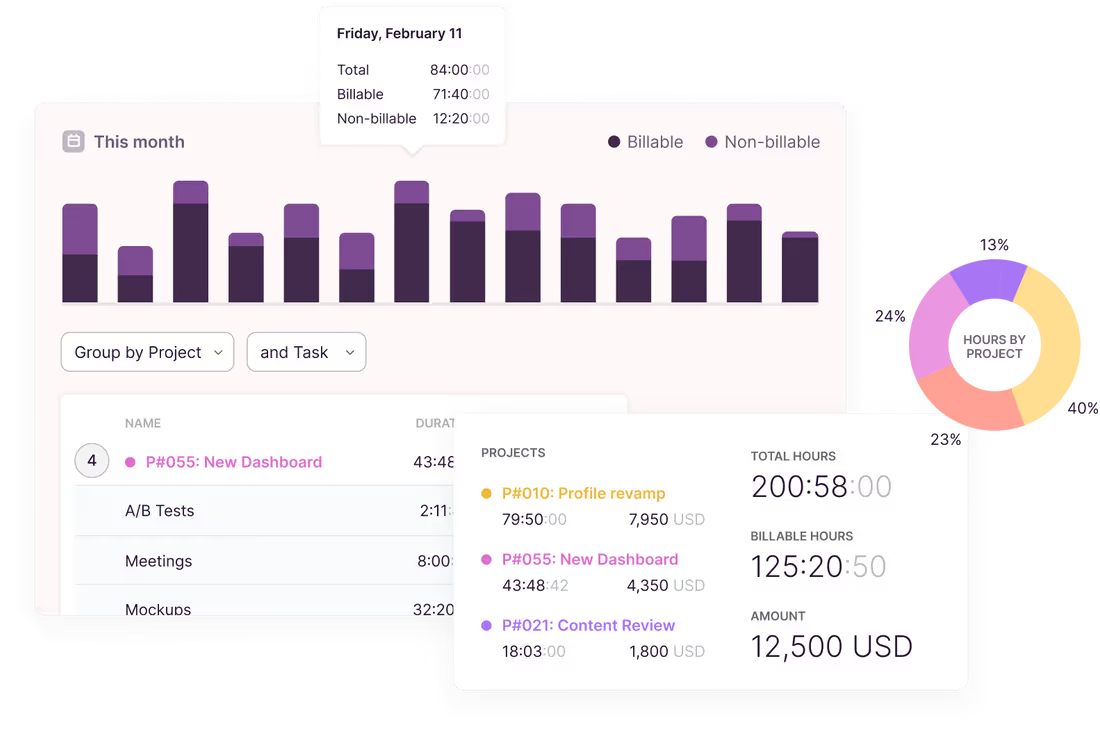
Track billable hours accurately

Report every billable minute precisely with automated time tracking, start-stop timers, or manually adding and editing billable time entries.

Work with accurate time data

Use reliable time data as the foundation for your invoices. Export in CSV or PDF for your invoicing and payroll solutions.
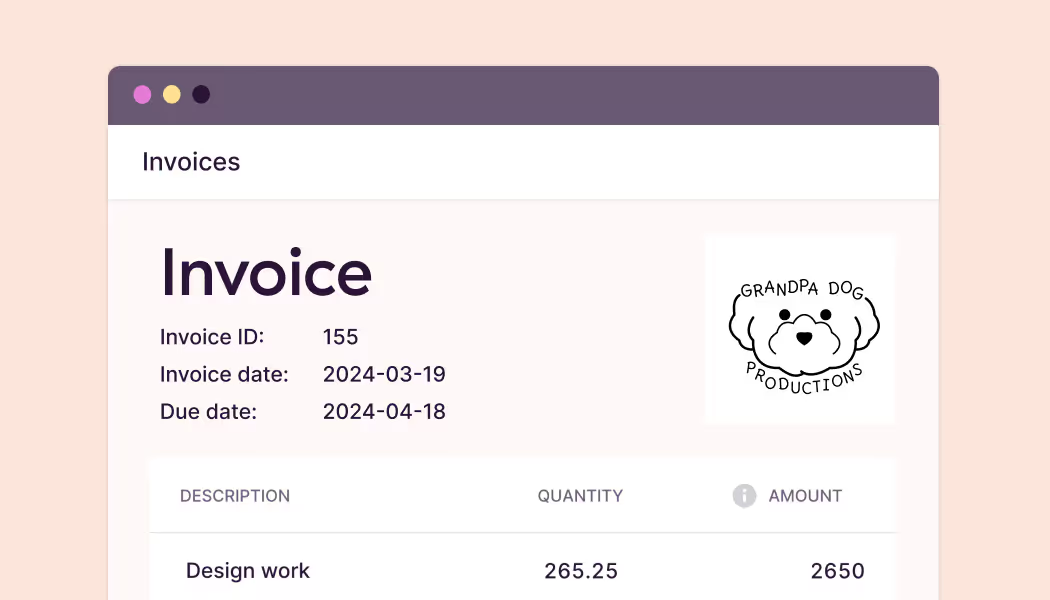
Work with accurate time data

Use reliable time data as the foundation for your invoices. Export in CSV or PDF for your invoicing and payroll solutions.

Deliver work profitably

Monitor client and project profitability by generating or creating custom reports. Forecast project budget and compare estimated vs. actual billable hours effort.
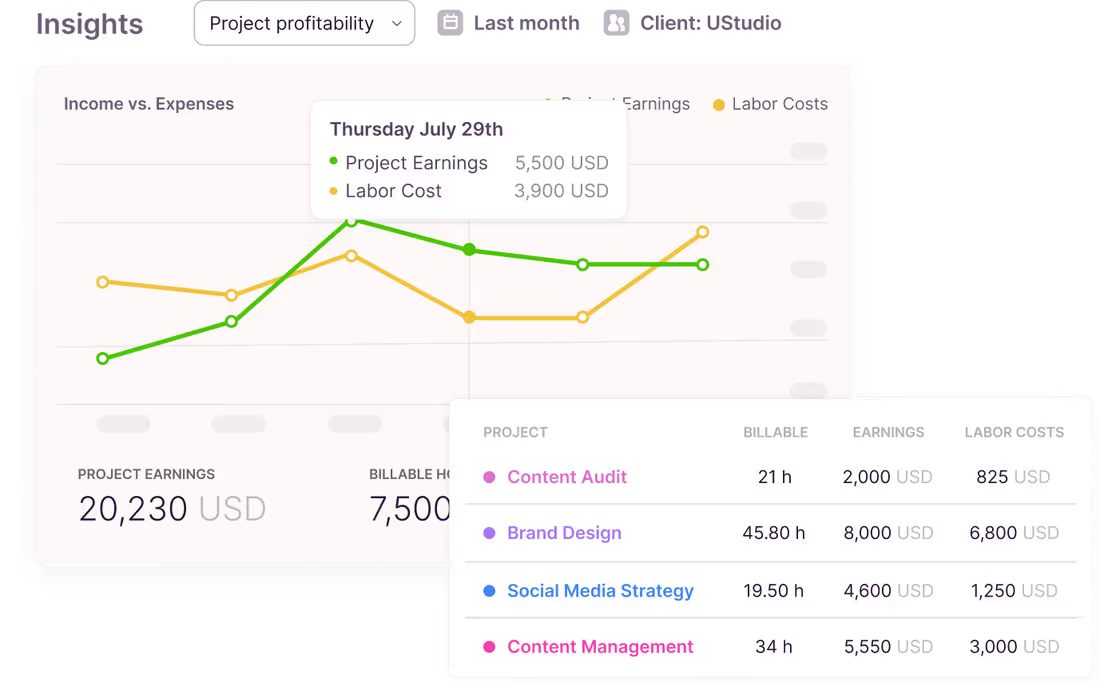
Deliver work profitably

Monitor client and project profitability by generating or creating custom reports. Forecast project budget and compare estimated vs. actual billable hours effort.

My team is used to Excel timesheets. Do I need time tracking and billing software?
Yes, Excel is easy to use (and almost free). But it’s not without limitations.
First, they are not 100% accurate. Second, your managers must spend hours getting your team to fill them up and convert these timesheets into invoices. And third, it’s almost impossible to gain any insights from them. Toggl helps you overcome all three challenges.
40+ hours saved monthly
at Perception Engineering with one-click time tracking and reporting
100% time tracking adoption
with easy, non-intrusive time reporting at software consultancy Newlogic
20% increase in profitability
by accurately tracking billable work hours at Sweat+Co PR agency
Not sure what time tracking and invoicing software features you need?
Toggl has everything you need, yet it’s easy enough for your team to enjoy using it every day.
Customizable billable rates
Set custom billable rates for your organization, project, or team member. Save and access historical billable rates to gain accurate insights from past work.
Track every billable minute
Use our web, mobile, or desktop apps to track your billable time. Track time automatically or set reminders for your team to start and stop tracking time.
Import billable client meetings
Integrate and import your Google or Outlook calendar meetings. Track time spent on client meetings with just a few clicks.
Monitor profitability
Track project budgets, estimated vs. actual hours, and labor costs vs. billed value reports to stay on top of client and project profitability.
Timesheet approvals
Assign managers to review team time entries before they make it to the invoice. Generate accurate invoices, save time going back and forth, and build client trust.
Export in the format of your choice
Spreadsheets or PDFs — it's up to you. Feed that data to your accounting tool and use detailed reports to back up every line item on your invoices.

Integrations with popular online tools

Why 120,000+ users started...

“My favorite time tracker! Toggl integrates with so many other project management tools and invoicing apps, and the team rolls out regular fixes and additional useful features. Great price for the functionality and ease of use!!!”
— Pauline LC, User review on Capterra
User review on Capterra
On Capterra
"After trialing 20 similar products, Toggl was a clear winner providing everything I needed."
Andy
Consulting Software Engineer
On Capterra
Regular updates ensure that any bugs are caught quickly and customer support responds within a day; these features make using Toggl a breeze.
Trevor
Senior Project Leader
Testimonial
Learning to use Toggl is a breeze, because it's highly intuitive and simple. It ushers you along quickly so that you get back to work right away and start tracking your time immediately. The free plan is generous and could be more than adequate for solo workers or even small groups of up to five people with light needs.
PCMag
On Capterra
No complicated setup or unnecessary bells & whistles!
Renee
Business Analyst
On Capterra
Even those who have never used time tracking software before can get up and running quickly.
Kathleen
Service Area Manager
GetApp
I love its simplicity—its integration with Asana makes everything easier. It allows me to see how I use my time to be able to make decisions that improve my profitability.
User review
Testimonial
With Toggl, you can track your time right away and view your tracked time entries, and worry about the details later. It also has a generous free tier of service that gives you access to all its apps (Android, iOS, Windows, macOS, Linux, Web, and browser extensions).
zapier
On Capterra
Allows me to record project time [to ensure] I'm charging reasonable rates.
Gabrielle
Senior Accounting
Testimonial
It's not one of those apps where you need to spend half a day figuring out how to actually use it: sessions can be started as they happen or added later, and once the app has got a feel for your schedule and how you work, it'll even make suggestions about what you want to track next.
techradar
...tracking time with Toggl in the last 30 days
Toggl's Free plan is free forever. Our Premium plan comes with a free, 30-day trial. No credit card required to get started.
Small team and no budget? We have you covered
“The best free time tracking app”

"After trialing 20 similar products, Toggl was a clear winner providing everything I needed."

Today, 14 Apr

7:15:50

Illustrations

2:12:50

5 billable hours every day

3/5 hours

Brainstorm session

REACHED

Code every day
5/5 hours

NEW WEBSITE

12  of  20h
PM Daily
0:00:25

How does Toggl’s time tracking and billing work?
Create your free account and invite your team
Get your entire team set up in seconds. You can invite up to two team members for free.
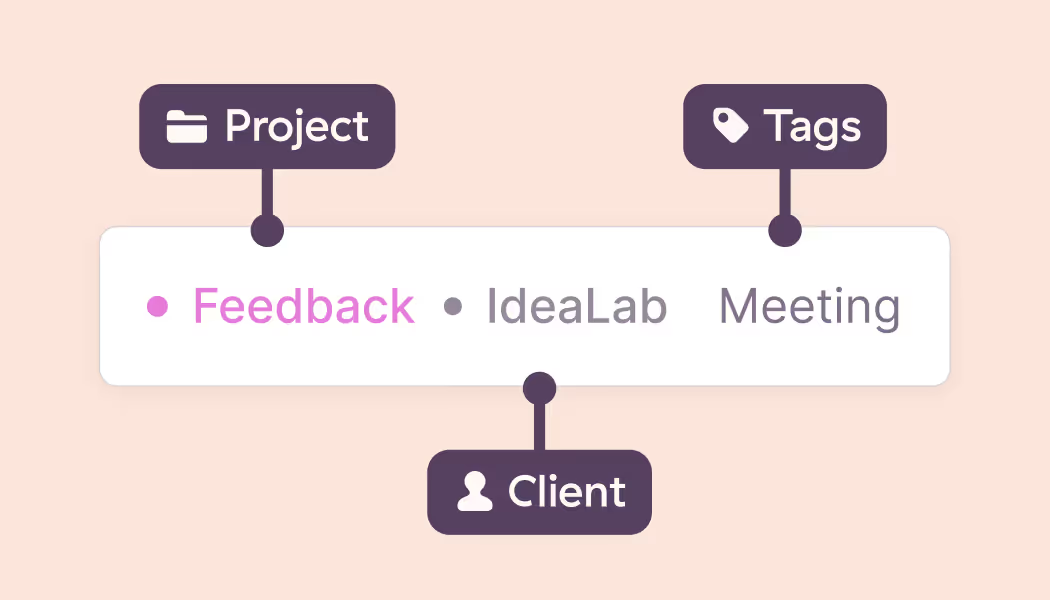
Set up clients and projects
Create projects and categorize them by clients to keep your workspace organized. Optionally, add project tasks to track time against.
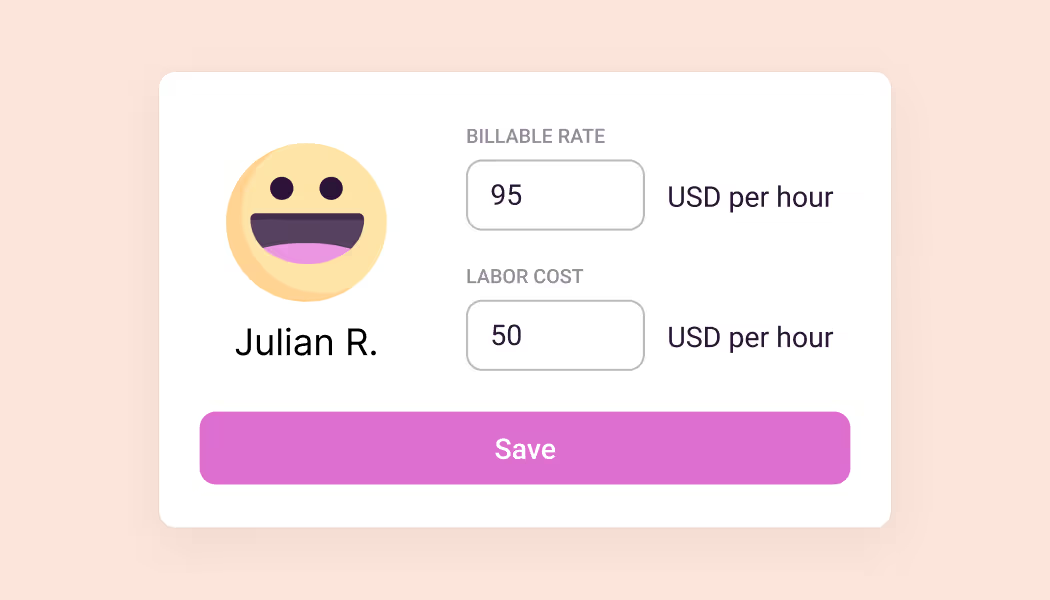
Set billable rates
Configure billable rates at business, project, or team member levels to match the rates with your contract.
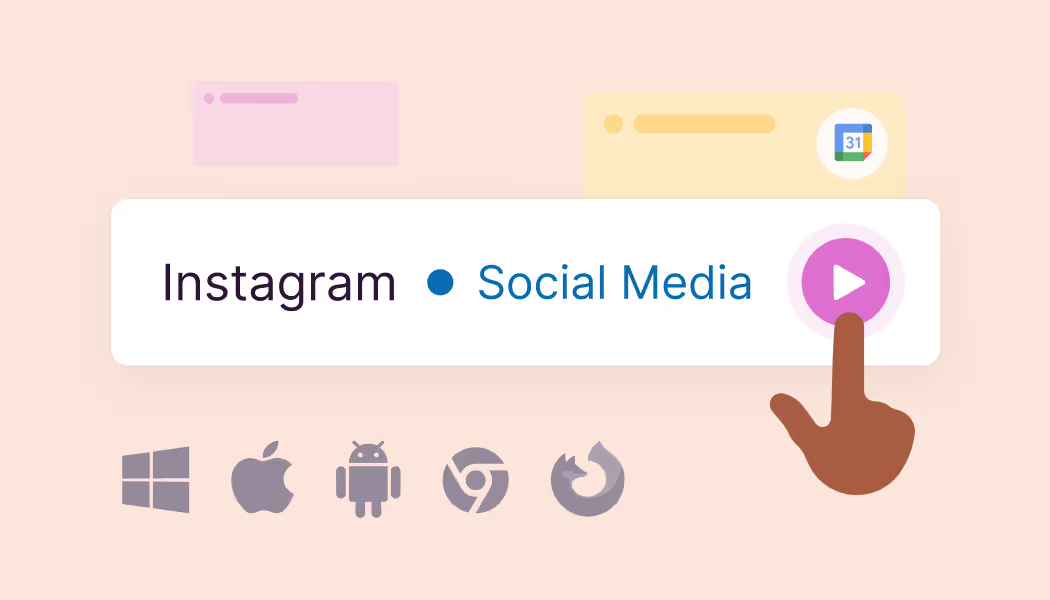
Track time
Use the web, mobile, and desktop apps to track time from anywhere. Record billable and non-billable time entries. Import client meetings and events from your calendar.
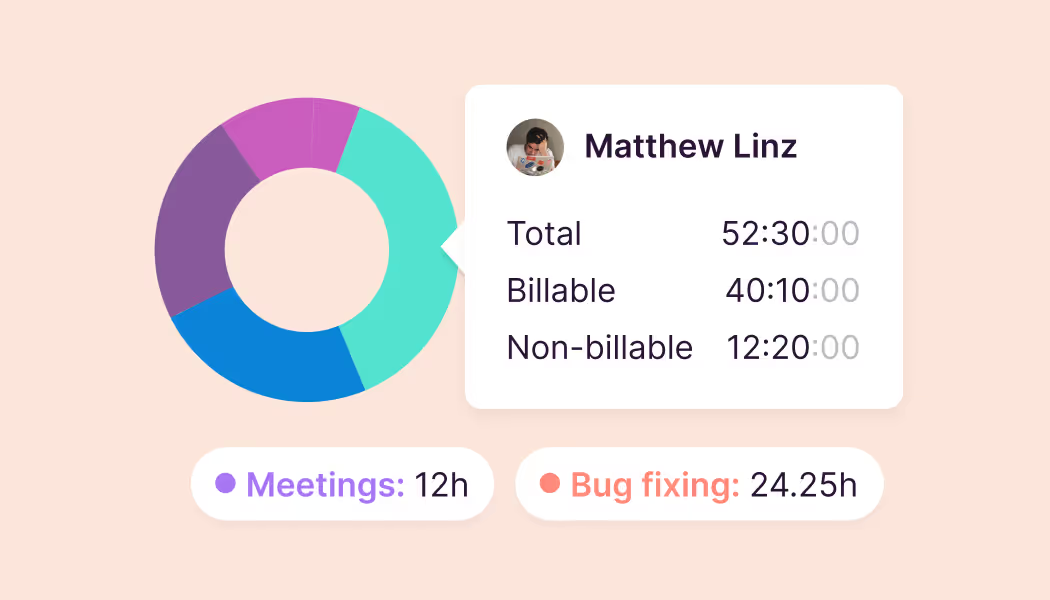
Monitor budgets and estimates
Use built-in reports or create custom dashboards to stay on top of estimated project budgets and compare them against billable hours.
Track capacity and profitability
Use work hours and time off data to make accurate capacity decisions. Add labor costs to understand and improve project profitability.
Toggl's Free plan is free forever.

Join 5 million users tracking their time to get results

No credit card required

Free 30-day trial for all features

Cancel anytime

FAQs

What is time and billing software?

Time and billing software records the hours a team spends on client work and turns them into what you charge for it. That means tracking billable and non-billable time against clients and projects, applying the right rates, and producing a record you can bill from and defend if it's questioned. Tools like Toggl add reporting on top, so you can see where hours went and which clients are actually profitable.

Can Toggl set different rates for different clients, people, and types of work?

Yes. Rates can be set at the task, project, or team member level, so they match what's in the contract rather than an average you have to correct later. Historical rates are kept as well, which means a report covering last year still reflects what you charged then.

How do I know which clients are actually profitable?

You can use rates and labor costs. Rates tell you what you billed, while labor costs show what delivering it cost. Put them side by side and you get margin per client and per project instead of a revenue figure that looks healthy on its own. Toggl also compares estimated hours against actual, so a project quietly running at twice the effort you quoted surfaces while you can still act on it.

Does Toggl capture client calls and meetings?

Yes. Connect a Google or Outlook calendar, and meetings come through as events you can turn into time entries in a couple of clicks.

How do billable rates work if I charge different amounts for different work?

Set rates at whatever level matches how you sell — by client, project, team member, or task. Toggl applies the right one as hours come in, so you can see what a project is worth before you invoice it.

What's the difference between billable and non-billable hours?

Billable hours refers to the time you can charge a client for: deliverables, client calls, revisions. Non-billable hours keep the business running, like internal meetings, admin, pitching new work. The non-billable side matters as much as the billable one as it tells you whether a client is actually worth the rate you agreed to. Marking an entry billable takes one click in Toggl, so both types live in the same record.