


Toggl's
Why use Toggl's native integration with Jira?
1. Eliminate tedious, repetitive data entry.
Jira Sync links Jira entities directly to your Toggl projects, clients, tasks, and tags and updates your Toggl workspace automatically whenever you update data in Jira.
2. Bring transparency to your team and your clients.
The integration will automatically update your Toggl workspace, ensuring that time tracking corresponds to Jira activity.
3. Leave your Jira site intact.
Jira Sync only sends data from Jira to Toggl, which means that you can track time in an automatically updated workspace without worrying about accidentally changing your Jira data.
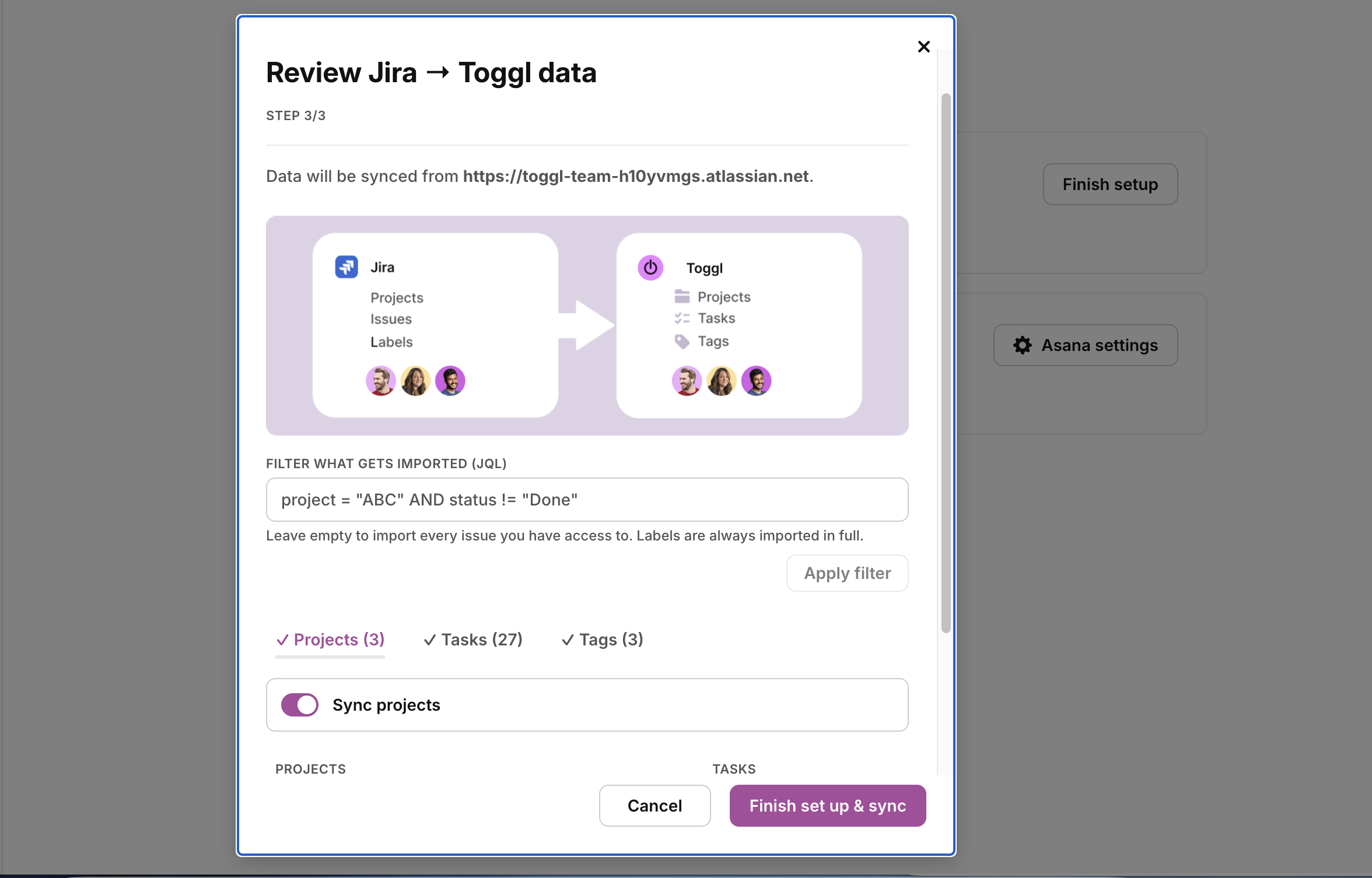
Quick and easy setup
- Go to the Integrations page in the Toggl web application through the Settings menu in the sidebar.
- Click the toggle next to Jira Sync and click Connect to launch the setup wizard.
- During setup, you can specify which Jira entities you want to link to Toggl projects, clients, tasks, and tags. You can also decide how you’d like us to handle duplicate data.
- Once you’ve set up the sync, your Jira account will be synced to your Toggl workspace, and any changes you make in Jira will be automatically applied to Toggl.
For detailed, step-by-step instructions, check out our Knowledge Base article.
How It Works
Toggl's free browser extensions embed a Toggl timer into the interface of your everyday apps, allowing you to track time within the app itself.
With additional features like pomodoro timer and idle detection, it's the ultimate tool to maximize your productivity and streamline time tracking into your workflow without needing to jump between tools.


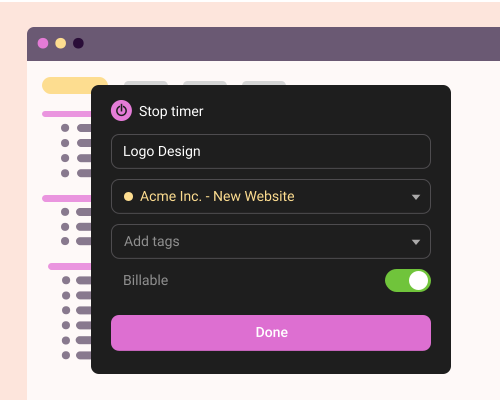
Online, offline or on the go? We have an app for that!
Your data instantly syncs across all apps and devices
- 1
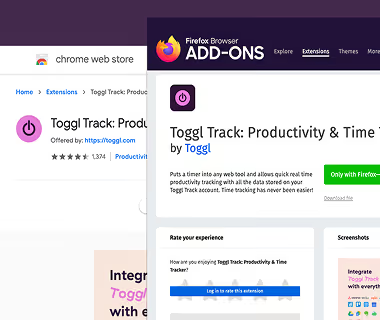
Add the free extension to your browser
Download the Toggl extension and install it. Click here to get the Chrome extension, here for the Firefox extension, and here for the Edge extension.
- 2
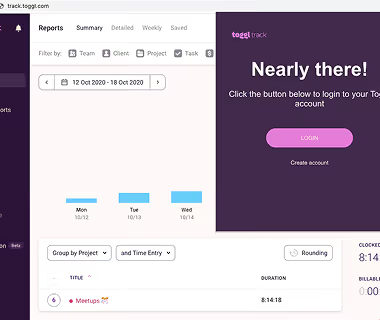
Log in to Toggl & close the tab
Click on the cogwheel icon to access the Settings page. In the Integrations tab, search for Jira extension and select it to enable the integration. Your changes are immediately saved.
- 3

Enable the integration in the Settings page
Review, add, or edit your daily activity in a timeline. Switch to a calendar view for a big-picture look at your workdays.
- 4
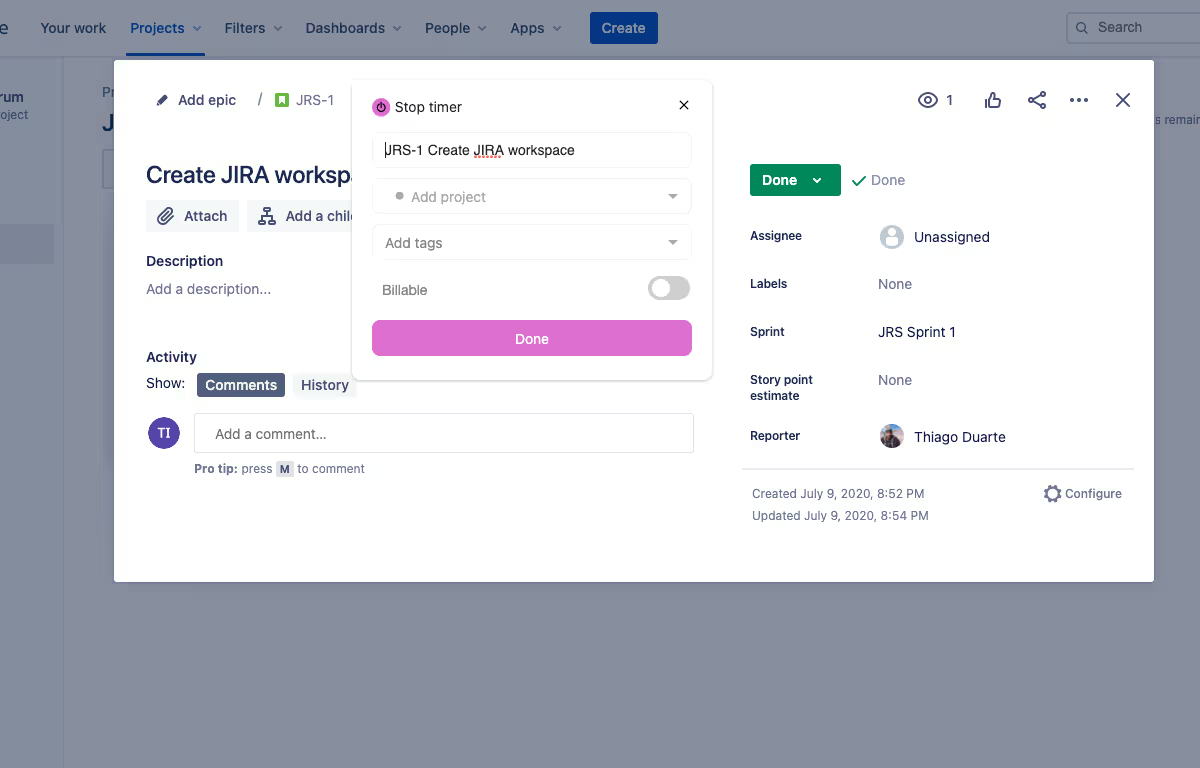
Start the timer in Jira
Head over to Jira. You should now see a Toggl icon in the user interface. Clicking on it will open a popup where you can start the timer, add a time entry description, project or tags. You are now tracking time!
- 5
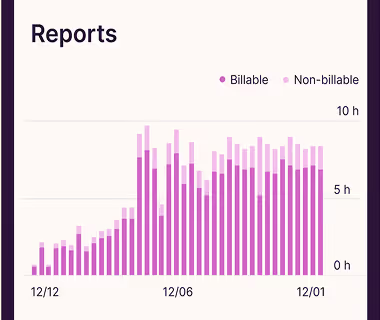
View and export time reports in Toggl’s web app
Head over to Toggl to view your time entries or to export a time report. Voilà, it’s that easy.
- 6



Explore other integrations

Zendesk
This is a legacy integration for Toggl Track which we currently don't support for Toggl. If you're interested in using Zendesk with the new Toggl, please contact us.

Visual Studio
This is a legacy integration for Toggl Track which we currently don't support for Toggl. If you're interested in using Visual Studio with the new Toggl, let us know.
