

Task management software with the timer already in it
Toggl is a task manager where every task holds a person, a date, an estimate and the time actually spent on it. Plan it on a board, schedule it against real capacity, and track it with a timer — one object, four views, no second tool for the hours.

Board, Task list, Calendar and Timeline over one set of tasks
Track time against the same task you planned, so estimates vs. actuals is a report, not a reconstruction
Assignees, custom statuses, priorities, dates, subtasks, tags, comments and attachments on every task







Most task management tools stop at "done." Toggl also answers "How long did that take?”
A task list shows what’s outstanding — not whether you have capacity, the estimate was accurate, or the work was profitable. Toggl puts the plan and tracked hours on the same task, so there’s nothing to reconcile.

Task management across four views
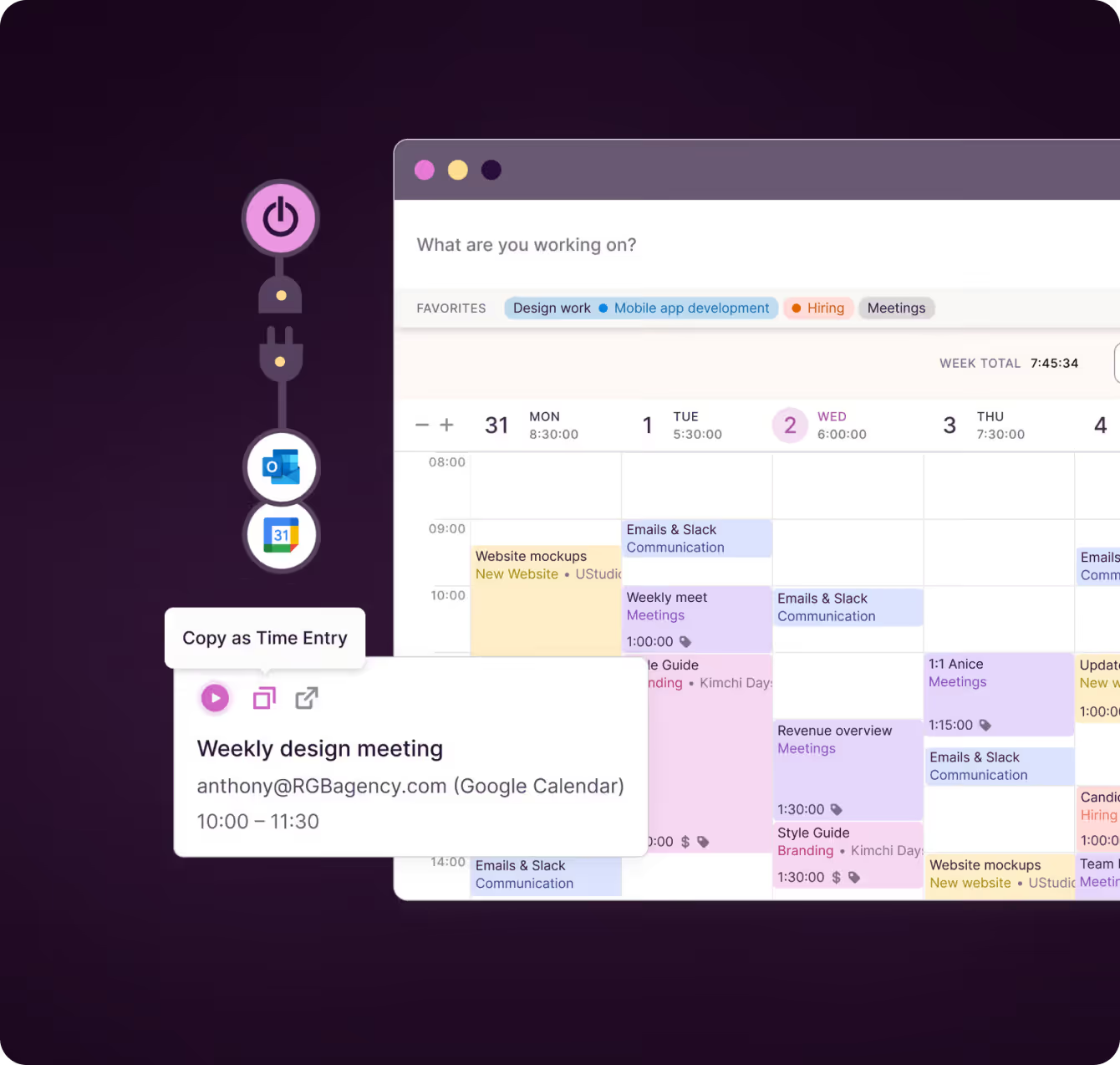
Report every billable minute precisely with automated time tracking, start-stop timers, or manually adding and editing billable time entries.
“My contractors were able to pick it up in a couple of minutes and they were fine. I've used tools in the past where they'd always email me with questions and struggle — with Toggl it just works. It's not a hassle."
– Thomas Unsworth, Founder, Launch Web Design


Plan work against real capacity
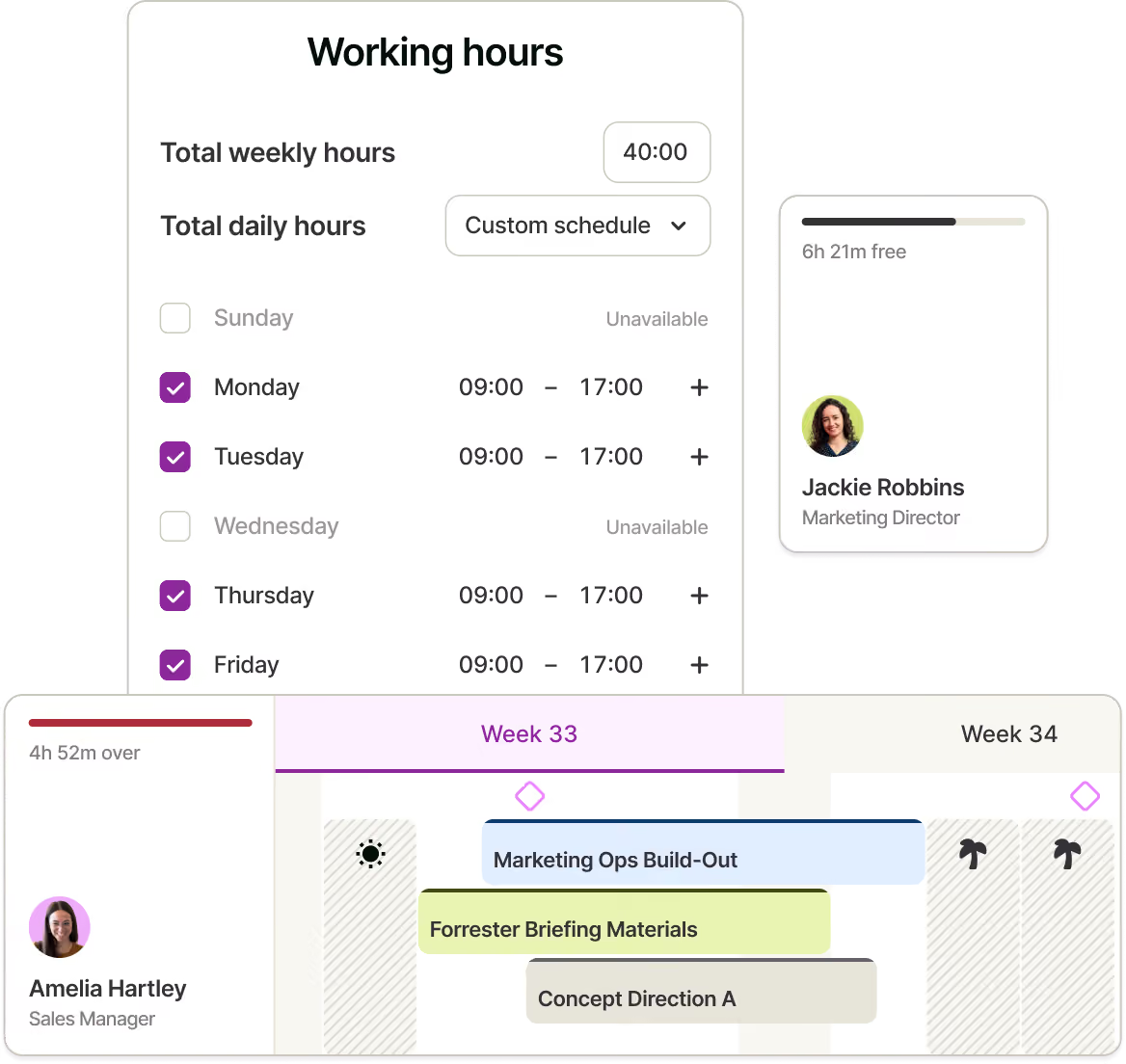
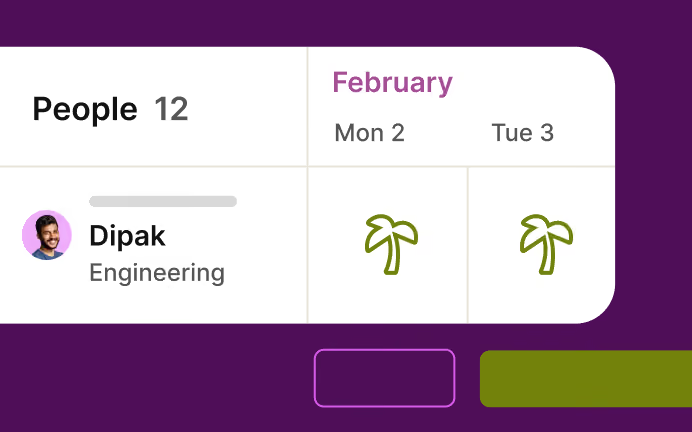
Assign tasks to people or teams and see capacity update on the Timeline. Working hours, time off and public holidays are already factored in, while estimates can be divided evenly or split by hours or percentage.
"Not only can I go in and add time estimates, I can also divvy up a project into smaller tasks, set task-based time estimates and assign these tasks to team members. Doing so also allows me to track the time for each task, and keep an eye on the team: Did my senior designer go over, is my junior designer under?”
– Thomas Unsworth, Founder, Launch Web Design

Organize once, reuse the setup
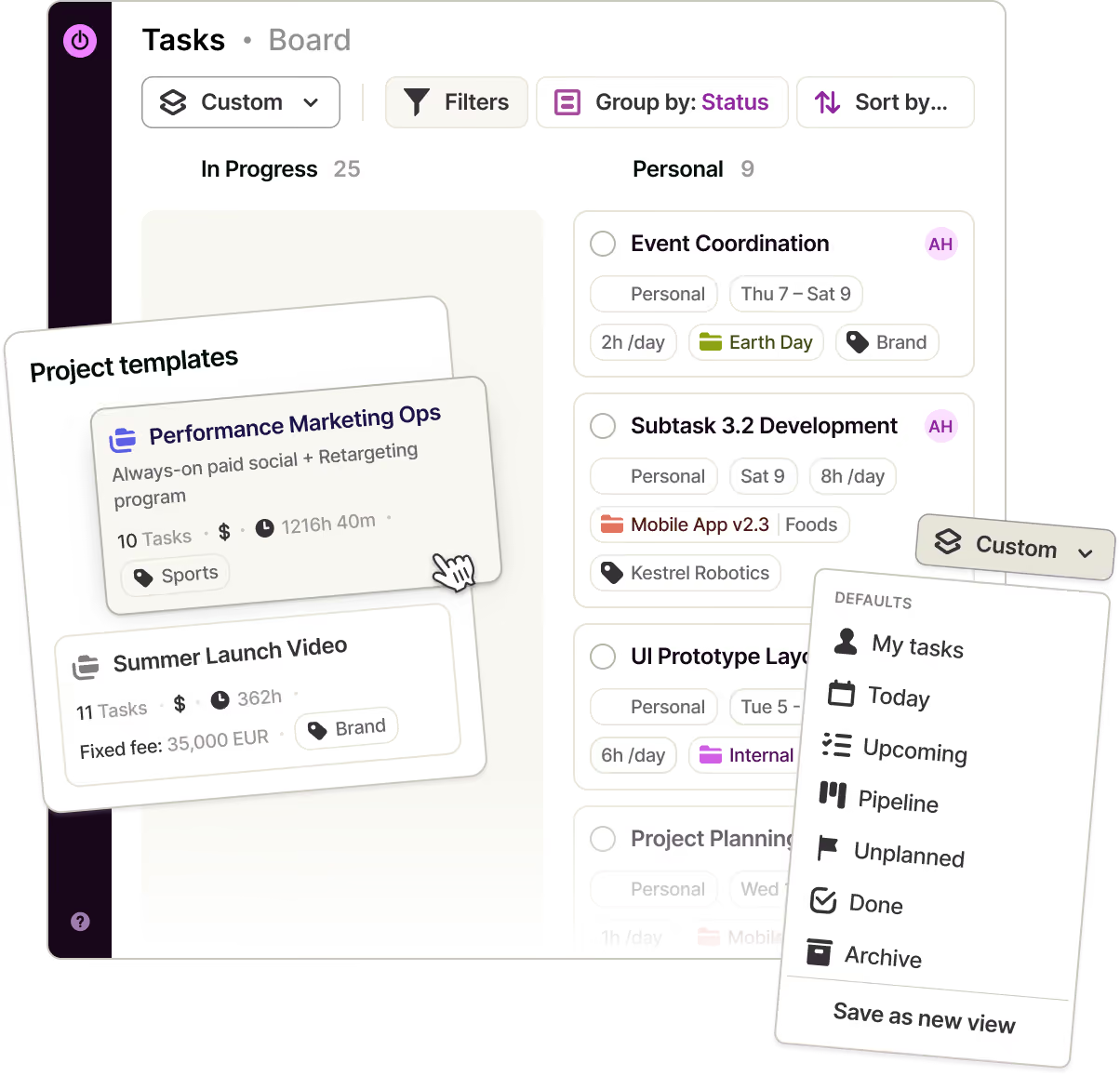
Filter, group and sort tasks, then save views and pin your favorites. Keep data consistent with custom and required fields, update tasks in bulk, and use recurring work, project templates and drafts to avoid rebuilding every plan.

Track time and improve the next plan
Track time from the task with a timer, manual entry, Pomodoro or calendar event. Compare estimates with actuals, then turn the same data into workload, utilization and profitability reports, with milestones and alerts highlighting risks early.
.avif)
Easy task management, for every role on the team
Owners & Managers
See every open task across the business, who owns it and what the work has cost so far — without asking anyone for a status update.
Project & Resource Managers
Move tasks across a board or timeline, watch capacity respond as you assign, and get told when a project is running past its estimate.
Team Leads
Plan your team’s week on one board, split estimates across the people doing the work, and see leave and holidays without keeping a second calendar.
Employees & Freelancers
See everything that’s yours today in one list across web, desktop and mobile — then start the timer from the task instead of rebuilding your week on Friday.

Track without switching tabs
Keep your day moving
Plan and track your day from anywhere. Start timers, manage tasks and turn calendar events into time entries on iOS or Android, with everything kept in sync.
Capture time automatically
Time tracking that’s almost invisible. Smart suggestions, automatic background tracking, and reminders reduce manual work, while system-wide shortcuts keep the timer within reach.
Track time where work happens
Start timers directly inside tools such as Jira, Asana, Notion, GitHub and more. Log the time without switching tabs or retyping what you’re working on.
Task management features
Connected views and workflows
Switch between Board, Task list, Calendar and Timeline, with custom statuses and changes carried across; save views and pin favorites.
Flexible, repeatable tasks
Add assignees, dates, priorities, estimates, tags, comments, attachments and subtasks to personal or project work, then set tasks to recur.
Team assignments and capacity
Assign tasks to people or teams, split estimates by custom shares, and see capacity based on working hours, time off and public holidays.
Custom structure and controls
Add custom and required fields, edit tasks in bulk, review change logs, and manage access with five user roles.
Time tracking across devices
Track from a task using a timer, manual entry, Pomodoro or calendar event across web, iOS, Android, macOS and Windows.
Imports and two-way sync
Import from SV, including Harvest, Clockify, ClickUp, Asana and Teamwork, or sync with Jira and Asana.


Why 120,000+ users started...
Small team and no budget? We have you covered
“The best free time tracking app”
"After trialing 20 similar products, Toggl was a clear winner providing everything I needed."
Today, 14 Apr
7:15:50
Illustrations
2:12:50
5 billable hours every day
3/5 hours
REACHED
Code every day
5/5 hours
NEW WEBSITE
12 of 20h
PM Daily
0:00:25
How does Toggl task management tool work?
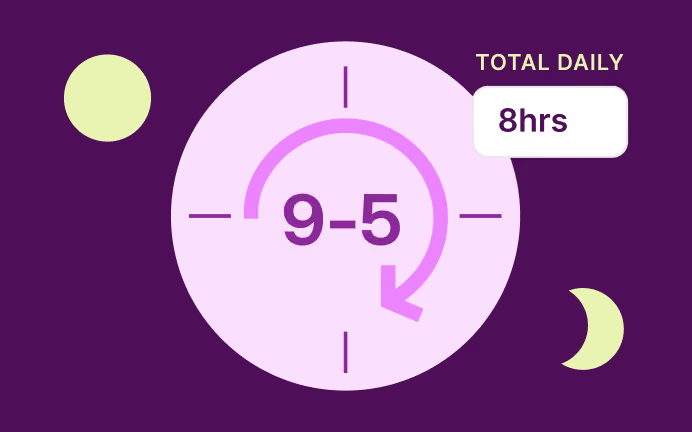
1. Create a workspace and invite your team
It’s free for up to 3 people, with no card required.
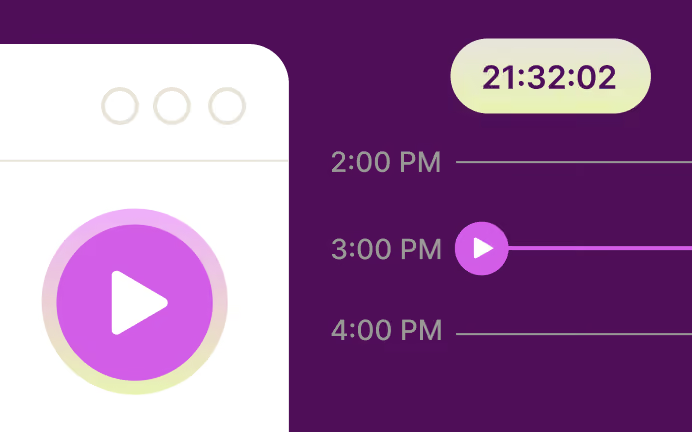
2. Add a project and its tasks
Start from scratch or import them from Asana, ClickUp, Clockify or CSV.
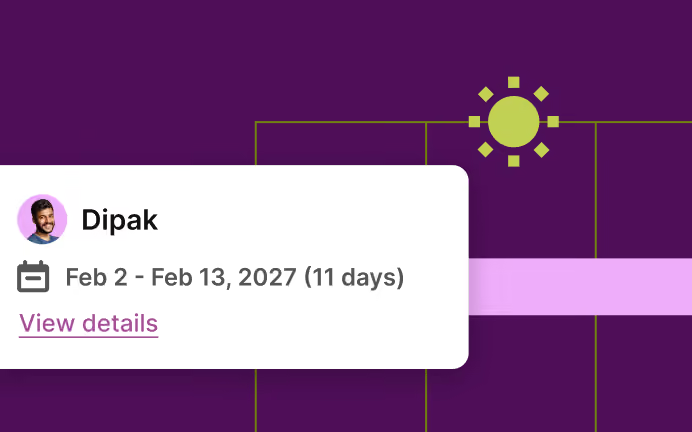
3. Set your statuses
Name the columns your work actually moves through.
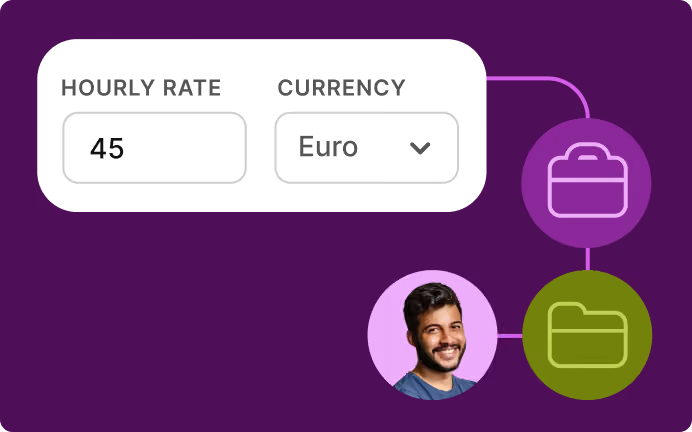
4. Assign owners, dates and estimates
Group the Timeline by People to see capacity fill.
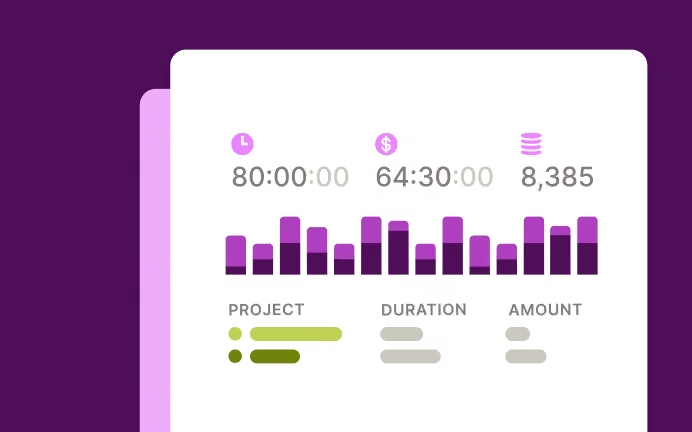
5. Save the views you use most
Filter once and pin the view to your sidebar.
6. Track time and compare it with your estimates
Use a timer, manual entry or Pomodoro to see how work is progressing and plan better next time.
FAQs


