

The Kanban board software with time on every task
Toggl Kanban board turns your team’s work into a living workflow: drag tasks across custom statuses, start the timer from the card, and keep planning, tracking, and delivery in one system.
Board view is included in Toggl — free to start, with Timeline, multi-assignee, capacity, and advanced reporting on paid plans.







Everything work touches, in one system
No more a Kanban board in one app, a timer in another, and a spreadsheet for capacity. Tasks, status, time, and schedule all live in Toggl.

One Kanban tool for planning and progress
Create tasks, move them across columns, assign owners, and track time without leaving the board – the same tasks show up in List, Calendar, and Timeline.
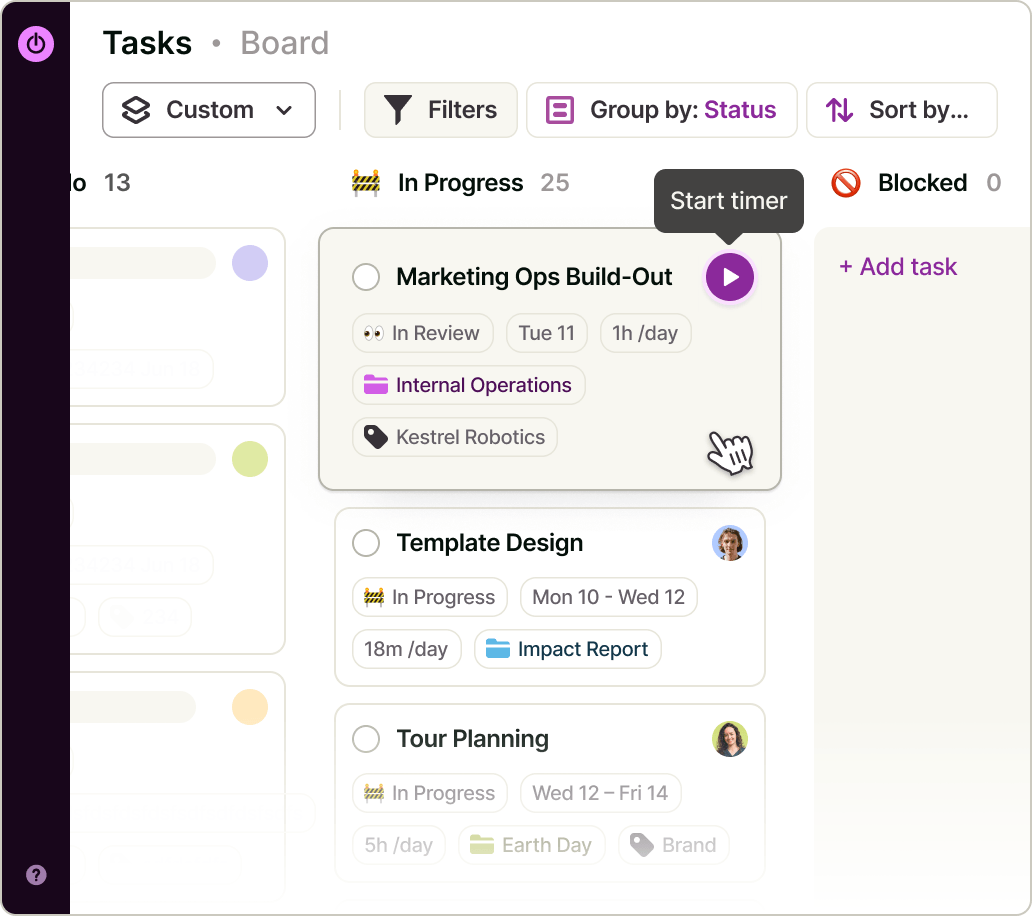

Custom statuses that match your workflow
Rename defaults or add stages like Briefed → In production → Client review → Done. Status changes are workspace-wide so everyone sees the same flow.
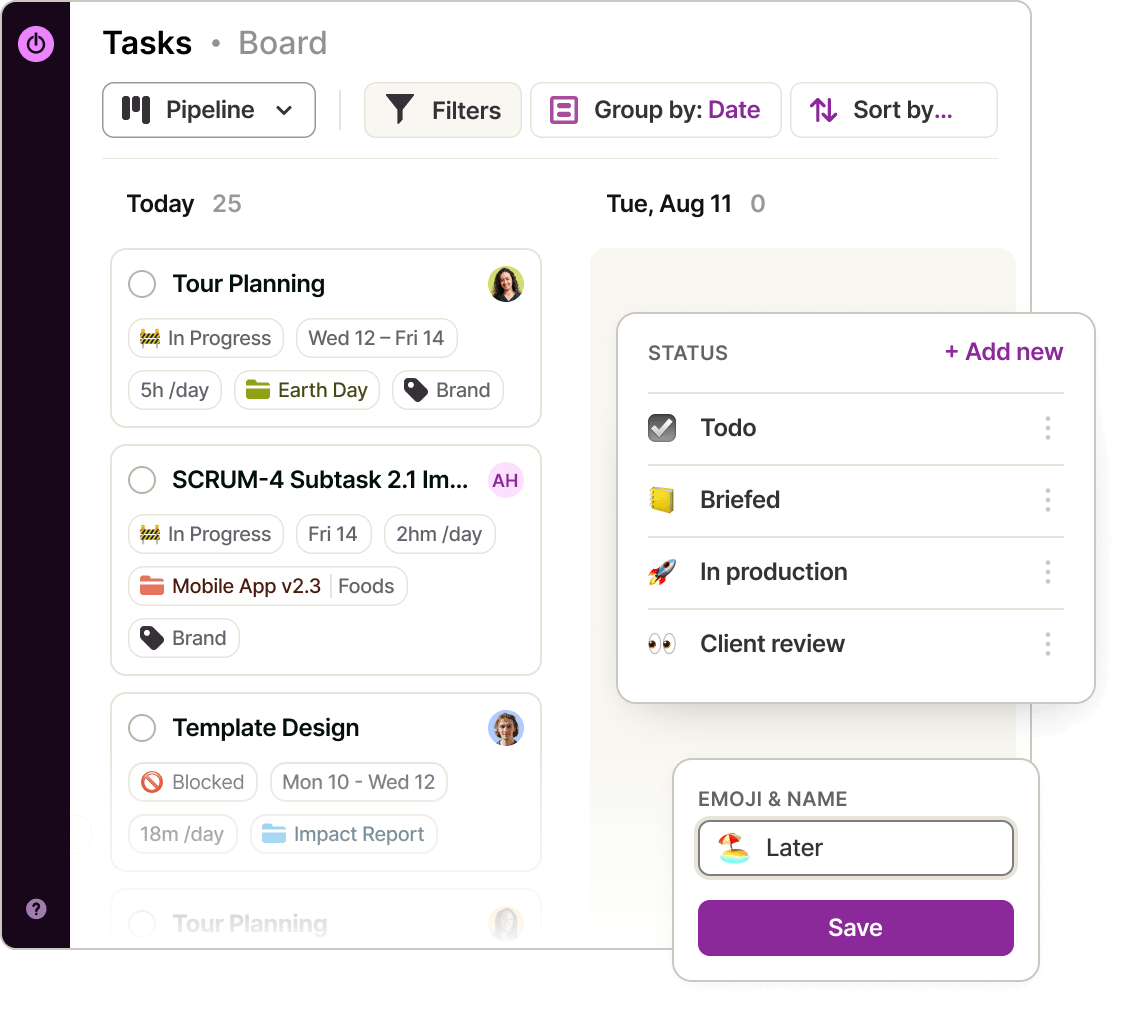

Task cards that carry context
Assignees, priority, estimates, dates, tags, projects, subtasks, comments, and attachments sit on the card — context stays with the work, not in a side channel.
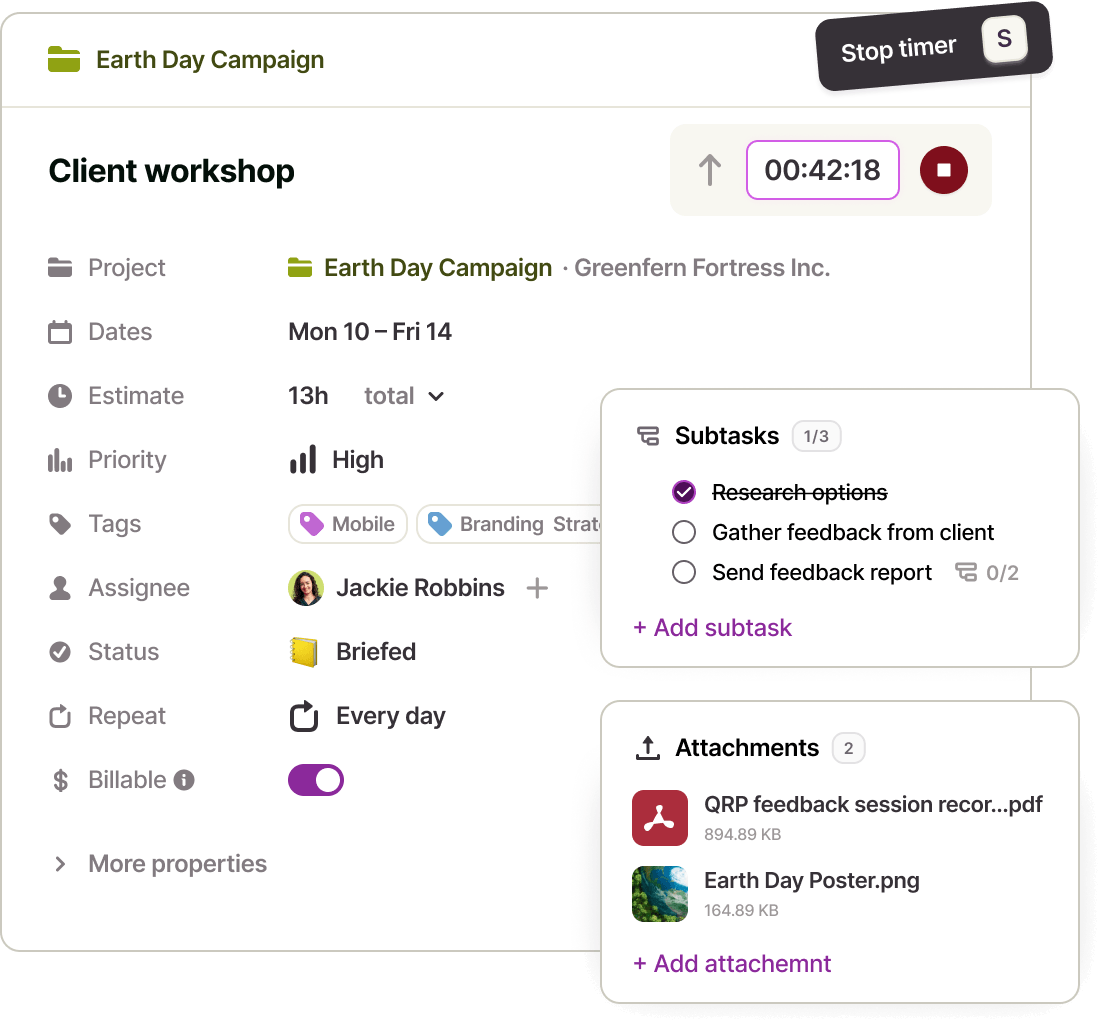

Time that travels with the task
Start a timer from the card, compare estimate vs. actual, and feed the same data into reports and capacity — so the board isn’t just visual, it helps you plan better.
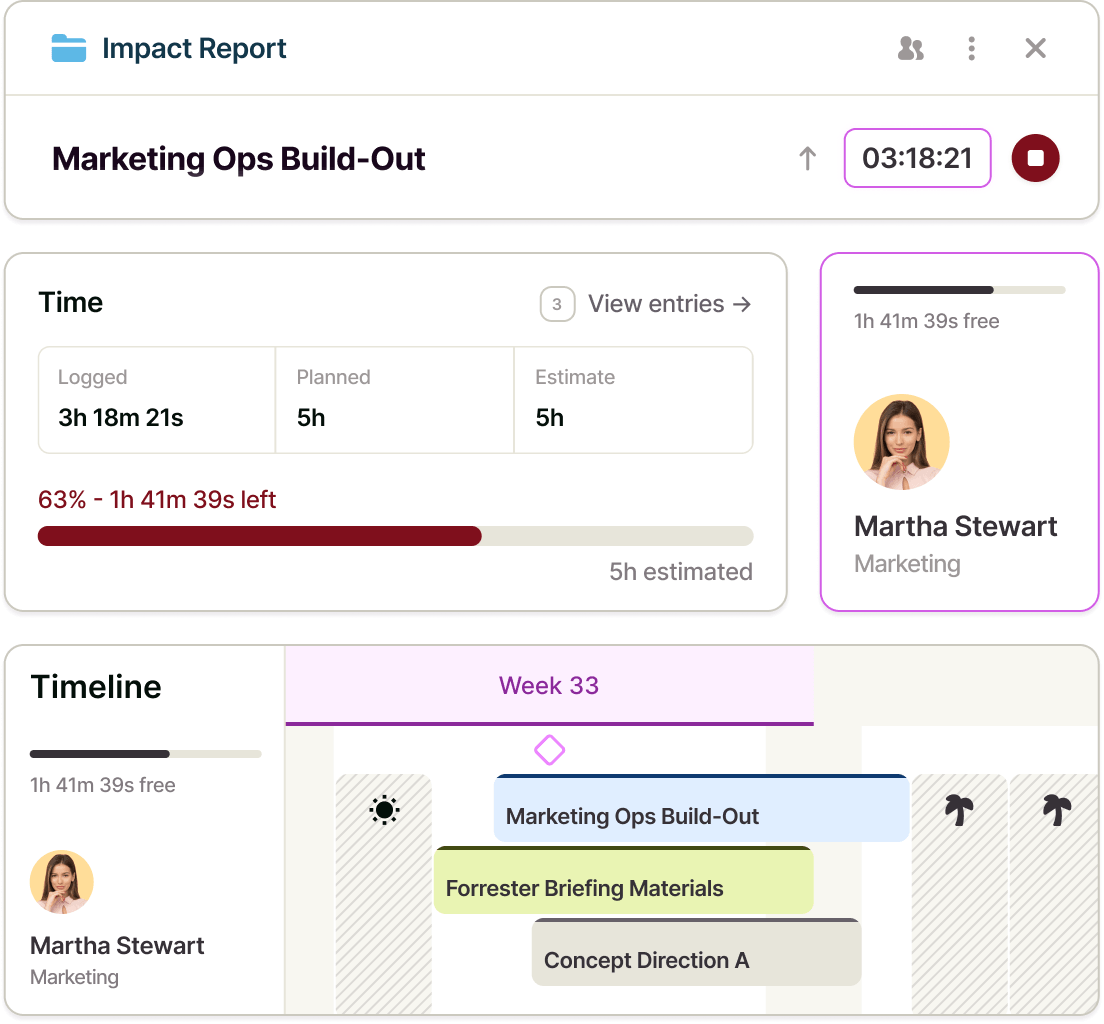

Set your projects for success with exceptional time tracking
Time tracking is at the heart of Toggl. From automated trackers to insightful time reports and accurate timesheets, everyone can understand how long tasks really take and work more efficiently as a team.
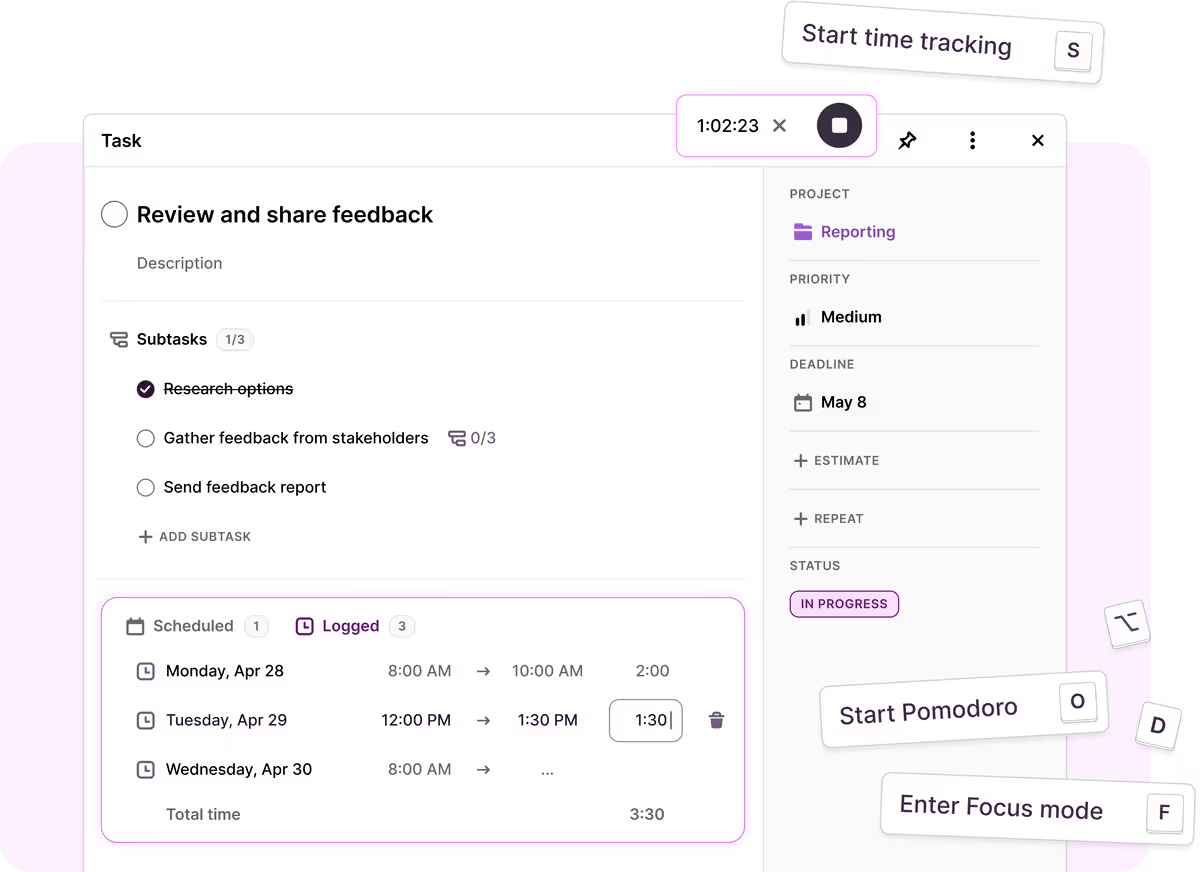



Kanban board software features
How does Toggl’s Kanban board work?
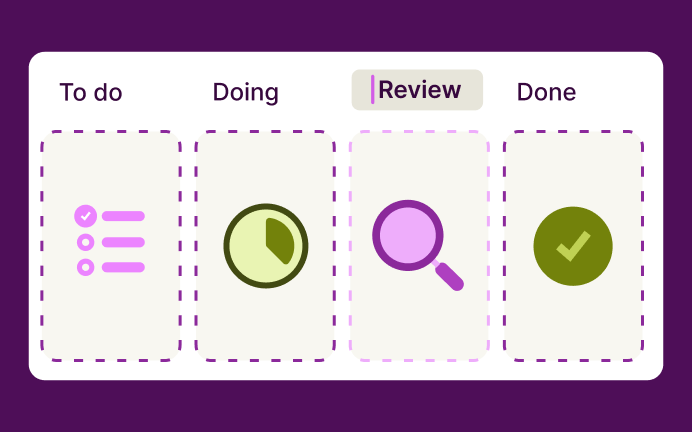
Set up your statuses
Define the columns that match your process — To do, Doing, Review, Done, or any custom stages.
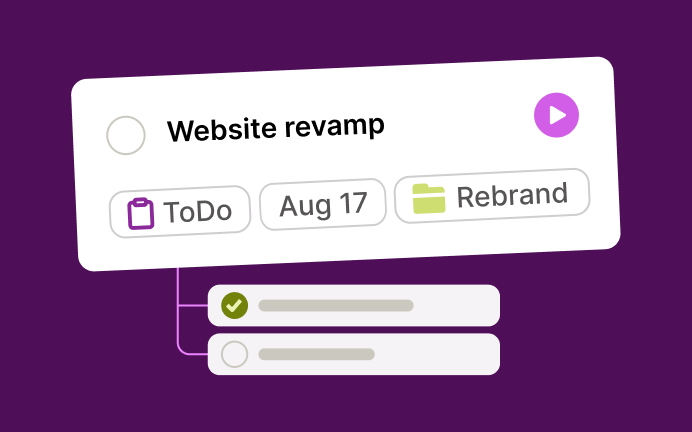
Create tasks on the board
Add work with project, assignee, estimate, dates, and priority. Break larger work into subtasks.
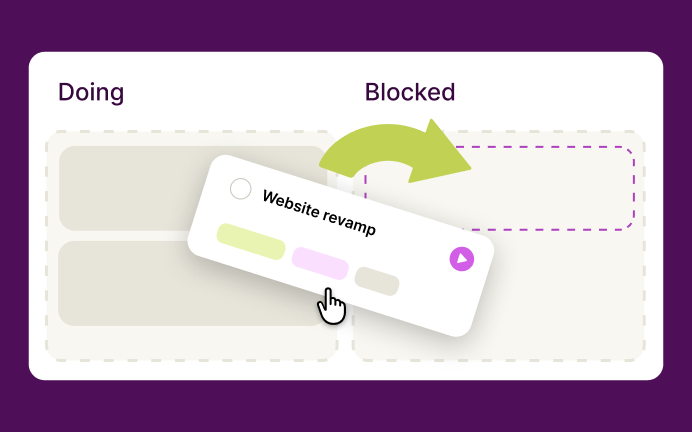
Organize with drag and drop
Move cards across columns as work progresses; optionally group by date when deadlines matter more than stage.

Filter, save and pin your view
Narrow to your team or projects, hide unused columns, and save the board layout you return to every day.
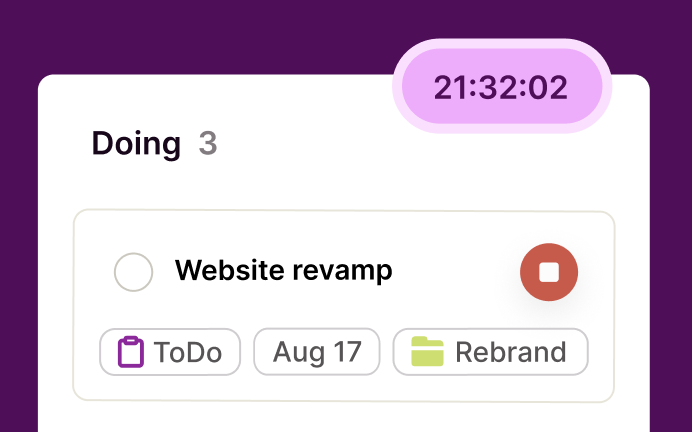
Track time without leaving the board
Start a timer or log hours on the task so status and effort stay together.
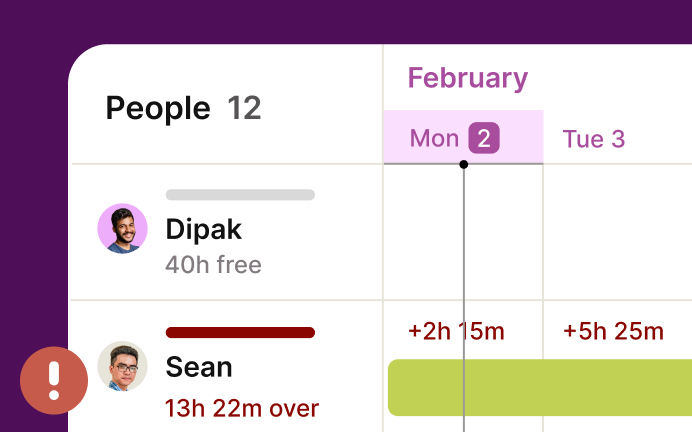
Plan capacity next to delivery
Use Timeline and capacity views to see who’s overloaded before you pull more cards into “In progress.”
FAQs
