The calendar planner that tracks itself

Toggl calendar planner turns your to-do list into a schedule: drag tasks onto the day, block the time, and start the timer from the block — so what you planned and what actually happened live in one place.

Drag-and-drop time blocking

Google and Outlook events, side by side with your plan

One click turns a meeting into tracked time

The calendar and time blocking are included on every plan. Paid plans add team schedules, milestones, guest access, and advanced reporting.
Everything your day touches, in one system

No more a calendar in one tab, a task list in another, and a timer somewhere else. Tasks, meetings, time off, and tracked hours all sit on the same grid.

One place for planning and doing

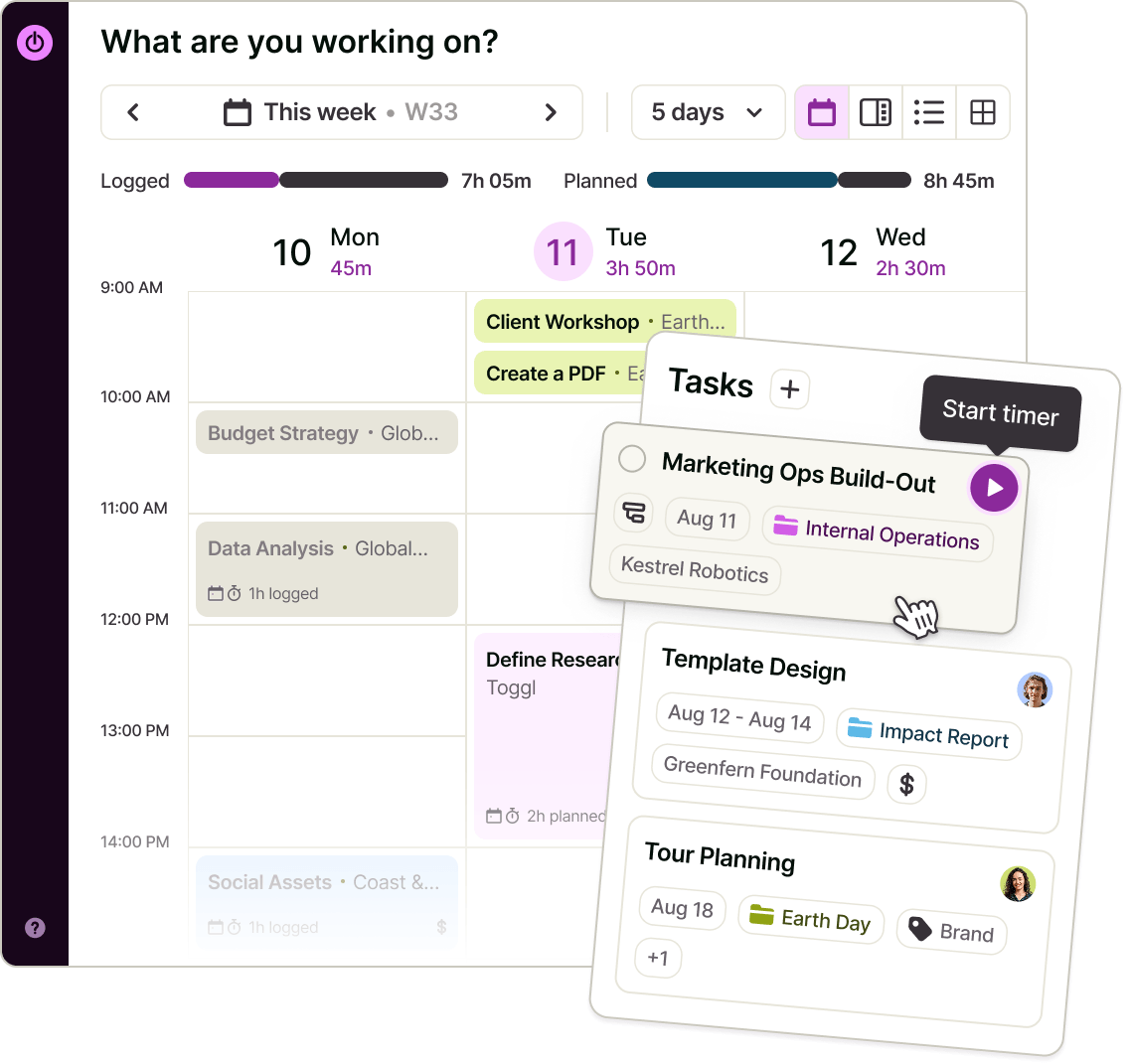
Drag a task from the backlog onto the day, resize it to the time you think it'll take, and hit play when you start. The same task shows up in Board, Task list, and Timeline.
One place for planning and doing

Drag a task from the backlog onto the day, resize it to the time you think it'll take, and hit play when you start. The same task shows up in Board, Task list, and Timeline.

Meetings become tracked time in one click

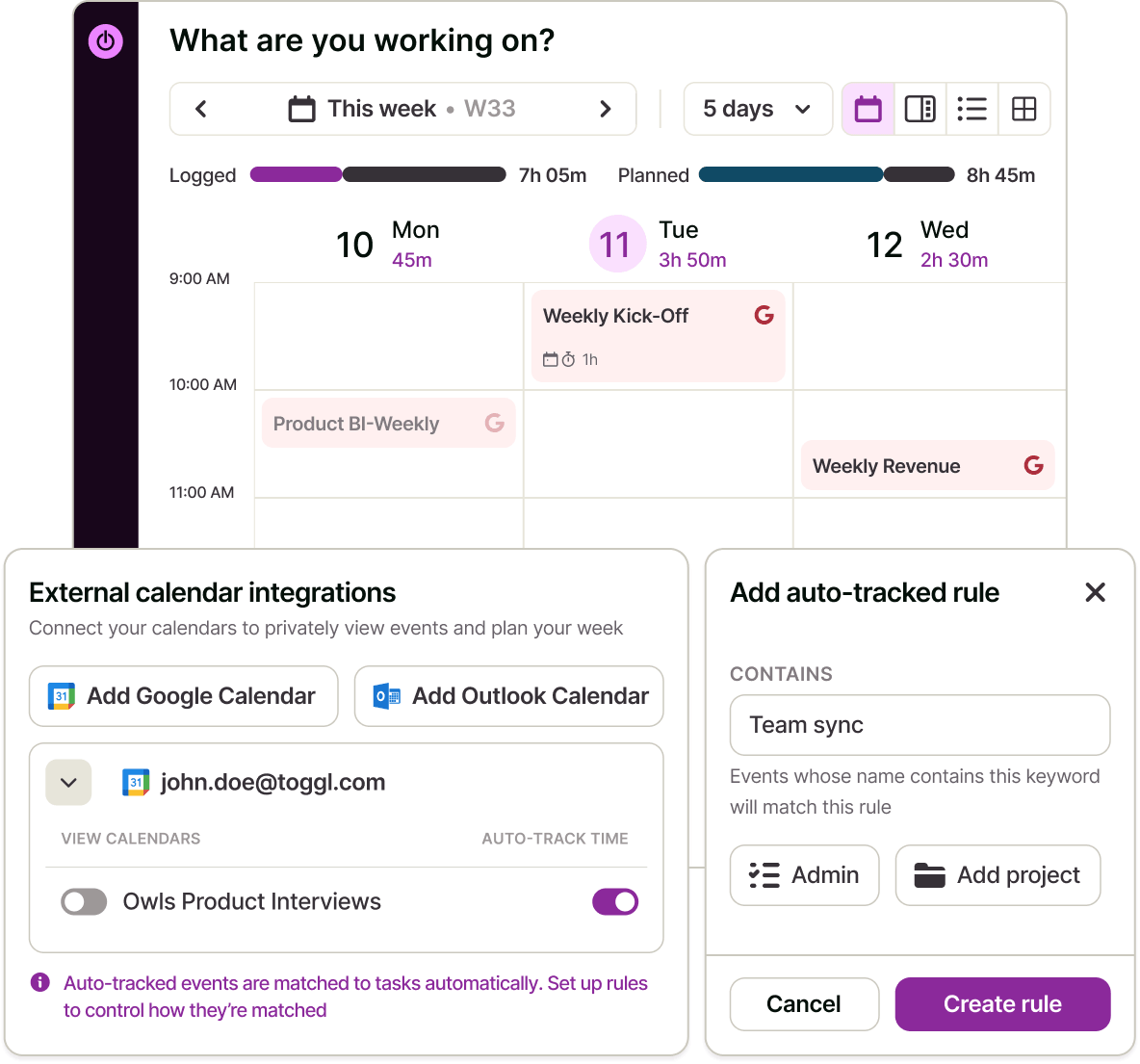
Connect Google or Outlook and your meetings appear directly on the grid. Right-click a calendar event and log it. Set up matching rules once — a keyword in the title maps to a task and project — and recurring meetings track themselves. Logged events are marked as logged, so nothing gets double-counted.
Meetings become tracked time in one click

Connect Google or Outlook and your meetings appear directly on the grid. Right-click a calendar event and log it. Set up matching rules once — a keyword in the title maps to a task and project — and recurring meetings track themselves. Logged events are marked as logged, so nothing gets double-counted.

Planned against tracked

Every block shows planned time against logged time. Check the task off when it's done and the task status moves with it.
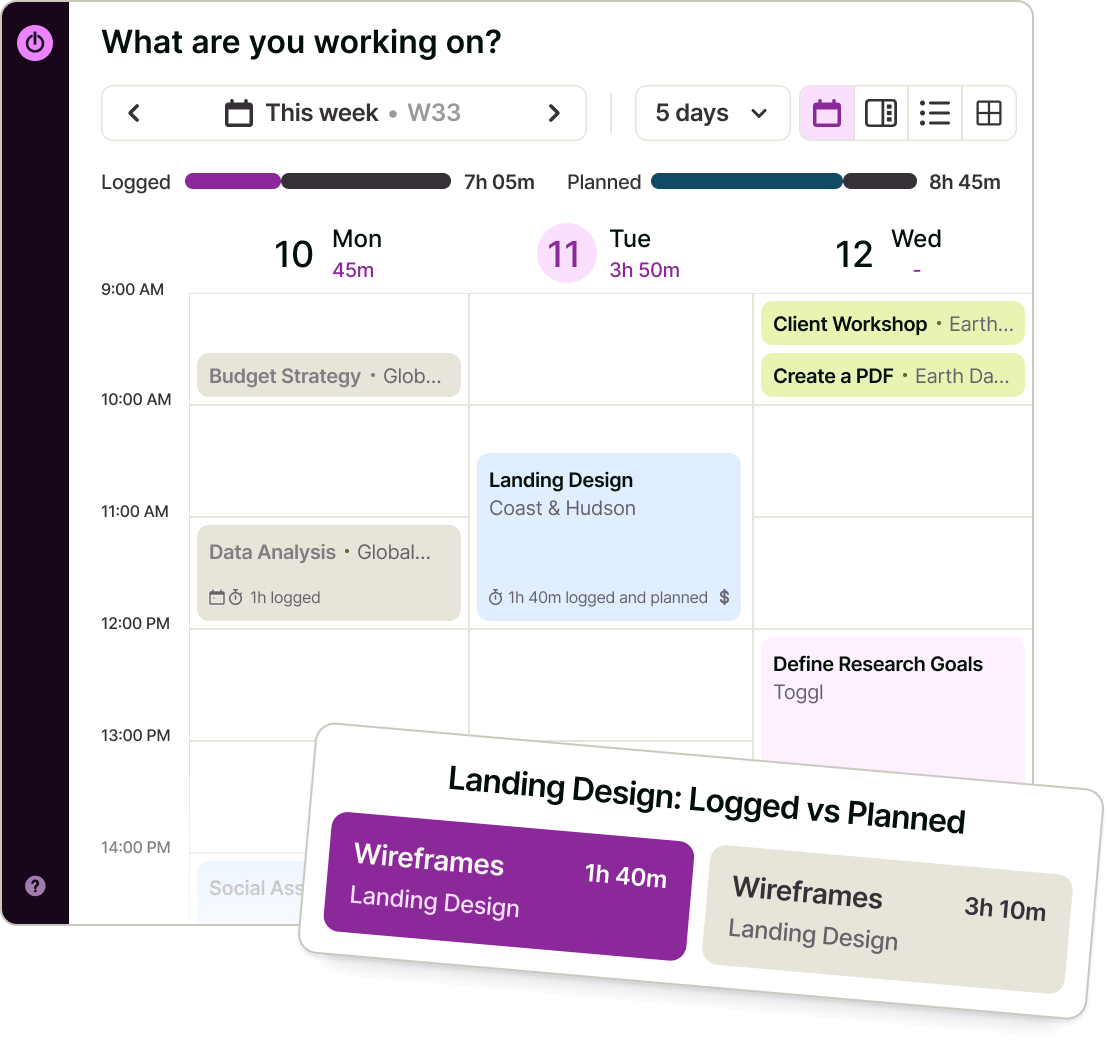
Planned against tracked

Every block shows planned time against logged time. Check the task off when it's done and the task status moves with it.

A day that knows your working hours

Non-working hours are shaded, public holidays are accounted for, and approved time off shows up as its own block — so you're planning against the time you actually have.
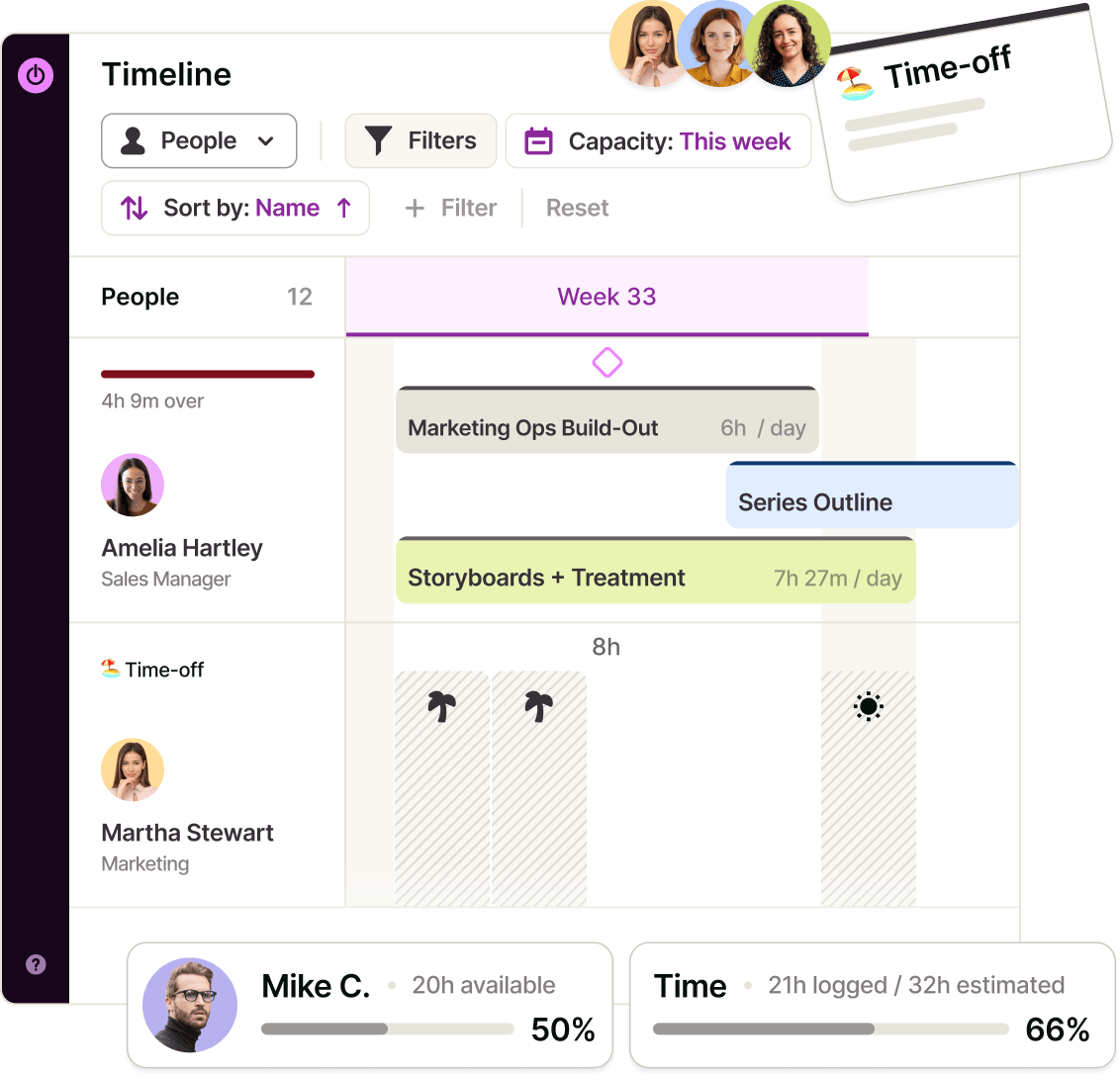
A day that knows your working hours

Non-working hours are shaded, public holidays are accounted for, and approved time off shows up as its own block — so you're planning against the time you actually have.

The time tracker and work planner built for everyone
Owners & Managers
See how the plan holds up against reality, and where estimates and actuals diverge across the team.
Team Leads
Block the week with your team, then use Timeline to spot who's overloaded before the week starts.
Employees
Plan your day in one drag, track it in one click, and stop rebuilding your schedule in three tools.
Freelancers & consultants
Turn every client meeting into billable time automatically, and keep the day's plan and the invoice line in the same system.

Calendar planner features

Everything you need to plan a day and have it tracked without a second tool.
Drag-and-drop time blocking
Drag a task onto the calendar, resize to fit, move it when the day changes. Duplicate a block when the work repeats.
Day, 3-day, 5-day, and week views
Zoom from today's focus to the full working week, with a split view that puts what you planned next to what you logged.
Google and Outlook calendar sync
Connect one or more calendars, choose which ones show on the grid, and disconnect any time — keeping or removing what was already created.
Auto-track and matching rules
Map calendar events to a task or project by keyword so the meetings you always track get tracked automatically.
Log time from any event
One action turns a meeting into a time entry against the right task, with the fields pre-filled.
Timer on the block
Start a timer straight from a scheduled block; the running entry grows live on the calendar as you work.
Unscheduled backlog panel
Everything not yet scheduled — including upcoming recurring tasks — sits in a side panel ready to be dragged onto a day
Working hours, holidays, and time off
Your schedule is drawn against real availability, not a blank 24-hour grid.
Same tasks, other views
Flip to Board, Task list, or Timeline without rebuilding anything.

How does Toggl’s Kanban board work?

1. Set your working hours

Tell Toggl when your day starts and ends so the calendar plans against real availability.
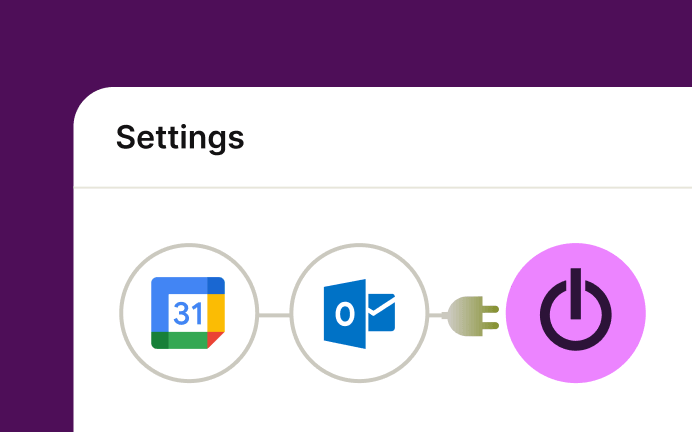
2. Connect calendars, auto-track meetings

Your calendar meetings appear on the grid alongside your planned work, and you choose which calendars to show. Add matching rules so recurring events map to the right task and project without you touching them.
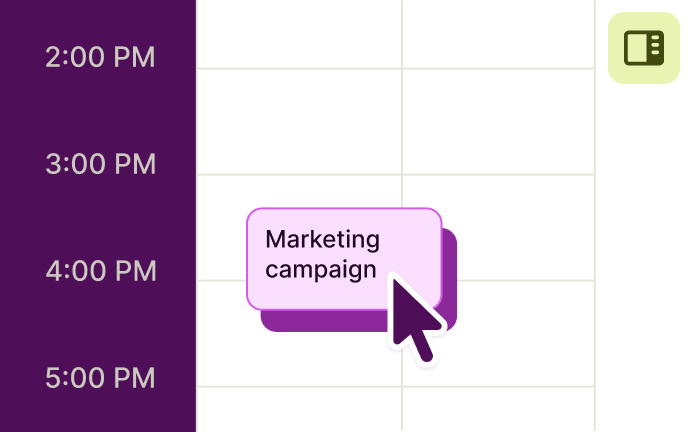
3. Drag tasks onto the day

Pull work from the backlog panel onto the calendar and size each block to the time you expect it to take.
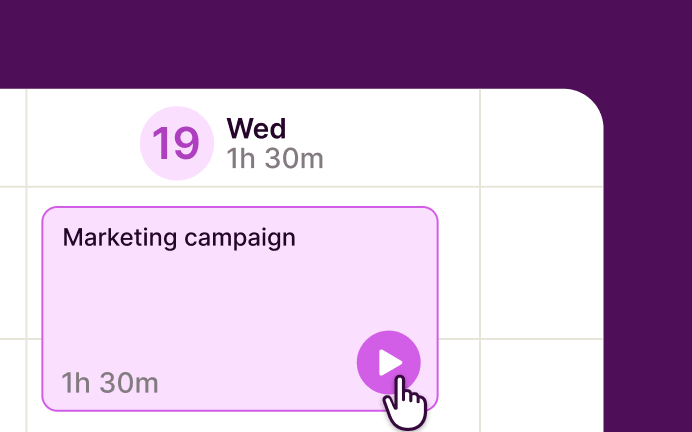
4. Start the timer

Hit play on the block you're working on; the entry renders live on the calendar as it runs.
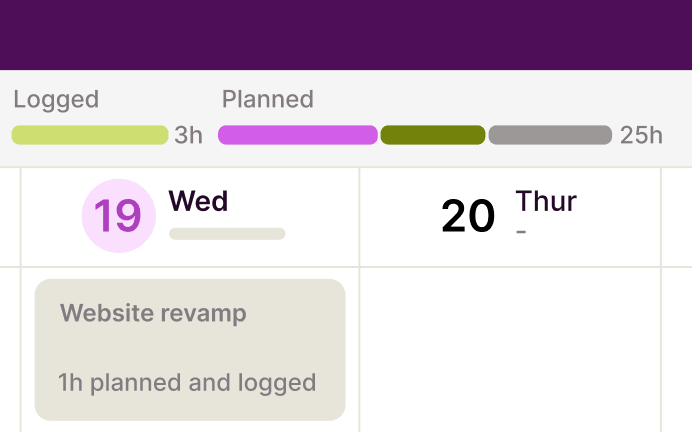
5. Compare plan to actual

Each block shows planned vs. logged time, so you can see where the day drifted and plan the next one better.
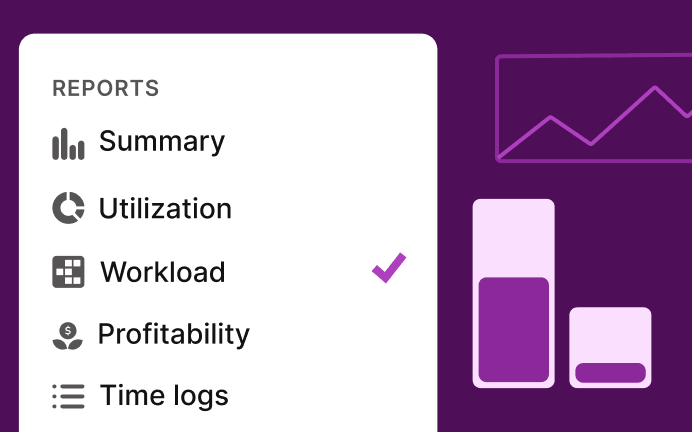
6. Report on it

The same blocks and entries roll up into summary, billable, and (on Premium) workload and utilization reports.

FAQs

What is the Toggl calendar planner?

It's the calendar view in Toggl 2.0: a drag-and-drop day/week grid where you schedule tasks as time blocks, see your Google and Outlook meetings, and track time against the same blocks you planned.

Is the calendar planner free?

Yes. Calendar view and time blocking are included on the Free plan. Team timelines, milestones, guest access, and advanced reporting sit on paid plans.

Which calendars can I connect?

Google Calendar and Outlook. You can connect more than one and toggle each calendar's visibility on the grid.

Can I turn a meeting into tracked time?

Yes. Log an event in one action and it becomes a time entry on the right task. With matching rules, events matching a keyword can be tracked automatically.

Can I start a timer from the calendar?

Yes. Every scheduled block has a play button, and the running entry appears live on the grid.

Can I see my team's calendar?

The calendar is your own schedule. Team-level planning and capacity live in Timeline, available on paid plans.

Does it work on mobile?

Yes — the mobile app has the calendar with drag-to-schedule, connected calendars, and logging time from an event.