

Capacity planning software for teams, based on real time data
Toggl replaces capacity assumptions with data on time, availability, and workloads, so you can spot conflicts early and prevent burnout.

Visual capacity planning
Team availability and workload tracking
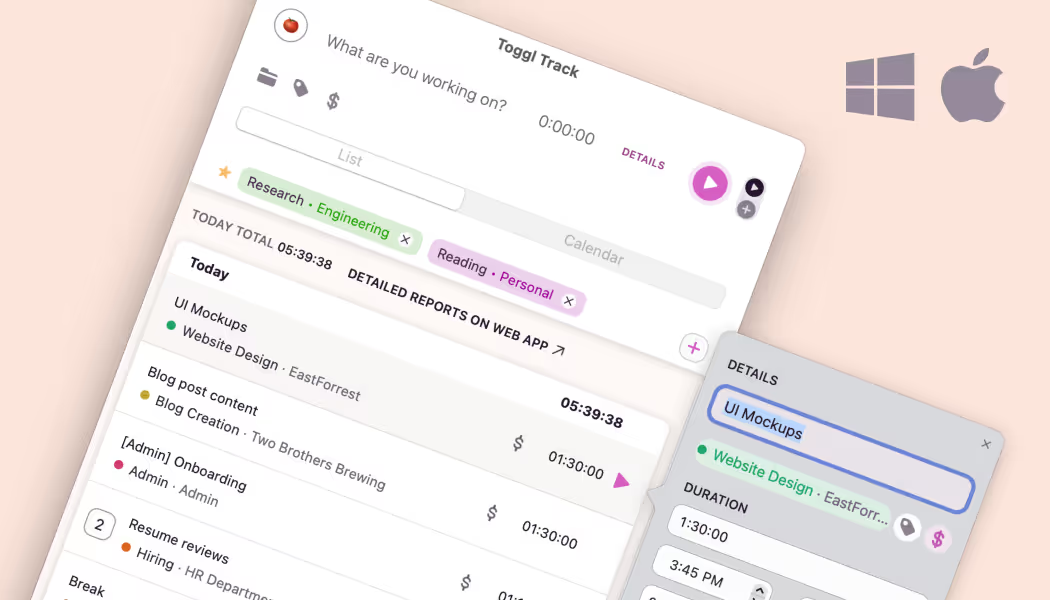
Automated time tracking built in
PTO & public holidays
Your capacity planning tool should be visual and flexible
Calendars only show meetings. Spreadsheets show whatever someone last updated. Neither shows whether a person has four hours free next Thursday, nor reflects how long similar work has actually taken in the past. Teams overcommit because they don't see the full story. Toggl prevents that.

Real capacity, not assumptions
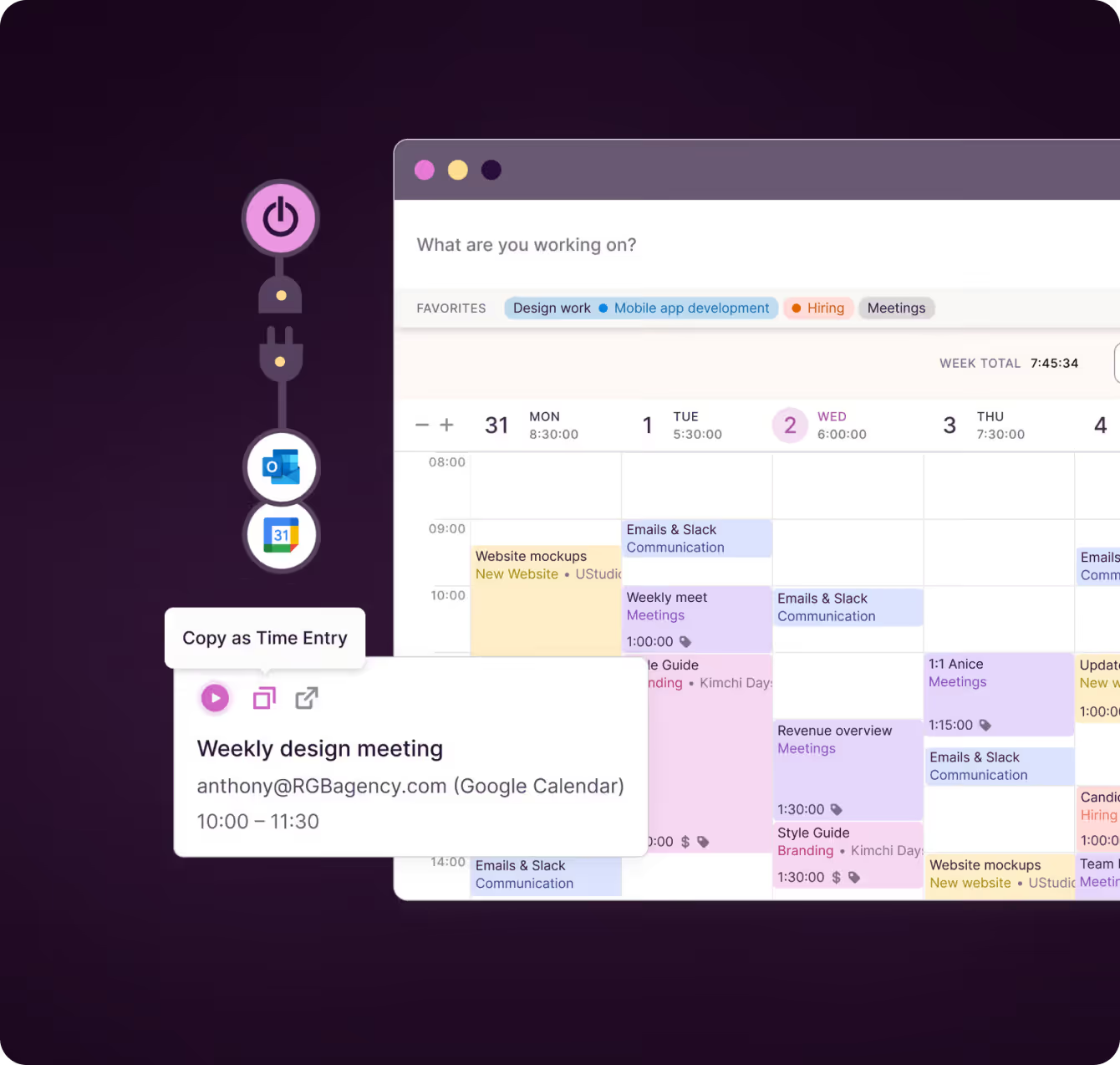
Toggl accounts for time off, part-time schedules, and existing project commitments. You see who is genuinely free before you assign them to anything, not who looks free on paper — calculated from each person's work hours, task estimates, logged time off, public holidays, and connected calendar events.
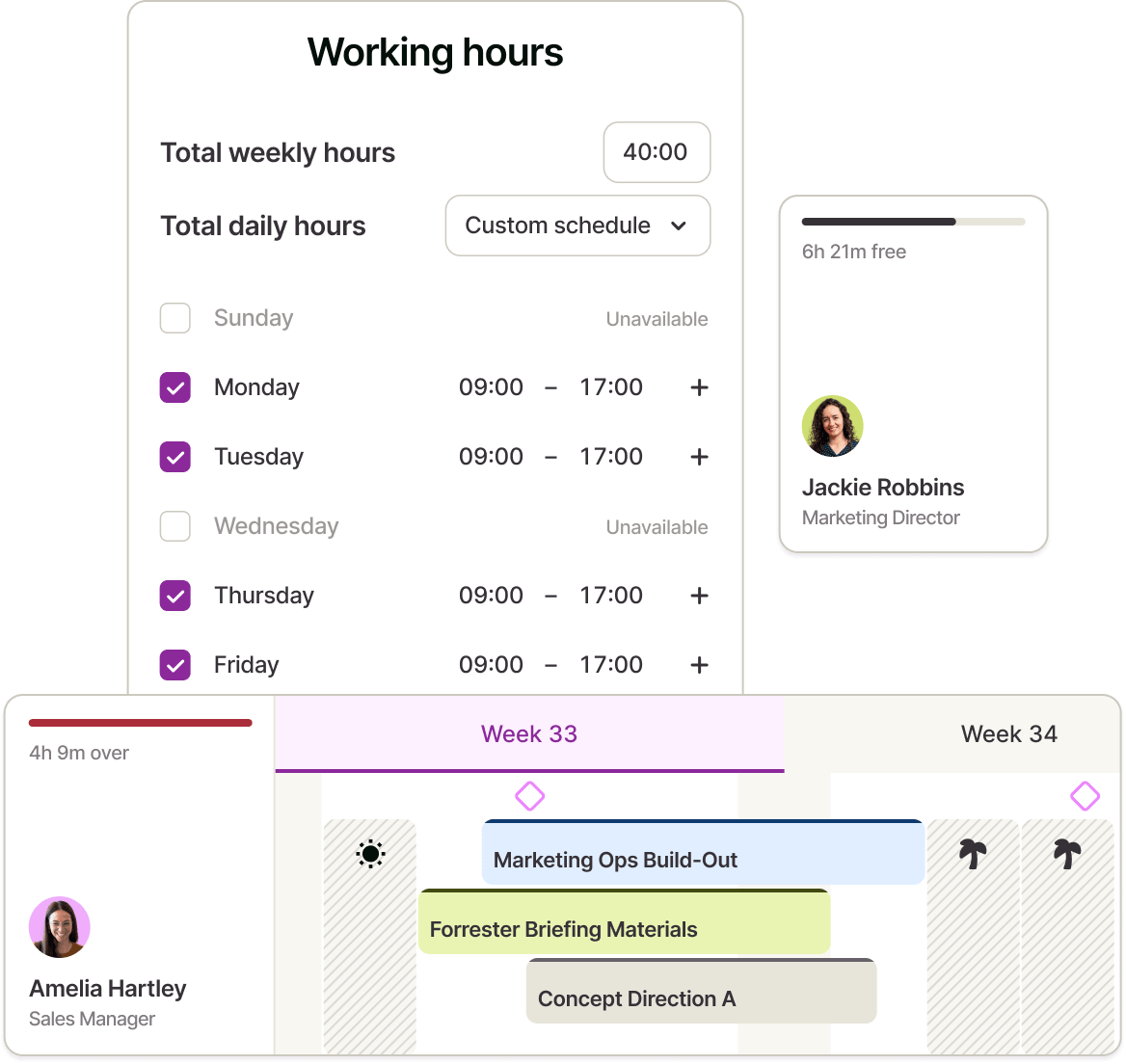

Confident team capacity planning at any scale
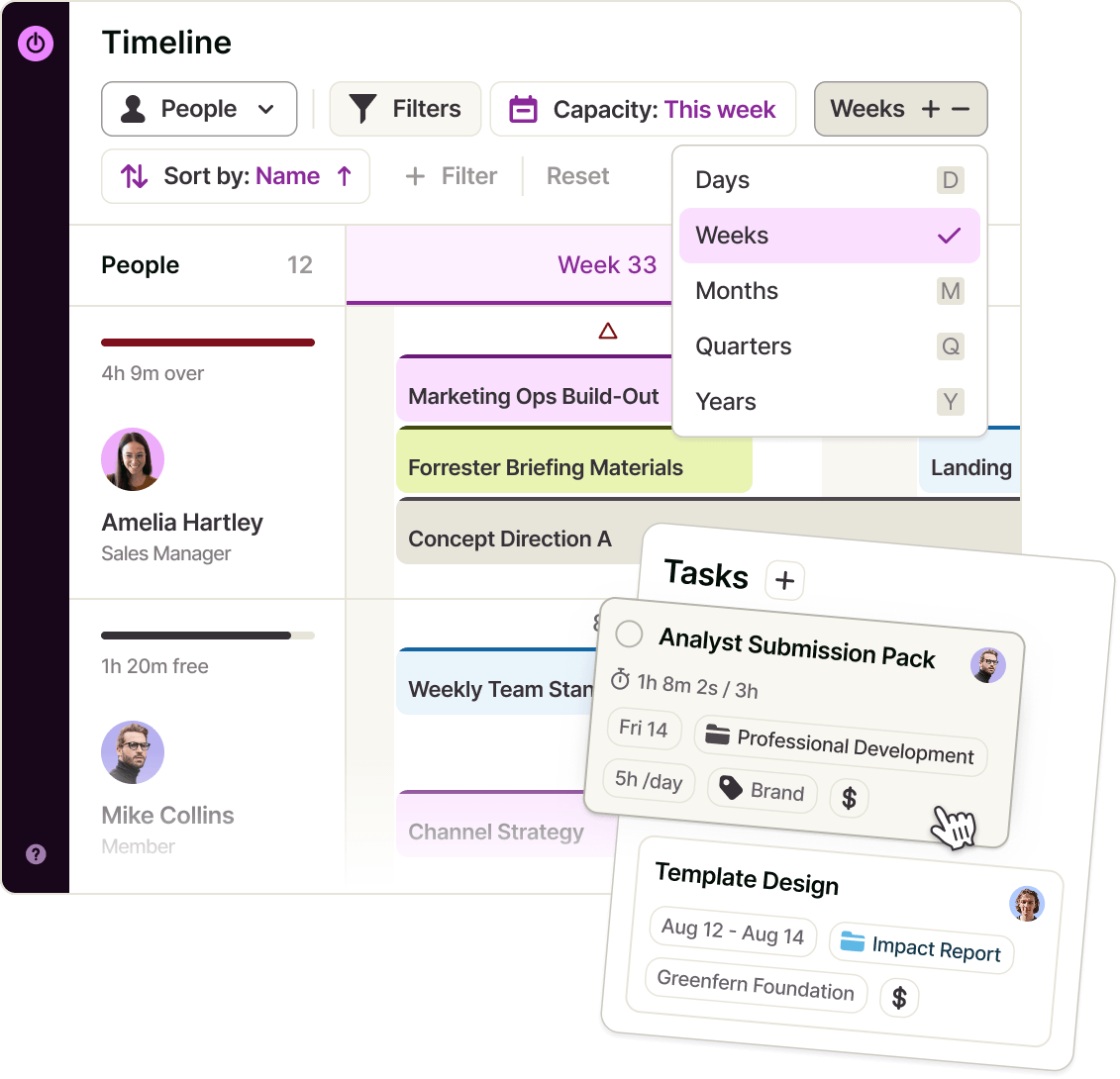
Plan from next week to next quarter. Zoom the Timeline out, drag work into place, and adjust as plans change, with no formula updates and no shared-spreadsheet version conflicts.
With the Capacity Management Add-on, capacity indicators extend beyond this month, so you can make decisions on new work or headcount while you still have time to act.

Planning grounded in actual time data
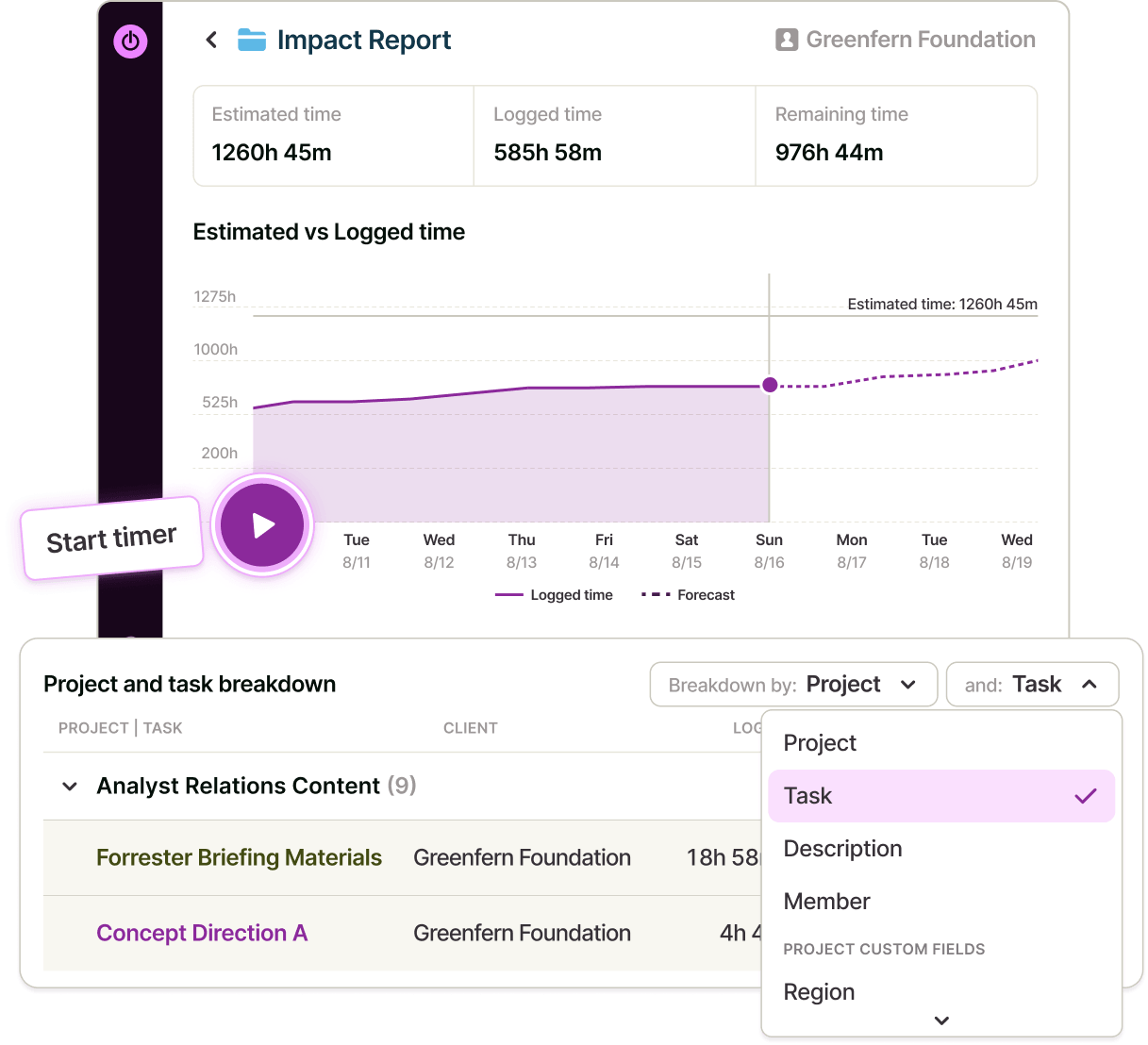
Capacity planning is built on a foundation of time tracking. Compare your estimates against the hours you've actually tracked, so every new estimate is grounded in evidence — and every plan reflects how long similar work has really taken before.

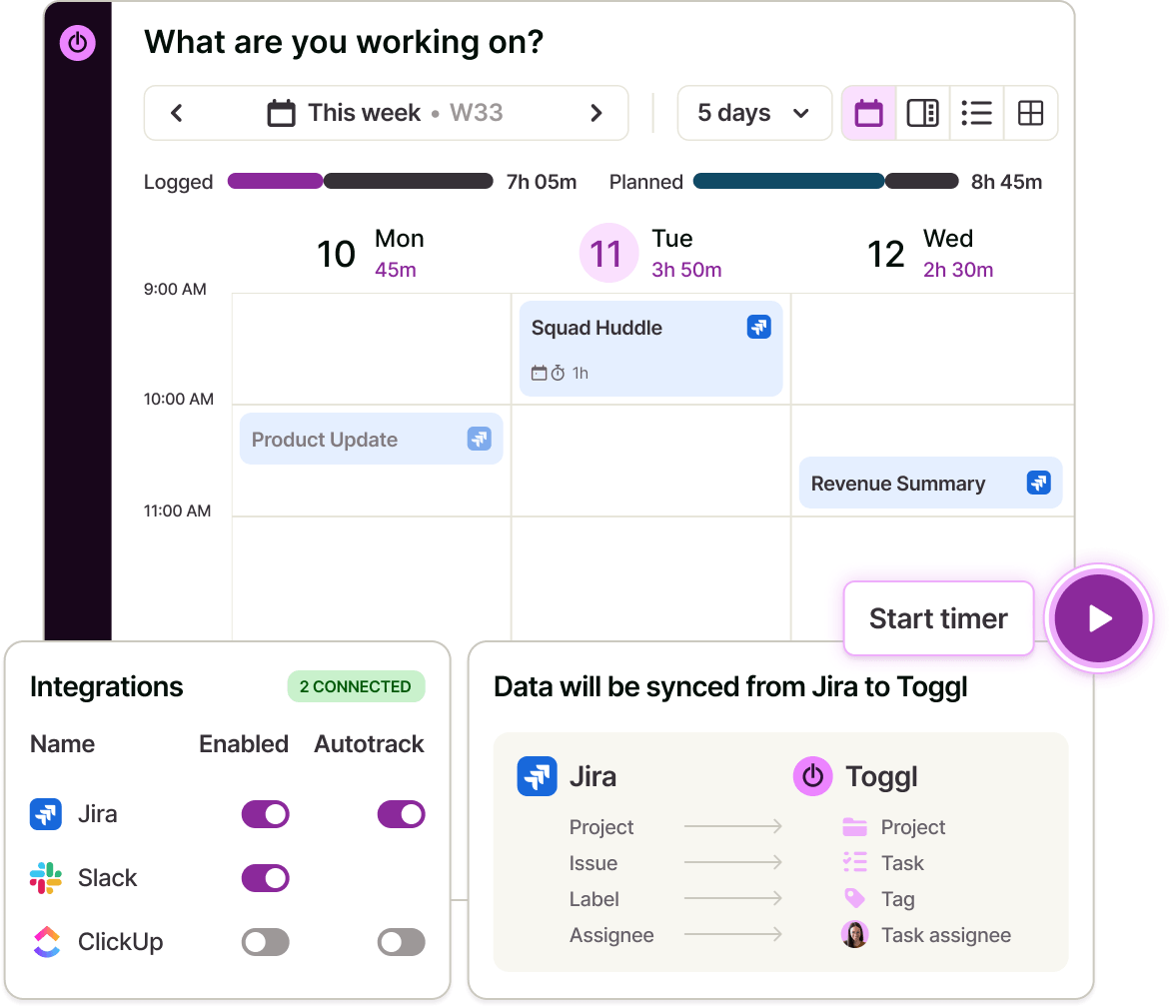
Integrations with your everyday tools
Sync data via native integrations for project management tools like Asana and Jira, and Google or Outlook calendars — so scheduled meetings and events show up on the timeline without anyone re-entering them.




Capacity planning software features
How does capacity planning work in Toggl?

Choose no schedule, a standard 8-hour day, or a custom pattern per person — admins can set this for the whole team.
Tasks need a start and end date to appear on the timeline and feed the capacity calculation. Drag tasks onto the timeline when you're ready to commit to a date.
Approved leave and detected public holidays reduce available capacity without any manual update.
See who's over capacity in hours, and who's under their billable target in percentage terms.

Add work you haven't committed to yet as a draft project, then zoom out to the quarter view on the Timeline to see how it would land on your team's capacity.
Turn on forecasting in the Workload, Utilization and Profitability reports to see where capacity, utilization and margins are heading, then decide whether you can take it on.
FAQs
