

Productivity software for teams that turns tracked hours into realistic plans
Time is the foundation of accurate planning. Yet, most teams still guess or use spreadsheets.
Project budgets, work estimates, and capacity plans often rest on guesses. Timesheets get filled in from memory. Project management tools treat time tracking as an afterthought.
That's how agencies under-bill and over-commit, while in-house teams can't show management where their time goes.
Toggl fixes the data first. When time tracking is simple and non-invasive, people do it. Then, every plan, budget and report built on that data is accurate.

Private time and productivity tracking your team won't push back on
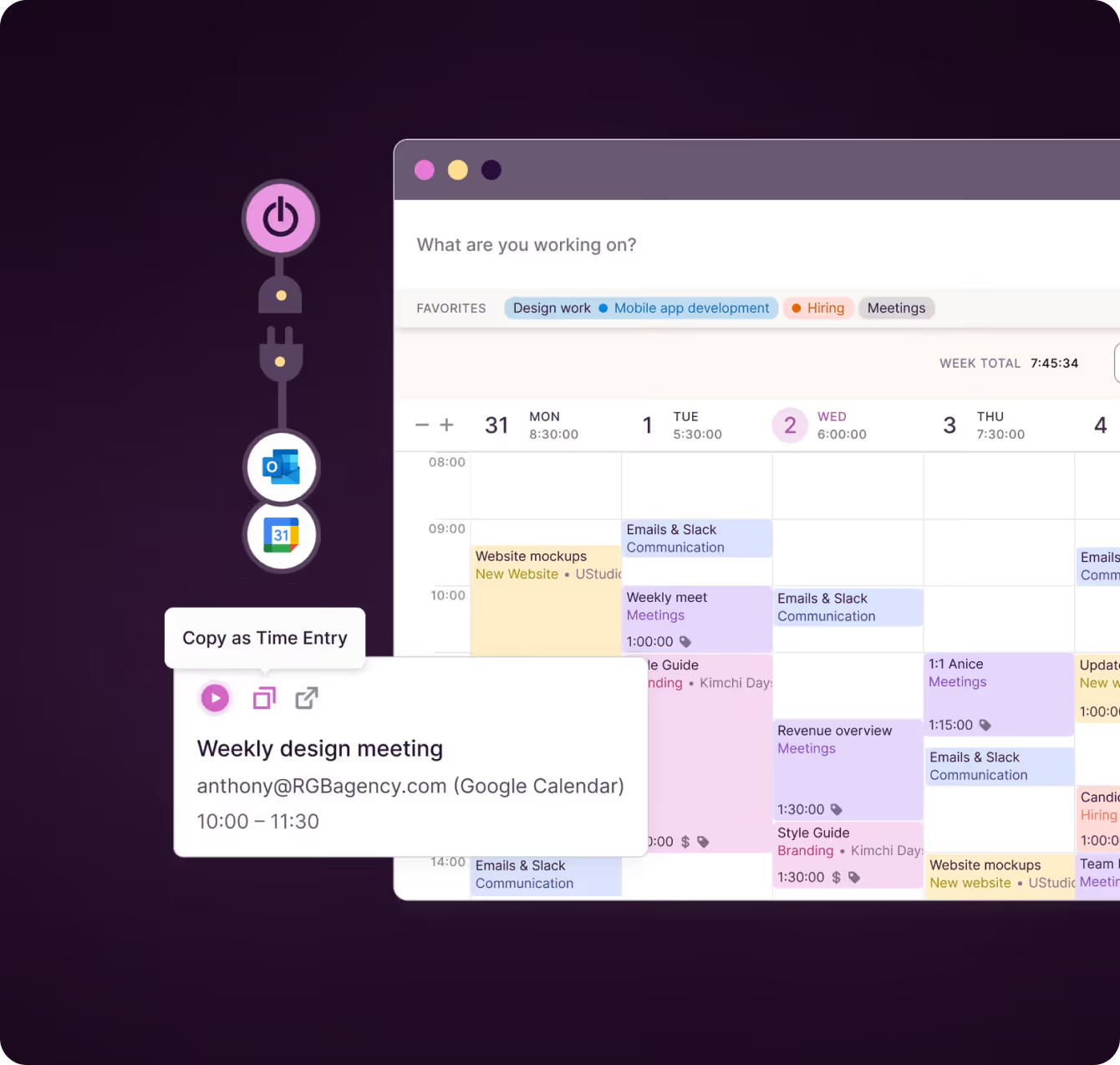
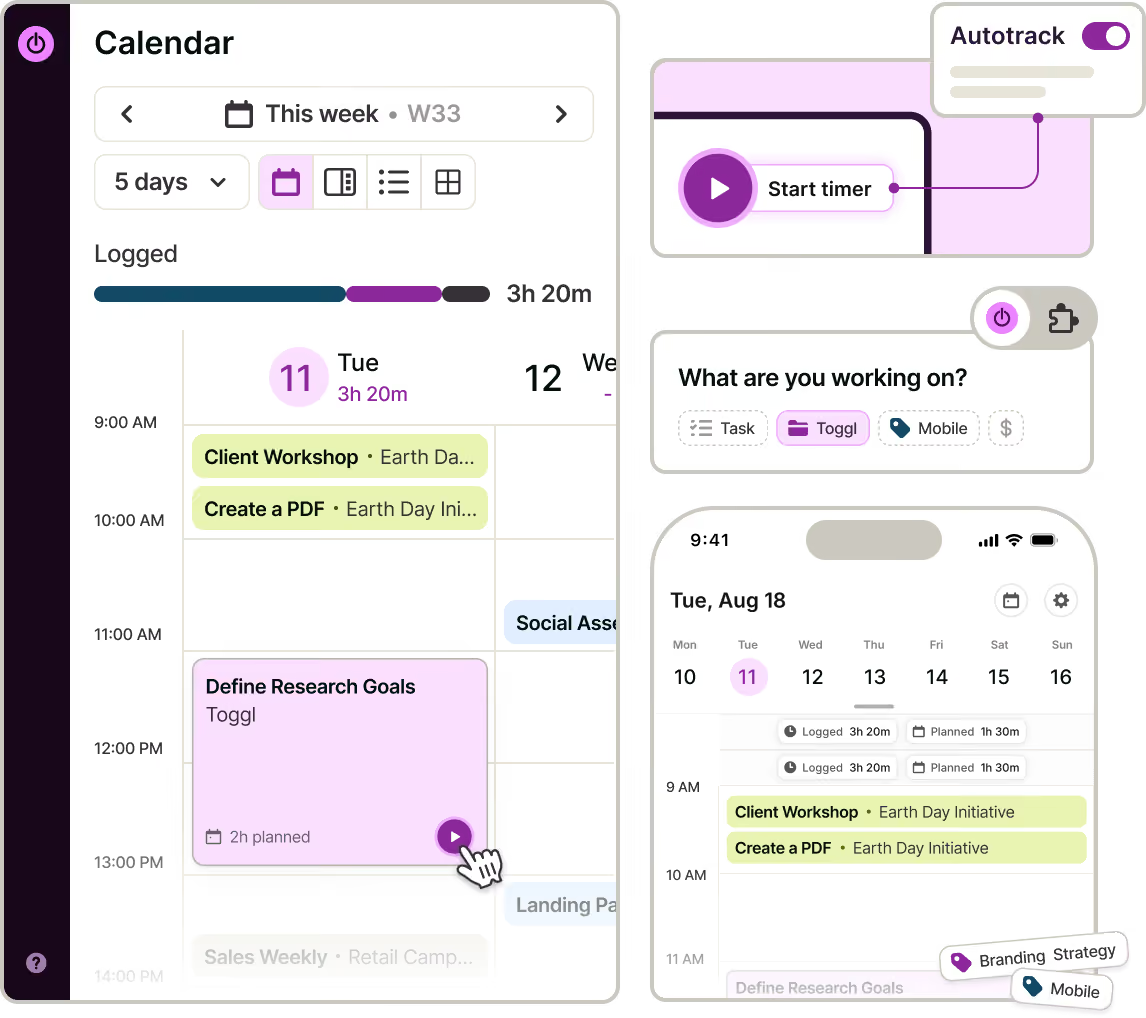
Time tracking is only useful when people do it consistently. That’s why Toggl makes it as easy as possible.
Start a timer from a task, a calendar event or the browser extension inside Jira, Asana and the other tools your team uses.
On desktop, employees can use the auto-tracker to keep a private activity timeline only they can see, so a forgotten timer or missed time logs don’t create gaps.
Managers review, approve and lock timesheets to ensure every report and invoice starts with clean data.

See your team’s productivity, time, and capacity in seconds
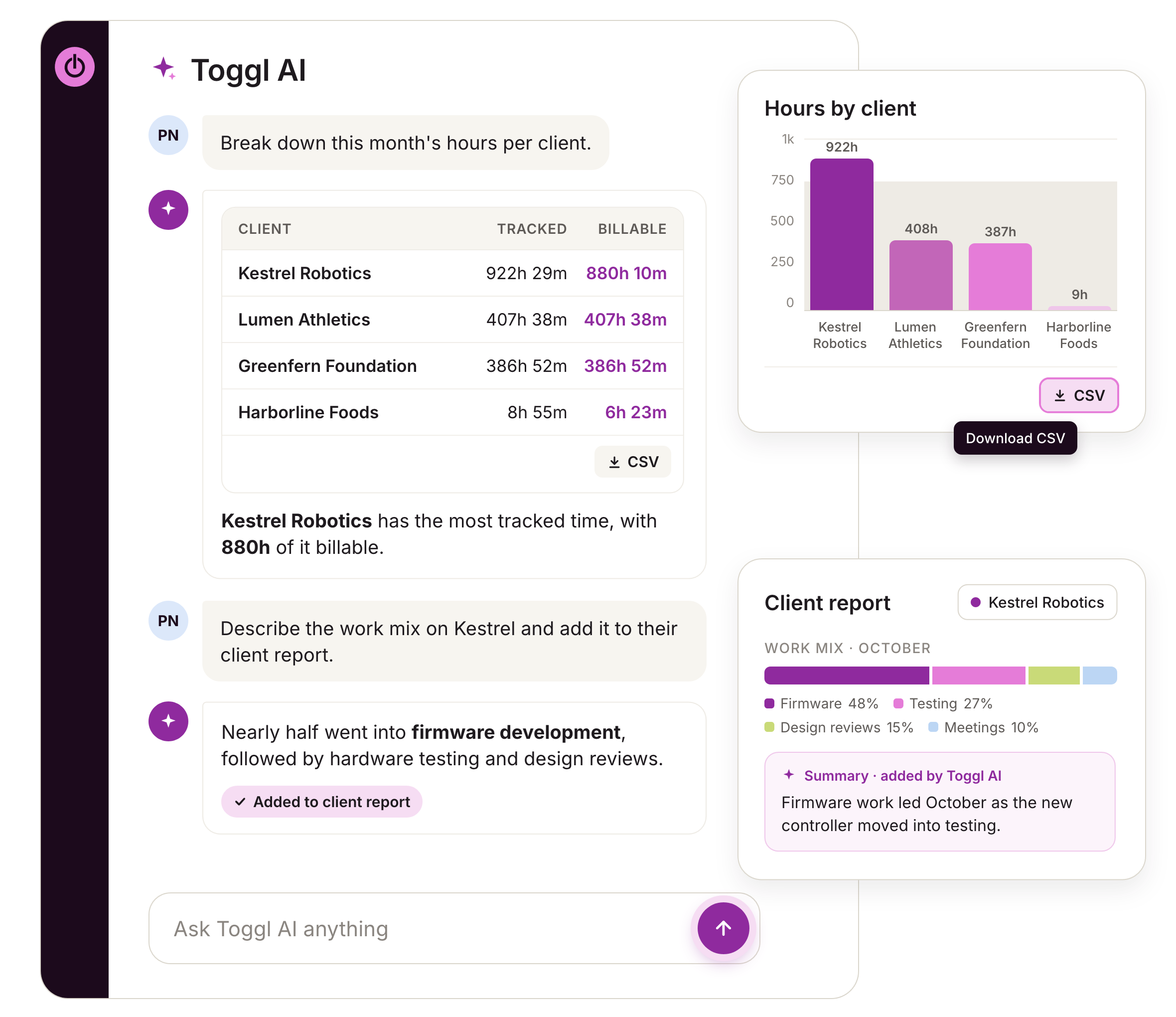
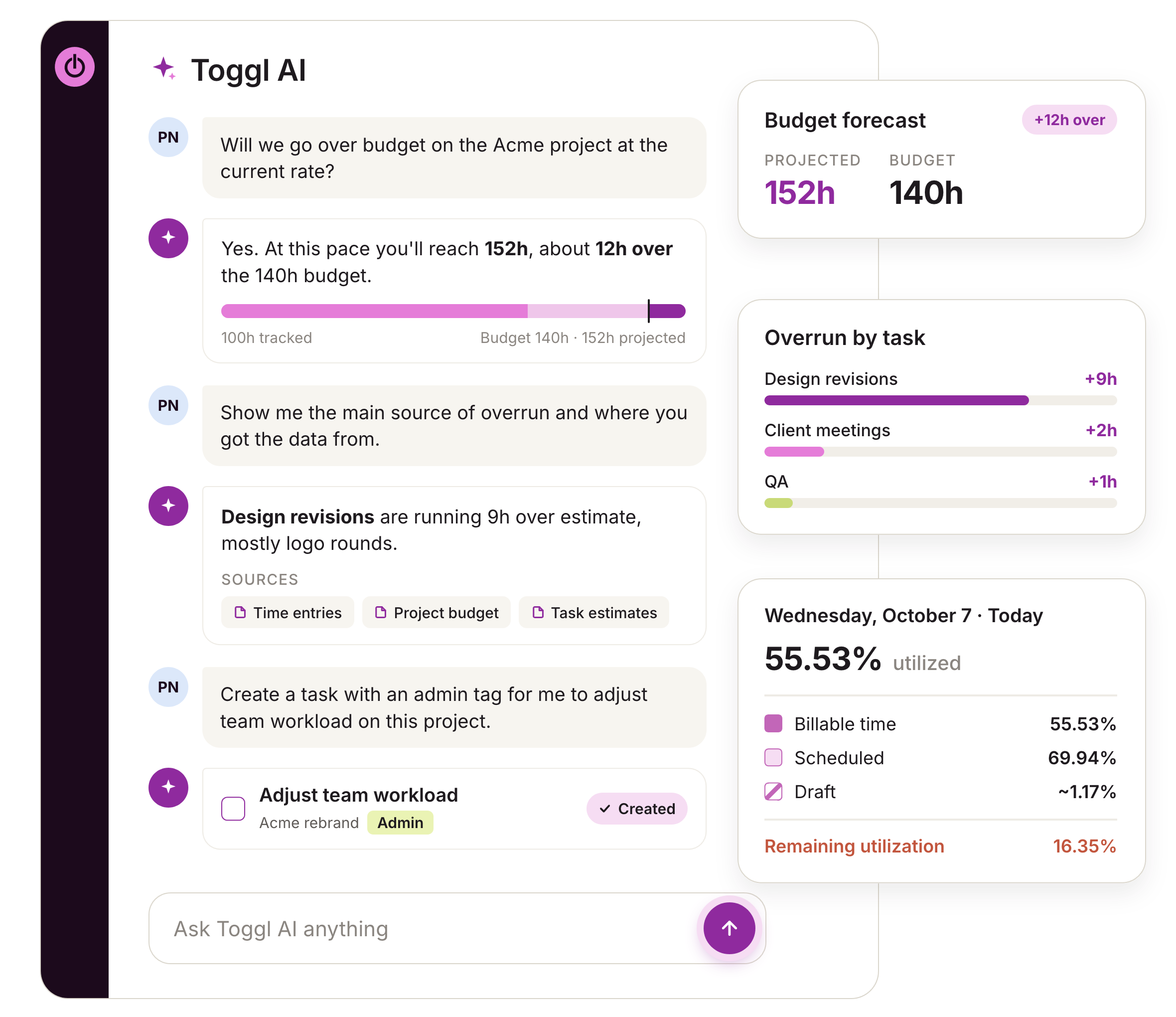
Toggl AI answers questions about your workspace data in plain language.
Ask which projects ran over their estimates, the splits between billable or non-billable work, who’s over capacity for next month or who can take on extra work.
The AI assistant can also generate tasks from notes, screenshots or briefs and handle routine work like logging time and creating tasks, projects, or tags.
The Toggl MCP also connects your time data to the AI assistants your team already uses, like Claude, Cursor, or Codex.

Capacity planning based on tracked time and productivity
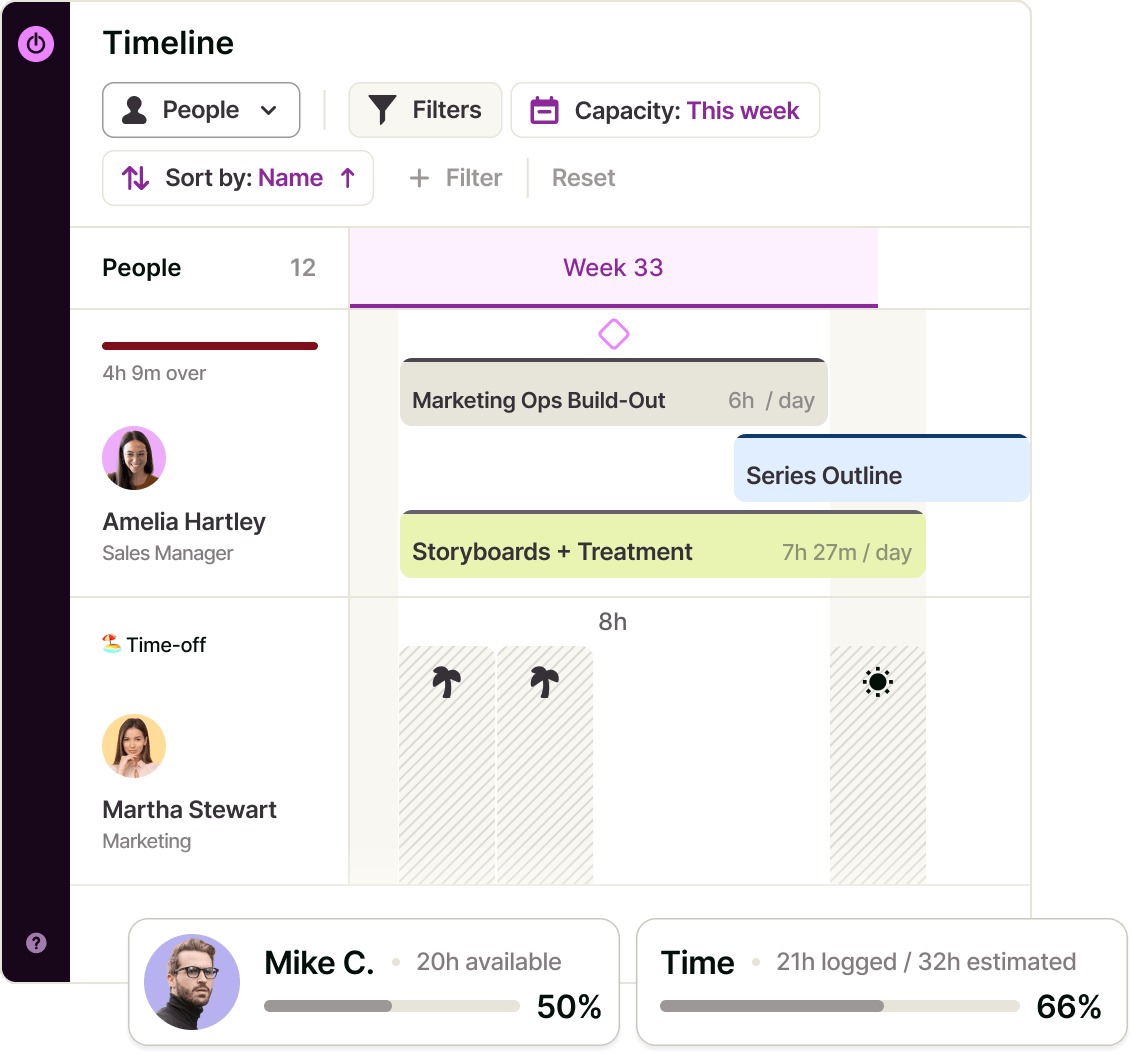
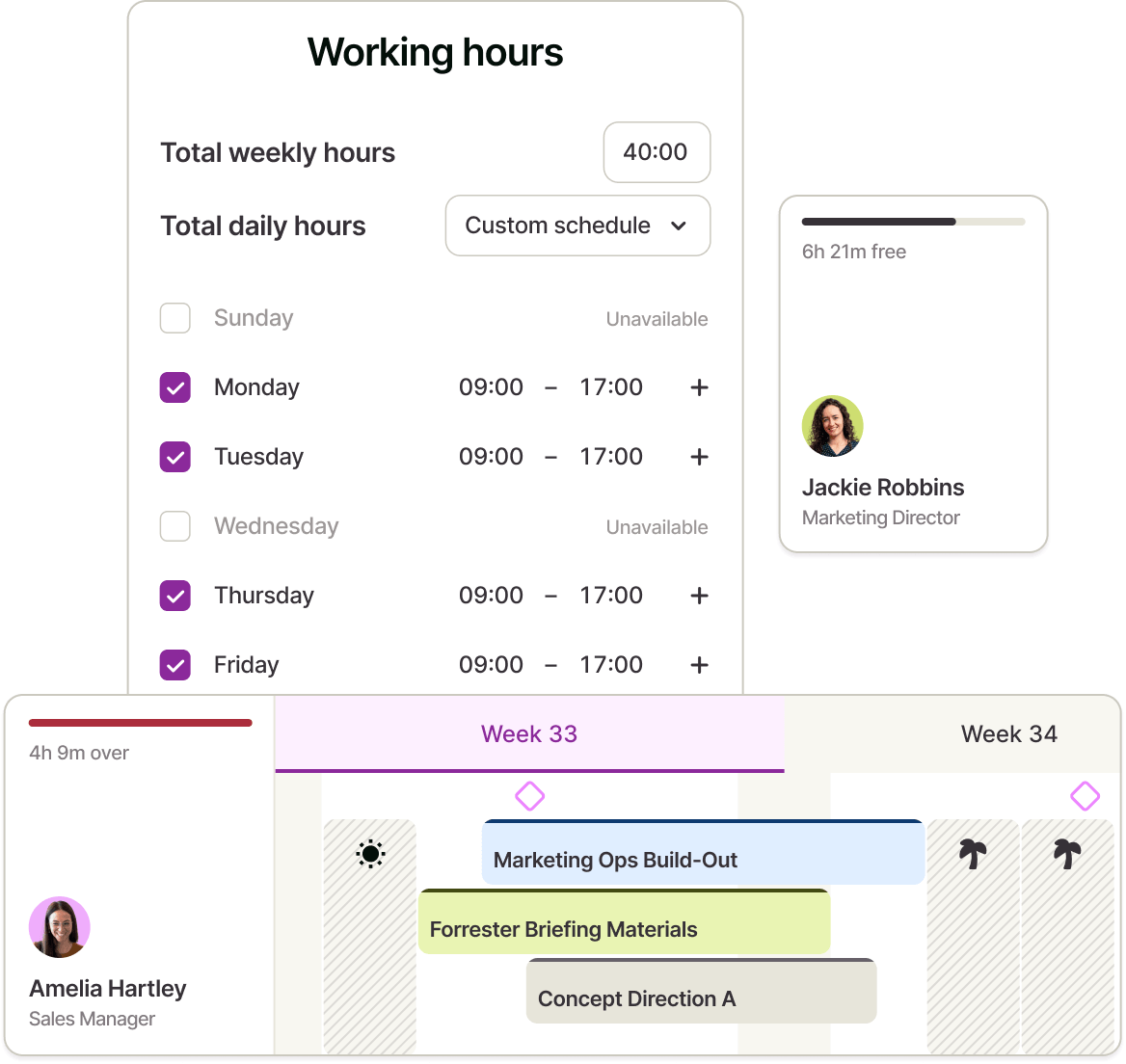
Toggl’s capacity planning calculates each person's real availability from work hours, assigned estimates, approved time off, public holidays and calendar events.
You know how long work took in the past, so your estimates are always based on evidence, not guesses or outdated spreadsheets.
Workload and Utilization reports track work against targets you set and flag when someone goes over capacity.
This data makes it easy to set realistic productivity expectations, without risking underutilization or burnout.

Compare estimates vs. actuals, while there's time to act
With Toggl, project tracking happens in real time. You just set task estimates and budget on projects.
As tracked hours come in, you see capacity and productivity changes instantly, while budget alerts flag overruns. You can adjust scope, staffing, or client expectations early.
The Toggl project dashboard answers the classic question "Are we on track against budget?"
You see revenue, cost and profit, with a forecast of where they're heading, plus time progress to compare logged time with the estimate.
Show what your team delivers
In-house IT, Ops and engineering teams also use Toggl to track their productivity and make their work visible.
Our productivity app breaks down hours by project, internal clients, teams or tags to support cost allocation and budget requests.
Project dashboards, saved reports and exports give leadership a clear view of where the team's hours go and what they deliver.
Task management that keeps plans and hours connected
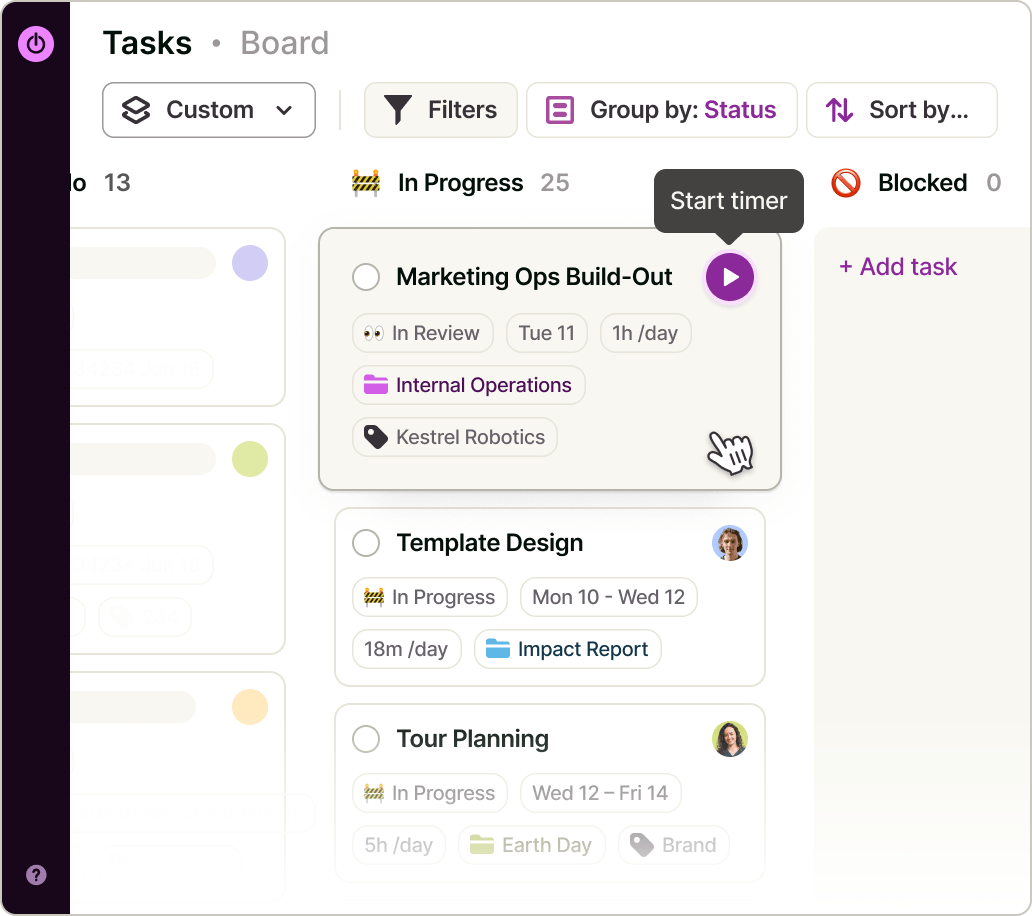
Unlike a simple to-do list, Toggl gives each task time estimates that feed directly into capacity planning and reporting.
There’s no need to use another tool or reconcile task and capacity data in a spreadsheet.
Toggl also gives teams the flexibility to manage tasks in different views: Kanban boards, lists or a timeline view, with recurring tasks for regular admin, reporting, or maintenance tasks.
The AI Task Manager lets teams control task management — including capturing, assigning, and completing tasks — using natural language.
Let team members track time in their everyday tools
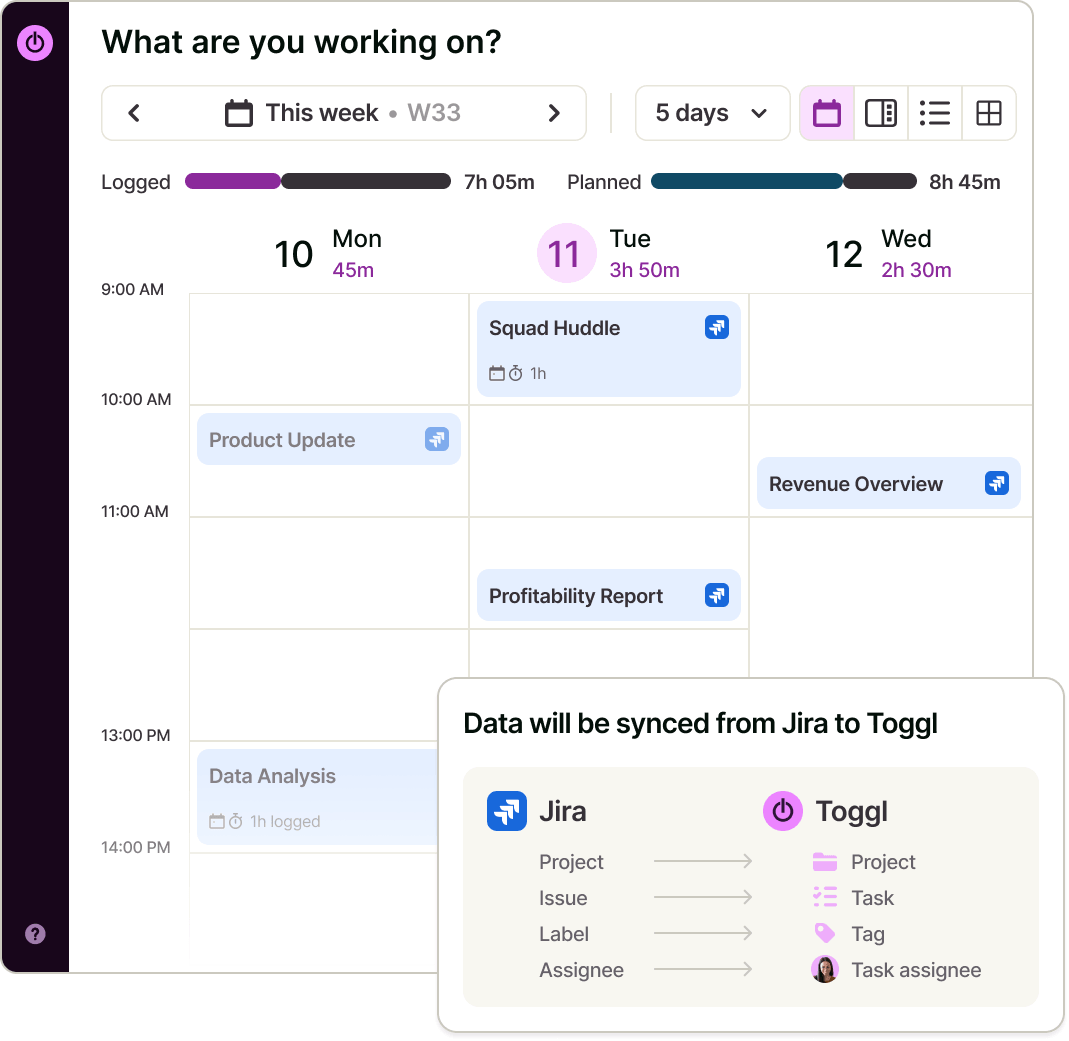
Google Calendar and Outlook integrations bring meetings into your plans. Native syncs with Jira, Asana, GitHub, and more ensure people don't have to leave their workflows to track time.
The browser extensions put a timer inside everyone’s favorite tools, so no one has to change their workflow to track time.
Teams can move their data and history via CSV from Clockify, Harvest, ClickUp, Asana, Trello, Notion, or monday.com (and set up workflow automations through the Toggl API).

Online, offline or on the go? We have an app for that!
NEW WEBSITE


REACHED




Toggl's team productivity features
Add clients, projects and tags by hand or with the AI assistant, and set everyone's work hours.
Sync Jira or Asana, connect Google Calendar or Outlook, and install the browser extension so people track time where they already work.
Add tasks with assignees and estimates or import projects via CSV from Clockify, Harvest, ClickUp, or another project management tool.
Timers, calendar events, mobile apps and the private desktop auto-tracker keep timesheets complete without reminders.
Workload and utilization reports show who has room, with time off and holidays automatically factored in.
See where hours went by project, client and person, then adjust plans, budgets and staffing while there's still time.
FAQs