

AI Task Management
The AI task manager for daily planning and team collaboration
Toggl turns notes, prompts, and photos of to-do lists into tasks. It then tracks time and answers questions about tasks, projects, progress, capacity, and profitability using natural language input.

Multiple task views
Subtasks & recurring tasks
Time estimates for tasks
Project management
AI chat assistant
Best-in-class time tracking







AI task management tool for teams and individuals
Task lists show what's in progress, finished, or on the backburner. They don't tell you how long tasks take, whether your estimates match reality, or if the work was profitable. Toggl puts the plan and tracked hours on the same task and helps you manage everything with AI.

AI Task Creator for instant task capture
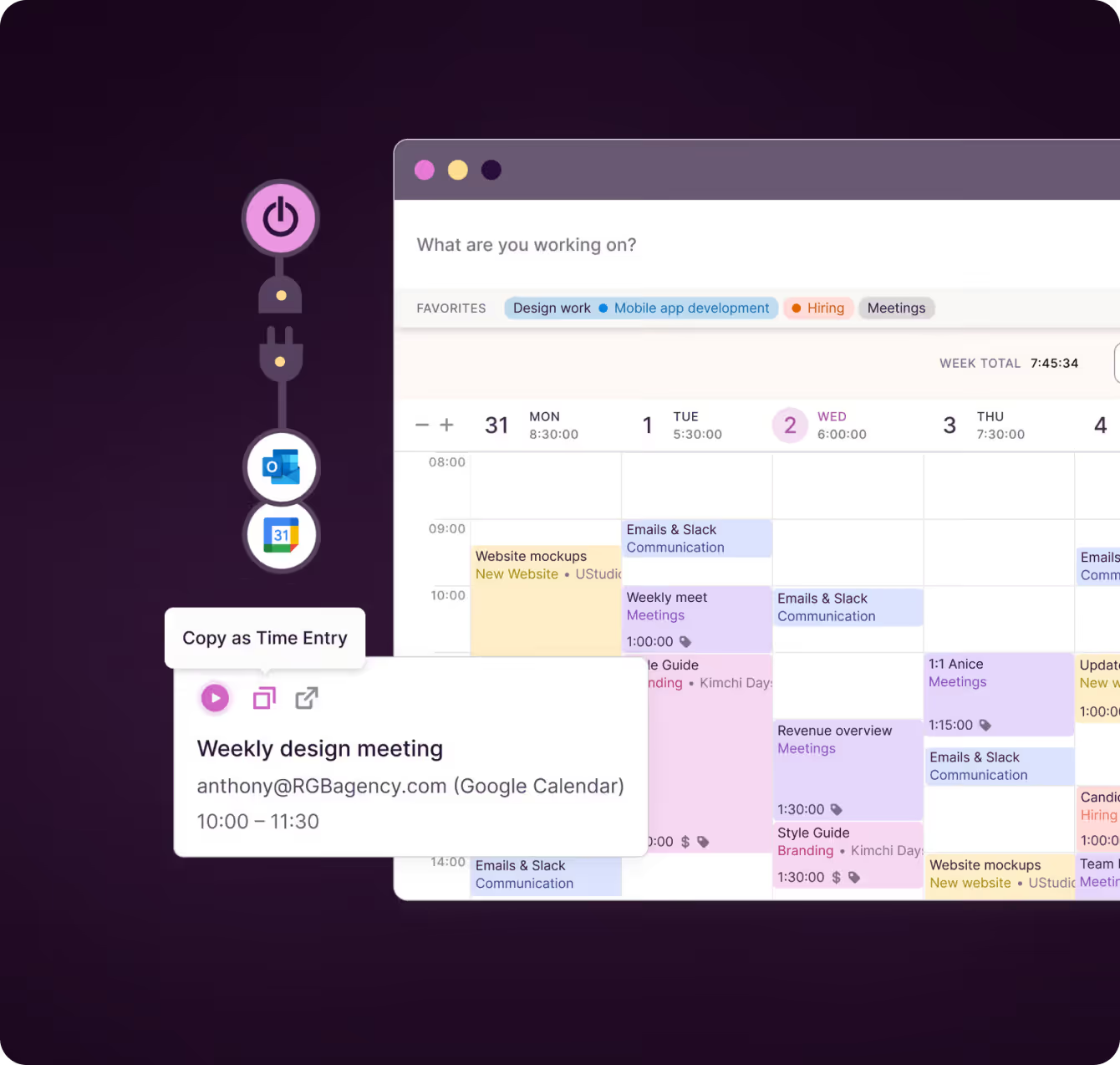
Toggl handles task capture by turning briefs, meeting notes, or photo of a lists into structured tasks in seconds.
Review and edit the list before anything is added. Set a project, priority, or tag for every task at once.
You can also create tasks manually. Toggl's AI capabilities are only there when you need them and out of your way when you don't.
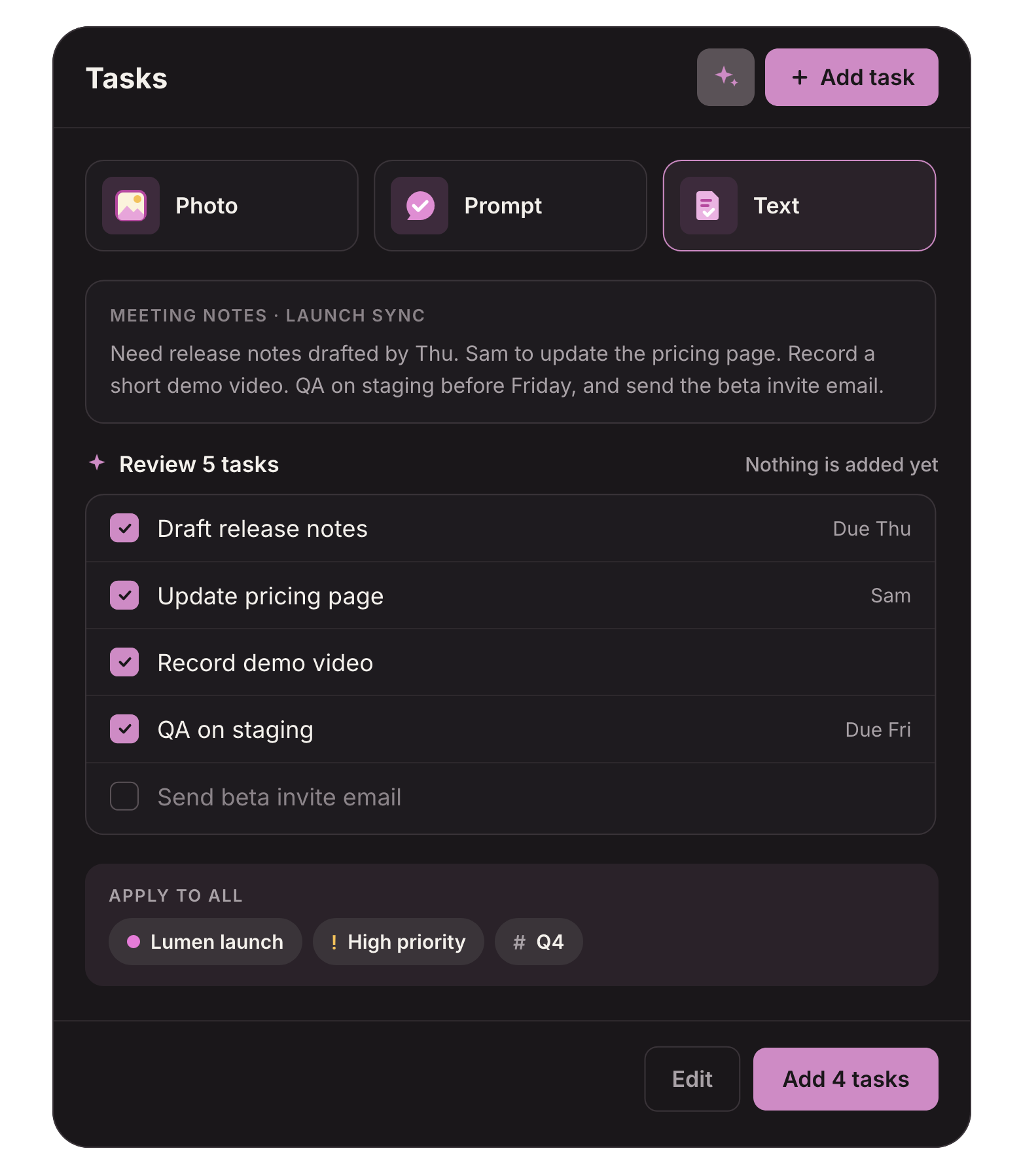

Quick answers from your task and time data
Ask the Toggl AI assistant how work is going in plain language: which tasks and deadlines are slipping, who’s at risk of going over capacity, or which projects ran past their estimate and why.
Toggl AI replies with the numbers behind each answer, calculated from the hours your team actually tracked and the estimates you set.
"As we're reporting on what their hours spent is looking like, I ask it [Toggl AI] for descriptions on the work mix of it so I can feed that context back."
Amanda Viehman, VP of Professional Services at Sleek Consulting

Visual task management
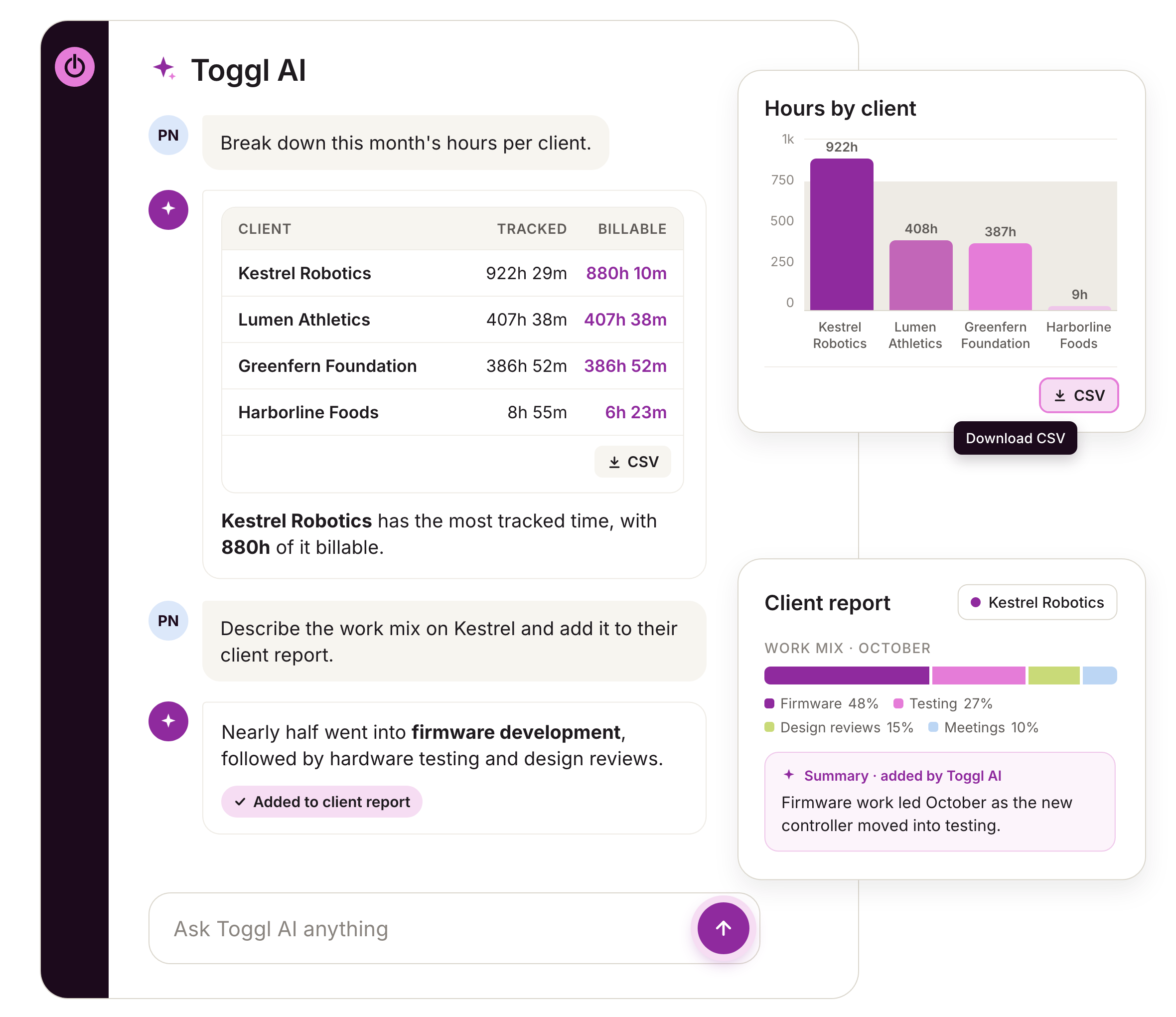
Kanban Boards, Timelines, Calendars, or simple Task Lists — Toggl lets you manage tasks your way.
All views use the same task and time data, so nothing is rebuilt when you change how you look at tasks.
Custom and required fields also help you keep data consistency.

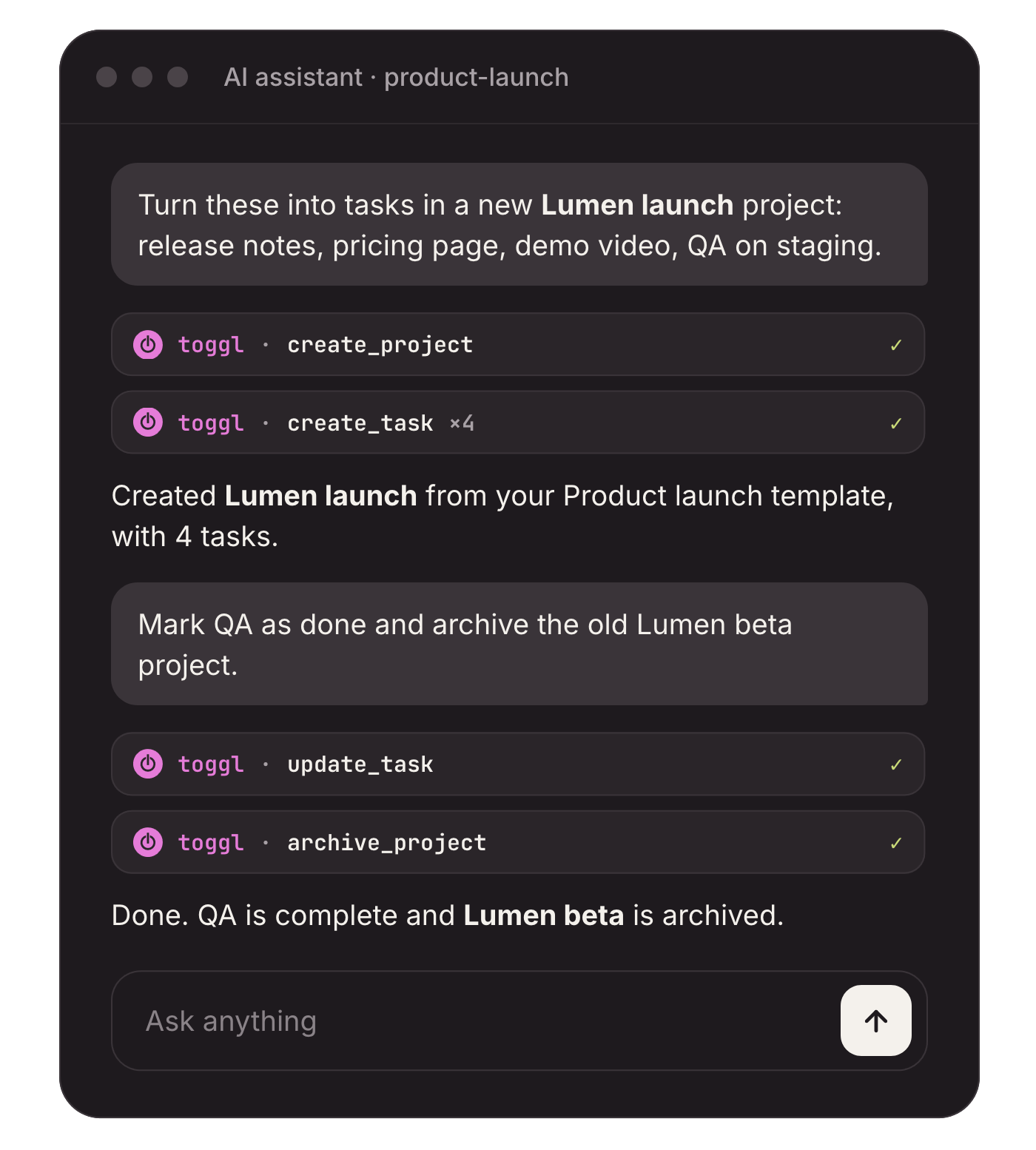
Create and update tasks from any AI chat
Ask Toggl AI to create projects, tasks, and tags, or handle time logging or task scheduling. It works with simple natural language and bases answers on your workspace data, so there's no guesswork.
If you prefer another AI assistant, the Toggl MCP server lets you connect to Claude, Cursor, and Codex, so you can do the same from outside Toggl: create and update tasks, handle task assignment, set dates, and compare estimate to actuals.
Task prioritization based on time and profitability
Don’t know what work to prioritize? Ask Toggl AI to analyze the task and time mix on a project, plus profitability and margins.
Analyze and add that context to your Toggl reports, so you can understand what truly moves the needle and prioritize tasks accordingly.
.avif)
Toggl brings AI, time tracking, and capacity planning into the task list your team already uses
Tasks from your notes
Upload a photo of a to-do list, write a short prompt, or paste notes, and the AI Task Creator turns them into a reviewable task list.
Plain-language questions
Ask about hours, estimates, and capacity in plain language and get answers calculated from your workspace’s reporting data, with the numbers behind them.
Actions from the chat
Ask Toggl AI to log time, create tasks, projects, and tags, or change workspace settings, and it completes the work inside your permissions.
Estimates against actuals
Every task holds an estimate and the time logged against it, so plans and progress reports come from the same record.
MCP for AI assistants
Connect Claude, Cursor or Codex through the Toggl MCP server to create, update, and assign tasks without leaving the AI tools you work in.
Connect your tools
Sync with project management software like Jira and Asana. Turn Google Calendar events into tasks in one click, so the AI works from the work your team already has.
Owners, Managers & Team Leads
Plan your team’s week on one board, split estimates across the people doing the work, and see leave and holidays without keeping a second calendar.
Employees & Freelancers
See everything that’s yours today in one list across web, desktop and mobile. Start the timer from the task instead of rebuilding your week on Friday.

Complete task, time, and capacity management
Connected views and workflows
Switch between Board, Task list, Calendar and Timeline, with custom statuses and changes carried across; save views and pin favorites.
Flexible, repeatable tasks
Add assignees, dates, priorities, estimates, tags, comments, attachments and subtasks to personal or project work, then set tasks to recur.
Team assignments and capacity
Assign tasks to people or teams, split estimates by custom shares, and see capacity based on working hours, time off and public holidays.
Custom structure and controls
Add custom and required fields, edit tasks in bulk, review change logs, and manage access with five user roles.
Time tracking across devices
Track from a task using a timer, manual entry, Pomodoro or calendar event across web, iOS, Android, macOS and Windows.
Imports and two-way sync
Import from SV, including Harvest, Clockify, ClickUp, Asana and Teamwork, or sync with Jira and Asana.


Why 120,000+ users started...
Small team and no budget? We have you covered
“The best free time tracking app”
"After trialing 20 similar products, Toggl was a clear winner providing everything I needed."
Today, 14 Apr
7:15:50
Illustrations
2:12:50
5 billable hours every day
3/5 hours
REACHED
Code every day
5/5 hours
NEW WEBSITE
12 of 20h
PM Daily
0:00:25
How does Toggl's AI task management work?
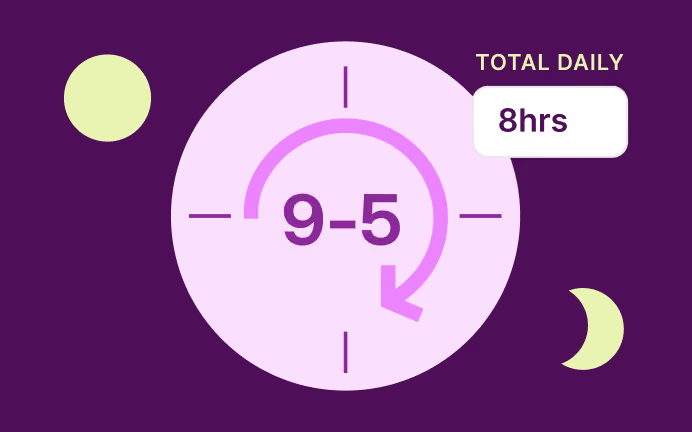
1. Create a workspace and invite your team
It’s free for up to 3 people, with no card required.
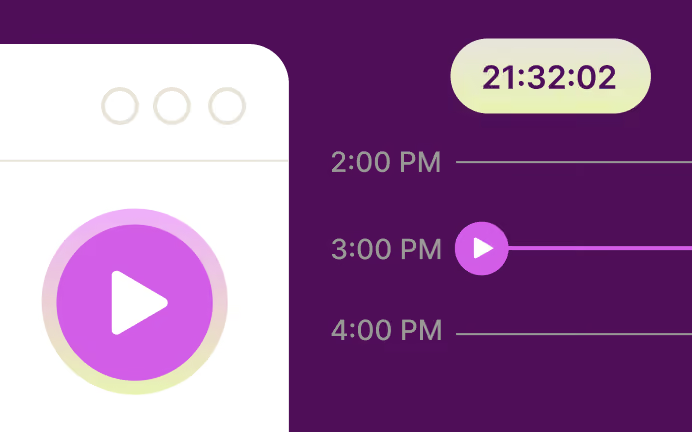
2. Add a photo, a prompt, or notes
Click the AI icon or press I, then upload a picture of a list, describe the work, or paste text.
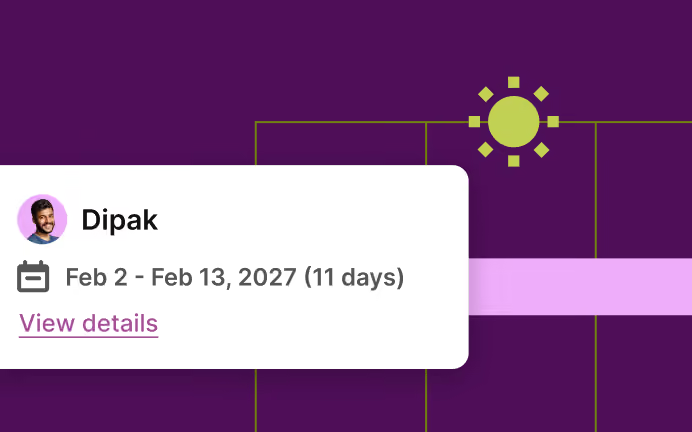
3. Review and add the tasks
Edit the list, set a project, priority, or tag for all of them, then add them.
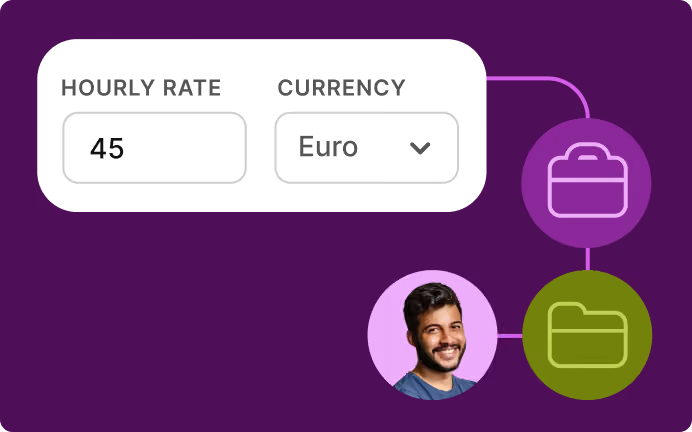
4. Visualize and assign tasks
Kanban boards, task lists, Gantt charts, timelines — use the visualization that fits your workflow.
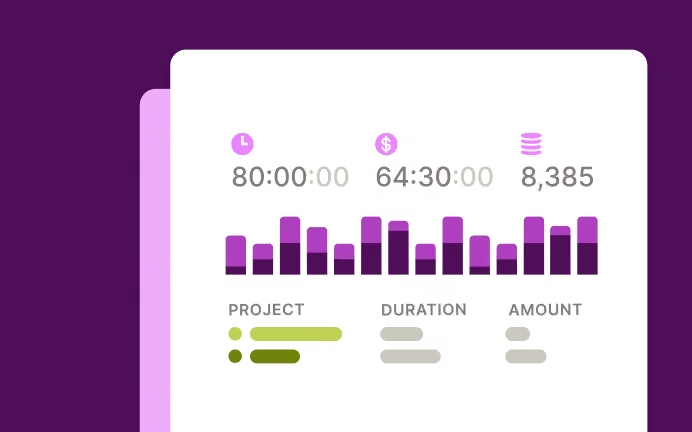
5. Track time against your tasks
Use a one-click timer, automated tracking, manual entry, or even Pomodoro.
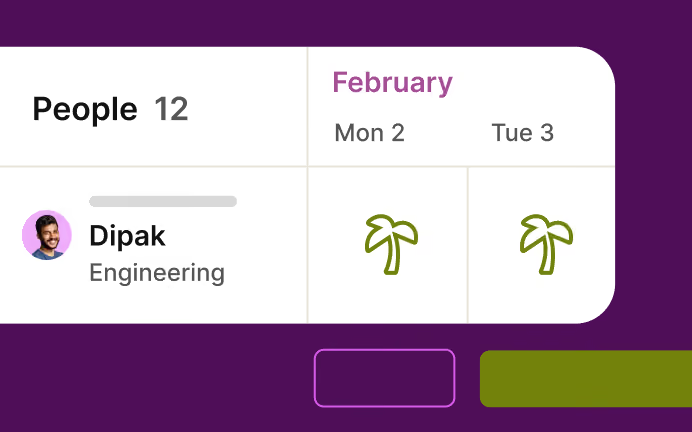
6. Ask Toggl AI for insights
Ask about hours, estimates, margins, profitability, and capacity in the chat.
FAQs


