
Toggl vs Toggl Track: What’s Changed?
In September 2026, the new Toggl — what we had been calling Toggl 2.0 and Toggl Focus — became our flagship product.
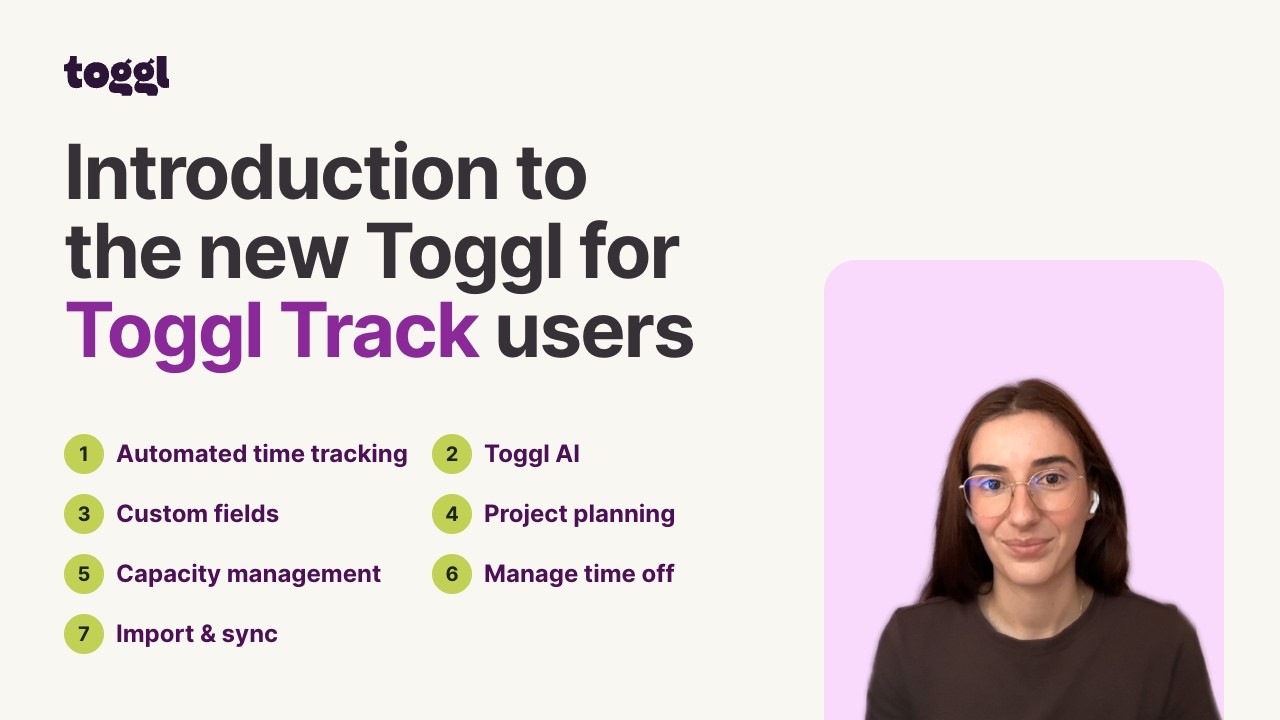
Check out the video or the official documentation for a more detailed look at what Toggl can now do for your business.
Here’s an overview of its similarities and differences to Toggl Track:
Toggl keeps the best parts of Track
Simple, intuitive, non-invasive time tracking across web, mobile, and desktop.
Toggl lets teams use their time data to do more heavy lifting, compared to Track
It shows team capacity, who’s over- or underbooked, and where hours turn into margin.
Toggl has some completely new capabilities
Capacity planning and management, time off management, more reports, task and project management, and an AI assistant.
Who is the new Toggl for?
We still serve the same people and teams we always have:
Agencies, consultants, law firms, and other professional services teams
Toggl captures every billable hour, makes timesheets easy to submit and approve, and flags scope creep before it eats your margin. Capacity planning and profitability reporting live in the same place as your tracked time, so you can see which projects and clients make money.
In-house teams, including dev and IT teams working in Jira
Toggl turns tracked hours into better sprint tracking and clear reports on utilization, workloads and labour costs, so you can make the case for your budget or headcount based on real numbers.
Freelancers and individuals
Simple time tracking in Pomodoro or Focus mode, capturing billable hours, and analyzing how time is spent.
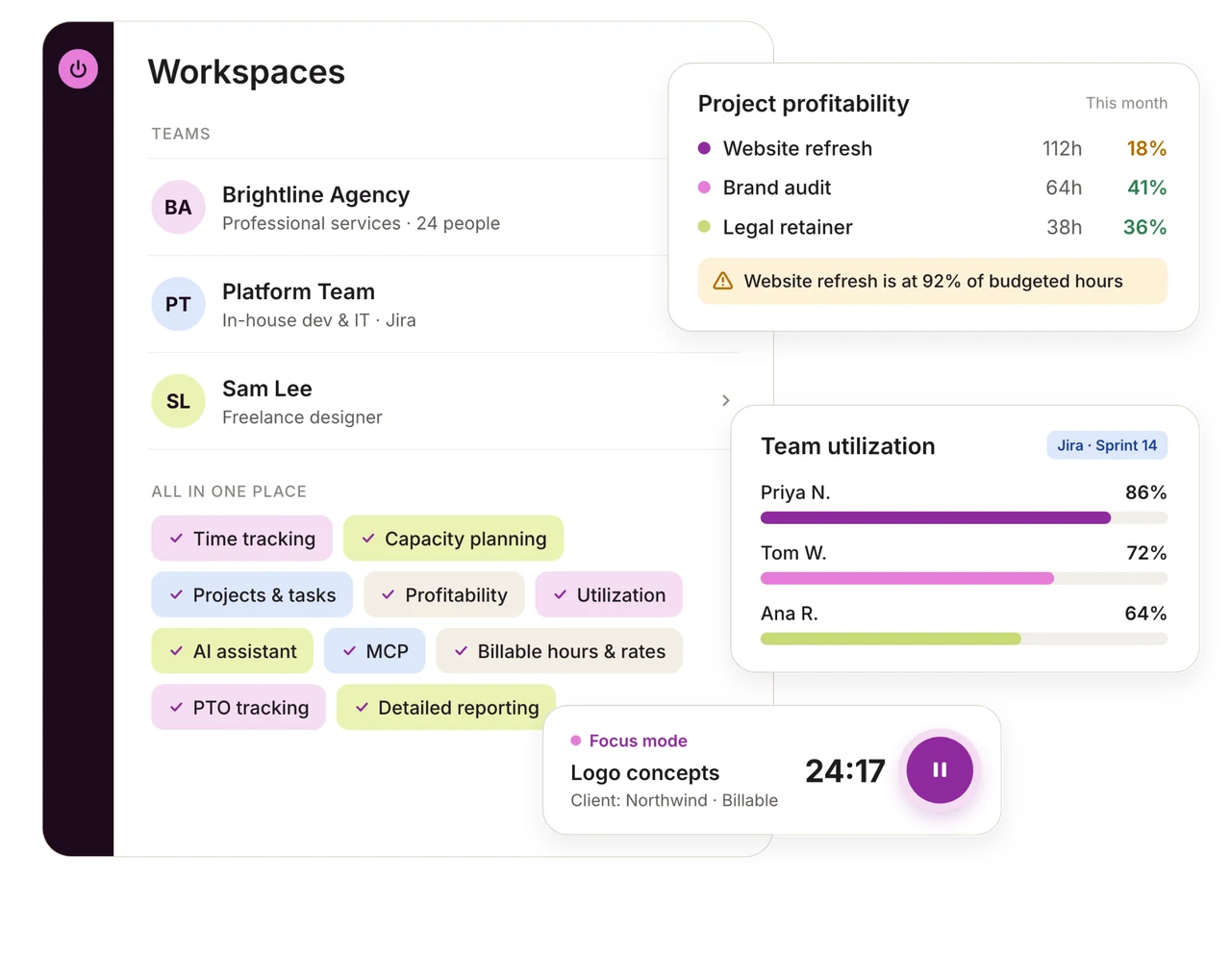
The difference is not in who we serve. It’s how much more our product now offers by combining easy time tracking with capacity planning, task and project management, and better reporting for billable revenue, labour costs, profitability, utilization and workloads.
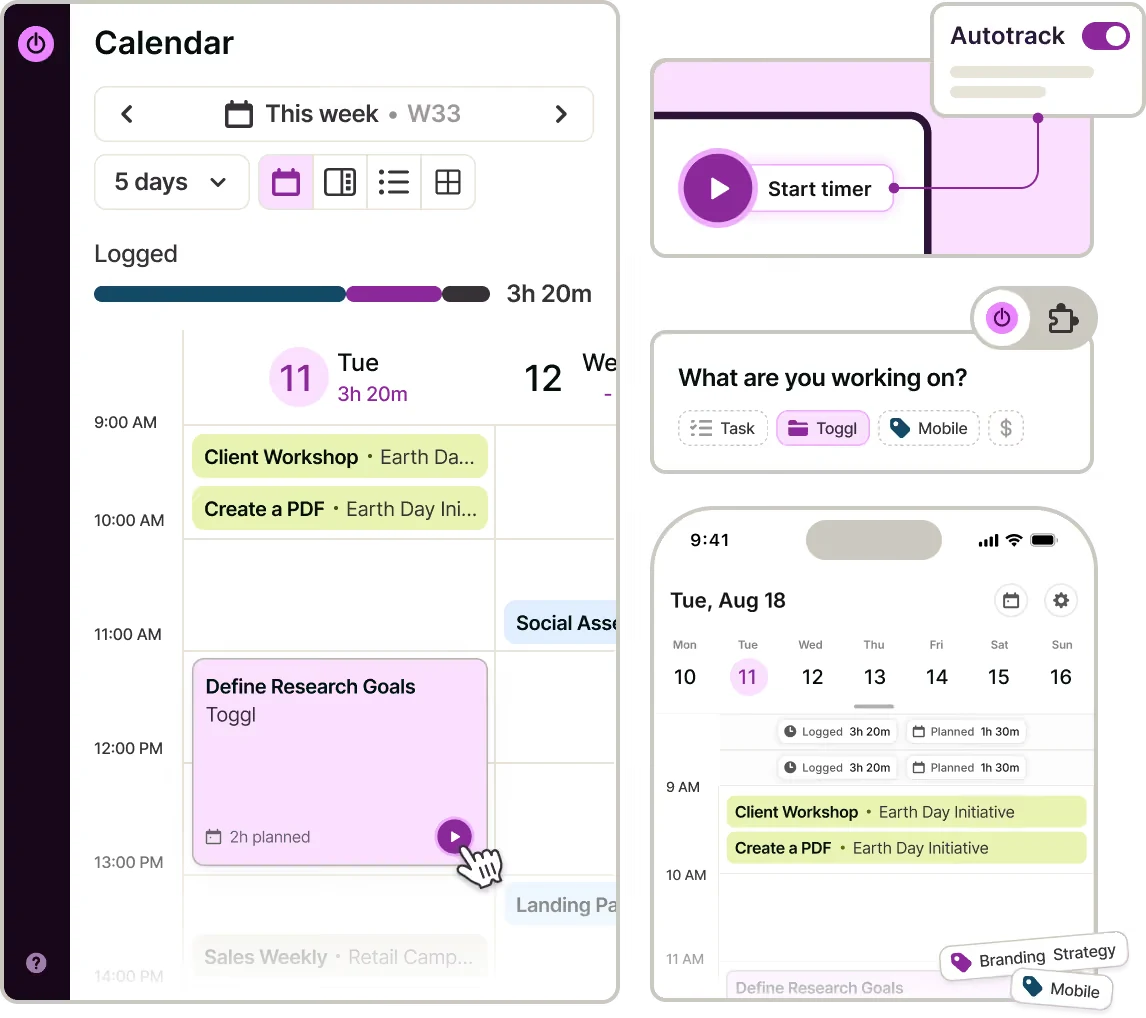
How does time tracking work in Toggl now?
Toggl’s time tracking is still simple, versatile, and private. You can capture time as it happens in one click, log it at the end of the day, work in focused sprints, or let the app track it for you automatically.
Toggl also follows the same anti-surveillance policy as Track. No screenshots. No keystroke logging. No webcam tracking. This is a line set in stone for us. We haven’t crossed it in 20 years and we won’t start now.
What about Toggl Track and Plan?
If you currently use Toggl Track or Plan, don’t worry. They remain available and supported by our team. You can keep using them as you do today. We only encourage you to:
Give the new Toggl experience a try and keep up with the latest releases.
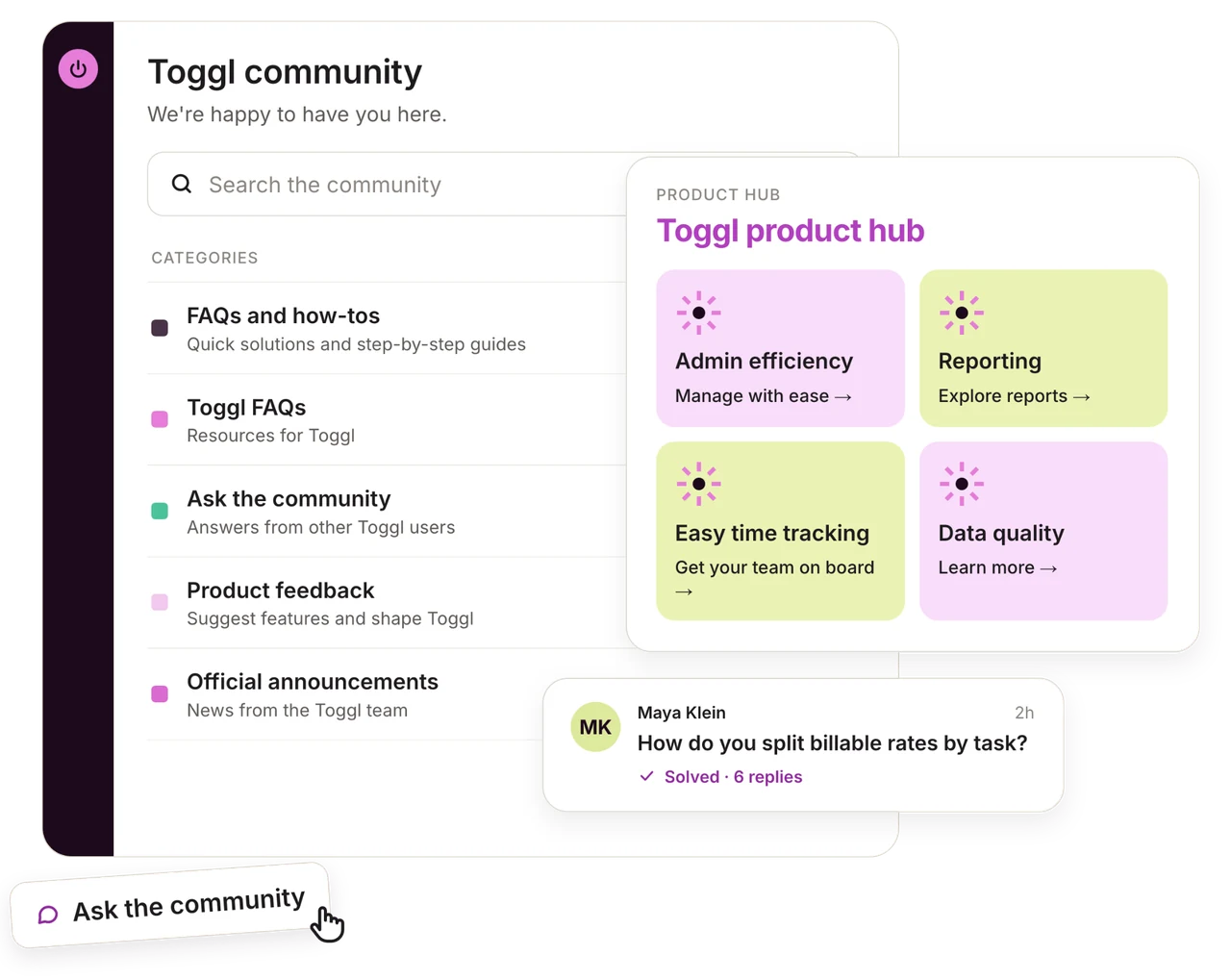
Share your feedback with us in the official Toggl Community to help make the product even better.
Why such a big change?
Because our customers told us this had to be the next step in our product’s evolution.
For 20 years, Toggl Track has made time tracking simple and reliable. Teams and freelancers alike loved it enough for us to build a profitable business on top of it.
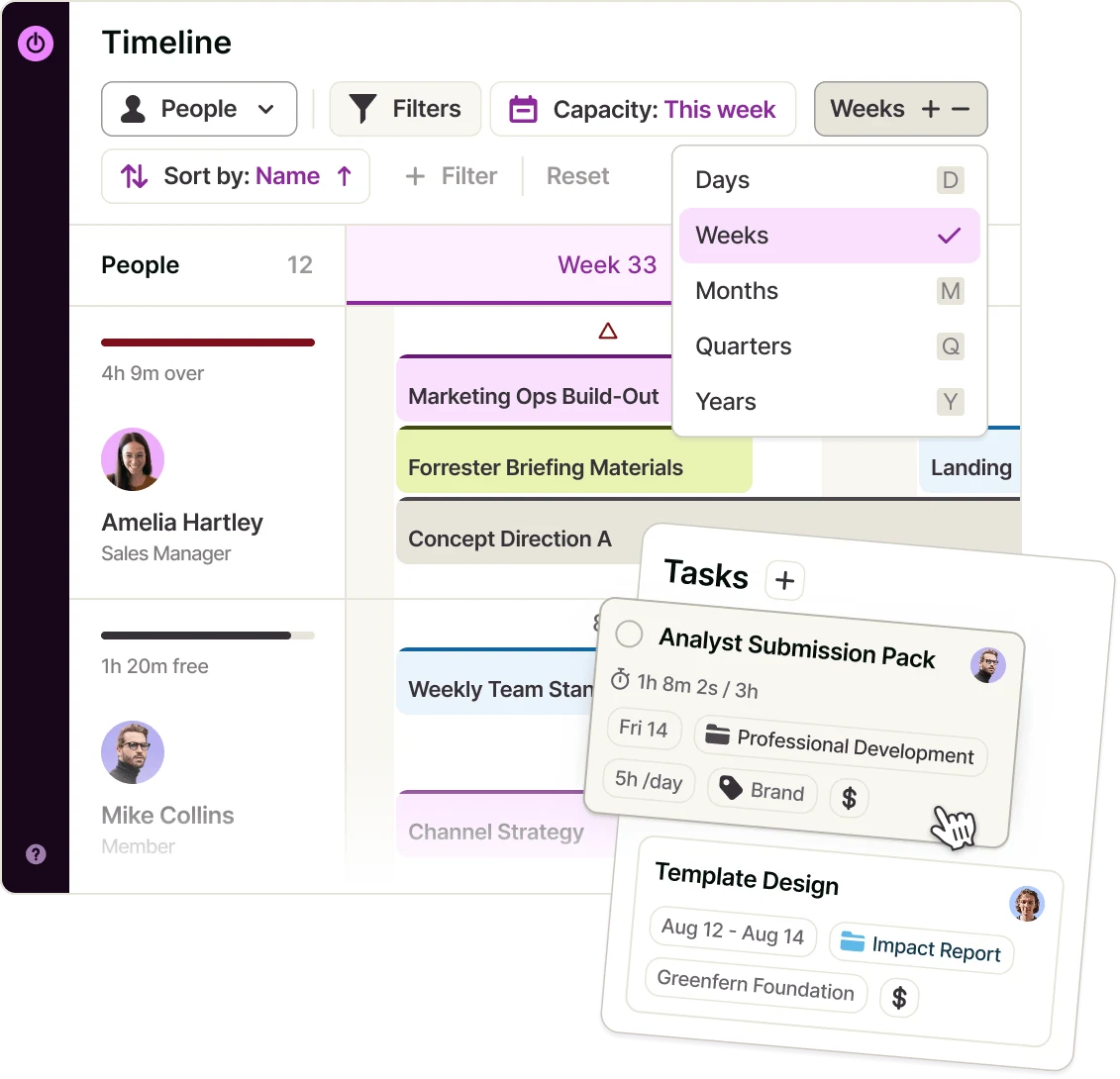
However, we kept hearing the same frustration from customers: Time tracking tells what you did and how long it took but doesn’t show you:
If you have capacity to take on an extra project next week, month, or quarter.
How taking that extra work on will impact your profitability, margin, and individual capacity.
If your future plans are realistic, based on how long similar tasks and projects took you previously.
We built the new Toggl as a solution to these (and other) limitations, so our customers can track, plan, and execute work knowing their decisions are based on accurate time data.
How can I switch from Toggl Track to the new Toggl?
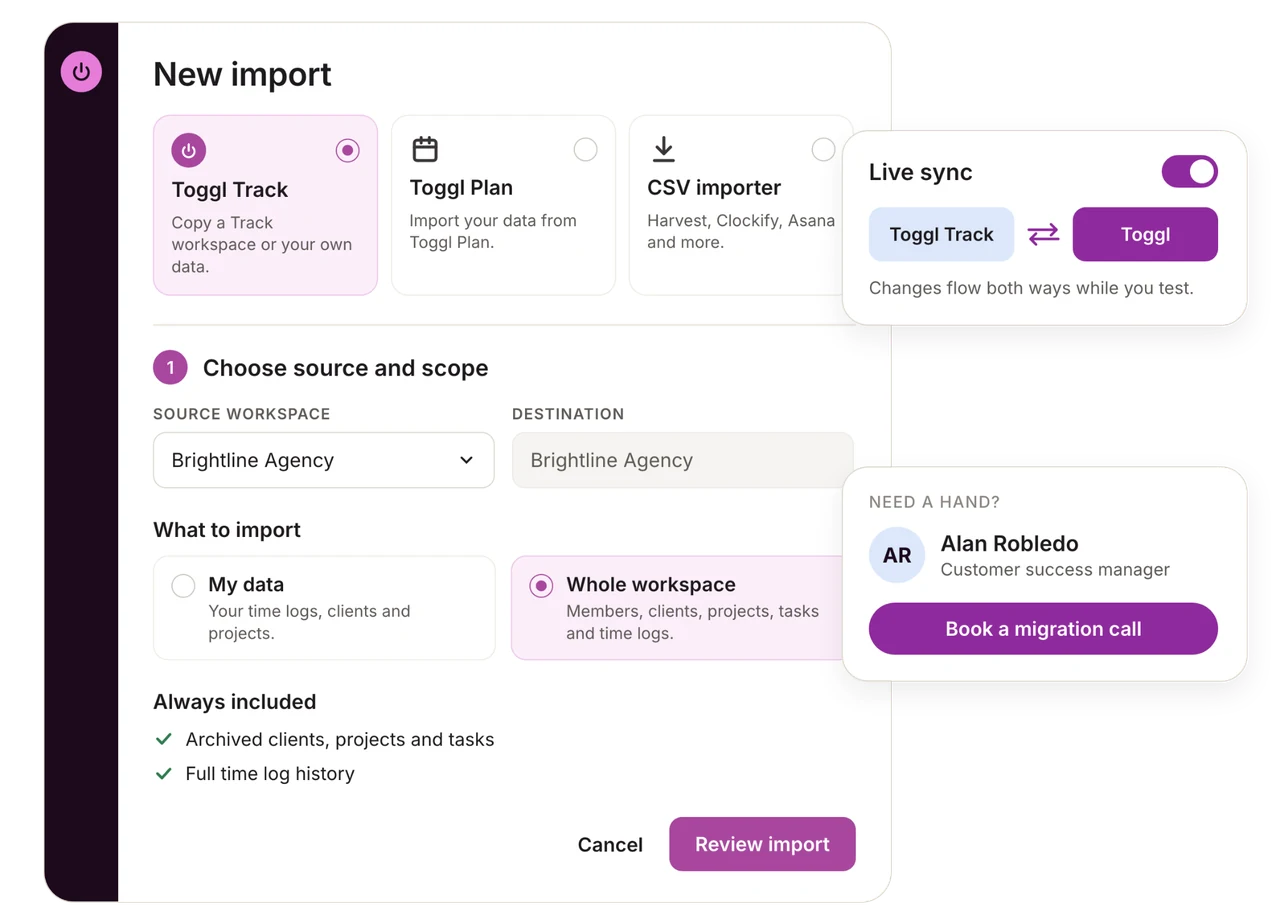
You can import your entire existing Track data into Toggl. You can also set up a live sync between both apps, so changes made after the import flow between the products while you test Toggl out.
Please follow the instructions in our Admin Guide for the exact process, as well as what you should know beforehand.
If your account has an assigned customer success manager, you can reach out to them for help with the process.
If you don’t have an assigned customer success manager but your account is larger or more complex, reach out to Toggl Support to discuss options for hands-on assistance.