

The project management software that shows you the plan, the people and the hours
Toggl gives your team one place to plan the work, schedule it against real availability, and track the time it takes — so the estimate, the schedule and the invoice all come from the same source.

Four views over the same work — Board, Task list, Calendar and Timeline
Live capacity per person, with time off and public holidays already subtracted
Best-in-class time tracking built in







Most project management tools plan the work. Toggl also knows what it costs and how long it takes
Plans drift from reality the moment they live in a different tool from the hours. In Toggl the schedule, the estimates and the tracked time all hang off one task, so "are we on track" and "are we making money" are the same question asked twice.

Intuitive task management across different views
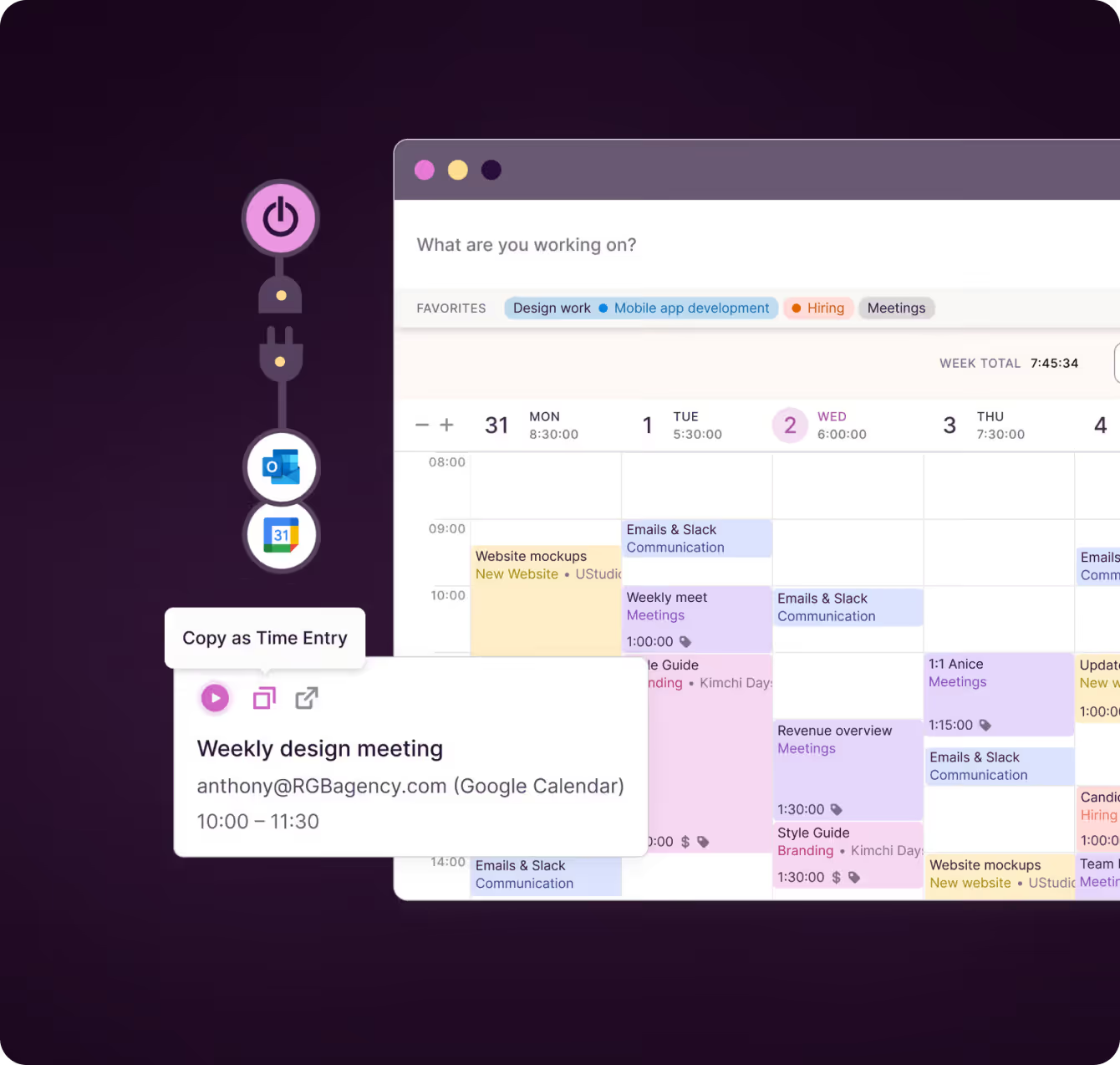
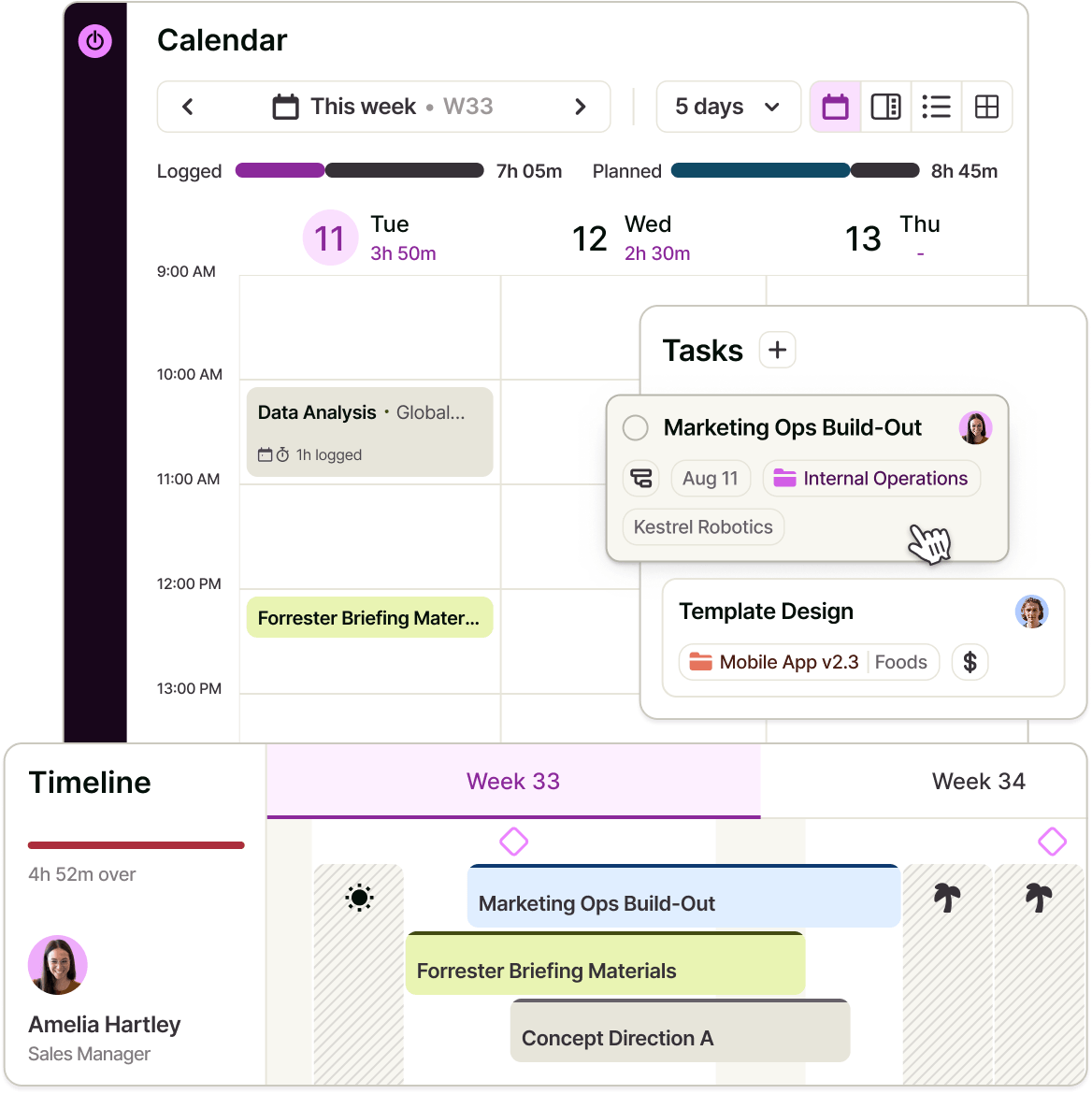
Board for status, Task list for detail, Calendar for the day, Timeline for capacity. Define your own statuses and drag tasks between columns to match your process. Switch views and nothing needs rebuilding—it’s the same tasks shown differently, with every change and filter carried across.
“It really is the ability to drag and drop on a timeline and flexibly move stuff around that Toggl has versus any other platform. Being able to drag things around live, have it refresh live, and scroll while dragging with other people doing it at the same time."
- James Leighfield, Head of International Brand & Design, Fuse

Schedule against real availability
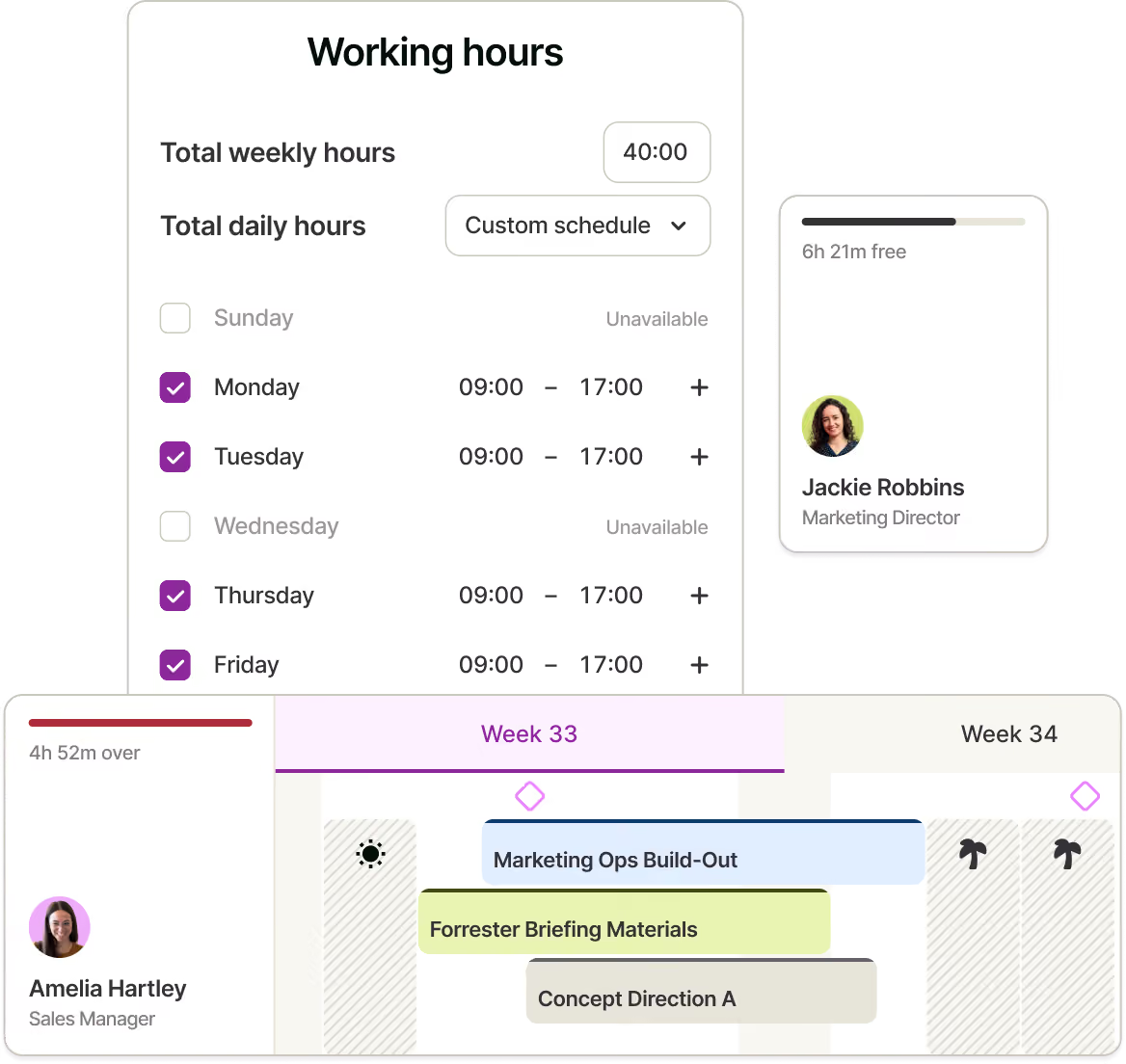
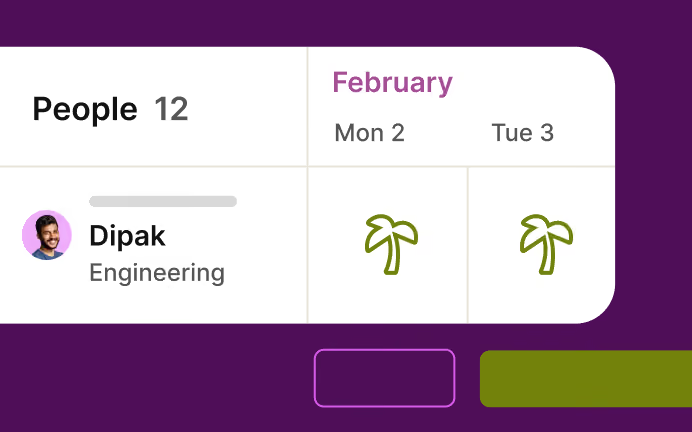
Group the Timeline by People and every member gets a row with a live capacity meter: hours free or over capacity as a share of their working hours. Approved time off, public holidays and non-working days are built in, so you’re planning against the week people actually have.
"I didn't have clarity over where my resources were going or how long I was spending on things — which makes pricing hard. The bigger challenge is capacity: how booked am I, how much work do I have, when's my next availability.”
– Thomas Unsworth, Founder, Launch Web Design

Keep plans from drifting quietly
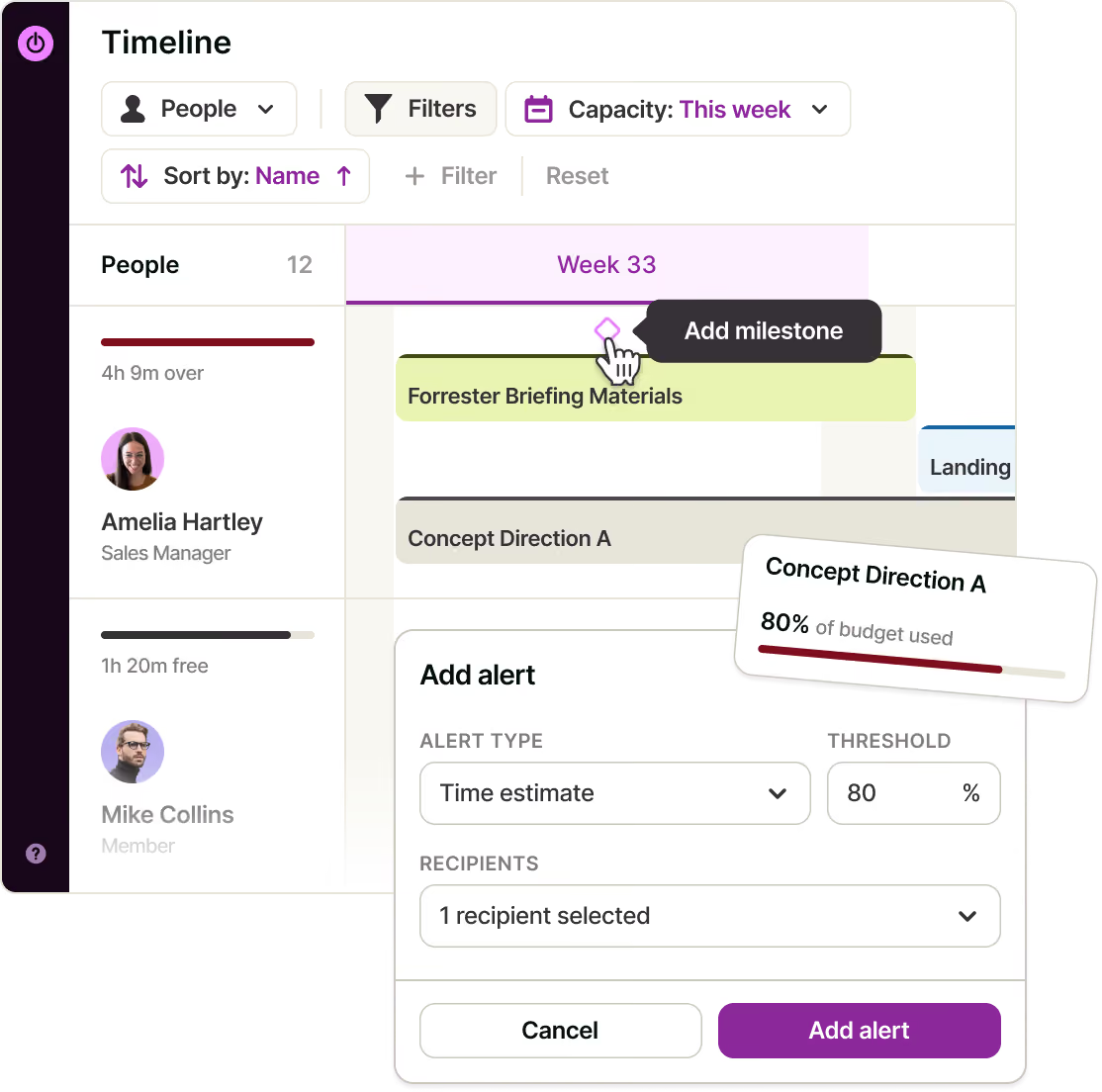
Pin colour-coded milestones to the dates your plan is judged against, scoped to specific projects or shared across everyone. Set project alerts and let Toggl warn you when a project is heading past its budget or deadline—before you find out at the retro.

Track the work (and what it’s worth)
Start a timer, enter time manually, work in Pomodoro intervals or turn a calendar event into a time entry. Because your team tracks against the same tasks you planned, estimates vs. actuals becomes a report, not a reconciliation exercise.
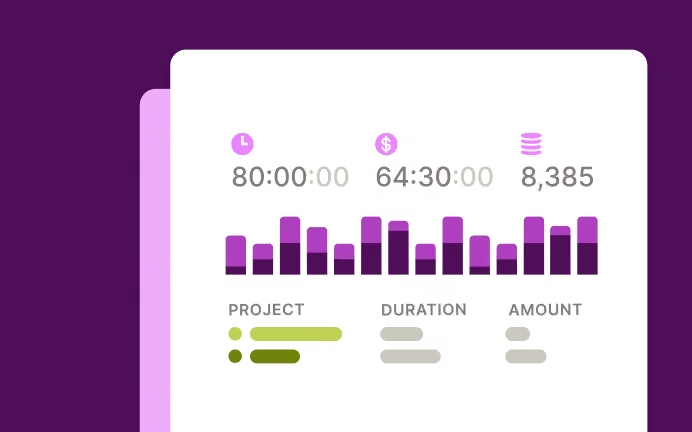
Add billable rates, labour costs, profitability and utilisation reporting, project dashboards and fixed-fee projects when you need the money layer.
.avif)



Why 120,000+ users started
Small team and no budget? We have you covered
“The best free time tracking app”
"After trialing 20 similar products, Toggl was a clear winner providing everything I needed."
Today, 14 Apr
7:15:50
Illustrations
2:12:50
5 billable hours every day
3/5 hours
REACHED
Code every day
5/5 hours
NEW WEBSITE
12 of 20h
PM Daily
0:00:25
Built for every role on the team
Owners & Managers
See every project on one timeline, catch the ones drifting past a milestone while there's still room to move something, and check the margin before the quarter closes.
Team Leads
Group by People, watch the capacity meters, and rebalance the week by dragging work to whoever has room.
Employees
Open your own row: what's scheduled, what's due today, and how much of the day is already spoken for. Track against it as you go.
Freelancers & consultants
Lay out client commitments across the month, then compare what you estimated with what you tracked before you send the invoice.
Project management features
Flexible project views and workflows
Switch between Board, Task list, Calendar and Timeline views, define your own statuses, and carry filters and updates across them all.
Visual scheduling and milestones
Create tasks directly on the Timeline, drag to reschedule, adjust dates and mark important deadlines with colour-coded milestones.
Capacity and availability
See each person’s available or overbooked hours based on estimates, working hours, approved time off, public holidays and weekends.
Detailed task management
Organise work with subtasks, priorities, comments, attachments, tags and custom fields.
Repeatable project setup
Create recurring tasks and projects, start from reusable templates, or bring an existing plan in via CSV.
Integrations
Connect Toggl with Google Calendar, Outlook, Jira, Asana, and more through the browser extension. Build custom workflows using the public API or MCP.
Project management with built-in time tracking
Track with a real-time timer, manual entries, Pomodoro or countdown modes, turn calendar events into time entries, or use automatic time tracking to capture your activity.
Rates and financial reporting
Set billable rates at workspace, member or project level, manage fixed-fee projects, and track utilisation and profitability.
Reports, approvals and alerts
Compare estimates with actuals, review and approve timesheets, monitor project dashboards, and get warned before budgets or deadlines are exceeded.
How does Toggl’s project management software work?
1. Create a workspace and invite your team
Get started free with up to three people—no card required.
2. Add your projects and tasks
Create them manually, import them from a CSV, or start with a template project.
3. Estimate and schedule the work
Add task estimates, drag work onto dates and people, monitor capacity, and mark the milestones your plan will be judged against.
4. Work from the board
Move cards through your own statuses as the work progresses.
5. Track time against the same tasks
Use the timer, add time manually, or work in Pomodoro intervals from any device.
6. Read the reports
Compare estimates with actuals and understand workload, utilisation, and profitability using the hours your team already tracked.
FAQs


