
Browser Extension for Tracking Time in GitHub
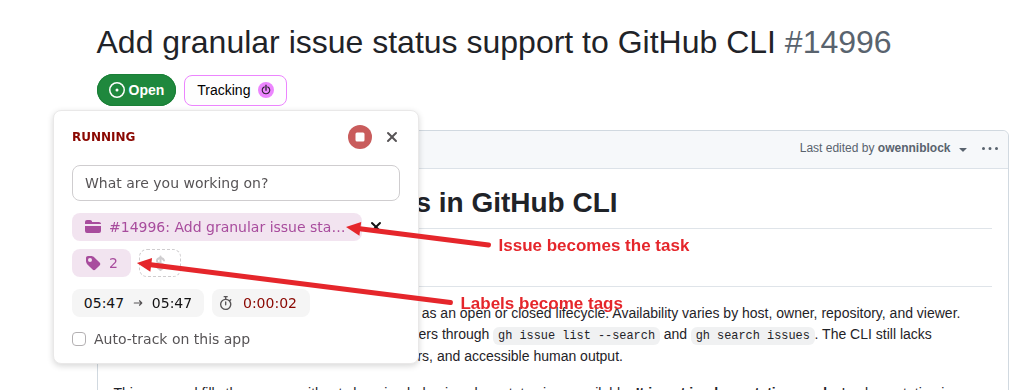
The GitHub browser extension lets you start a timer directly from an issue or pull request. It uses the issue or PR number and title for the time entry. It also can turn issue labels into tags, so tracked time is tied to the right GitHub work.


Toggl's browser extension for tracking time in GitHub doesn't require a paid plan.
Setting it up
Add the Toggl extension
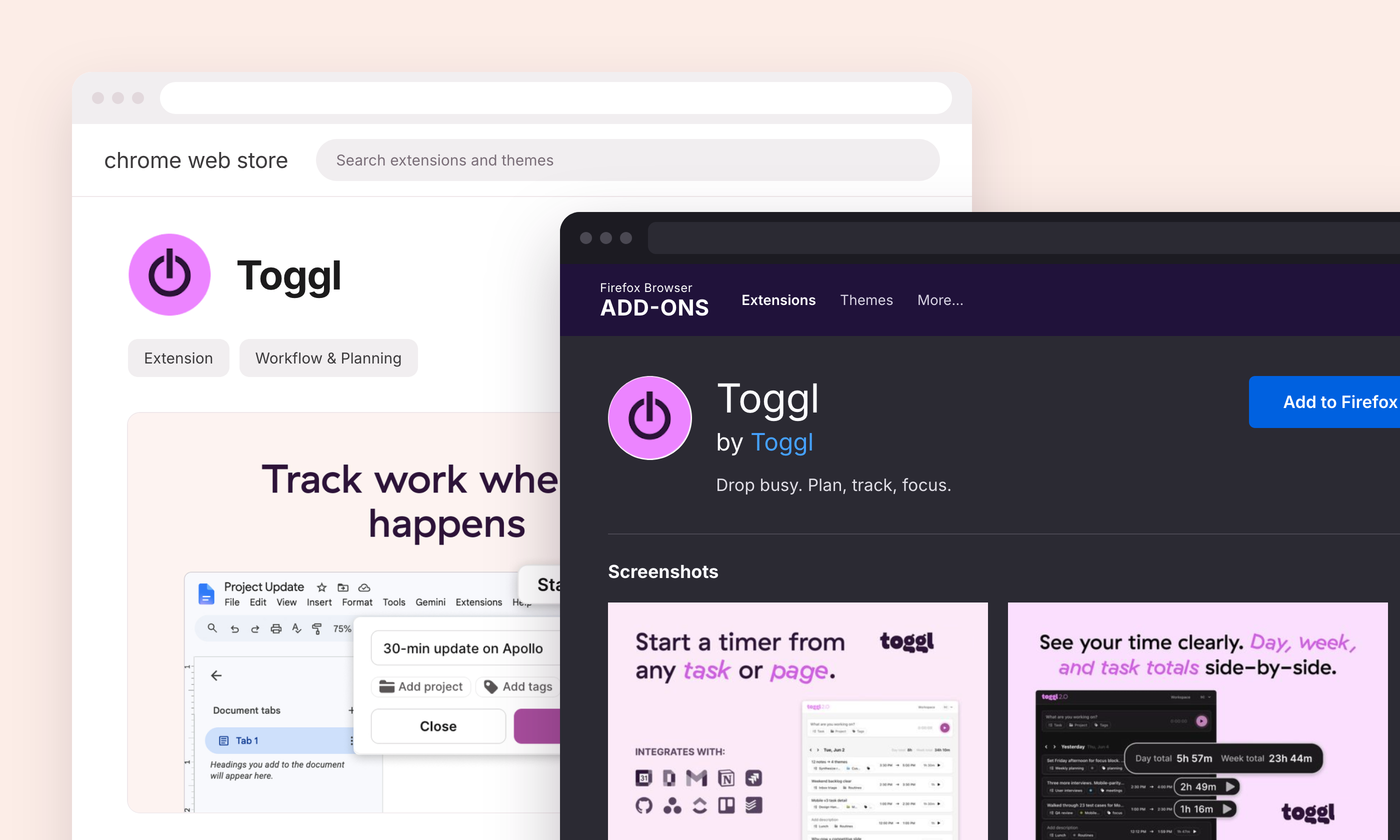
Install the Toggl extension from the Chrome Web Store for Chrome, Edge and other Chromium browsers, or from Firefox Add-ons for Firefox.
Log in to Toggl
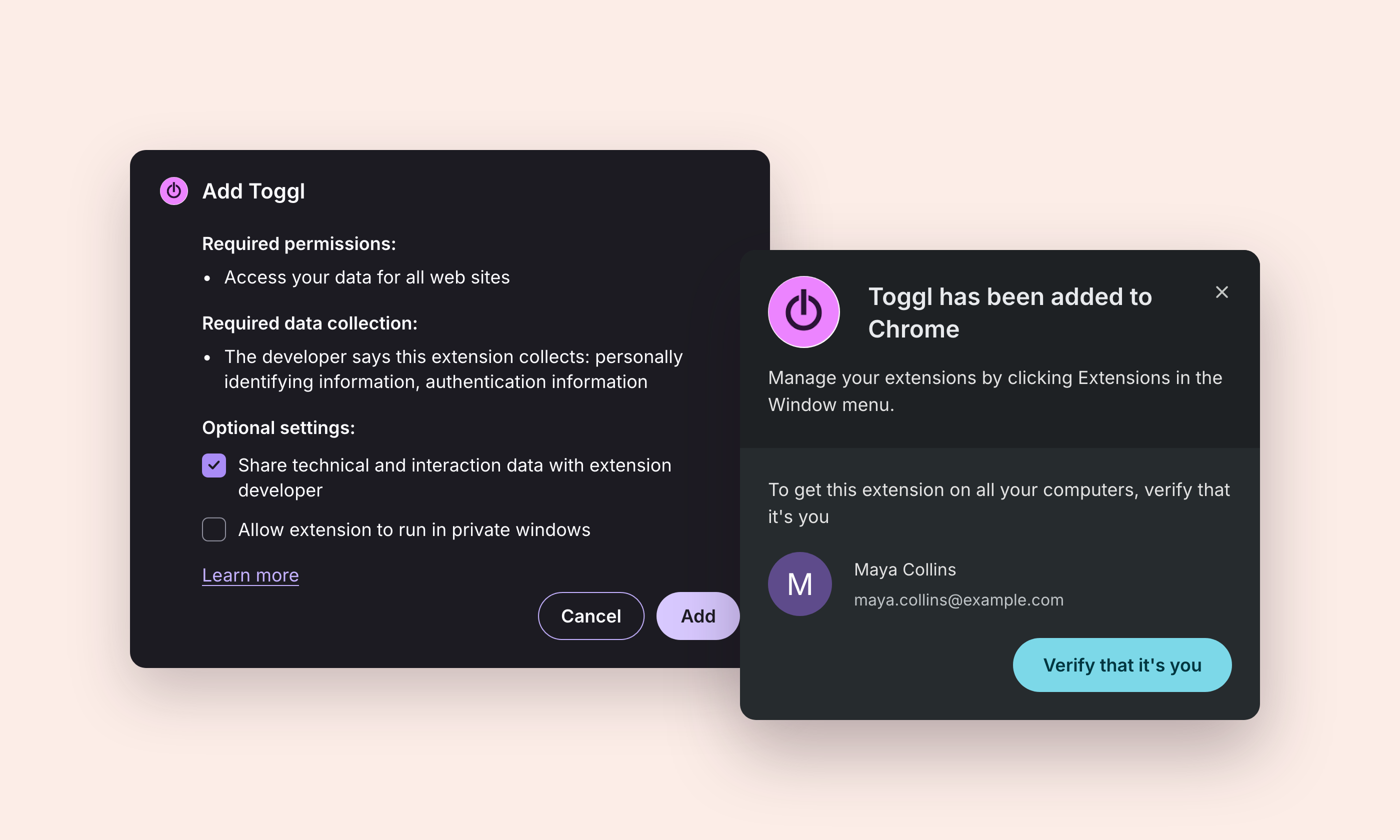
Click the Toggl icon next to the browser's address bar, select Log in, and sign in with your Toggl account.
Turn on the integration for GitHub
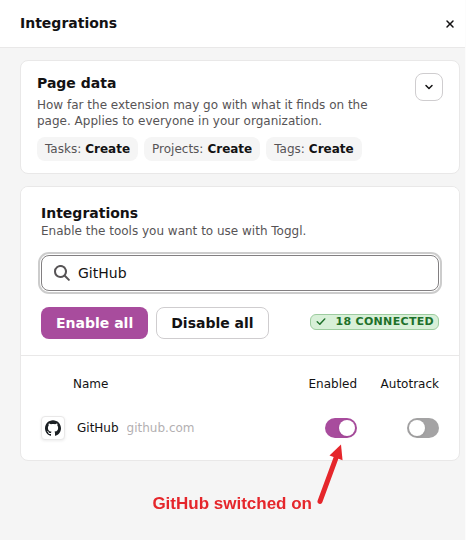
The first time you log in, a "Welcome to Toggl!" screen lists the supported sites. Make sure GitHub is switched on, then click Enable all or Enable selected. To change this later, open the avatar menu at the top right of the extension, choose Integrations, search for your tool and switch it on.
Open an issue or pull request on GitHub
On an issue, a Start timer button sits next to the Open/Closed status under the title. On a pull request, it's at the end of the summary line ("… wants to merge … from …").
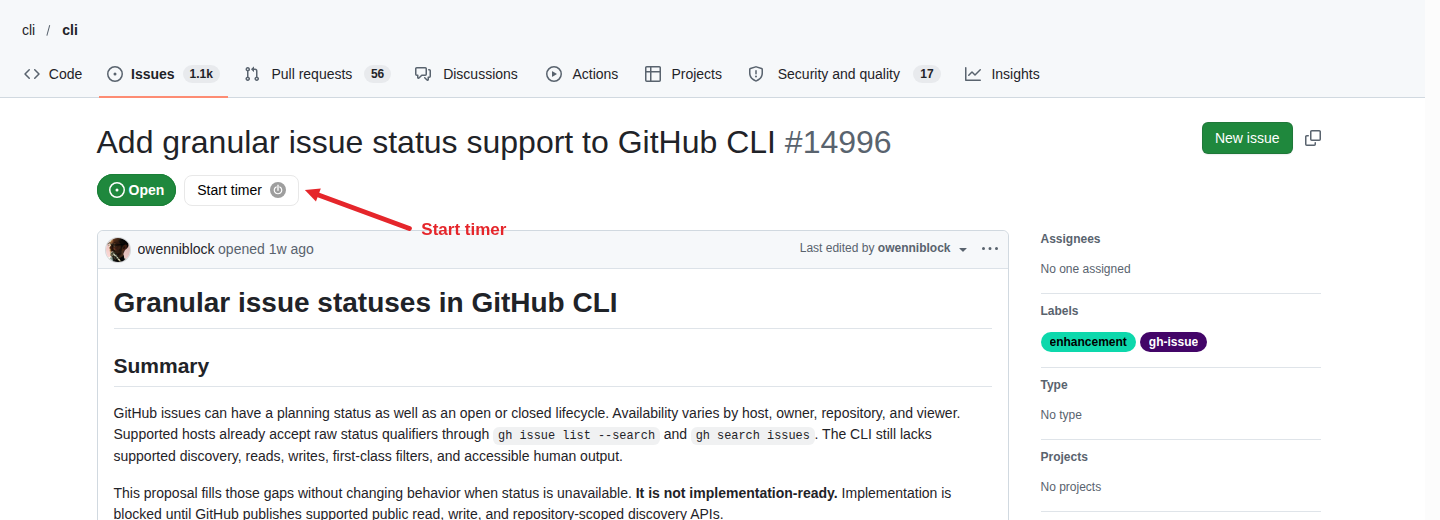
Click Start timer
The timer starts right away. The issue or PR number and title become the task (for example "#14996: Add granular issue status…"), and an issue's labels become tags. The button then reads Tracking. Click it to add a description, set billable, change the times, or stop the timer.