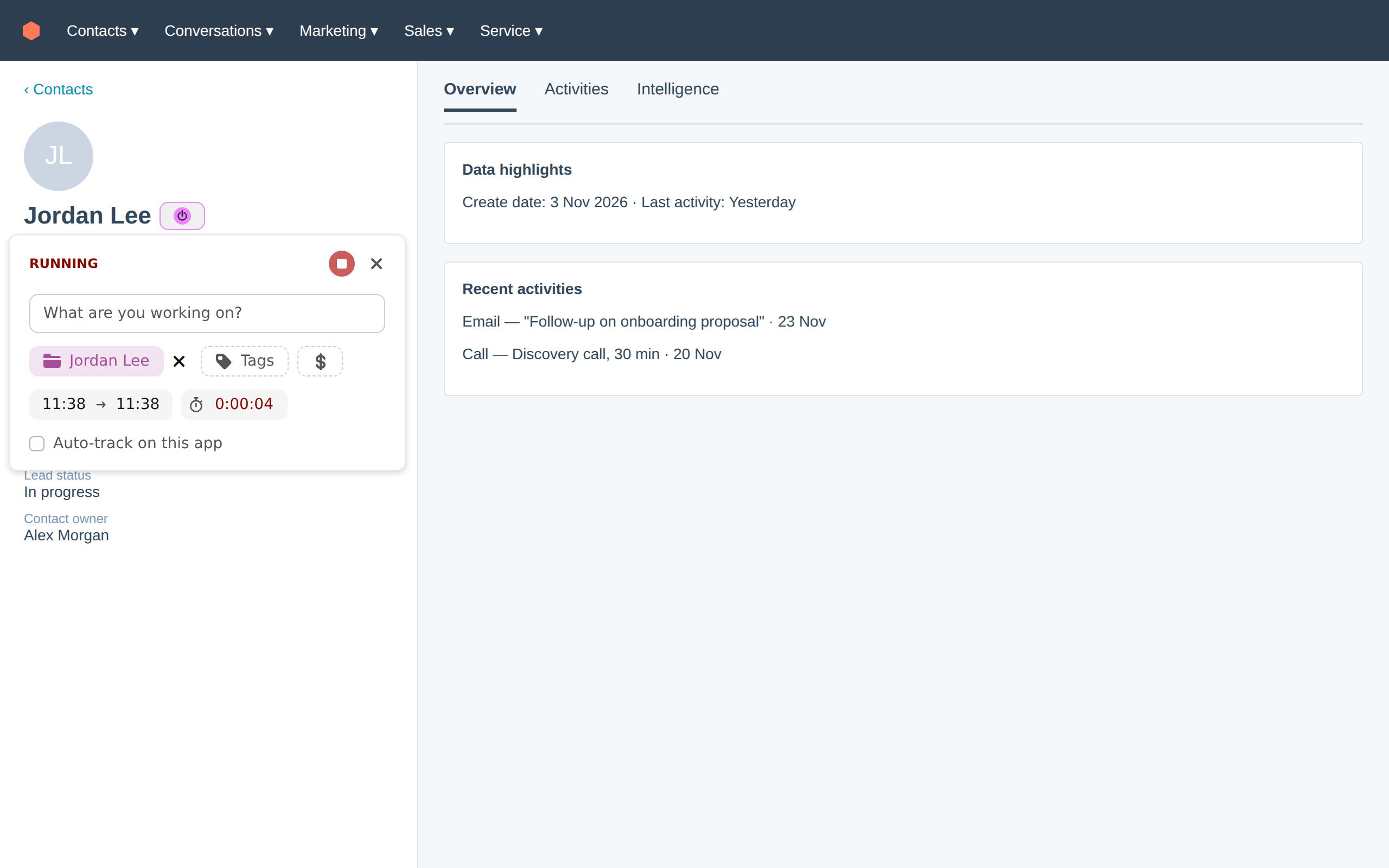


Toggl's browser extension for HubSpot doesn't require a paid plan.
Setting it up
Install the Toggl extension
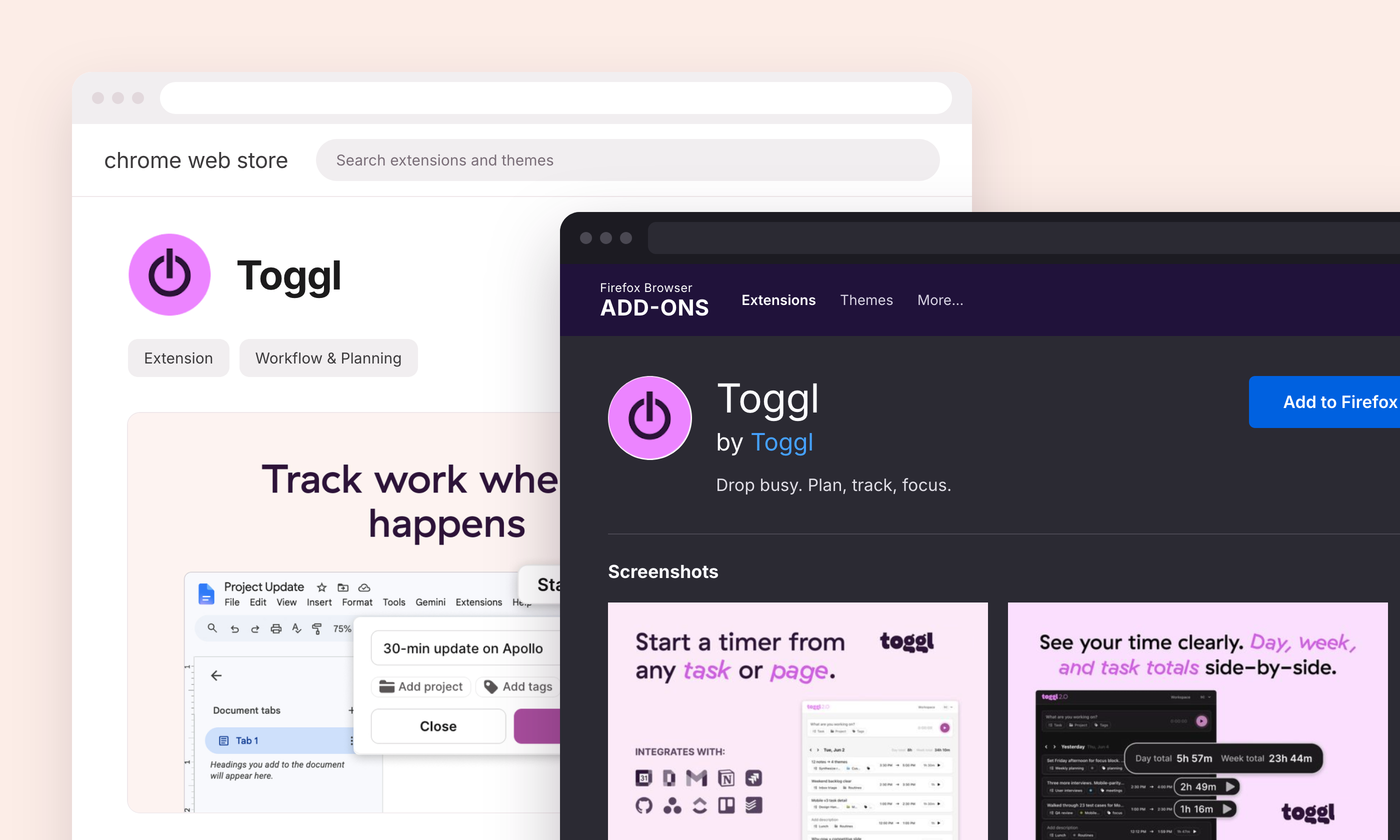
Use the Chrome Web Store for Chrome, Edge and other Chromium browsers, or Firefox Add-ons for Firefox.
Log in to Toggl
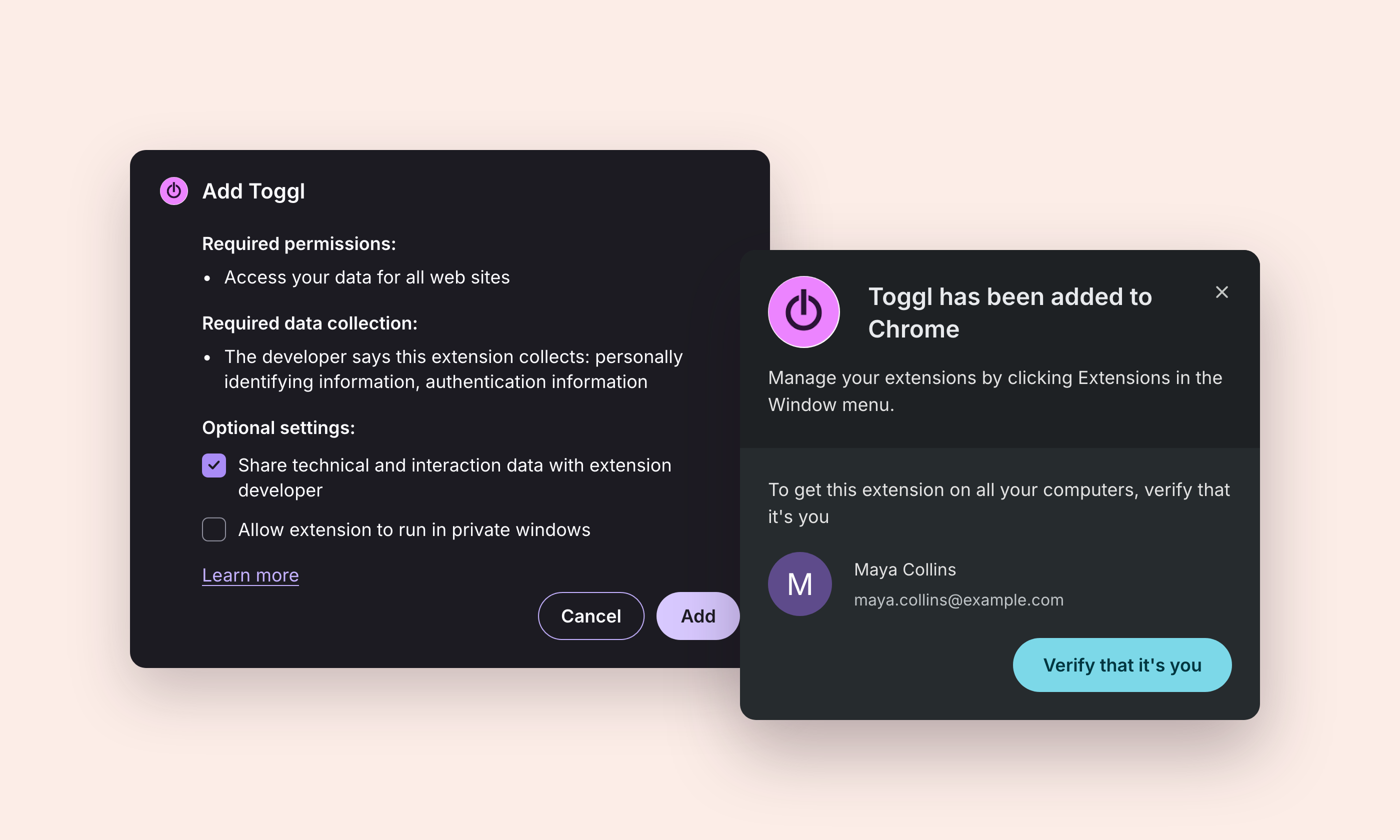
Click the Toggl icon beside the browser's address bar, select Log in, and sign in to your account.
Enable HubSpot
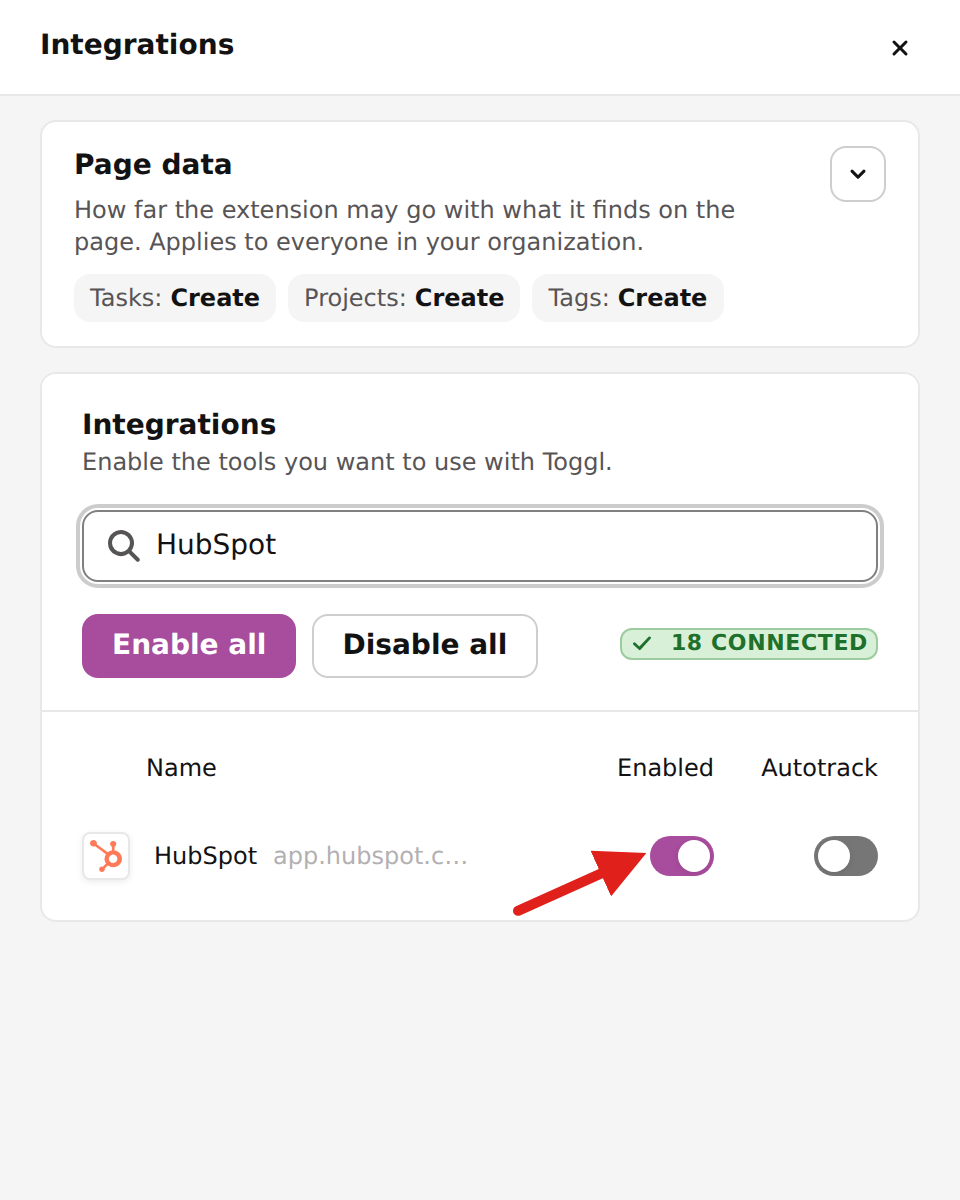
Open the avatar menu → Integrations, search for HubSpot, and switch Enabled on, or leave it selected during first-time setup. HubSpot also has an optional Autotrack switch.
Open a record
The Toggl button appears right after the record's name at the top of the left sidebar, for example a contact's name.
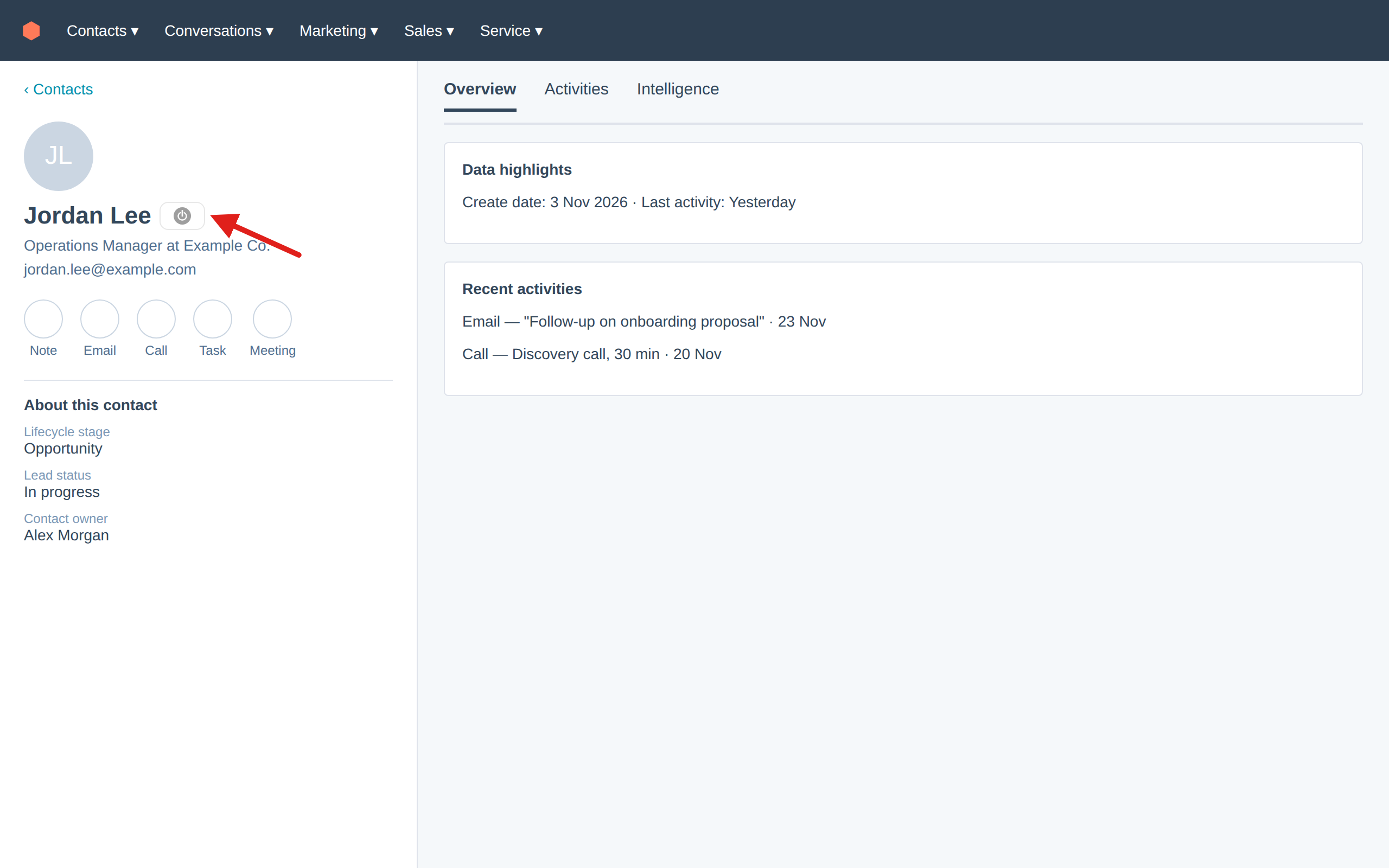
Start tracking
Click the button. The record's name becomes the Toggl task, with no project, so add one yourself if you need it. A panel opens where you can add a description, tags or billable status, adjust the time, or stop the timer. Tick Auto-track on this app if you want timers to start on their own.