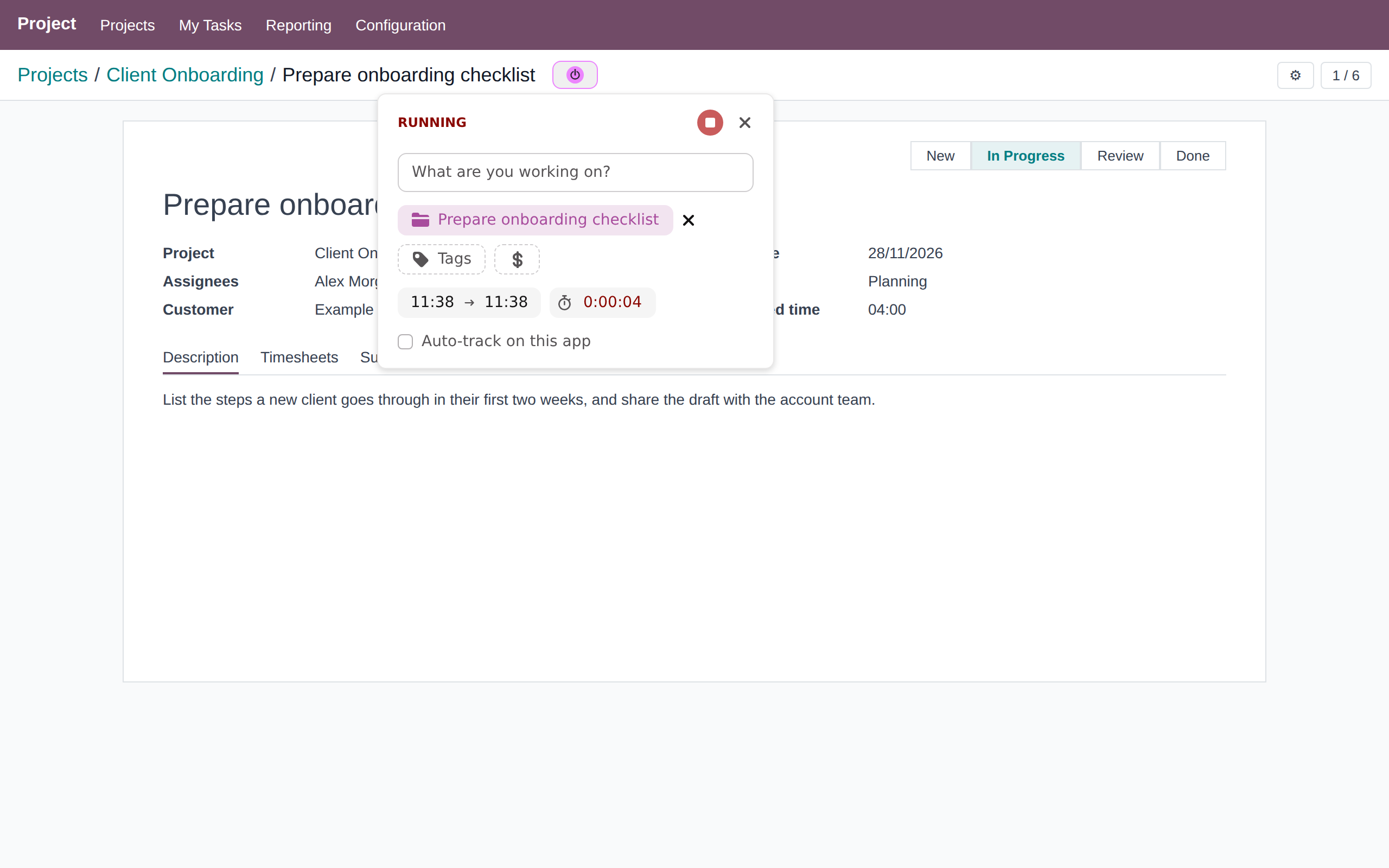



Toggl's browser extension for Odoo doesn't require a paid plan.
Setting it up
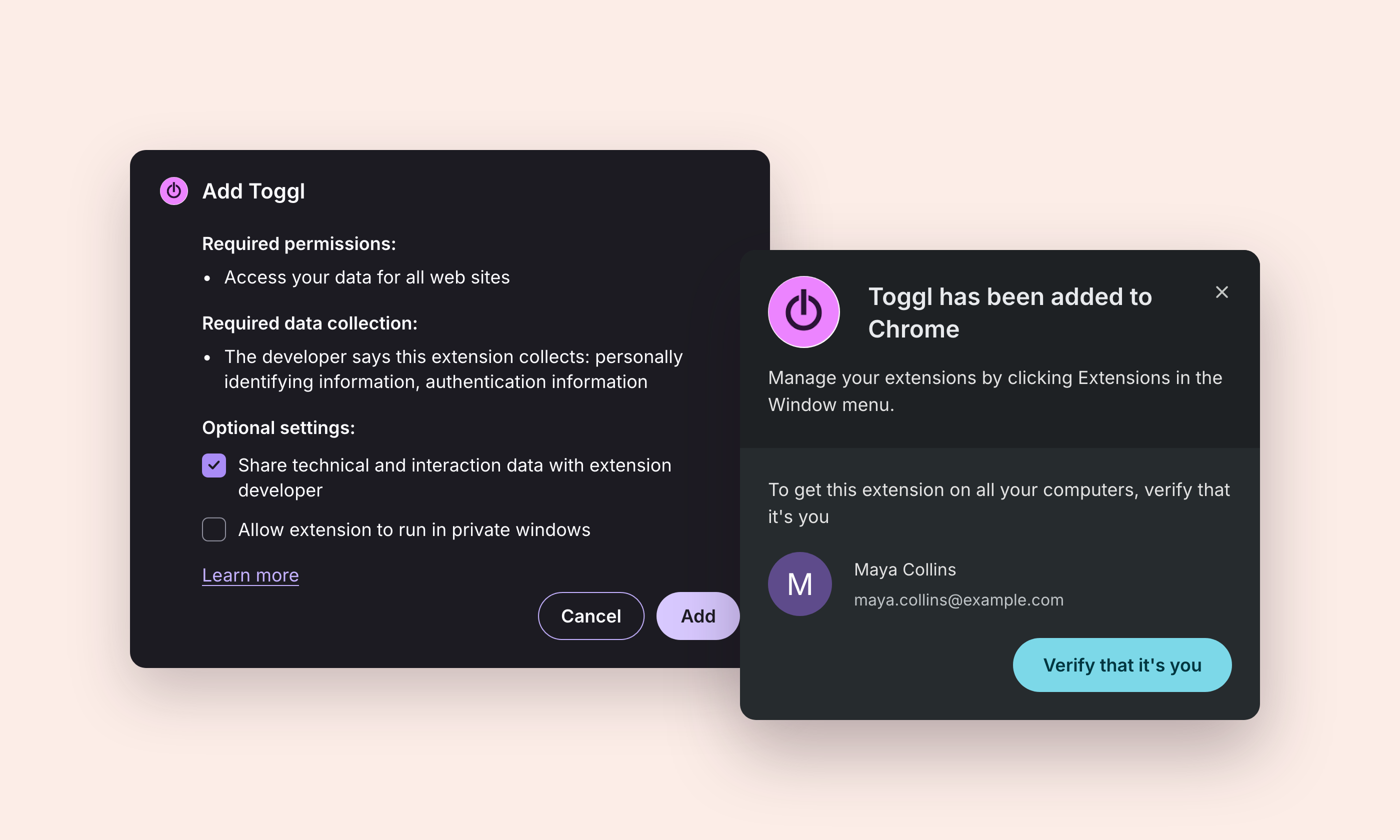
Add the Toggl extension
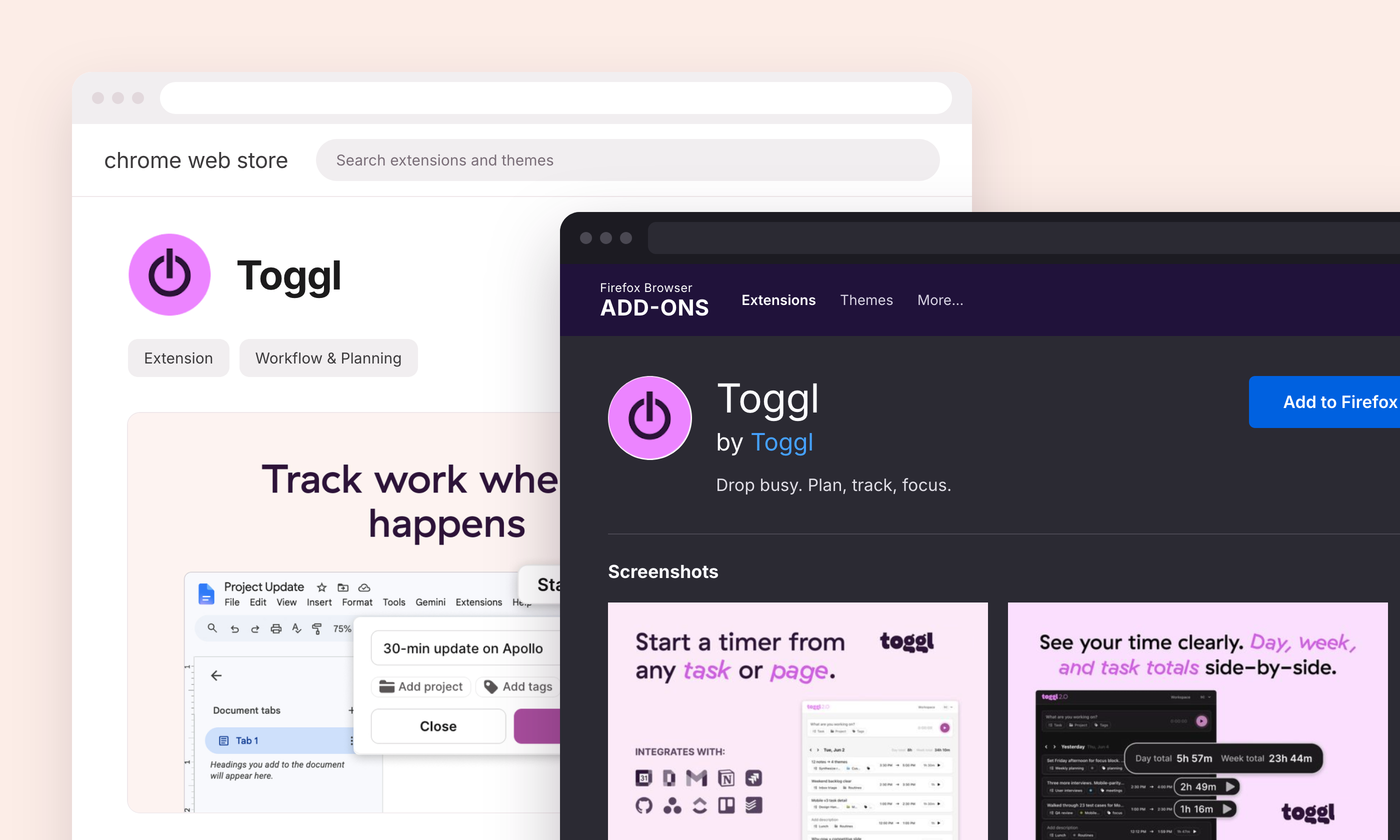
Install the Toggl extension from the Chrome Web Store for Chrome, Edge and other Chromium browsers, or from Firefox Add-ons for Firefox.
Log in
Click the Toggl icon next to the address bar, choose Log in, and sign in with your Toggl account.
Enable Odoo
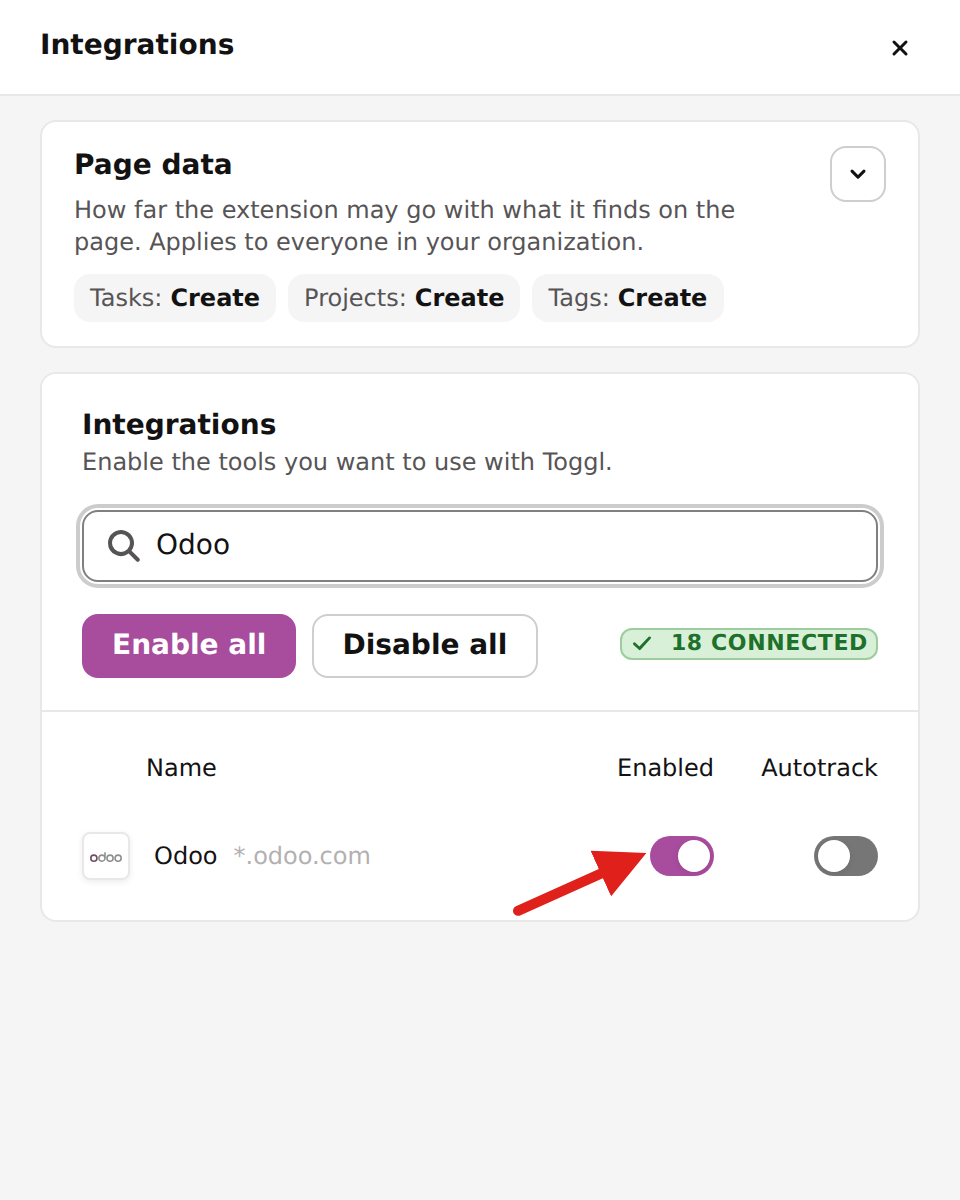
Open the avatar menu → Integrations, search for Odoo, and switch Enabled on, or leave it selected during first-time setup. Odoo also has an optional Autotrack switch.
Open a record (e.g., a task)
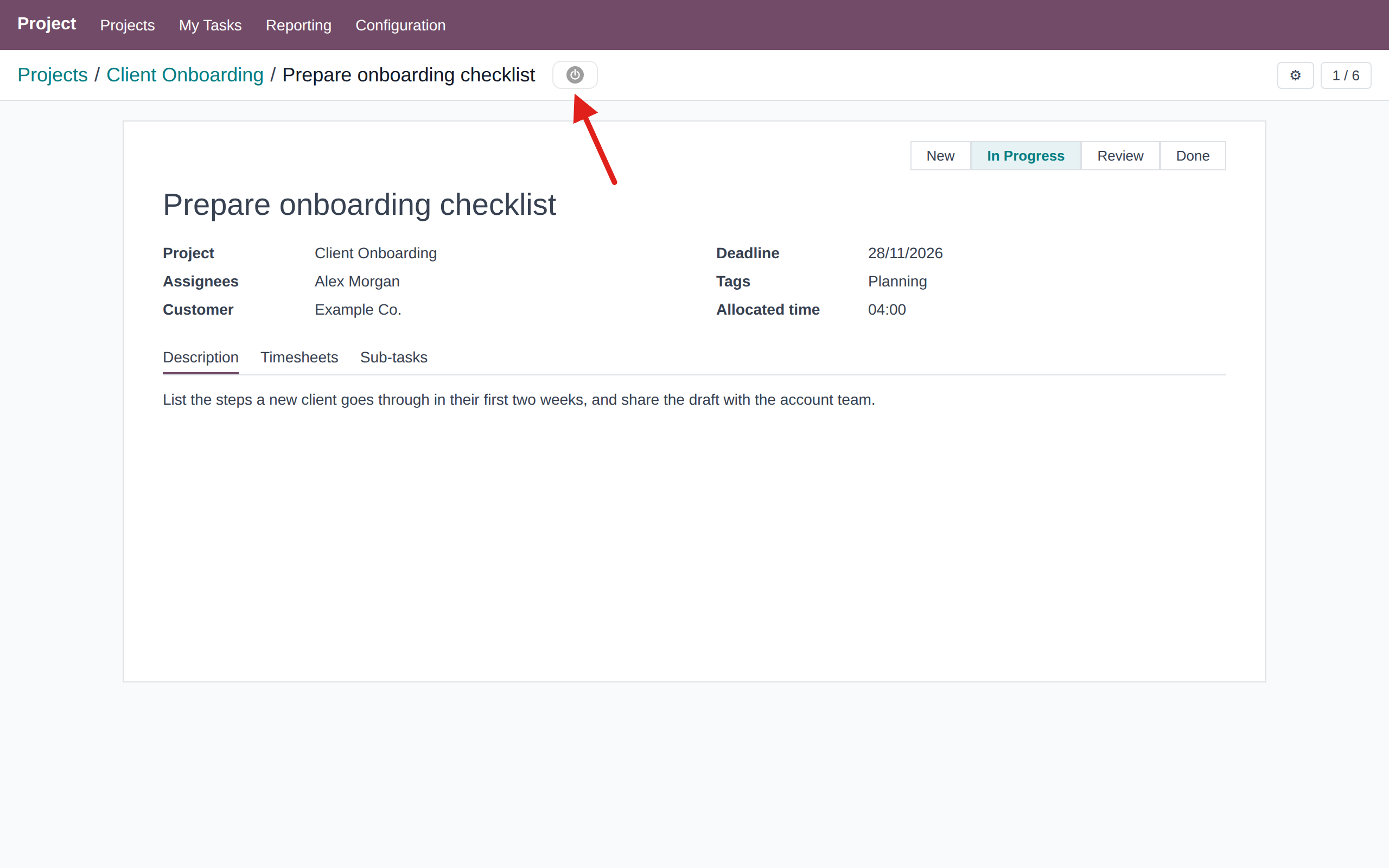
The Toggl button appears at the end of the breadcrumb trail at the top of the page (Projects / … / record name).
Start tracking
Click the button. The record name from the breadcrumb becomes the Toggl task, with no project, so add one yourself if you need it. A panel opens where you can add a description, tags or billable status, adjust the time, or stop the timer.