
Native integration
Native Asana Time Tracking Integration
The native integration lets all your Asana projects, tasks, and tags appear in Toggl automatically and in real-time. The sync is one-way, from Asana to Toggl, so anything you change in Toggl stays there and is not sent back to Asana.
The native Asana integration requires a Premium or Enterprise plan.
Setting it up
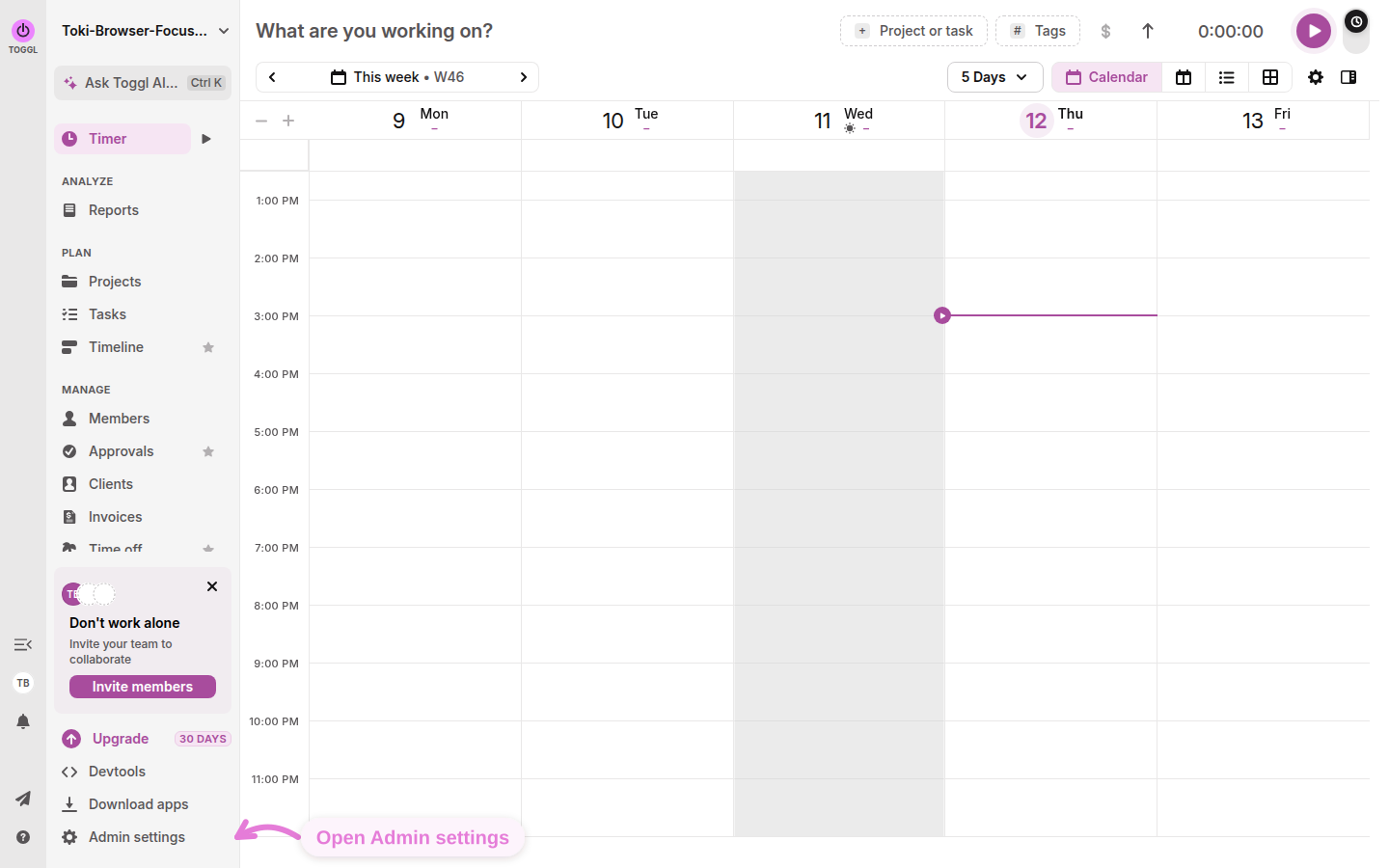
Open integrations in the Toggl admin panel
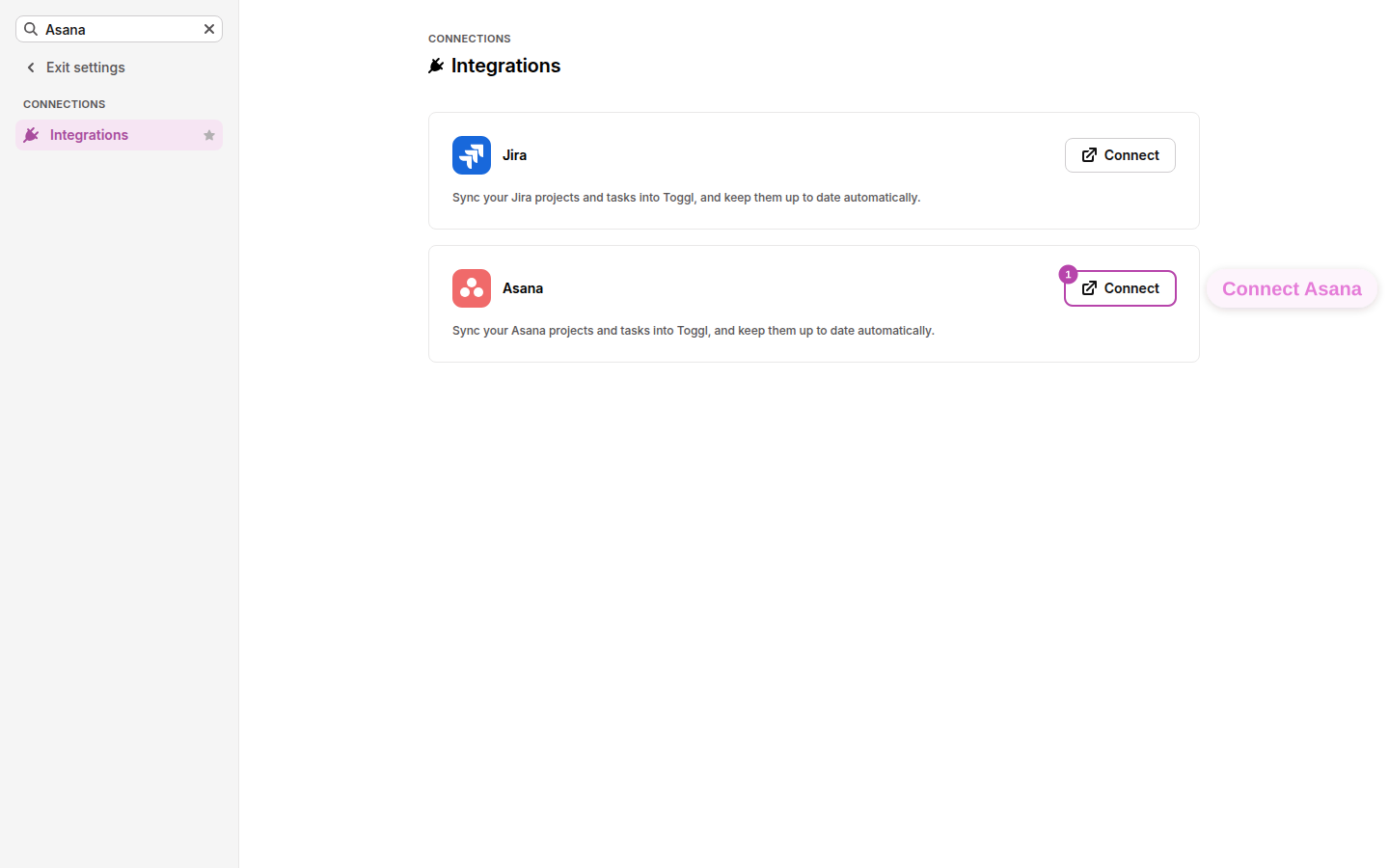
In Toggl, go to Admin settings → Integrations and click Connect on the Asana card.
Allow Toggl access to Asana
On the "Toggl wants to access your Asana" screen, click Allow. If you are not already signed in to Asana, you will be asked to log in first. You will then be taken back to Toggl to finish setup.
Select Asana workspace
If your Asana account belongs to two or more workspaces, the first setup step shows a Sync data from dropdown. The workspace Toggl would have picked is already selected. To use a different workspace, pick it from the dropdown. The rest of setup then uses that workspace: the member list, the preview, and the first sync. When you switch, the member list reloads with the new workspace’s members.
Invite members (optional)
After you connect, Toggl offers to invite your Asana members. This step is optional, so you can Skip it and continue with just your projects, tasks, and tags.
Choose what to import, preview, and start the sync
Choose what to import, preview, and start the sync. Click Next to preview what will be imported and use the switches to turn off entity types you don't want to import. This choice is made during setup only and can't be changed later.
From this point on, new projects, tasks, and tags you create in Asana sync to Toggl automatically and in real time. Learn more about Toggl's Asana integration.


Toggl's browser extension for Asana doesn't require a paid plan.
Setting it up
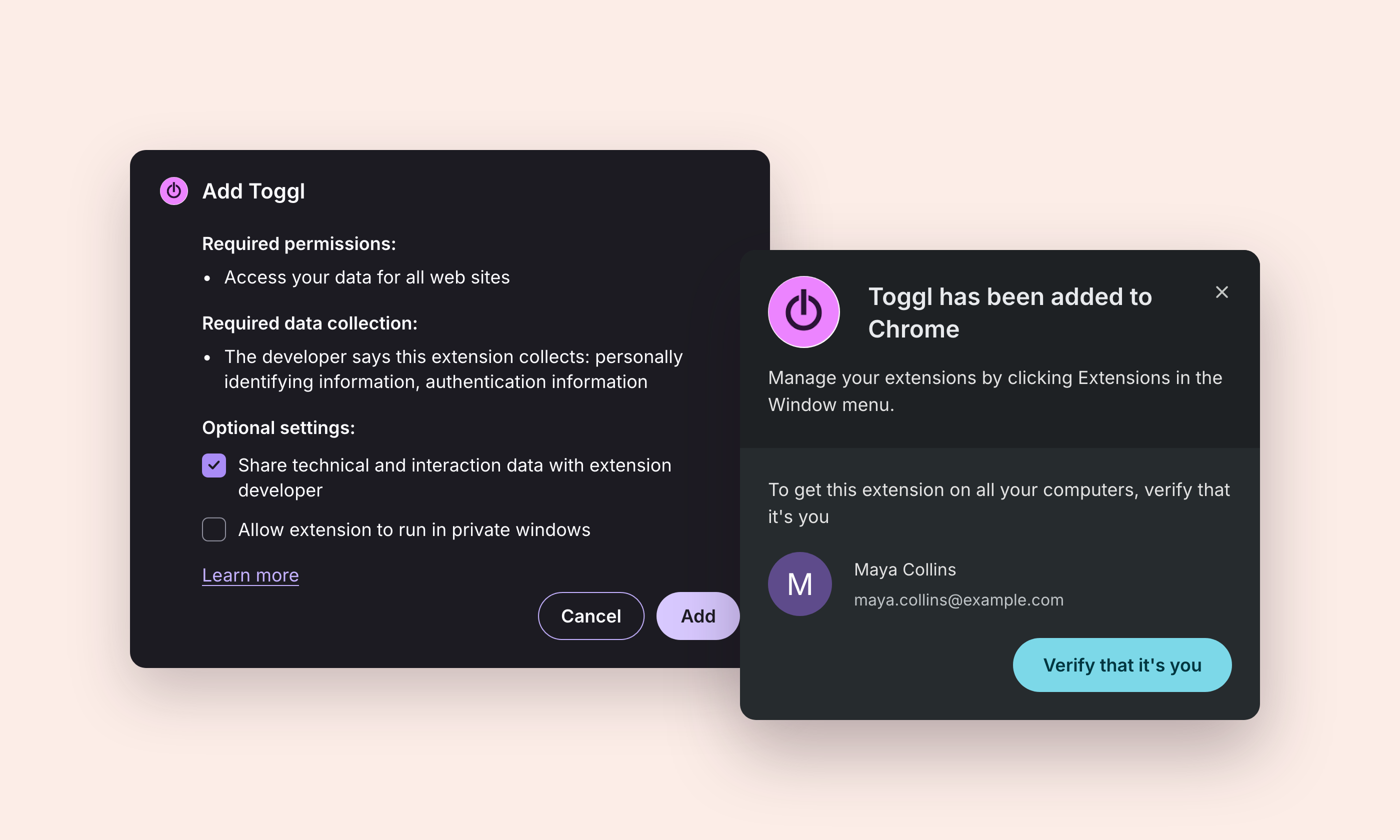
Add the Toggl browser extension
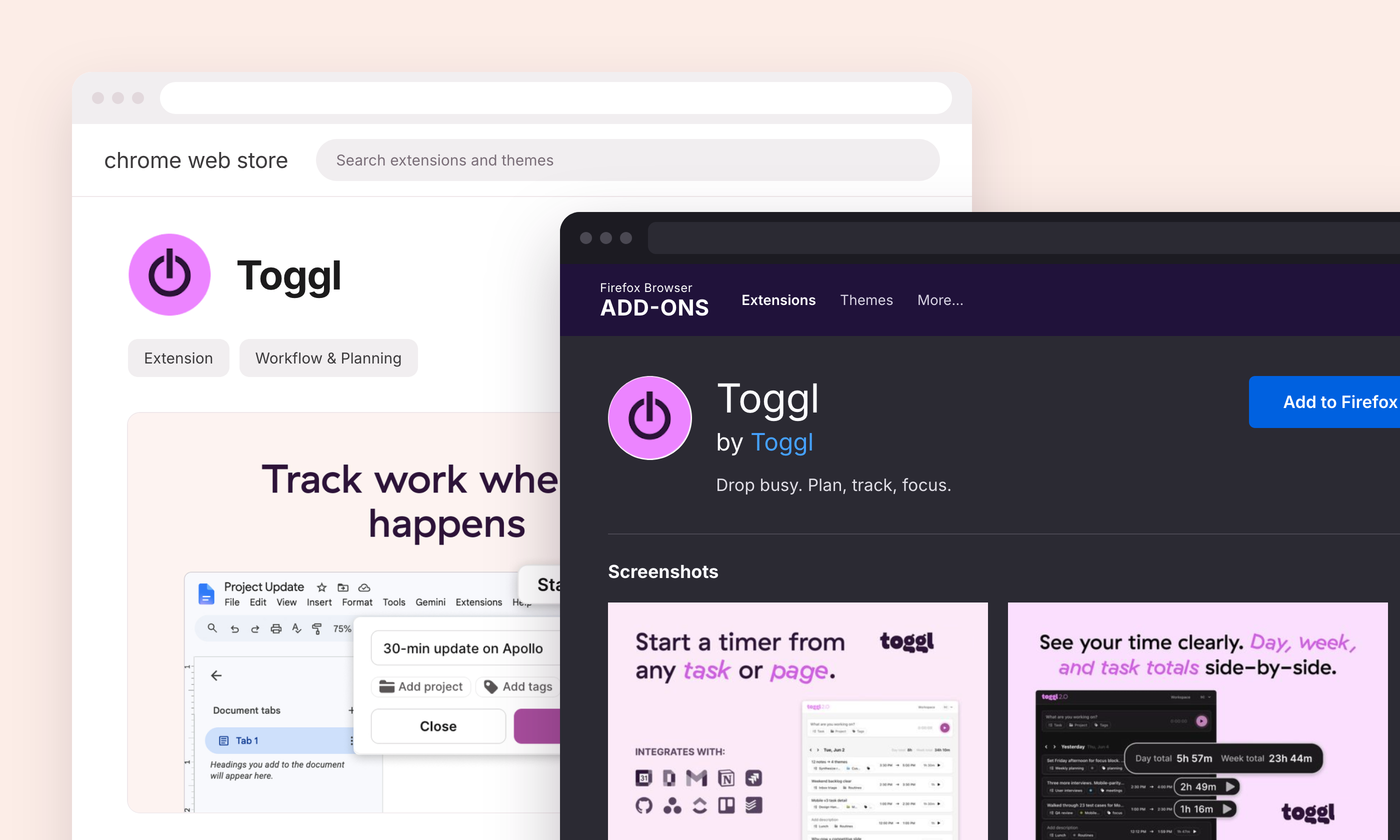
Install the Toggl extension from the Chrome Web Store for Chrome, Edge and other Chromium browsers, or from Firefox Add-ons for Firefox.
Log in to Toggl
Open the Toggl icon beside the browser’s address bar, select Log in, and sign in with your Toggl account.
Enable Asana
In the extension, open the avatar menu in the upper-right corner, choose Integrations, find Asana, and switch it on.

Open a task in Asana
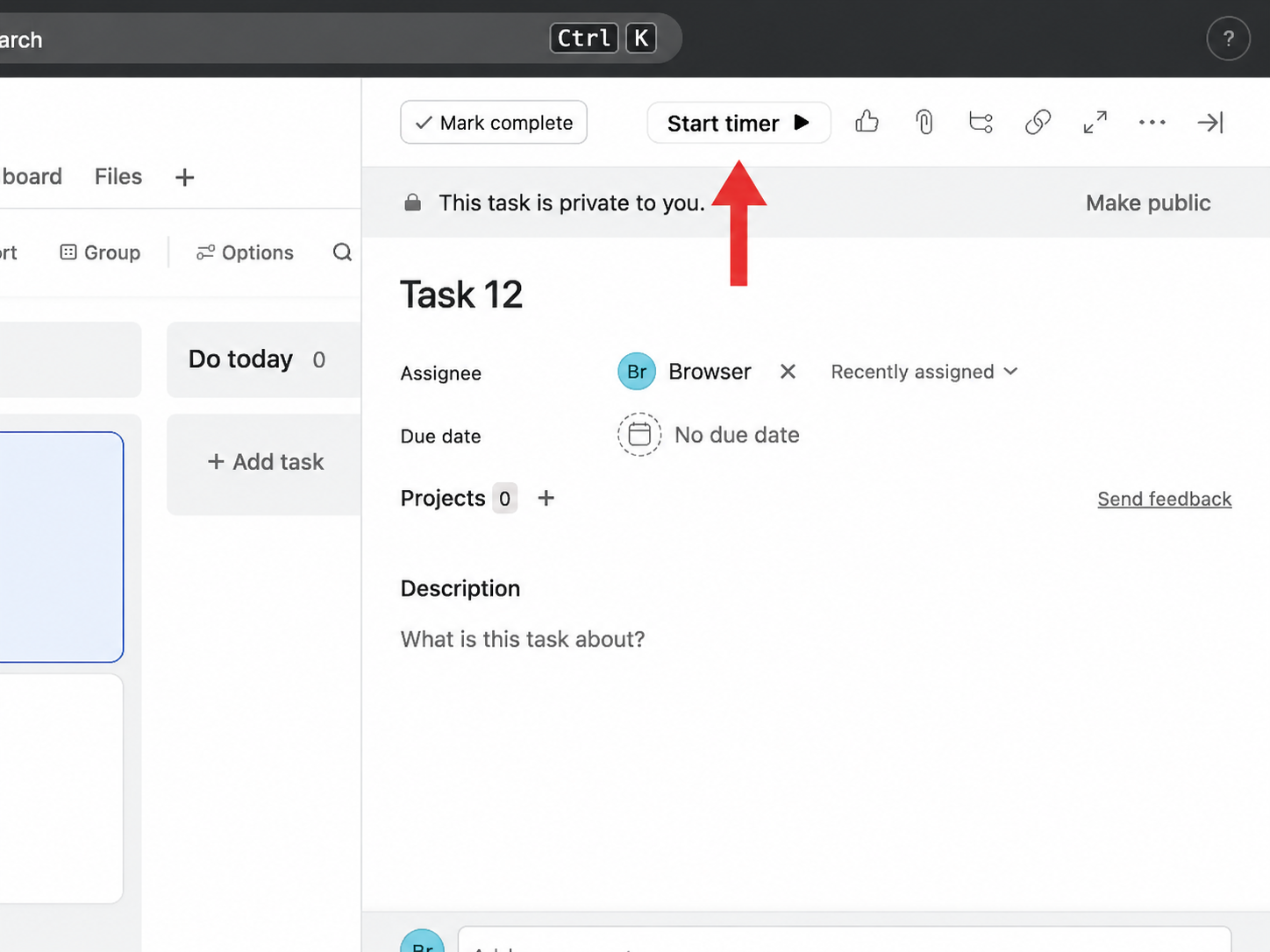
A Toggl play button appears beside tasks in list view, on board cards, and in the task-detail pane.

Review and start the timer
Click the Toggl button, check the task name, project, and tags detected from Asana, edit them if needed, and select Done. The running timer and resulting time log then appear in the extension and Toggl. Note that the browser extension does not perform the native Asana sync. It merely reads the task currently open in Asana and uses that page data to create or match the corresponding Toggl time log.