


Setting it up
1
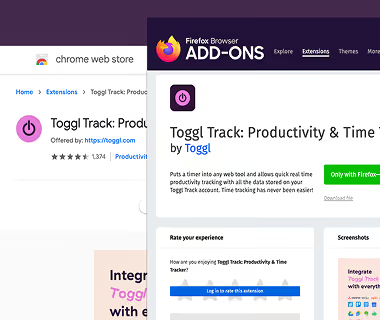
Add the extension
Install the free Toggl extension for Chrome, Firefox or Edge.
2
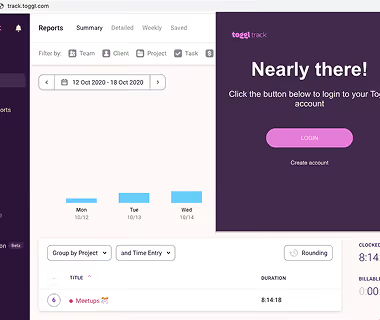
Log in to Toggl
Sign in once through the extension, then close the tab.
3
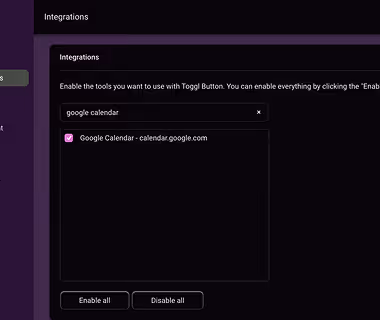
Enable Asana
Open the extension settings, go to Integrations, search for Asana and switch it on. Changes save instantly.
4
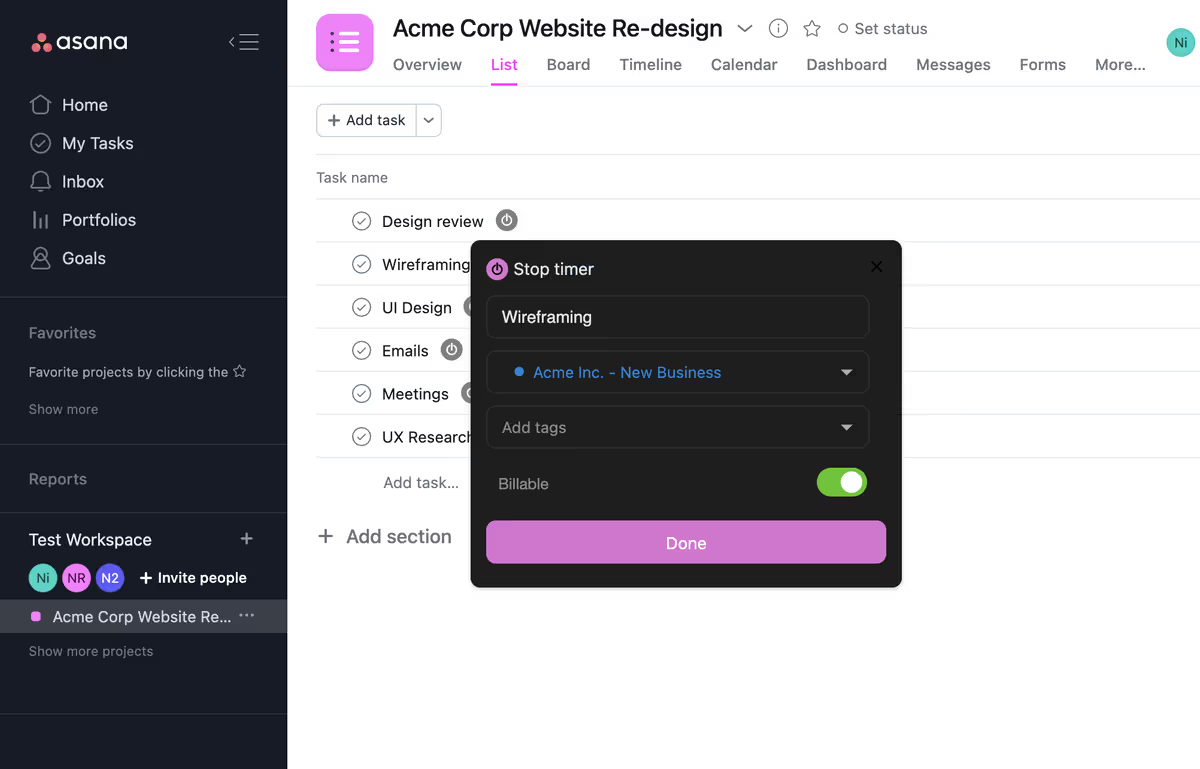
Start the timer in Asana
Click the Toggl button on any task to start a timer and add a description, project or tags.
5
See it in Toggl
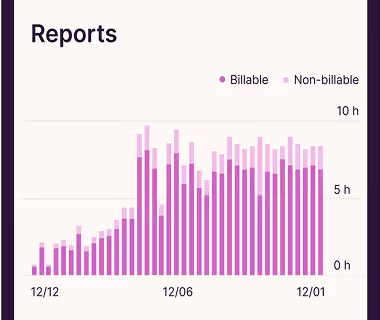
Open the Toggl web app to review your entries or export a time report.
Smaller teams can get started right away! Sign up & then start your journey.

