
Native integration
Native tab title (field TBD)
Native tab description. Placeholder until the tab text fields are decided.
Plan note, e.g. “Importing tasks requires a paid plan.”
Setting it up
Open Integrations
In the Toggl web app, go to Settings in the sidebar and open the Integrations page.
Enable Asana
Find Asana in the list and click Enable.
Grant access
You'll be redirected to Asana. Log in and grant Toggl the permissions it needs.
Check your import
Back in Toggl, you'll see your Asana users, projects and tasks imported.
Sync any time
Click Sync now to pull the latest users, projects and tasks from Asana.


Setting it up
Add the extension
Install the free Toggl extension for Chrome, Firefox or Edge.
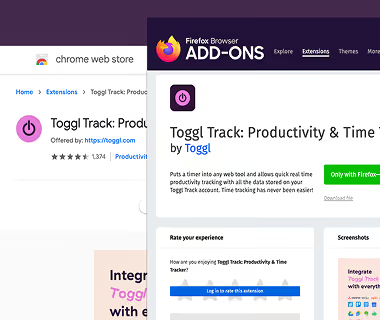
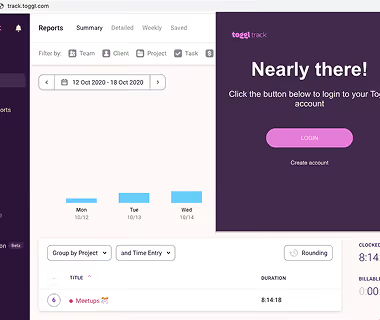
Log in to Toggl
Sign in once through the extension, then close the tab.
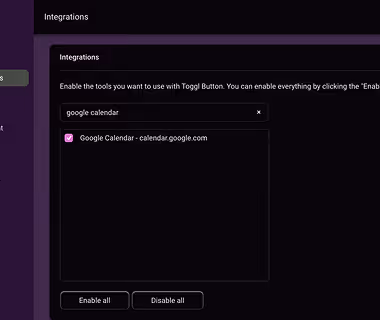
Enable Asana
Open the extension settings, go to Integrations, search for Asana and switch it on. Changes save instantly.
Start the timer in Asana
Click the Toggl button on any task to start a timer and add a description, project or tags.
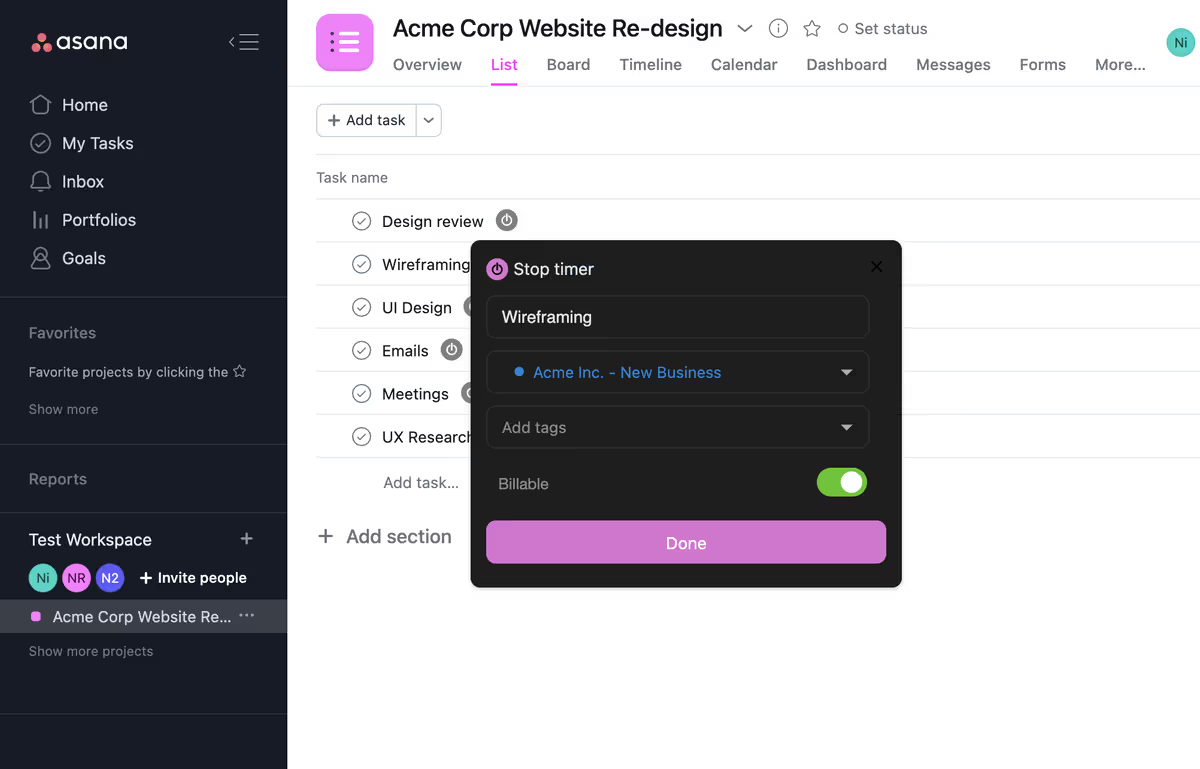
See it in Toggl
Open the Toggl web app to review your entries or export a time report.