


Toggl's
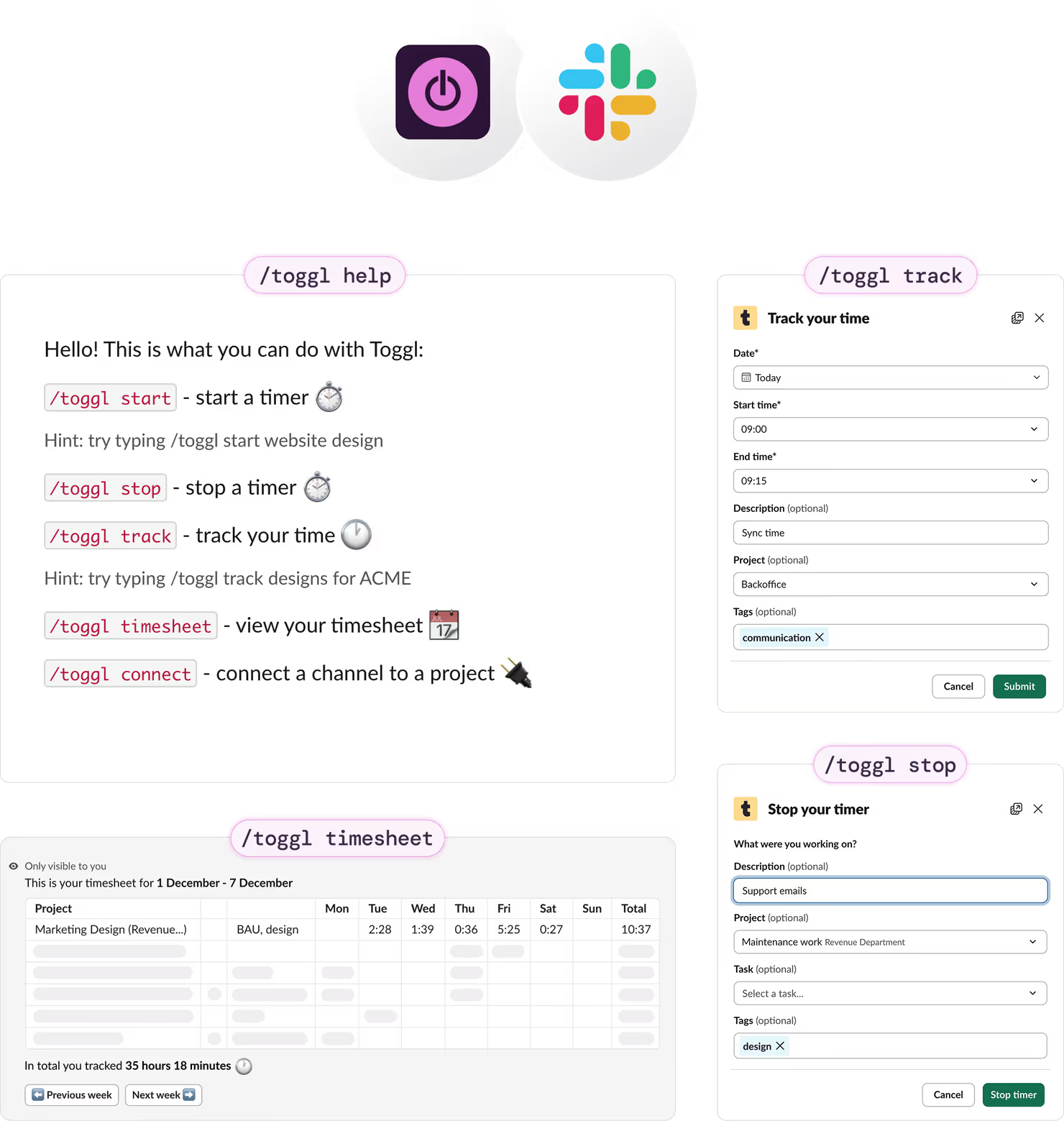
With the Toggl + Slack integration, your team can track time right where the work happens. Start and stop timers, log past entries, and link Slack channels to Toggl projects — so your time is categorized correctly.
Fuss-Free Integration Setup
Connect Toggl to your Slack workspace
A Toggl organization admin needs to enable the integration before the team can use it. In Toggl, open the Integrations tab, select Slack, and click Get started. Then choose Connect Toggl to Slack and follow the prompts.
Note: You may see an “App is not approved by Slack” message while Marketplace approval is still in progress.
Connect your personal Toggl account
Once the integration is active, each team member connects their own Toggl account via the Toggl app homepage in Slack.
Use slash commands to track time, link to projects
Track time from any channel or DM using commands like /toggl start , /toggl stop , /toggl timesheet to manage your time tracking. Find the full list of commands and options here.
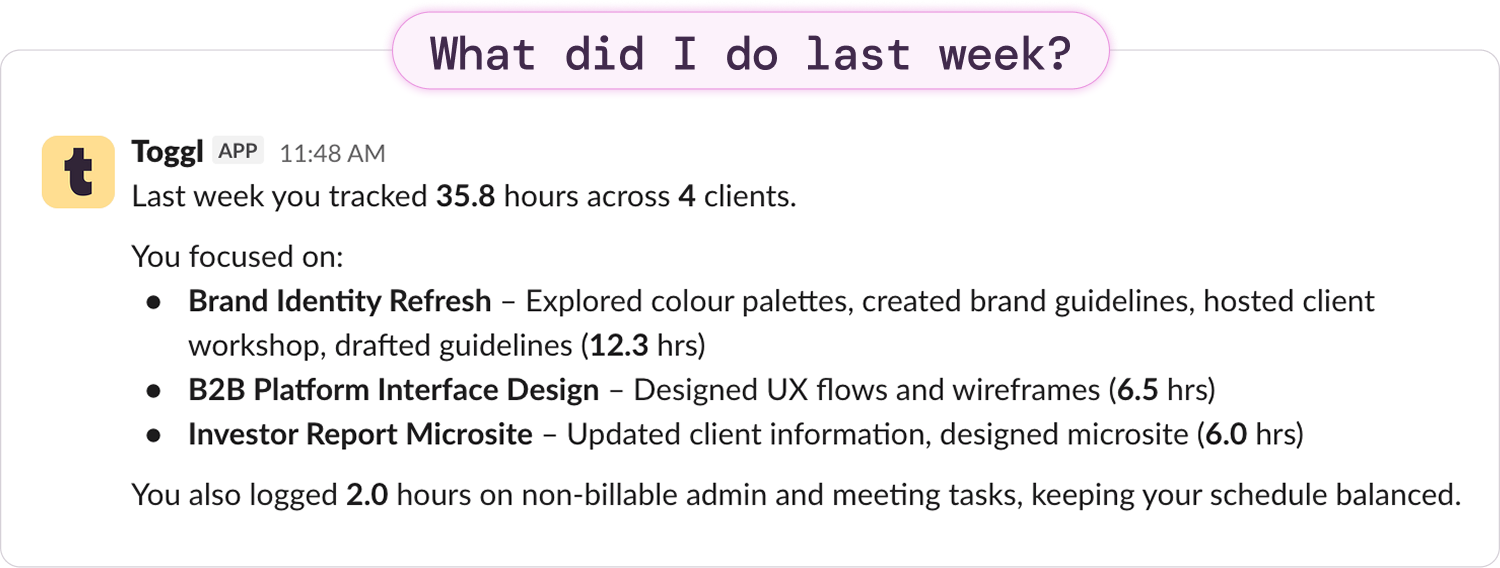
Ask the Toggl Bot for quick insights
Open a DM with Toggl and ask about your tracked time to get an instant overview of recent activity.
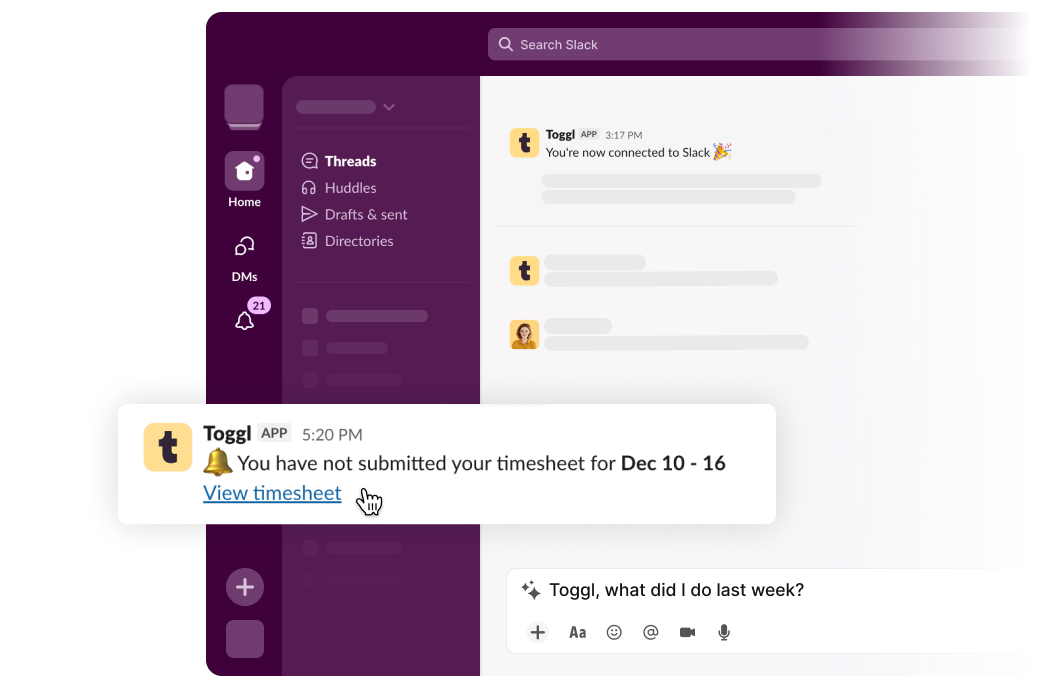
Set up reminders to go to Slack
Receive tracking and timesheet reminders in Slack – stay consistent with tracking, reduce manager follow-ups, and ensure more complete data.
How It Works
Toggl's free browser extensions embed a Toggl timer into the interface of your everyday apps, allowing you to track time within the app itself.
With additional features like pomodoro timer and idle detection, it's the ultimate tool to maximize your productivity and streamline time tracking into your workflow without needing to jump between tools.


Online, offline or on the go? We have an app for that!
Your data instantly syncs across all apps and devices
- 1
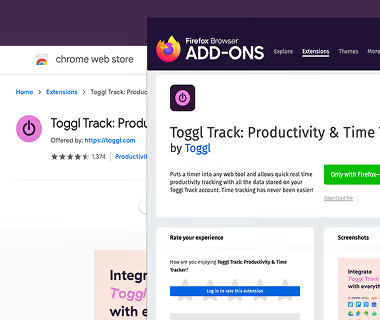
Add the free extension to your browser
Download the Toggl extension and install it. Click here to get the Chrome extension, here for the Firefox extension, and here for the Edge extension.
- 2
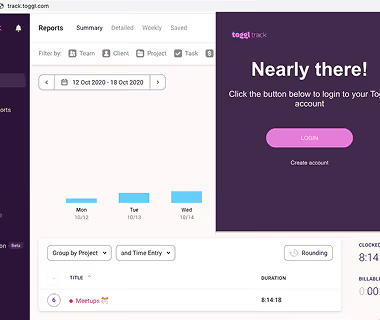
Log in to Toggl & close the tab
Click on the cogwheel icon to access the Settings page. In the Integrations tab, search for Slack extension and select it to enable the integration. Your changes are immediately saved.
- 3

Enable the integration in the Settings page
Review, add, or edit your daily activity in a timeline. Switch to a calendar view for a big-picture look at your workdays.
- 4
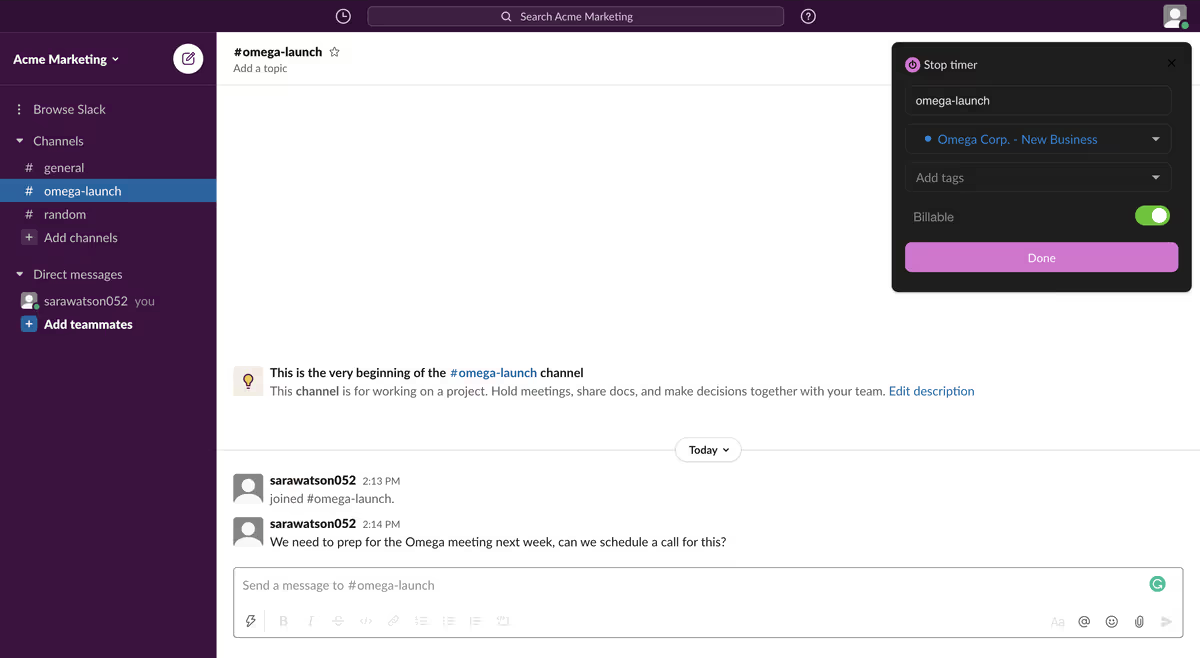
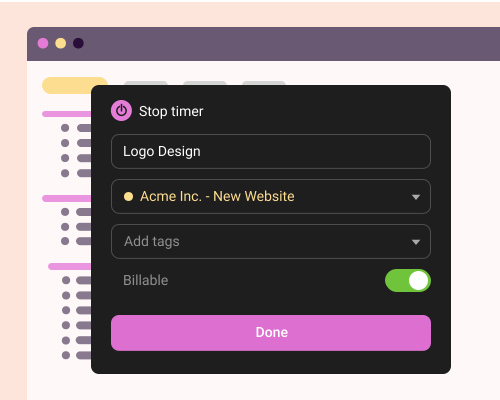
Start the timer in Slack
Head over to Slack. You should now see a Toggl icon in the user interface. Clicking on it will open a popup where you can start the timer, add a time entry description, project or tags. You are now tracking time!
- 5
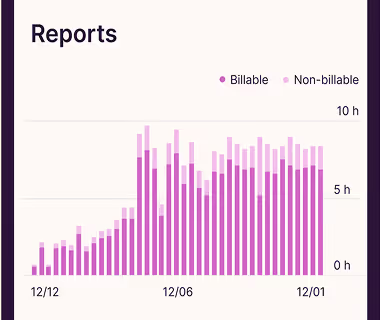
View and export time reports in Toggl’s web app
Head over to Toggl to view your time entries or to export a time report. Voilà, it’s that easy.
- 6



Explore other integrations

Zendesk
This is a legacy integration for Toggl Track which we currently don't support for Toggl. If you're interested in using Zendesk with the new Toggl, please contact us.

Visual Studio
This is a legacy integration for Toggl Track which we currently don't support for Toggl. If you're interested in using Visual Studio with the new Toggl, let us know.
