

Visual planning software with your team's real capacity underneath it
Toggl is a drag-and-drop planner and time tracker with live capacity built in. Schedule work on a timeline and see how it fits around each person’s working hours, approved time off, and public holidays. Track time against the same tasks to improve future plans.

View the same set of tasks as a Board, Task list, Calendar, or Timeline
Group the Timeline by People to see each person’s capacity update as you drag
Track time against planned tasks, so comparing estimates with actuals is a report—not a reconciliation







Most planning tools show you the work. We show you the reality behind the plan.
A tidy board can hide a drowning team. It shows a task landing Thursday – not the 11-hour workload or how long similar work actually took.
Toggl connects planning with actual time tracking data, helping you build more realistic plans and spot the moment they stop being possible.

Four views, one plan
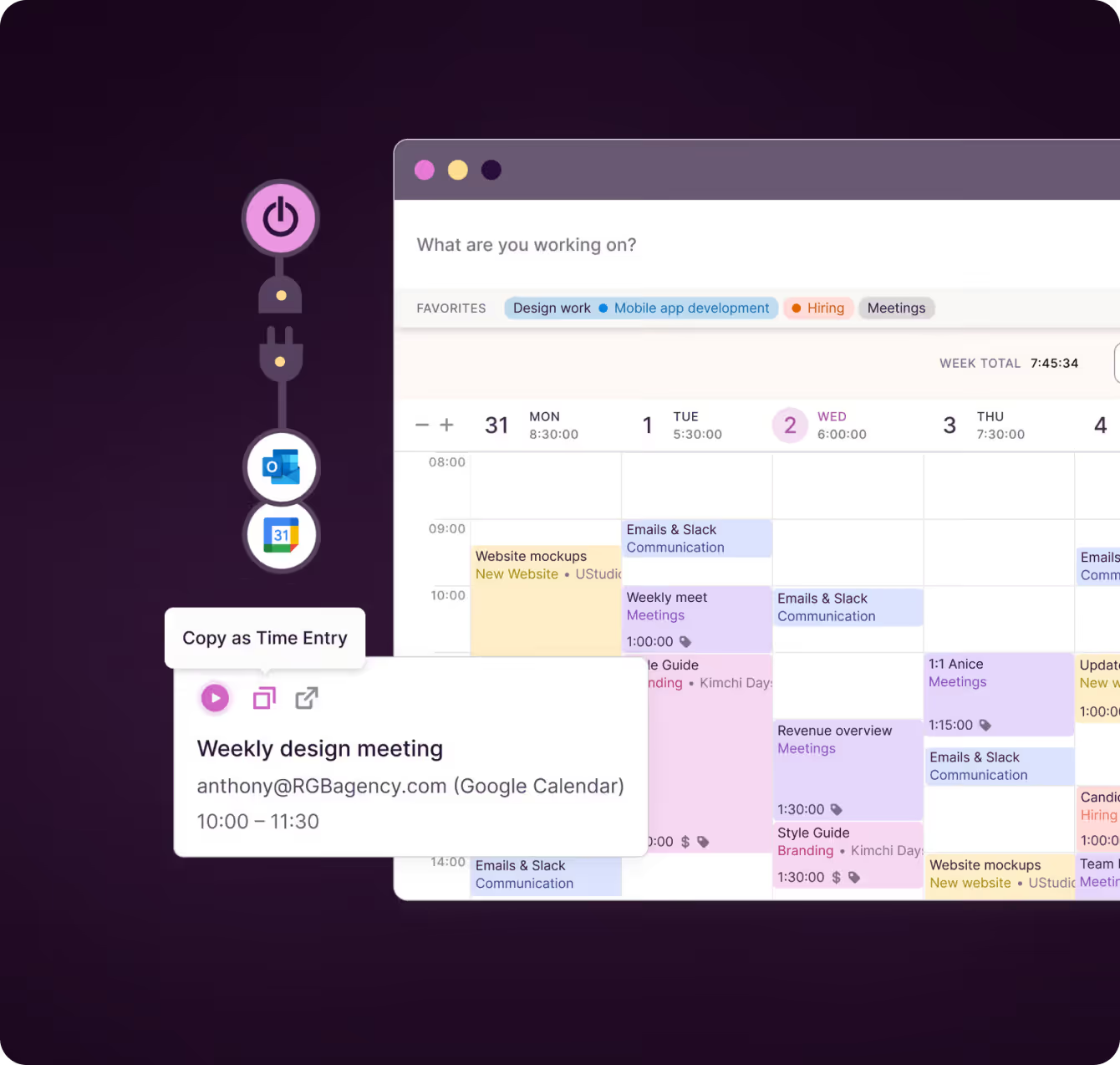
Move between Board, Task list, Calendar and Timeline without rebuilding anything. Drag tasks into place, resize them to adjust their duration, and zoom from a week to a quarter.
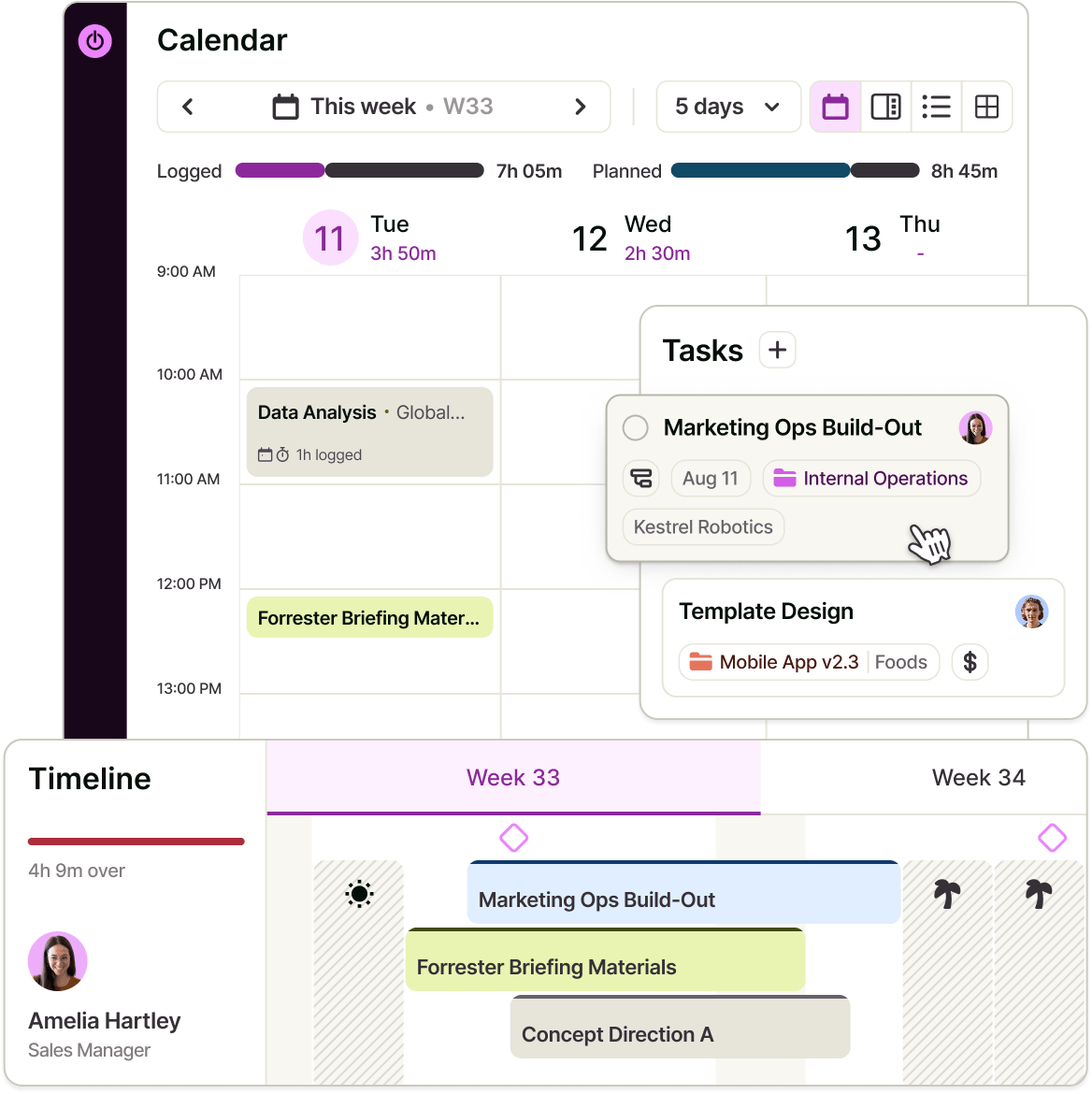

Keep plans repeatable and on track
Save filtered views, create projects from templates and schedule recurring work without rebuilding the plan. Use draft projects to test new work against capacity before committing, then add milestones and alerts to surface schedule, estimate and budget risks early.
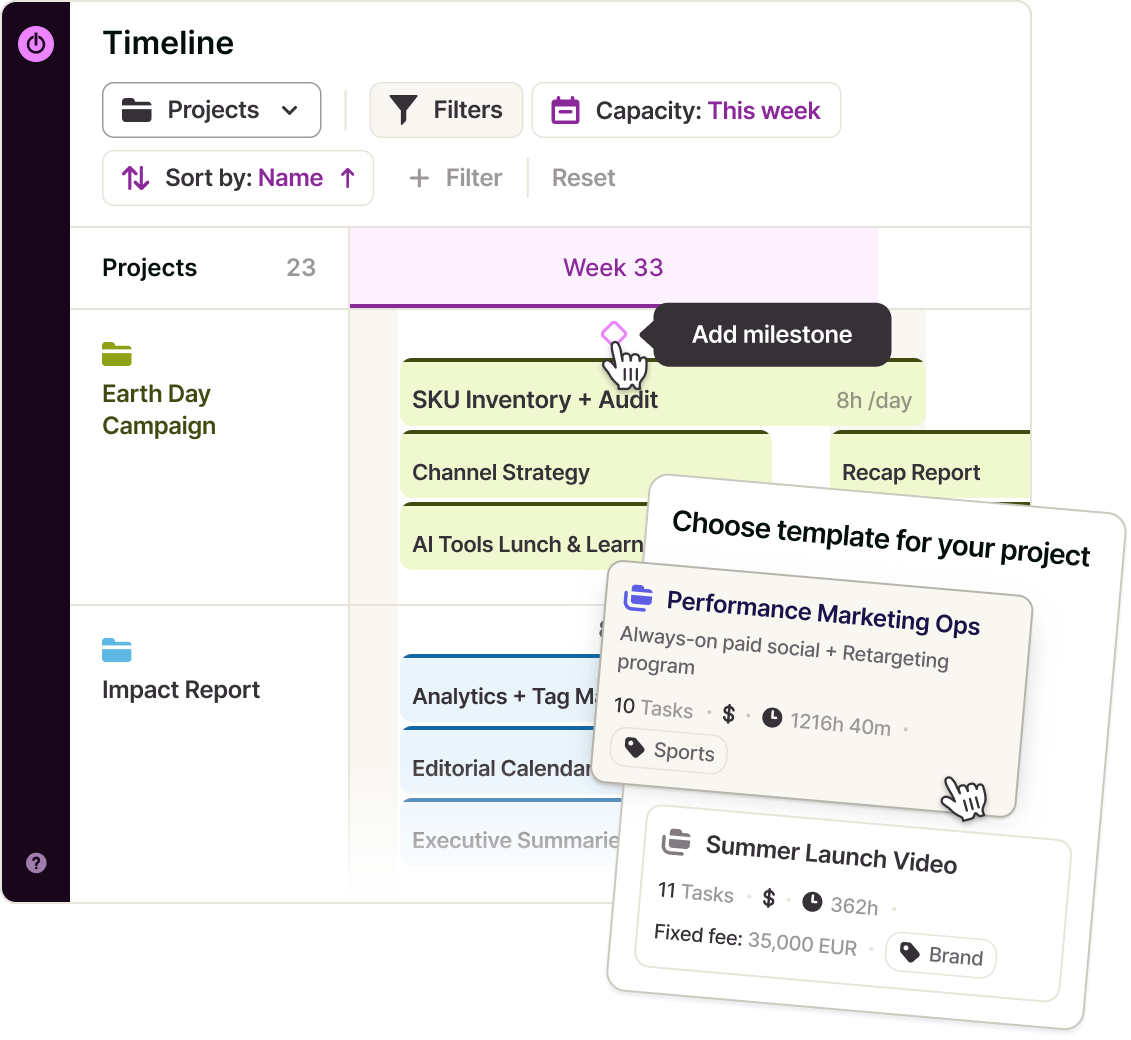

See the impact on your team as you plan
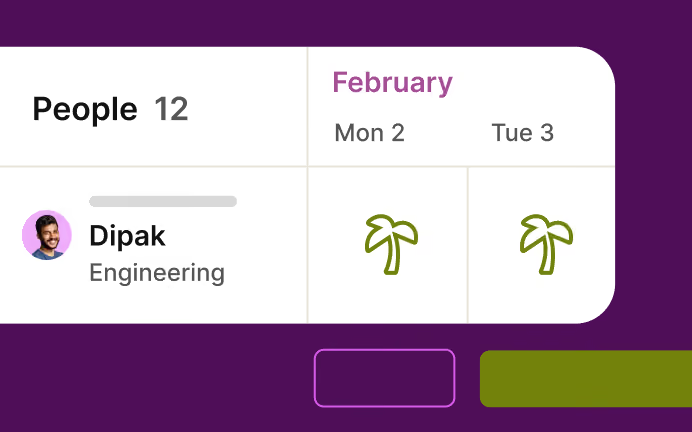
Group the Timeline by People to see each person’s capacity update as you drag. Their working hours, approved time off, public holidays and non-working days are already factored in. Split estimates across multiple assignees, so capacity reflects each person’s real share of the work.
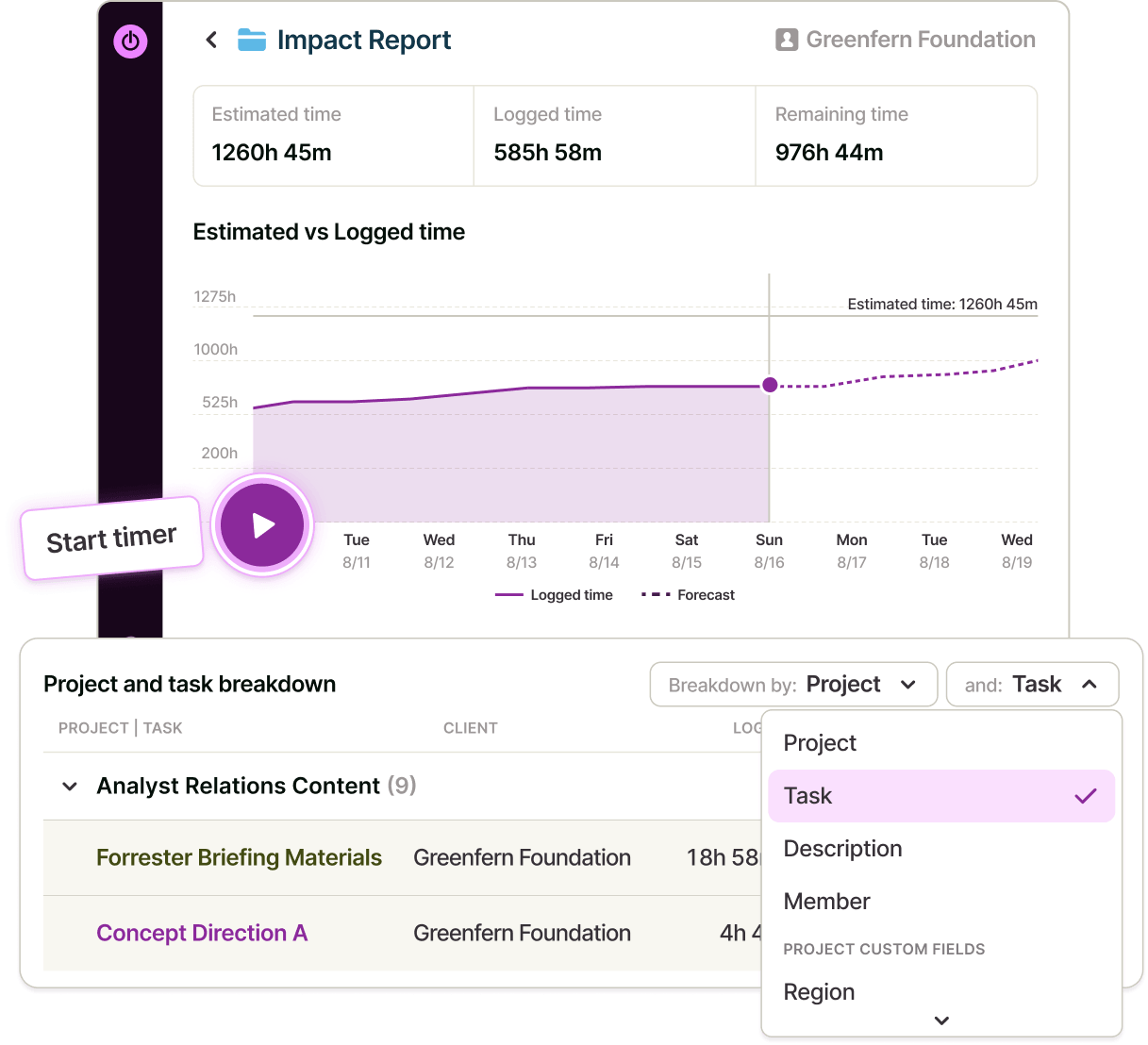

Plan with real data, not guesswork
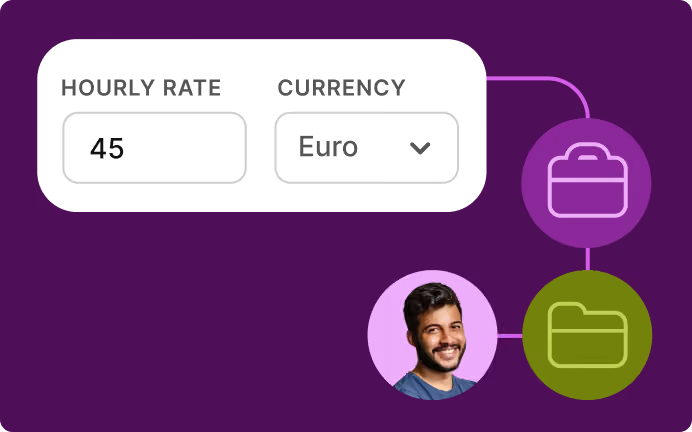
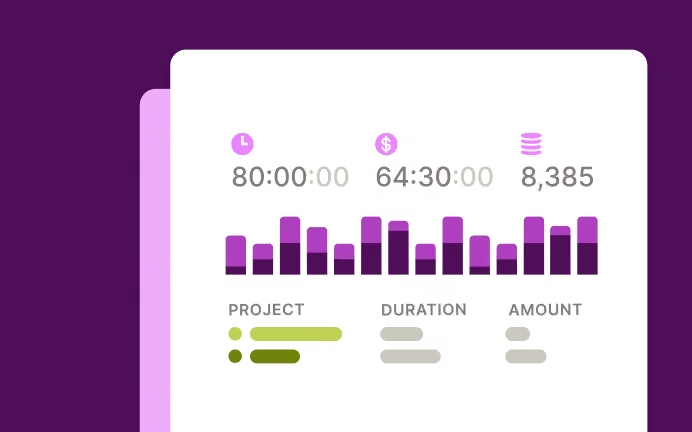
Track time against planned tasks – manually, automatically, with a timer, Pomodoro or calendar events. Compare estimates with actuals to plan better, and add rates and labour costs to see workload, utilization and profitability from the same data.
“It really is the ability to drag and drop on a timeline and flexibly move stuff around that Toggl has versus any other platform. Being able to drag things around live, have it refresh live, and scroll while dragging with other people doing it at the same time."
– James Leighfield, Head of International Brand & Design, Fuse


Visual planning for every role on the team
Owners & Managers
See the whole book of work on one timeline, and see which of your people it actually lands on before you say yes to the next project.
Project & Resource Managers
Drag the schedule into shape against live capacity, pin the milestones, and let alerts tell you when something's heading past its estimate.
Team Leads
Plan your team's week in one view, split estimates across the people doing the work, and see the effect of leave and holidays without keeping a second calendar.
Employees & Freelancers
Open one view and see what's yours this week — then track against the same tasks instead of reconstructing your week on Friday.

Online, offline or on the go? We have an app for that!
Your data instantly syncs across all apps and devices
NEW WEBSITE
12 of 20h


Web app
To view time reports, manage projects and teams

Browser plugins
Integrations with your favorite online tools
REACHED
Code every day
5/5 hours
Visual planning features
Everything you need to plan work against real capacity.
Four connected task views
Switch between Board, Task list, Calendar and Timeline, with custom statuses, filters and changes carried across.
Drag-and-drop Timeline
Schedule, move, resize or unschedule tasks, then zoom from a week to a quarter.
Live capacity and availability
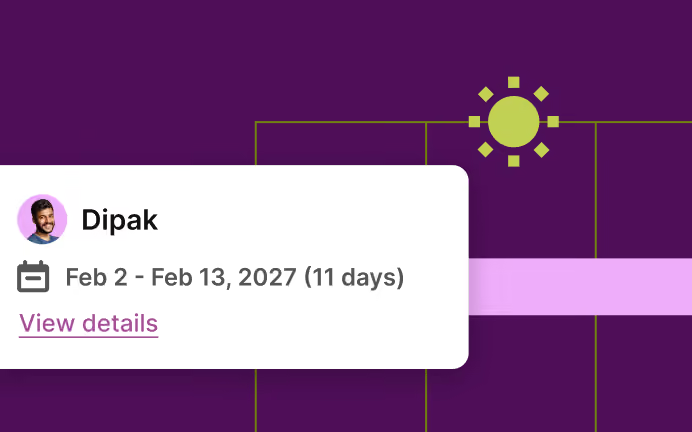
See capacity based on each person’s working hours, approved time off and public holidays.
Flexible estimates
Estimate work by total or per day, then split it evenly or set a custom share for each assignee.
Milestones and project alerts
Pin key dates and get warned when projects approach time estimates or fixed-fee budgets.
Saved views and favourites
Save filters and periods, then pin frequently used views, projects and tasks.
Recurring projects, templates and drafts
Reuse repeatable plans and test new work before committing.
Time tracking and reporting
Track planned tasks and compare estimates with actuals across Workload, Utilization, Profitability and Project dashboards.


Why 120,000+ users started...
Small team and no budget? We have you covered
“The best free time tracking app”
"After trialing 20 similar products, Toggl was a clear winner providing everything I needed."
Today, 14 Apr
7:15:50
Illustrations
2:12:50
5 billable hours every day
3/5 hours
REACHED
Code every day
5/5 hours
NEW WEBSITE
12 of 20h
PM Daily
0:00:25
How does Toggl visual planning work?
1. Create a workspace and invite your team
No card required.
2. Add a project and its tasks
Create them from scratch or import them easily.
3. Set working hours
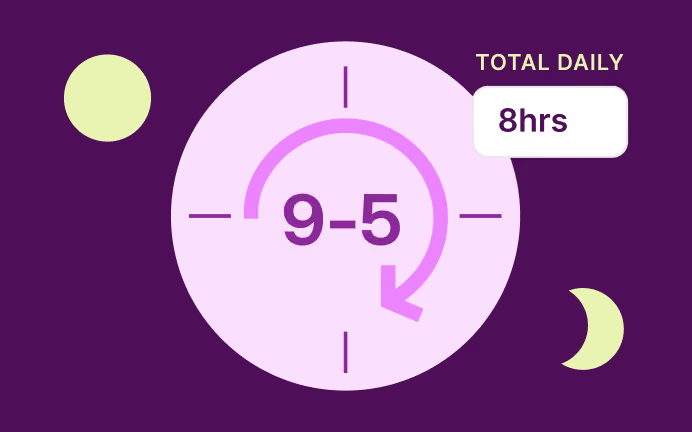
Add each person’s weekly hours or set a different schedule for each day.
4. Drag tasks onto the Timeline
Assign people, add estimates and group by People to see capacity.
5. Add milestones and project alerts
Pin key dates and get warned when a project approaches its estimate or fixed-fee budget.
6. Track time against the same tasks
Compare estimates with actuals to make your next plan more accurate.
FAQs


