
Time and Billing Software

Work hours, tracked and planned in one place

Toggl logs every hour your team works — real-time, manual, or automatic — and lets each person set the hours they're actually available for, so capacity planning reflects reality, not a default.

Availability settings (work hours, time off, public holidays) are available on Starter plans and above.

Easy, fuss-free onboarding

See planned vs. tracked work hours

Track from inside Jira, Asana, and other tools from desktop, phone, and web

Keeping track of work hours has never been so easy

A time tracking app your team will actually use
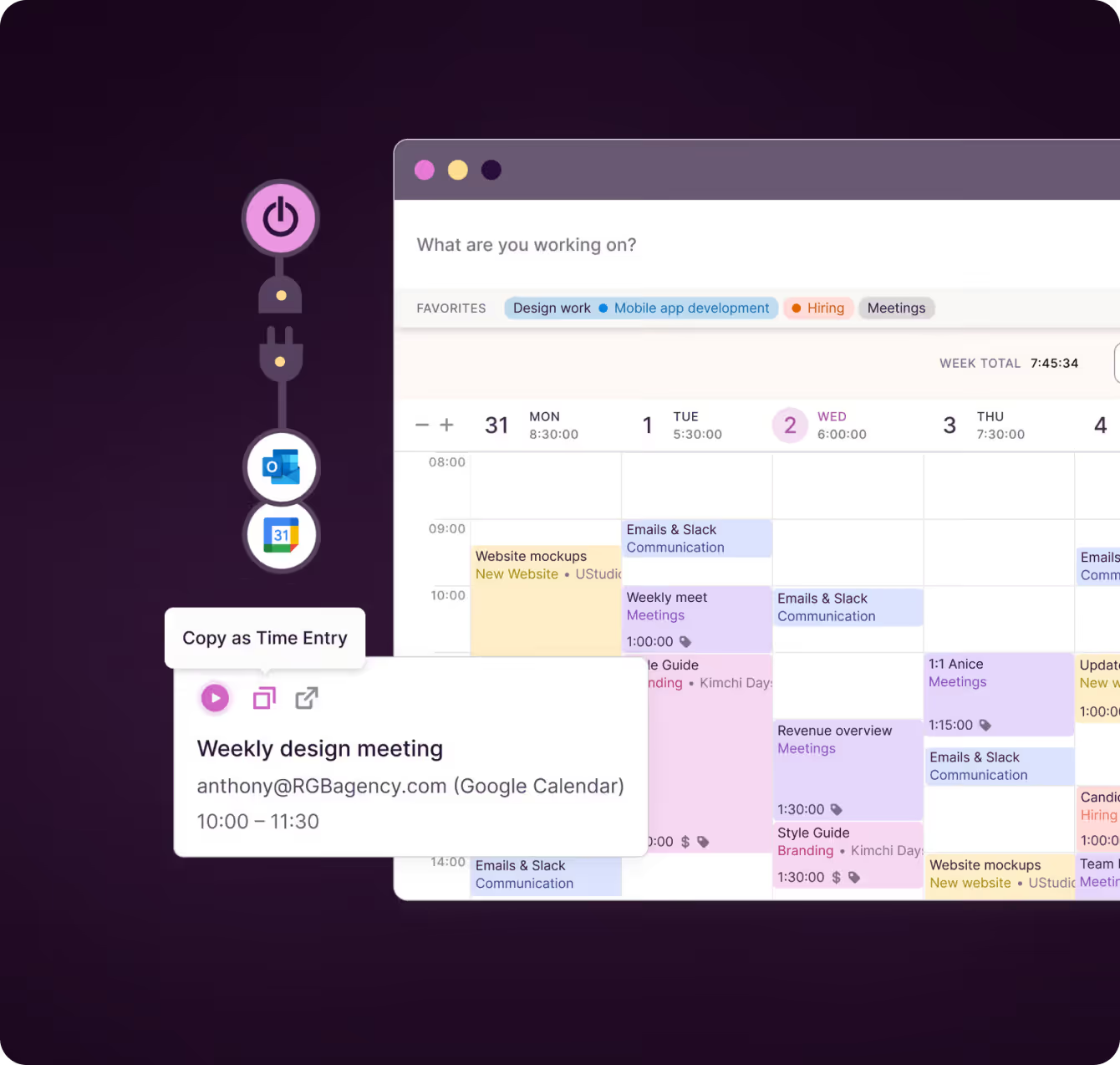
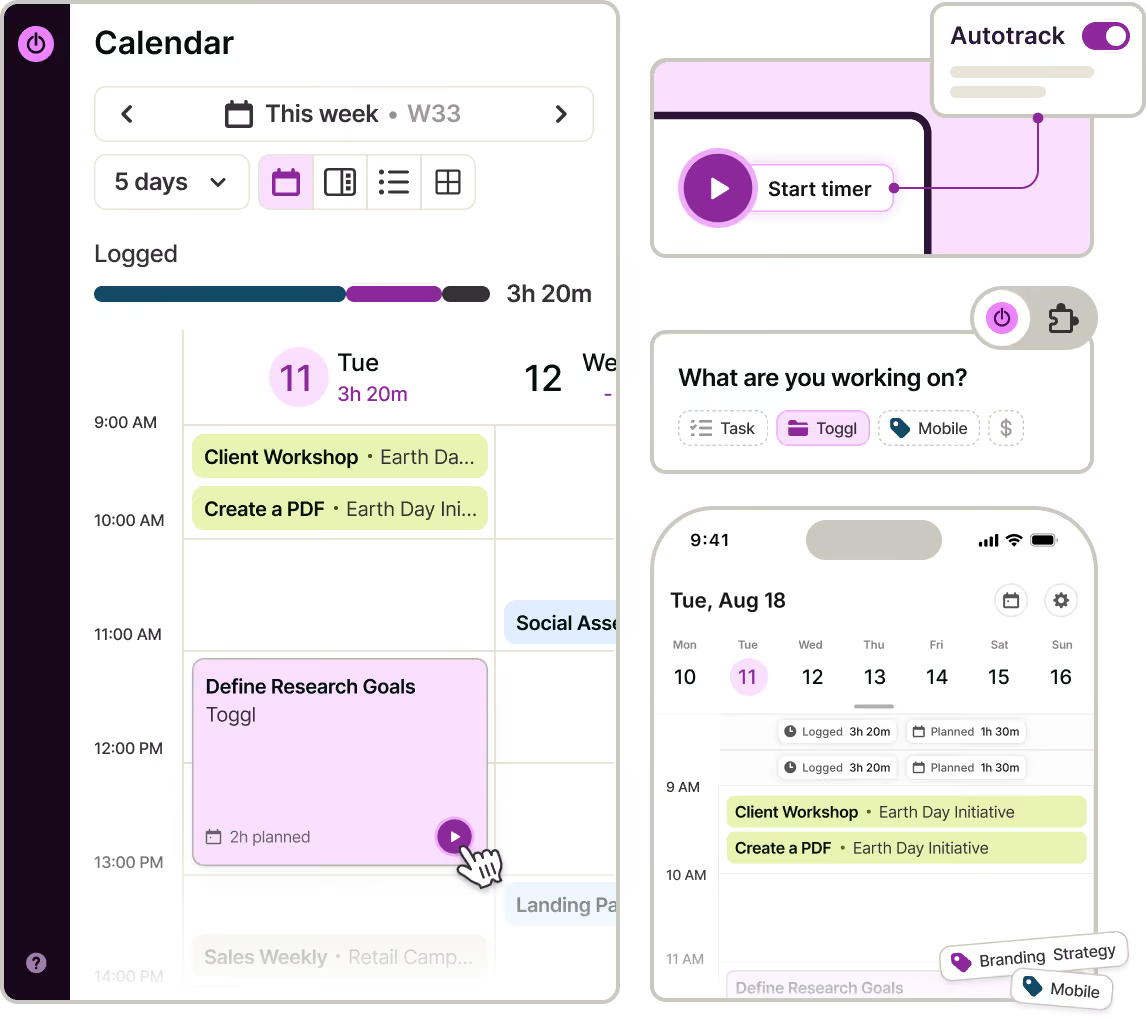
Track work hours with a real-time timer, automatically, add time manually or from your calendar, and continue past entries with one click. Use the browser extension to track time inside Jira, Asana, and other tools, or let the desktop app suggest and automatically track activity — all with a private-by-default approach.
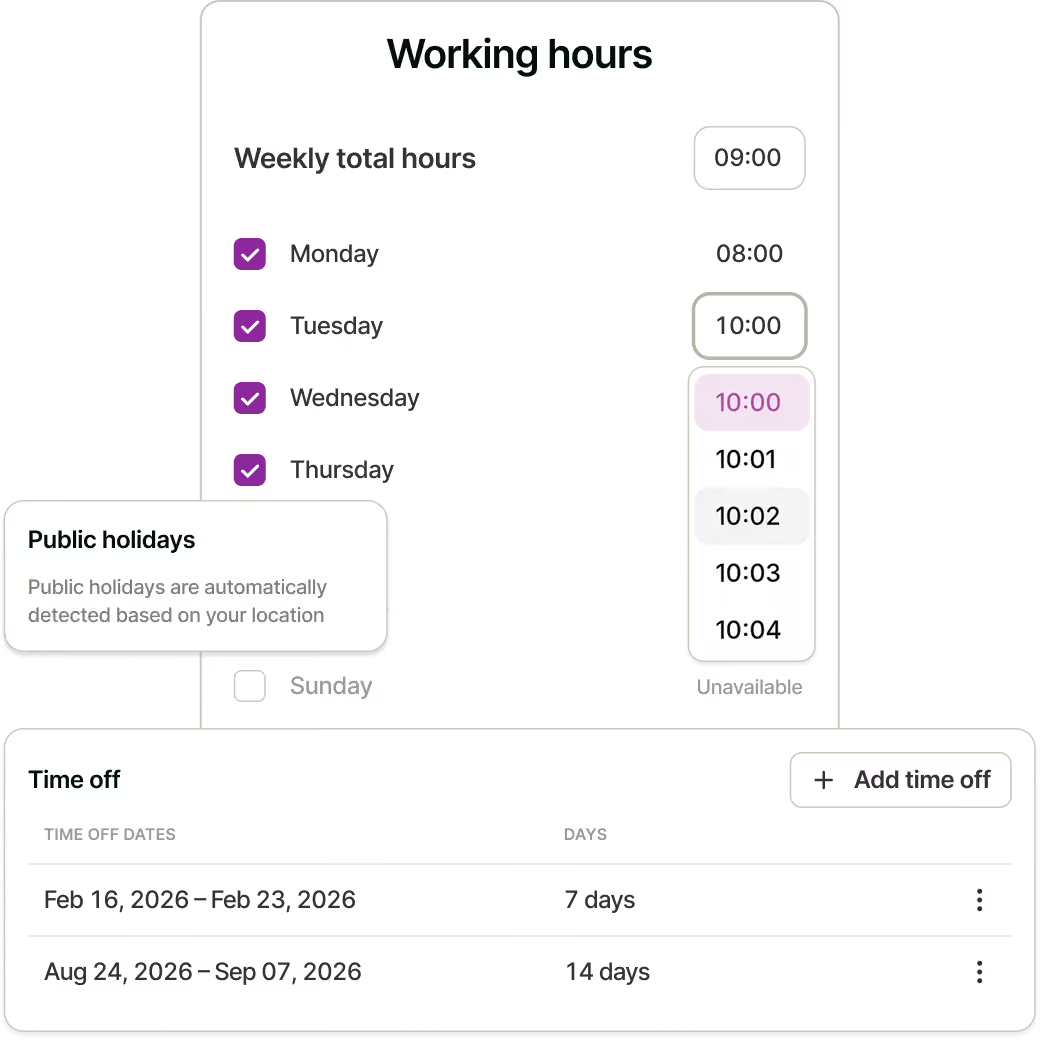
Manage work hours, time off, and public holidays

Set a standard eight-hour day, or custom work hours for each day of the week. Add time off once, and Toggl automatically updates team availability and capacity.
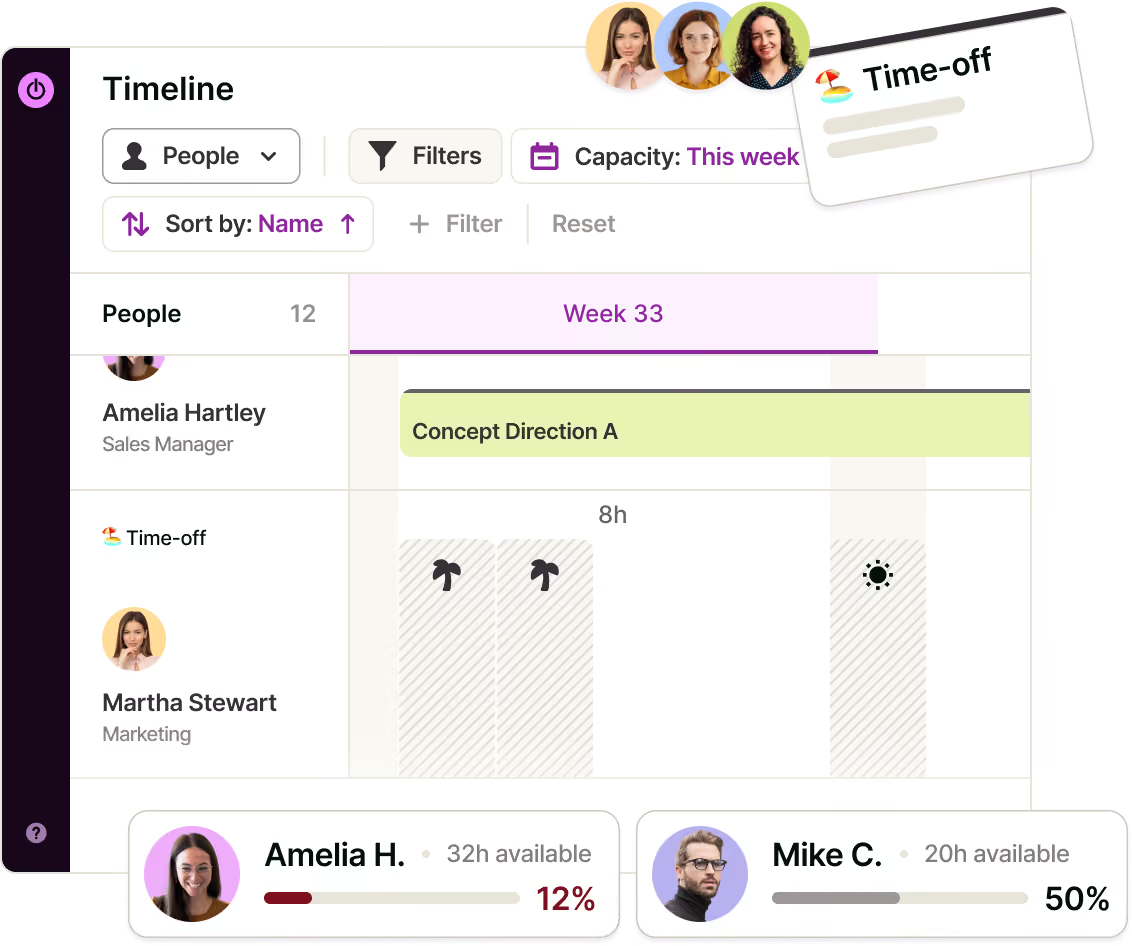
Turn tracked hours into team capacity planning

Tracked work hours and team availability feed into the same Timeline, creating a live workload and capacity view. See who has room and who’s overloaded from the time your team already tracks – without a separate capacity planning tool or manual rollup.
Track project progress and profitability

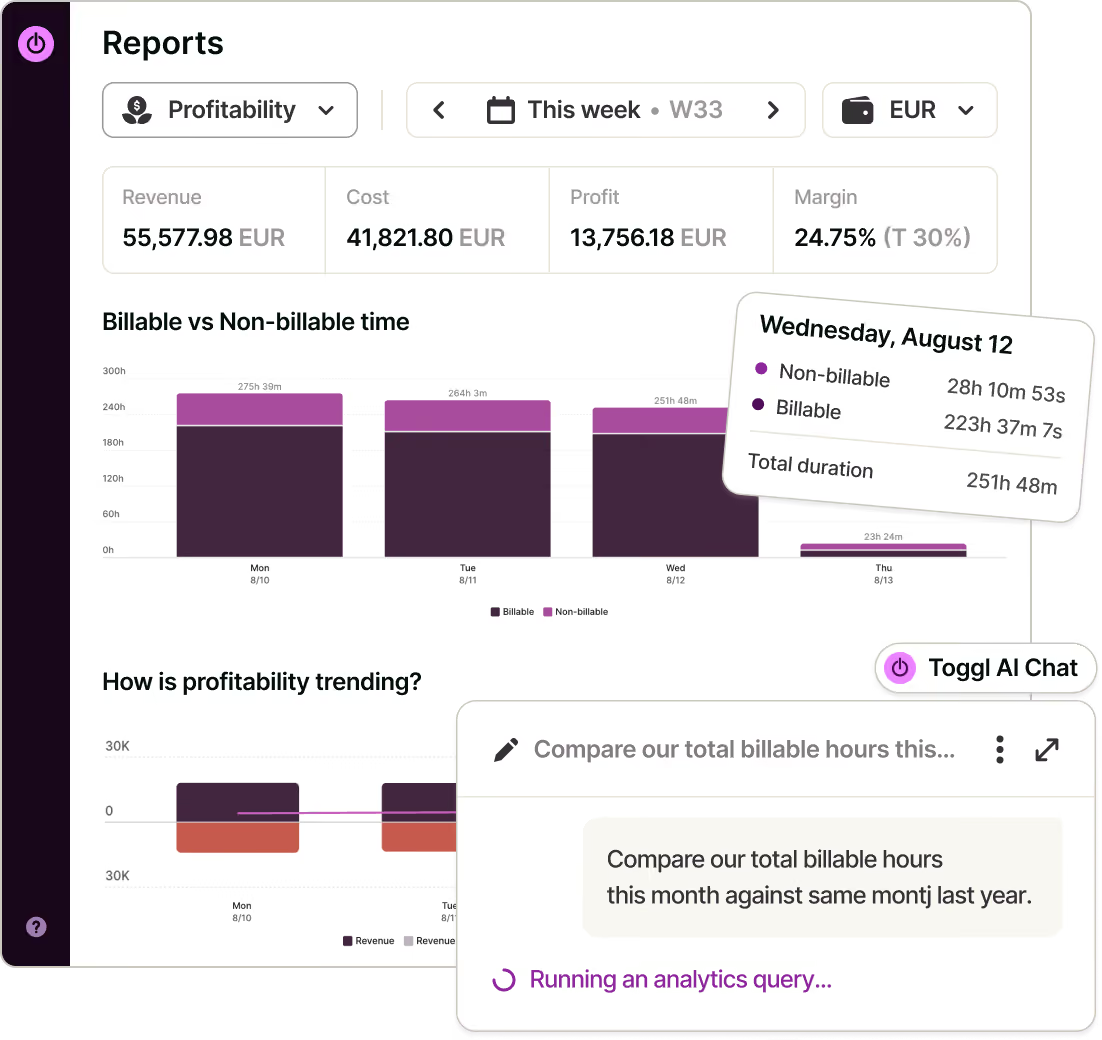
Set billable rates by workspace, team member, project, or project member. Use time tracking reports — including Summary, Time Logs, Profitability, Utilization, and Workload reports — to understand project progress, revenue, labour costs, margins, and team utilization.
Onboarding with a dedicated Customer Success Manager
GDPR-compliant — your security is our priority
Custom solutions built specifically for your team
99.9% uptime and priority support
Work hours tracker features
Everything you need to track, plan, and understand your team's work hours.
Multiple ways to log time
Real-time timer, manual entry, calendar view, one-click continue, browser extension, or automatic detection via the desktop app.
Timer modes for how you work
Count up for open-ended sessions, countdown for a fixed window, Pomodoro for focused intervals, or Focus mode to cut out distractions.
Work hours tracking that reflect reality
Set no schedule, a standard 8-hour day, or a custom pattern per day — for yourself or, as an admin, for your whole team.
Time off and public holidays, automatic
Logged time off and detected public holidays both remove someone from available capacity — no manual adjustment.
Billable rates at every level
Workspace, member, project, or project-member — set rates as specific as your billing actually is.
Reports for every question
Summary, Time Logs, Profitability, Utilization, and Workload reports, all built from the hours your team already tracked.

How does work hours tracking work in Toggl?
1. Set your work hours

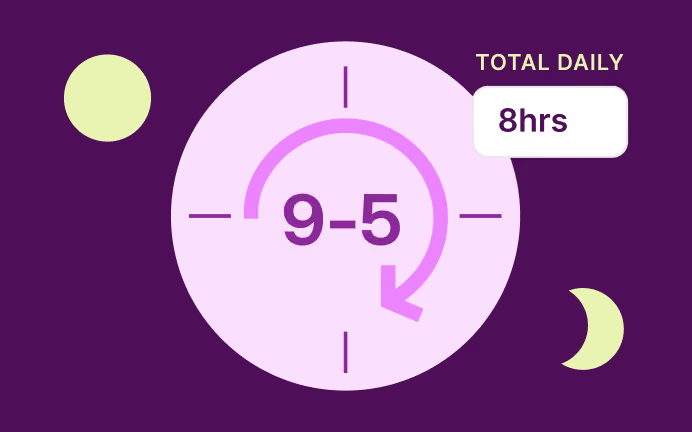
Choose no schedule, a standard 8-hour day, or a custom pattern per day. Admins can set this for the whole team.
2. Track time as you work

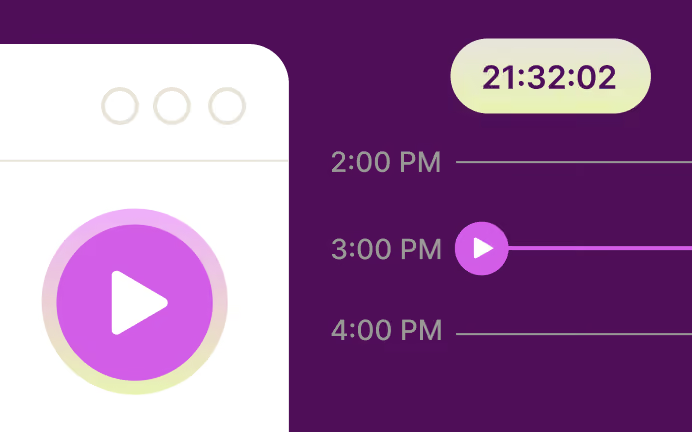
Use the real-time timer, log manually, or let the desktop app suggest and auto-track based on your activity. Integrate with your tools via browser extension, set up Jira and Asana integrations.
3. Add time off and let holidays handle themselves

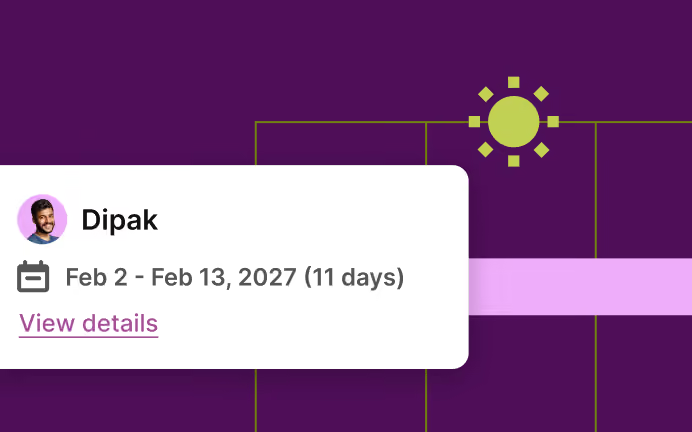
Log time off once and it's factored into your availability automatically; public holidays are detected and applied the same way.
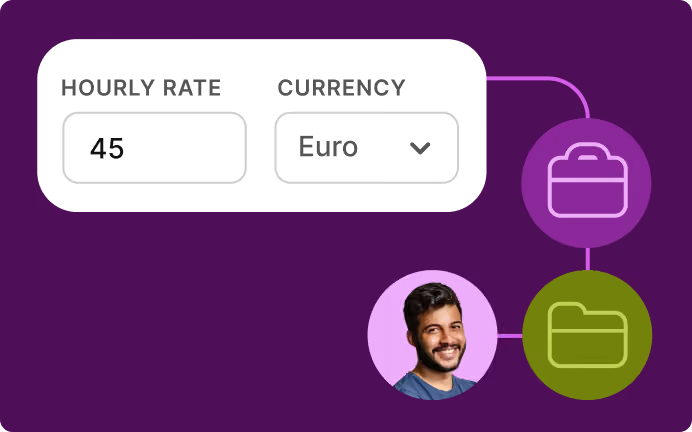
4. Set billable rates

Workspace-wide, or down to a specific person on a specific project.
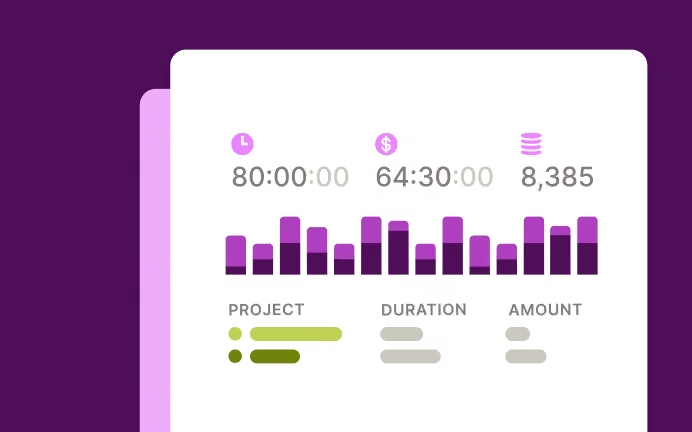
5. Check your reports

Summary, Time Logs, Profitability, Utilization, and Workload reports turn tracked hours and rates into real numbers.
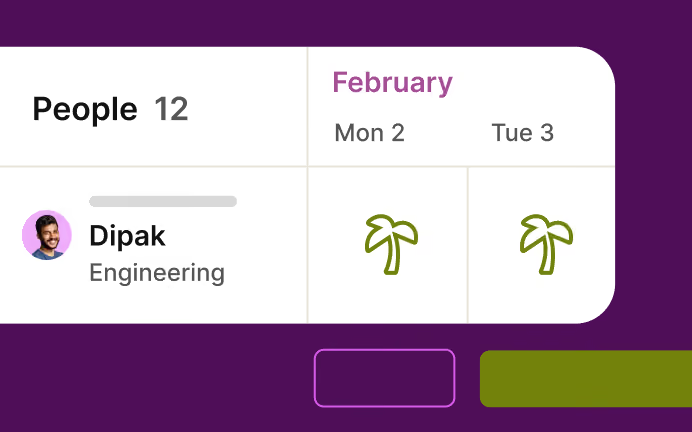
6. See real capacity, not a guess

Work hours, time off, and holidays all feed the Timeline view, so capacity reflects who's actually available.

My team is used to Excel timesheets. Do I need time tracking and billing software?
Yes, Excel is easy to use (and almost free). But it’s not without limitations.
First, they are not 100% accurate. Second, your managers must spend hours getting your team to fill them up and convert these timesheets into invoices. And third, it’s almost impossible to gain any insights from them. Toggl helps you overcome all three challenges.
40+ hours saved monthly
at Perception Engineering with one-click time tracking and reporting
100% time tracking adoption
with easy, non-intrusive time reporting at software consultancy Newlogic
20% increase in profitability
by accurately tracking billable work hours at Sweat+Co PR agency

Integrations with popular online tools

Why 120,000+ users started

On Capterra
No complicated setup or unnecessary bells & whistles!
Renee
Business Analyst
GetApp
I love its simplicity—its integration with Asana makes everything easier. It allows me to see how I use my time to be able to make decisions that improve my profitability.
User review
Testimonial
It's not one of those apps where you need to spend half a day figuring out how to actually use it: sessions can be started as they happen or added later, and once the app has got a feel for your schedule and how you work, it'll even make suggestions about what you want to track next.
techradar
“My favorite time tracker! Toggl integrates with so many other project management tools and invoicing apps, and the team rolls out regular fixes and additional useful features. Great price for the functionality and ease of use!!!”
— Pauline LC, User review on Capterra
User review on Capterra
Testimonial
With Toggl, you can track your time right away and view your tracked time entries, and worry about the details later. It also has a generous free tier of service that gives you access to all its apps (Android, iOS, Windows, macOS, Linux, Web, and browser extensions).
zapier
On Capterra
Allows me to record project time [to ensure] I'm charging reasonable rates.
Gabrielle
Senior Accounting
On Capterra
"After trialing 20 similar products, Toggl was a clear winner providing everything I needed."
Andy
Consulting Software Engineer
On Capterra
Regular updates ensure that any bugs are caught quickly and customer support responds within a day; these features make using Toggl a breeze.
Trevor
Senior Project Leader
Testimonial
Learning to use Toggl is a breeze, because it's highly intuitive and simple. It ushers you along quickly so that you get back to work right away and start tracking your time immediately. The free plan is generous and could be more than adequate for solo workers or even small groups of up to five people with light needs.
PCMag
On Capterra
Even those who have never used time tracking software before can get up and running quickly.
Kathleen
Service Area Manager
tracking time with Toggl in the last 30 days
Toggl's Free plan is free forever. Our Premium plan comes with a free, 30-day trial. No credit card required to get started.
Small team and no budget? We have you covered
“The best free time tracking app”

"After trialing 20 similar products, Toggl was a clear winner providing everything I needed."

Today, 14 Apr

7:15:50

Illustrations

2:12:50

5 billable hours every day

3/5 hours

Brainstorm session

REACHED

Code every day
5/5 hours

NEW WEBSITE

12  of  20h
PM Daily
0:00:25
Toggl Track's Free plan is free forever.

Join 5 million users tracking their time to get results

No credit card required

Free 30-day trial for all features

Cancel anytime

FAQs

What is work hours tracking?

It's two connected things in Toggl: logging the hours you actually work (via timer, manual entry, or automatic tracking), and setting the hours you're available to work each day, which feeds directly into team capacity planning.

What is a work hours tracker?

A work hours tracker logs the hours each person works and, in more advanced tools, the hours they're available to work. In Toggl, you track time by timer, manual entry, or automatic detection, and set a schedule that reflects real availability.

How do I track my work hours in Toggl?

Start a real-time timer, add a manual entry with a start and end time, click a slot on the calendar, or continue a previous entry with one click. On desktop, the app can suggest or automatically track time based on the apps and sites you use.

Can I track time without a project or task?

Yes. A time entry just needs a description at minimum — task, project, tags, and billable status are all optional, so you can log at whatever level of detail fits your setup.

Can I set different work hours for different days?

Yes, with a custom schedule. You can define your own hours for each day of the week, rather than using the standard 8-hour, Monday-to-Friday default.

Do weekends count toward work hours?

Not by default. Under the "no schedule" or standard 8-hour presets, weekends aren't counted as work days. Only a custom schedule can add weekend hours.

Can an admin set work hours for the team?

Yes. Workspace admins can set total weekly hours and daily availability on behalf of any team member from the Members page.

What happens when I log time off?

You're automatically shown as unavailable on the Timeline for those dates, and it's factored into capacity planning — no separate step required.

Are public holidays tracked automatically?

Yes. Public holidays are detected based on location and applied the same way as logged time off — team members aren't shown as available on a public holiday in their region.

What timer modes does Toggl support?

Count up (the default open-ended timer), countdown (a fixed duration), Pomodoro (focused work intervals with breaks), and Focus mode (hides everything but the current entry).

Does Toggl support automatic time tracking?

Yes, on the desktop app. It can detect the apps and websites you're using and suggest time logs automatically, or you can mark a scheduled block as done to auto-track it.

How do billable rates affect work hours tracking?

Billable rates can be set at the workspace, member, project, or project-member level, with the most specific rate taking priority — this is what turns tracked hours into revenue and profitability numbers in reports.