



Billable Hours Software

Make sense of every cent. Track every billable hour.

Set billable rates for every employee. Create accurate invoices for every project.

Fast, accurate and transparent client billing in a couple of clicks

Set custom billable rates

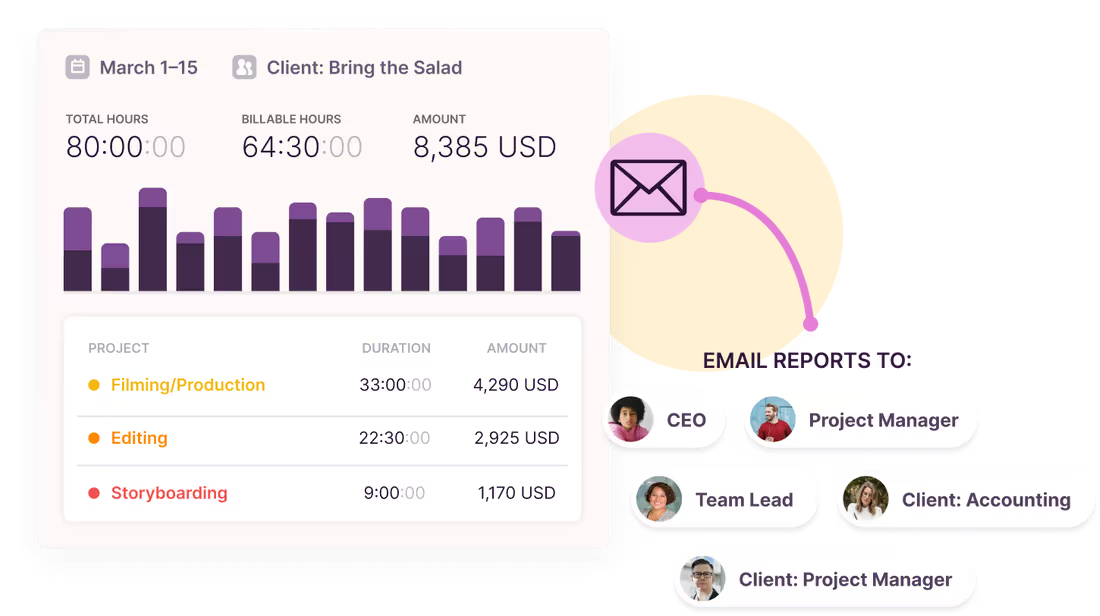
Use billable rates to charge your team's worth. Set custom billable rates to match project scope and track employee labor costs with ease.
Set custom billable rates

Use billable rates to charge your team's worth. Set custom billable rates to match project scope and track employee labor costs with ease.

Build client trust with transparent rates

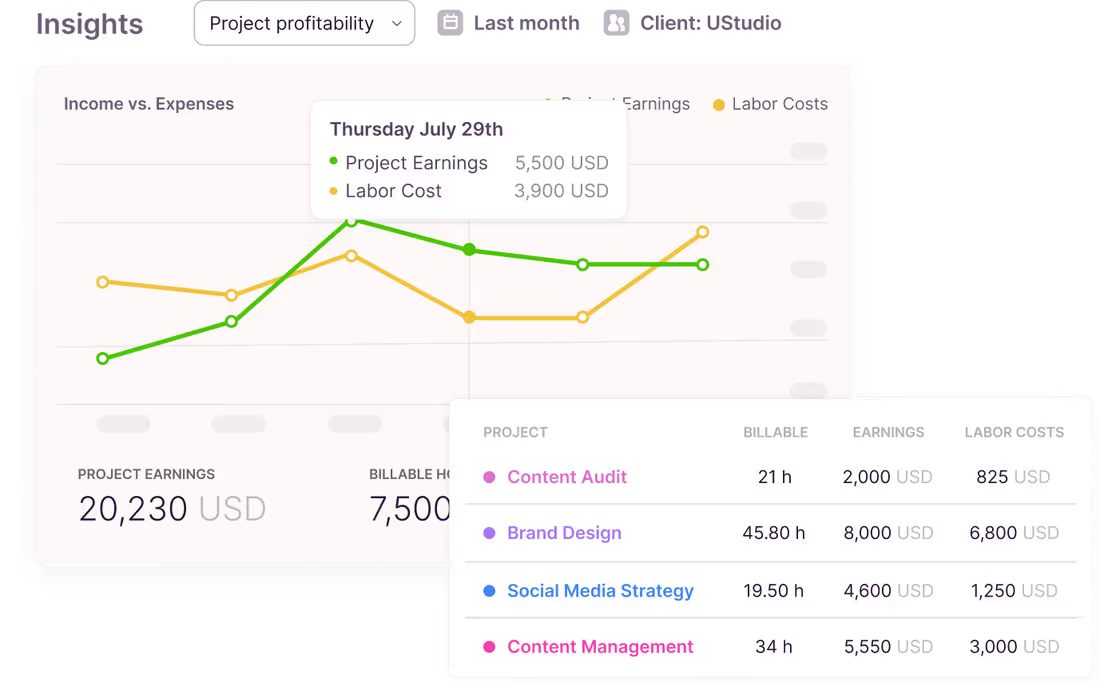
Strong client relationships are the bread and butter of your business. Create detailed time logs to explain every hour your team spends on tasks. Use Toggl to generate detailed reports clients will
Build client trust with transparent rates

Strong client relationships are the bread and butter of your business. Create detailed time logs to explain every hour your team spends on tasks. Use Toggl to generate detailed reports clients will

Eliminate human effort (and error)

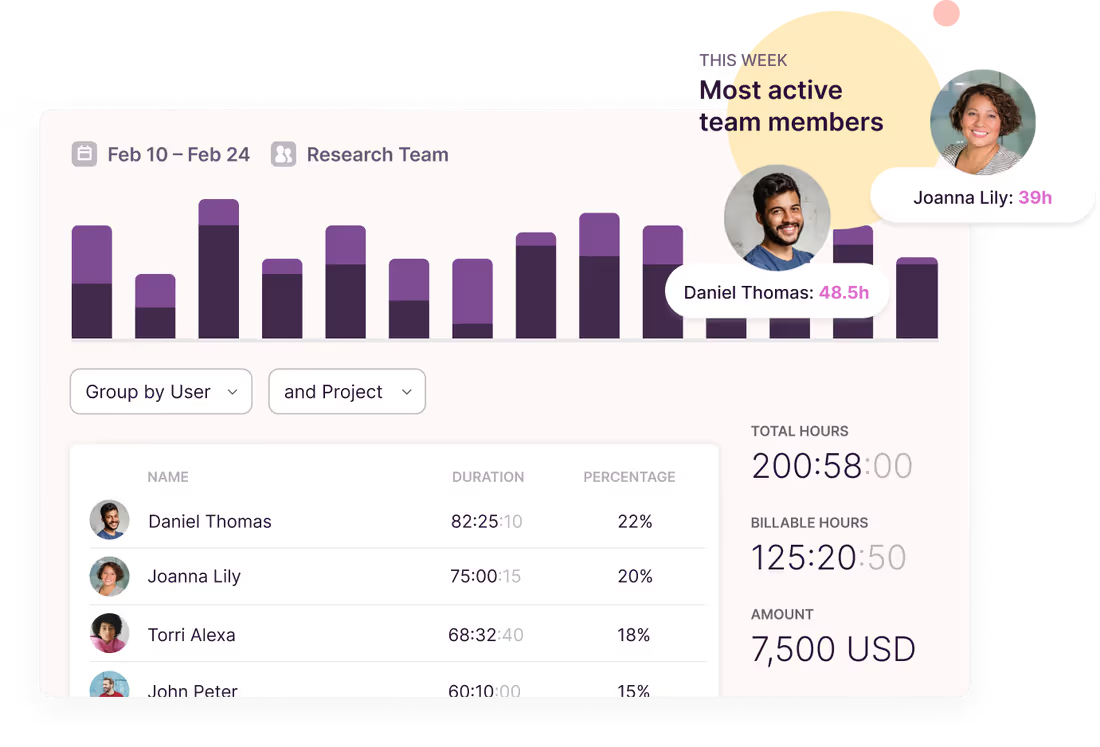
When a project kicks off, let your team focus on doing their best work — not filling in a timesheet. Use our one-click time tracker to log time entries. Generate accurate invoices from tracked billable hours to save time.
Eliminate human effort (and error)

When a project kicks off, let your team focus on doing their best work — not filling in a timesheet. Use our one-click time tracker to log time entries. Generate accurate invoices from tracked billable hours to save time.

Every billable hour, at the right rate, for every task and project
Set the rate once and every hour prices itself
Toggl multiplies billable rates by tracked hours as your team works, so the billable total is always current. Set rates at workspace, project, task, or team member level, in whatever currency the client pays in. Add labor costs alongside them and you see margin, not just revenue.
Companies that use Toggl see:

40+ hours saved monthly
at Perception Engineering with one-click time tracking and reporting
100% time tracking adoption
with easy, non-intrusive time reporting at software consultancy Newlogic
20% increase in profitability
by accurately tracking billable work hours at Sweat+Co PR agency
Never miss another billable minute with Toggl
No credit card required
Free 30-day trial for all features
Cancel anytime
Not sure what billable hours software features you need?
Toggl has you (more than) covered.
Set rates for every piece of a project
Create billable hourly rates for individuals and set overall rates for projects, tasks, and workspaces. Slice and dice billable rates depending on project scope and skill sets to increase profitability.
Better project estimates
Stop guessing what to charge for your next project. Use historical billable rates to create accurate project estimates based on past work. Dig into time tracked data, check project profitability and adjust your pitch to get paid fairly.
Transparent rates for teammates
Set custom billable rates costs for every employee. Add labor costs and compare billable earnings vs overall revenue to calculate project profitability.
Switch up client currencies
Whether a client is based in Sydney or San Francisco, bill your hours in custom currency rates based on their preference.
Real-time budget tracking
Say goodbye to scope creep and over-budget projects. Measure billable rates against hourly or fixed-fee project budgets. Get an instant alert when costs are near the limit.
Billable data under one roof
Track team, project and workspace rates in a single dashboard. Change rates at any time and stay on top of project profitability and invoice accuracy.

How does billable hours software work?
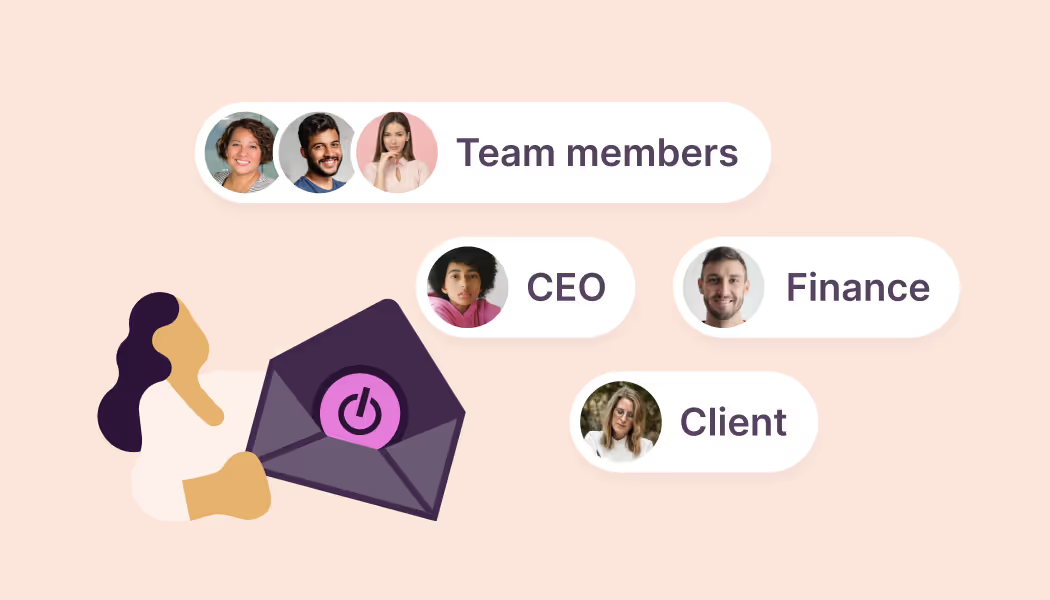
1. Sign up for Toggl (for free! 👀)

Create a Toggl Starter account and invite your team to join.
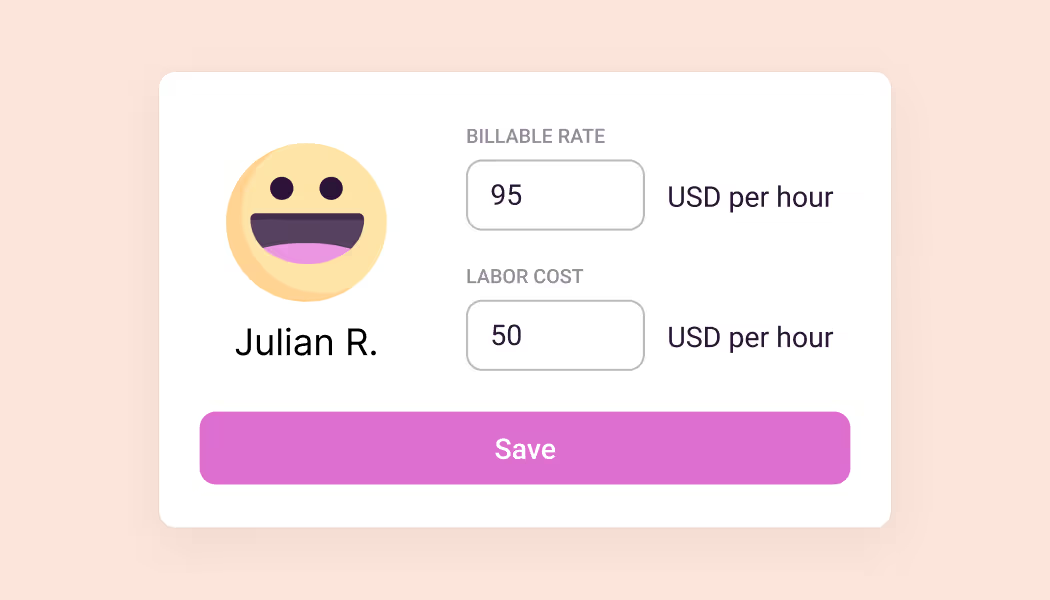
2. Set billable rates

Add labor costs to track your profitability goals. Configure billable rates at a team member, project, task, or workspace level.
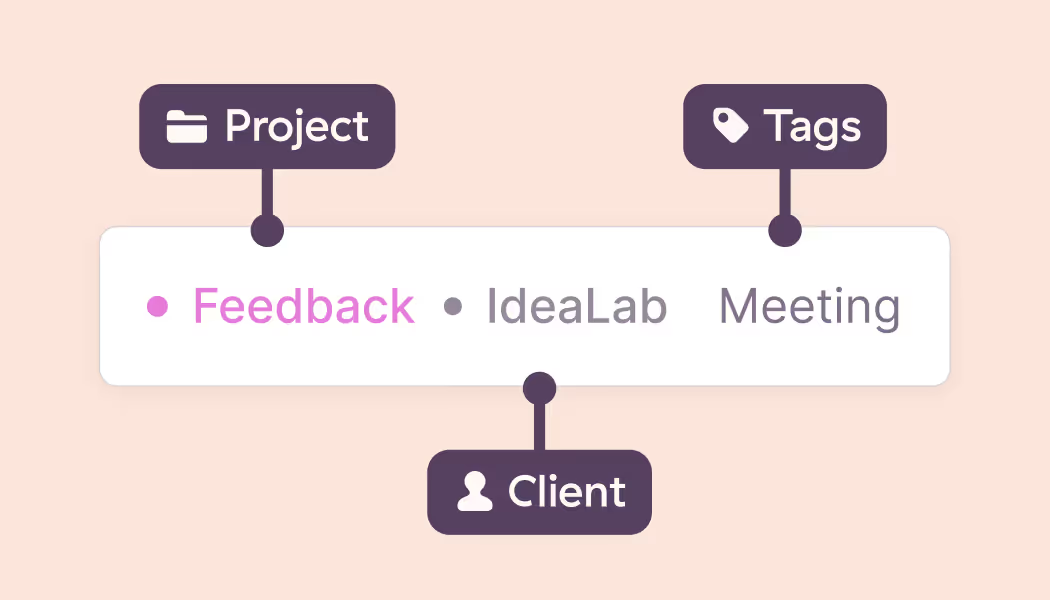
3. Track billable time

Create projects, clients and tags to keep everyone on the same page. When a team member logs a time entry, their billable rate x billable hours are calculated automatically.
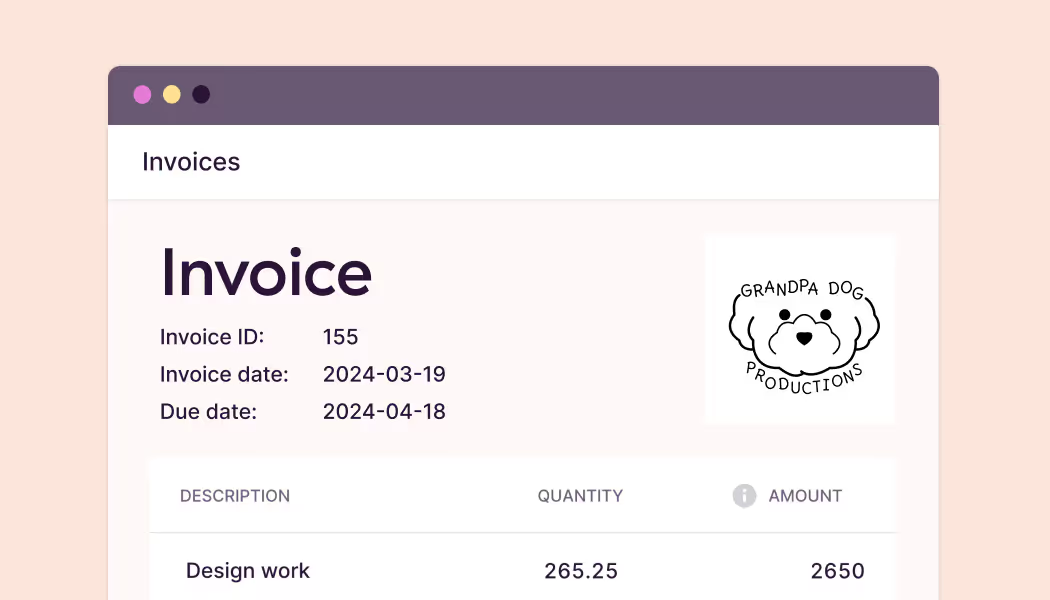
5. Watch your profitability grow

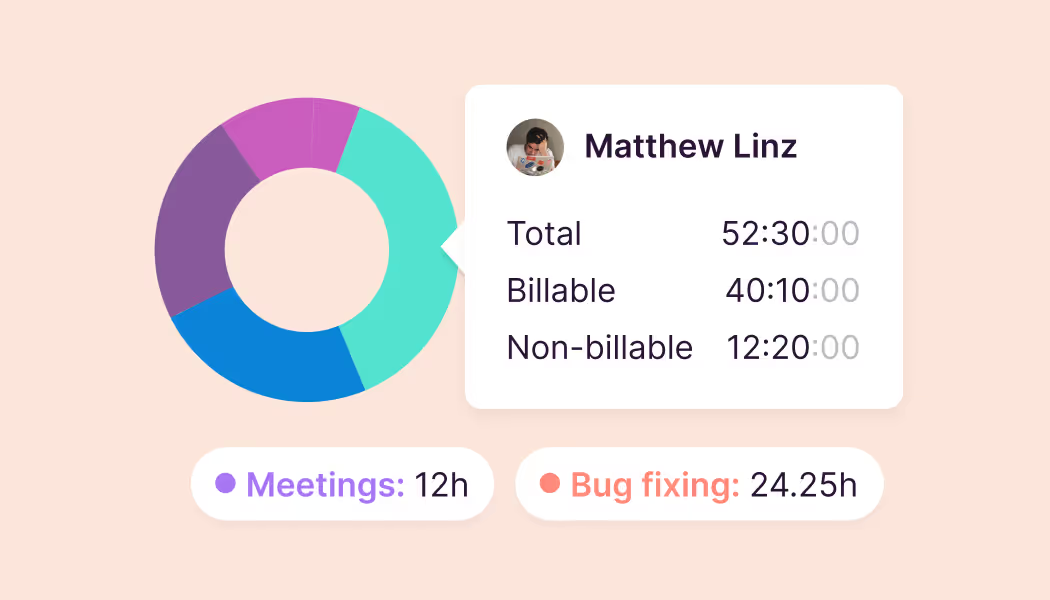
Use Toggl's built-in reporting to keep on top of every project. Easily adjust billable rates to reflect industry benchmarks to ensure every project is profitable.

User love us...

On Capterra
No complicated setup or unnecessary bells & whistles!
Renee
Business Analyst
Testimonial
Learning to use Toggl is a breeze, because it's highly intuitive and simple. It ushers you along quickly so that you get back to work right away and start tracking your time immediately. The free plan is generous and could be more than adequate for solo workers or even small groups of up to five people with light needs.
PCMag
Testimonial
It's not one of those apps where you need to spend half a day figuring out how to actually use it: sessions can be started as they happen or added later, and once the app has got a feel for your schedule and how you work, it'll even make suggestions about what you want to track next.
techradar
On Capterra
Even those who have never used time tracking software before can get up and running quickly.
Kathleen
Service Area Manager
On Capterra
"After trialing 20 similar products, Toggl was a clear winner providing everything I needed."
Andy
Consulting Software Engineer
“My favorite time tracker! Toggl integrates with so many other project management tools and invoicing apps, and the team rolls out regular fixes and additional useful features. Great price for the functionality and ease of use!!!”
— Pauline LC, User review on Capterra
User review on Capterra
On Capterra
Regular updates ensure that any bugs are caught quickly and customer support responds within a day; these features make using Toggl a breeze.
Trevor
Senior Project Leader
On Capterra
Allows me to record project time [to ensure] I'm charging reasonable rates.
Gabrielle
Senior Accounting
GetApp
I love its simplicity—its integration with Asana makes everything easier. It allows me to see how I use my time to be able to make decisions that improve my profitability.
User review
Testimonial
With Toggl, you can track your time right away and view your tracked time entries, and worry about the details later. It also has a generous free tier of service that gives you access to all its apps (Android, iOS, Windows, macOS, Linux, Web, and browser extensions).
zapier
...and we know you will, too!
Toggl's Free plan is free forever. Our Premium plan comes with a free, 30-day trial. No credit card required to get started.
Small team and no budget? We have you covered
“The best free time tracking app”

Even those who have never used time tracking software before can get up and running quickly.

Today, 14 Apr

7:15:50

Illustrations

2:12:50

5 billable hours every day

3/5 hours

Brainstorm session

REACHED

Code every day
5/5 hours

NEW WEBSITE

12  of  20h
PM Daily
0:00:25

FAQs

What are billable hours?

Billable hours are the hours your team spends working on client-specific project tasks. These tasks usually include project planning and management, meetings, training and actual client work.

How do I calculate billable hours?

To calculate billable hours, separate billable time (like client tasks) from non-billable time (like internal meetings or admin work). Then, add all of your billable hours together and multiply them by your billable rate to get a total.

For example, if an employee on your team bills a client $60/hour and has spent 10 hours on billable work ($60 x 10), the total billable amount will be $600. This calculation will be more complex if your team has varying billable rates and labor costs.

How to track billable hours with Toggl?

Tracking billable hours in Toggl is simple. Set custom rates and labor costs for individuals and projects, and Toggl will automatically calculate billable rates and variations. This data is stored in your reporting dashboard so when a project wraps up — it's ready to create accurate client invoices.