On a mission to make time tracking easy for your team

Discover what's new! The latest improvements to make time tracking a breeze
Timesheet view
This view is for those who prefer structured time logging and a clear weekly overview over ultra-precise task tracking. Log, review, and adjust hours easily, and quickly spot and fill any gaps. Read more.

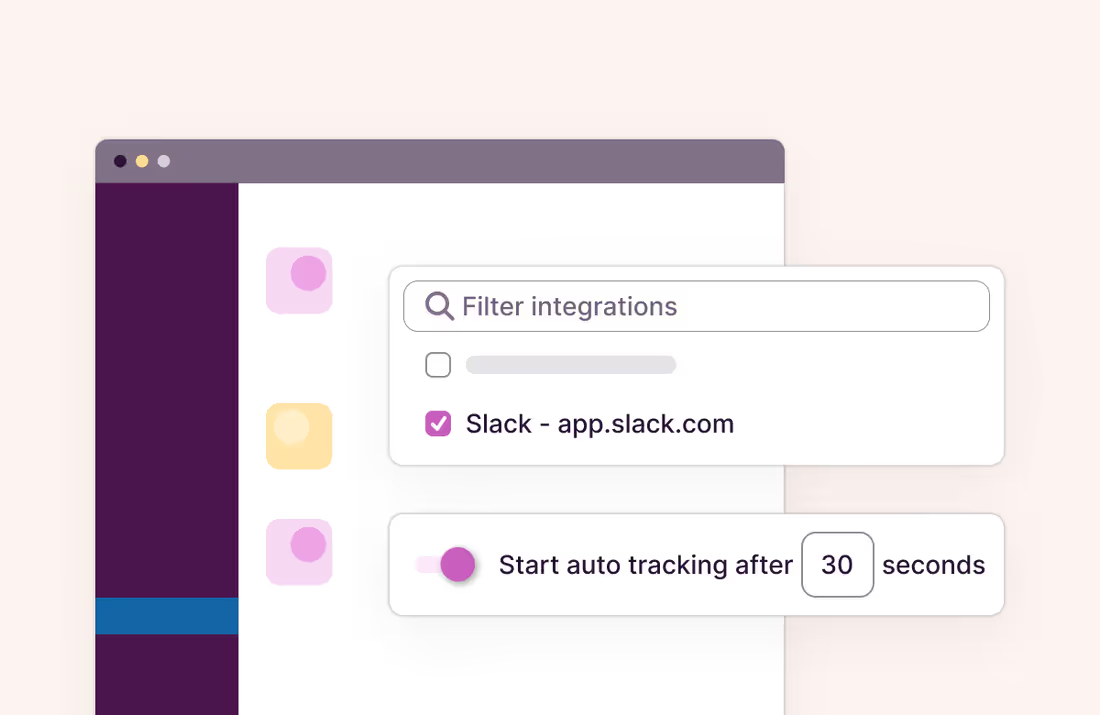
Auto-track selected pages with the Chrome extension
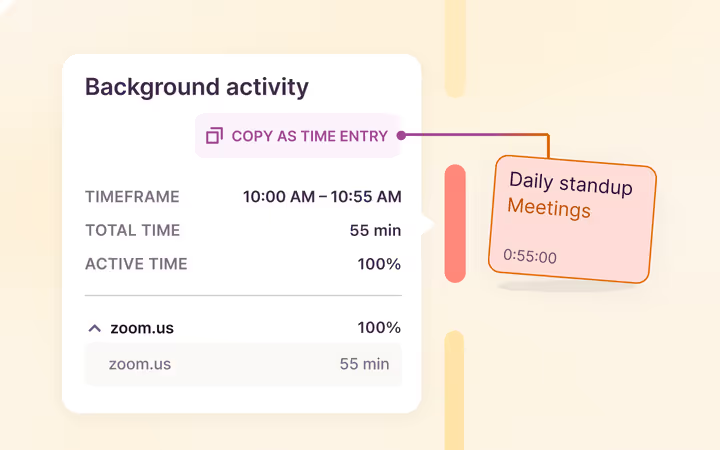
Install the Chrome extension, enable the “Always track this page” option in the settings, and let it automatically track time when you visit pages like Notion, Asana, Jira, and more. Read more.
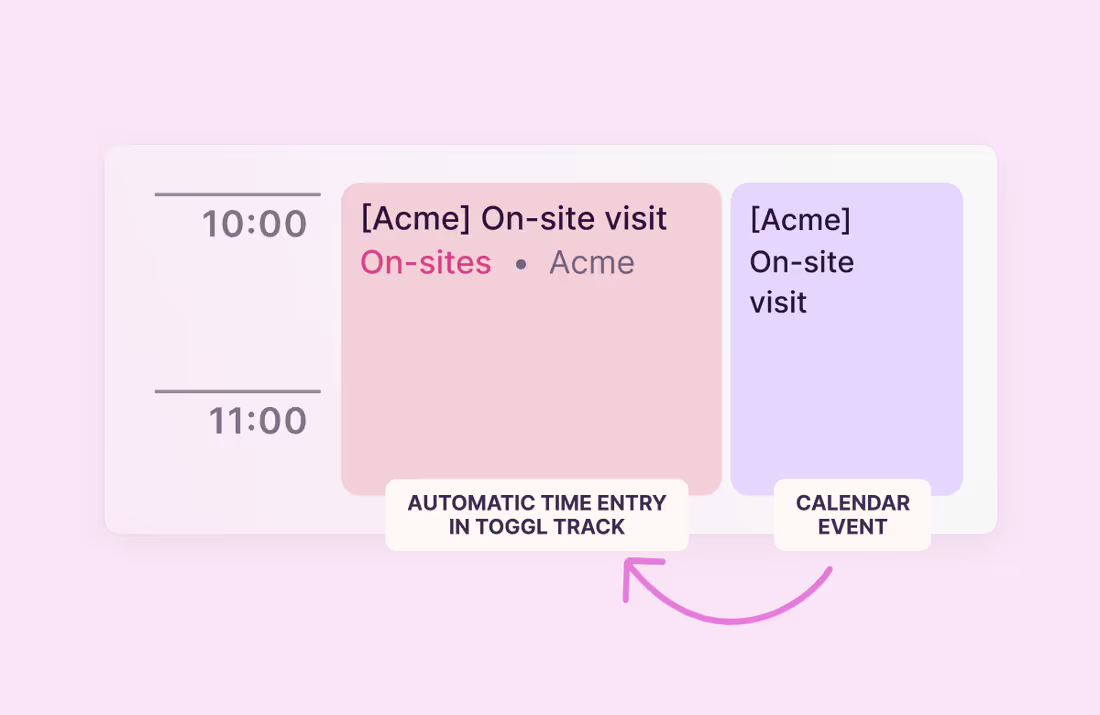
Auto-track your calendar events
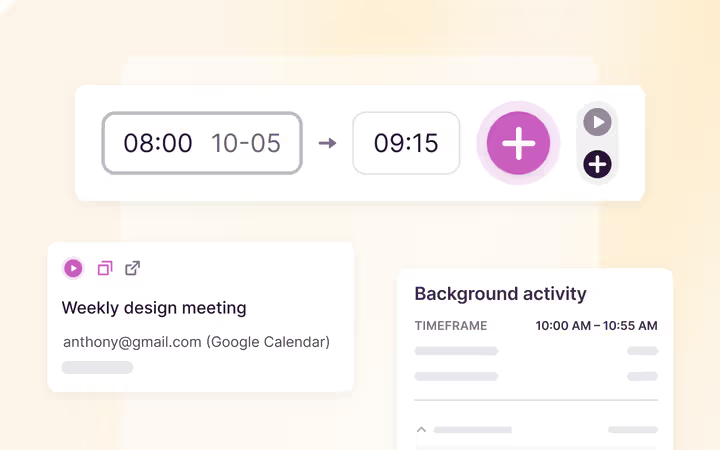
Integrate with your calendars, enable auto-tracking in settings and turn your events into time entries with no extra clicks. Read more →.
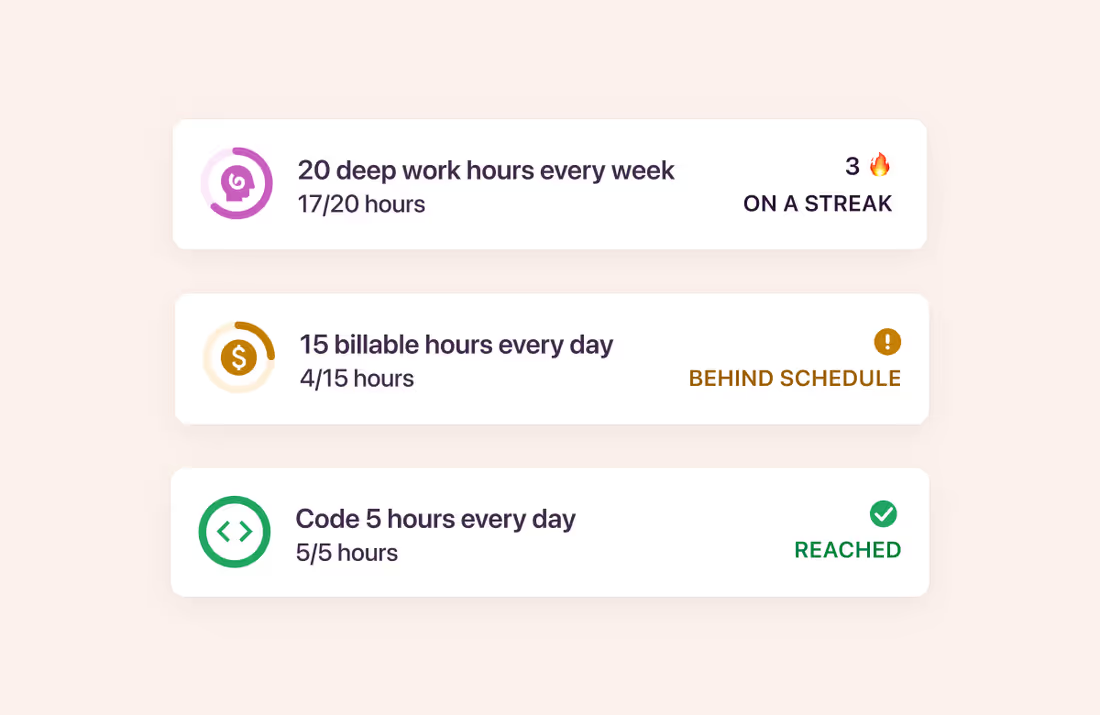
Introducing Goals
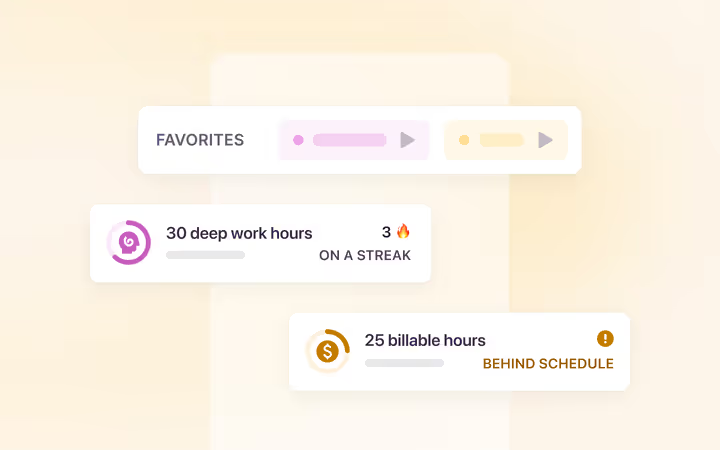
Set specific time tracking targets for your or team’s tasks, projects, or billable time. See the progress, and stay on top of your priorities. Read more →
Public Favorites
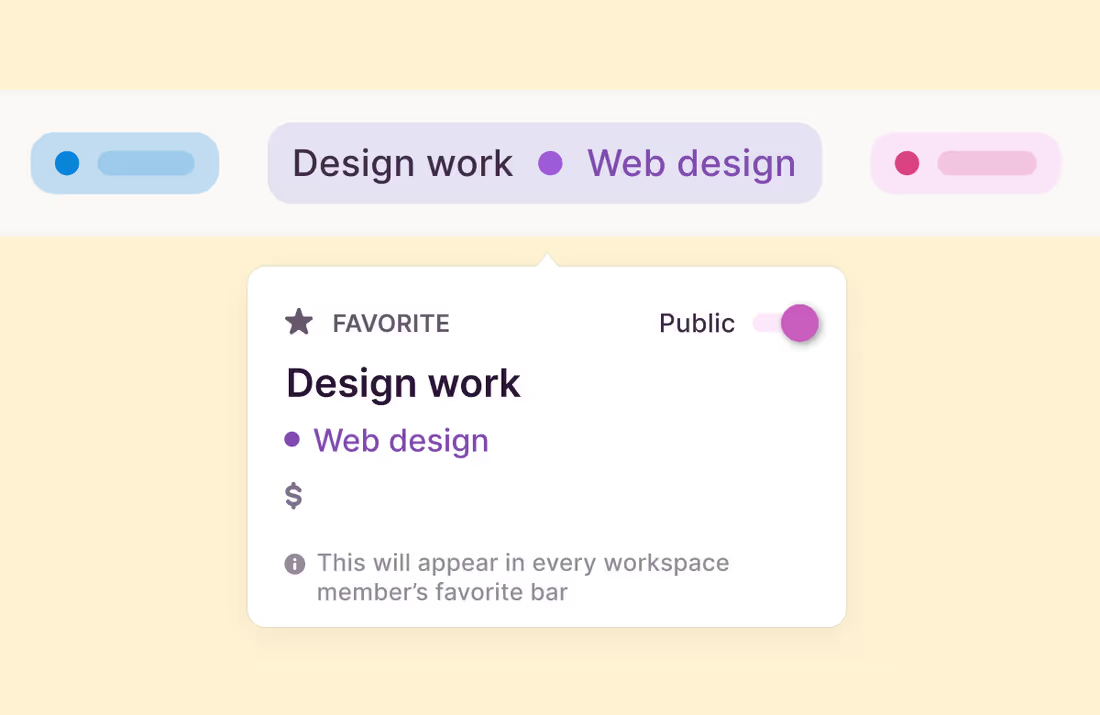
Pin commonly used time entries as Favorites and make them public for a team. Team members can then start a time entry with a click to keep time tracking and data consistent. Read more →