Give People the Same Structured Metadata as Your Projects and Tasks with Member Custom Fields
In this article
In this article
Share this:
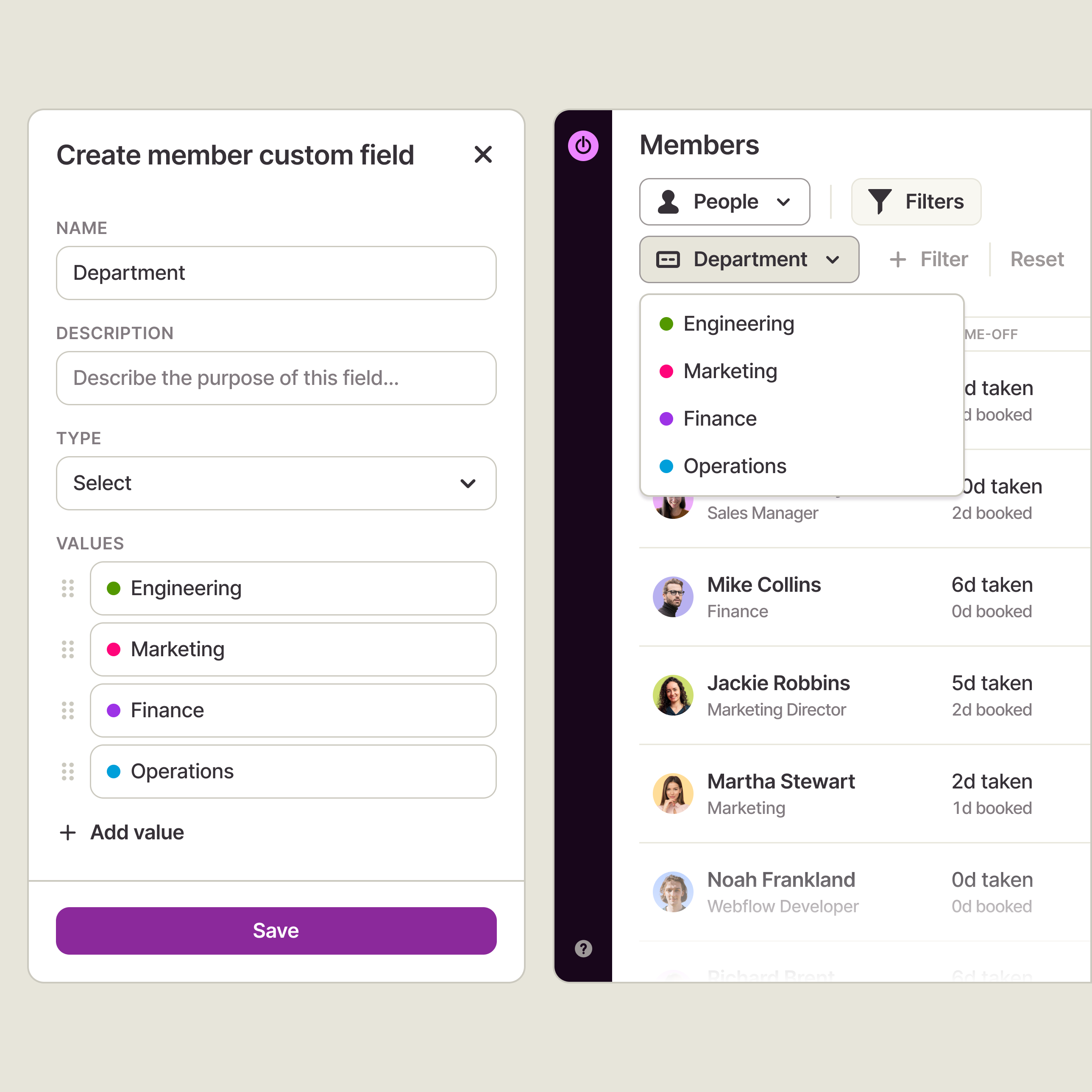
Custom fields now cover the people doing the work, not just projects and tasks. Admins can create Select, Multi-select, Text, Number, Date, Checkbox, and
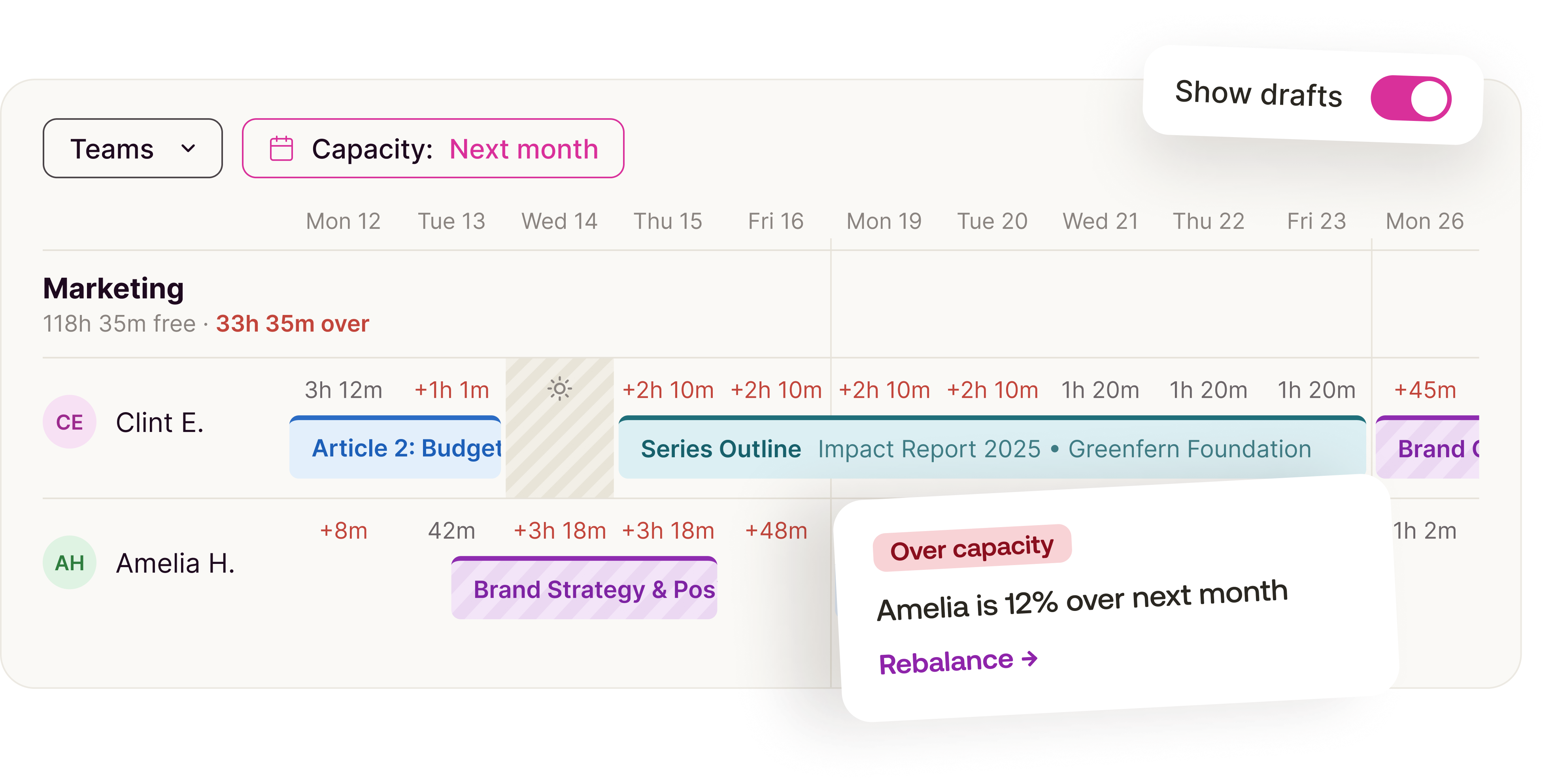
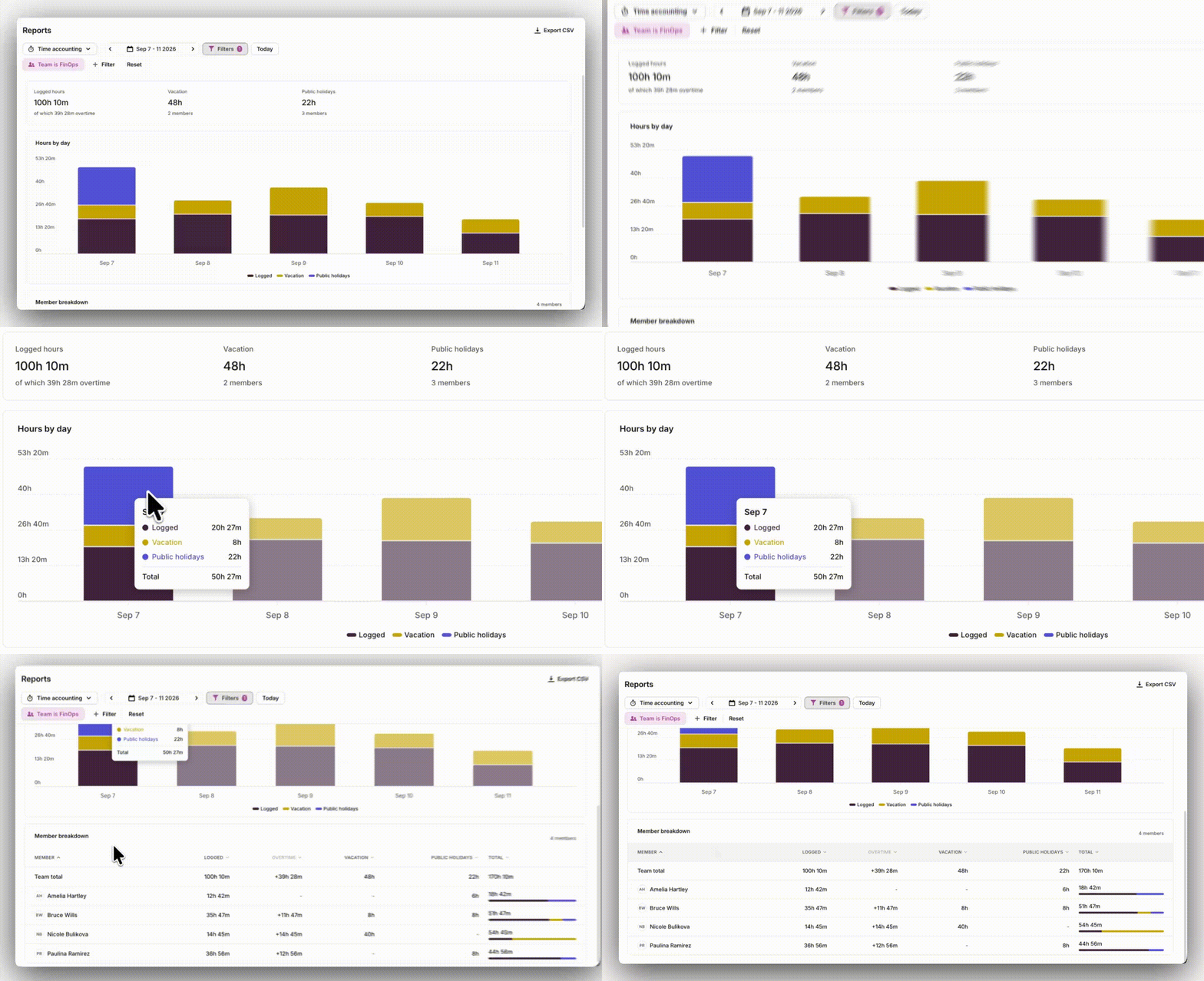
Member-reference fields for members — role, seniority, tool expertise, certifications, cost tier, employee ID, or anything else specific to how your org works — and those fields surface on member profiles, the Members list as filterable columns, capacity and resourcing views, and Reports.
Admins can create, edit, and delete fields and values; managers see them read-only; other roles have no access, since member fields can carry sensitive information.
Additional information