Set Up Your Whole Team in a Few Clicks with Bulk Member Actions
In this article
In this article
Share this:
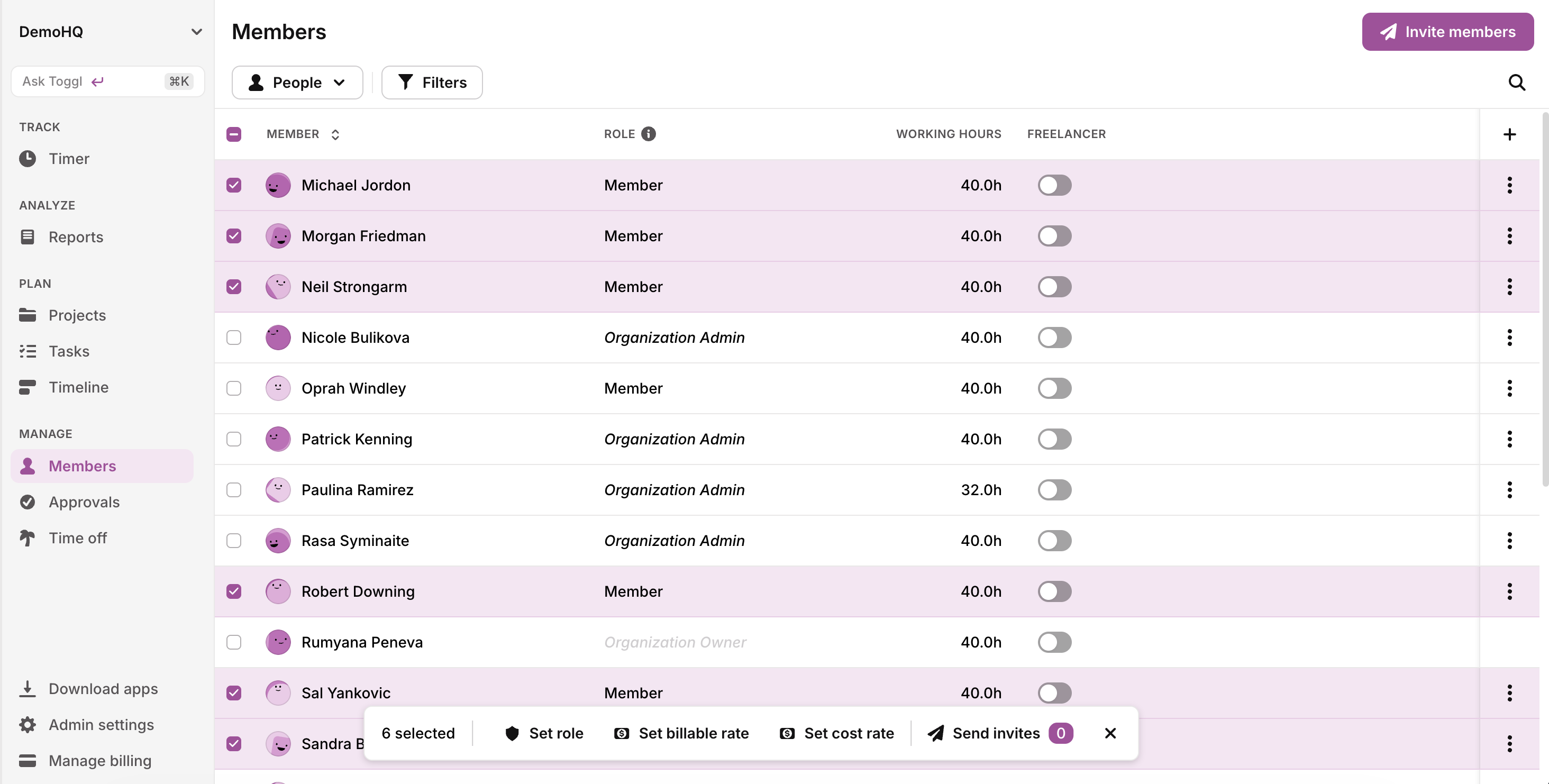
You can now select multiple rows on the Members page and act on the whole selection at once — send invites, set roles, or set billable and cost rates in one go instead of person by person. Your selection survives paging, so you can work through a long roster in batches. Rate changes run as a single batch: enter an amount and start date, and if any selected members already have a conflicting rate, you choose once whether to leave them alone or replace it.
Additional information