
Count Overlapping Time Once & See Real Work Sessions in Workload
In this article
In this article
Share this:
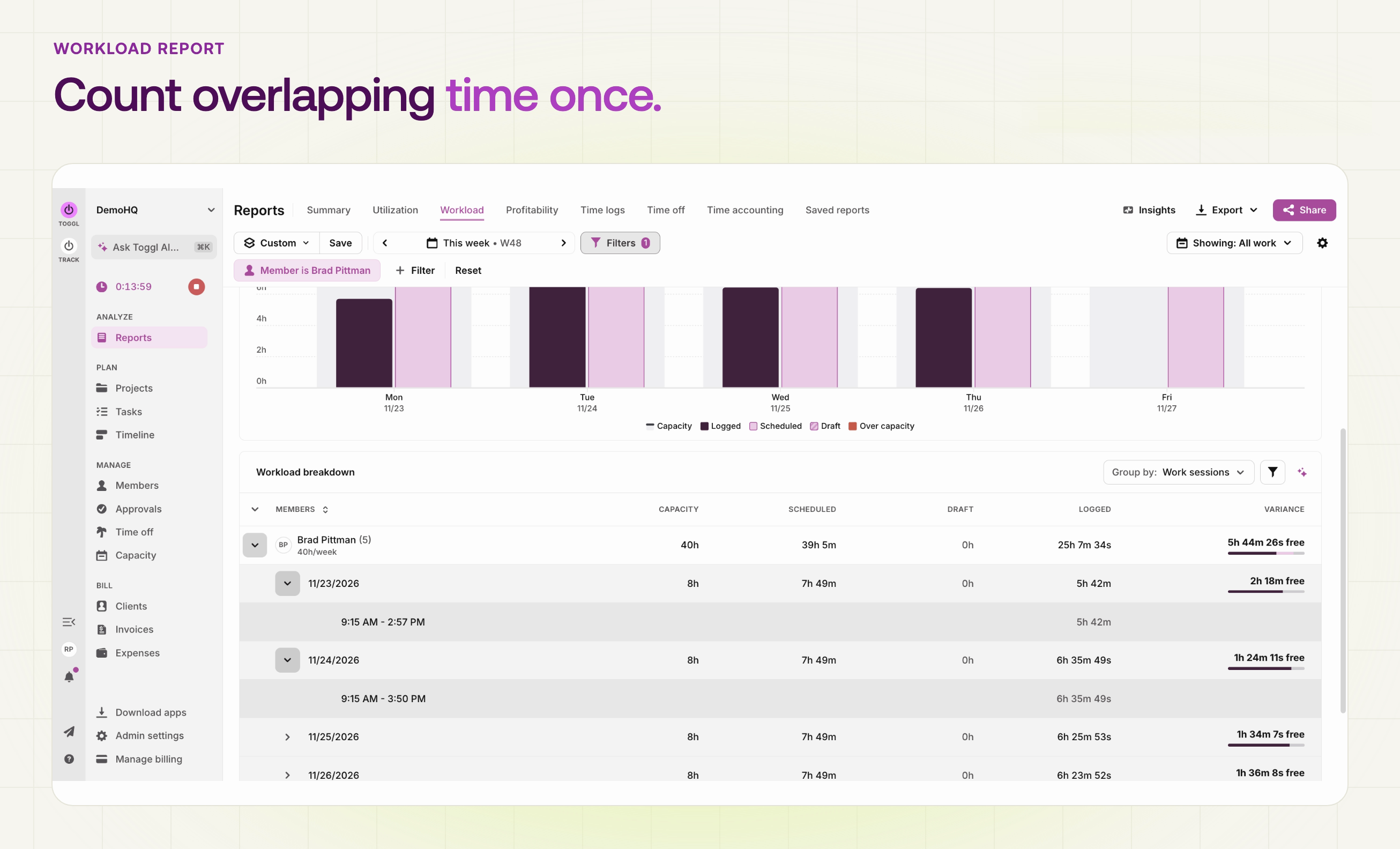
When time logs overlap, Workload can now count that time once instead of twice.
Turn on "Merge overlapping time" in Workload's display preferences, and the totals, chart and breakdown show the hours your team actually worked. With merging on, group by Work sessions to see each continuous block of work with its start and stop time. Work sessions also come through in CSV and XLSX exports.
Additional information