
Planned Tasks Now Show Up in Your Google or Outlook Calendar
In this article
In this article
Share this:
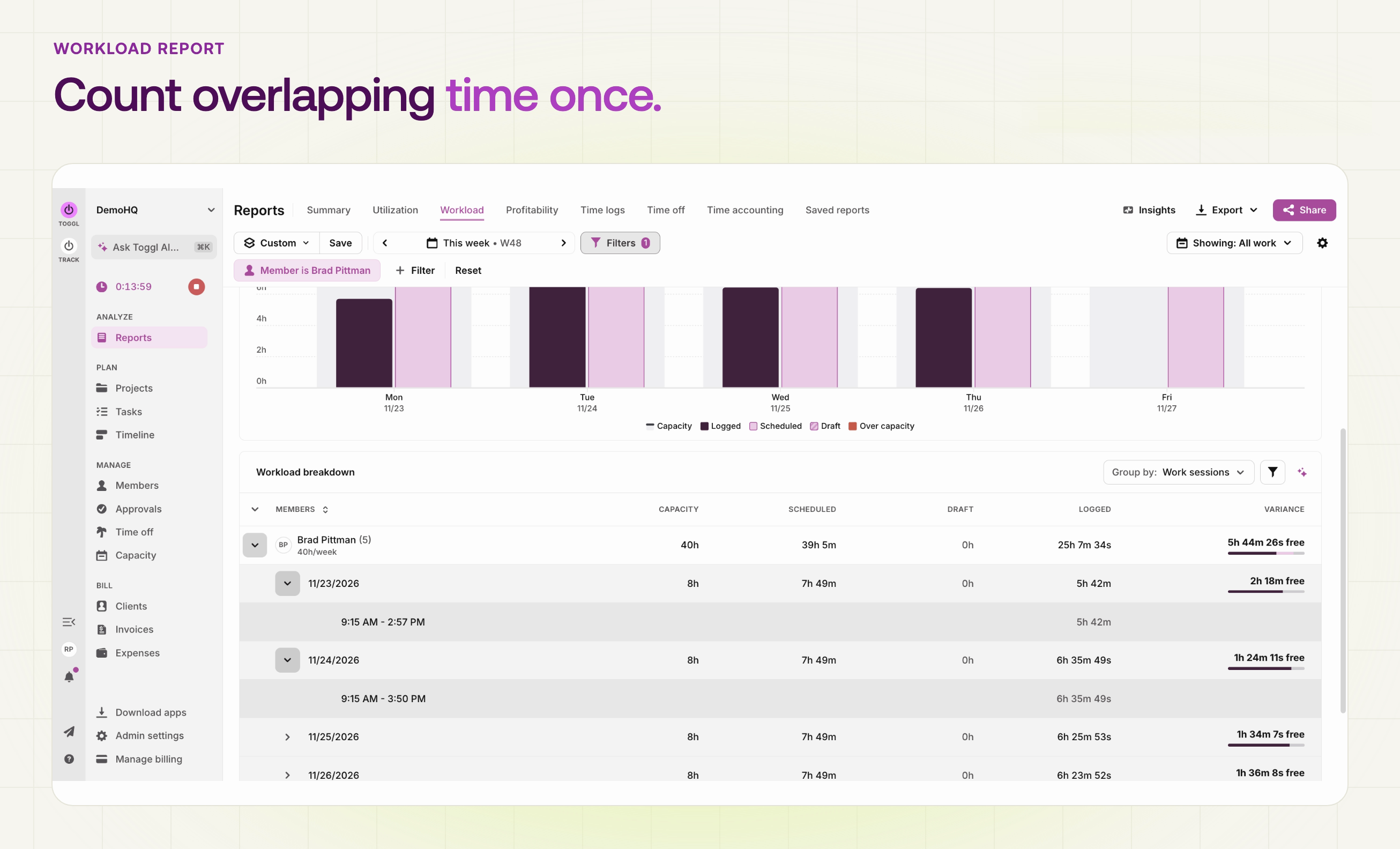
Plan your day in Toggl and your calendar shows it too, so teammates stop booking meetings over your focus time. Pick one connected Google or Outlook calendar, and Toggl adds each planned task there as an event. Move or edit the plan in Toggl and the event follows, and moving or resizing the event in your calendar updates the plan in Toggl.
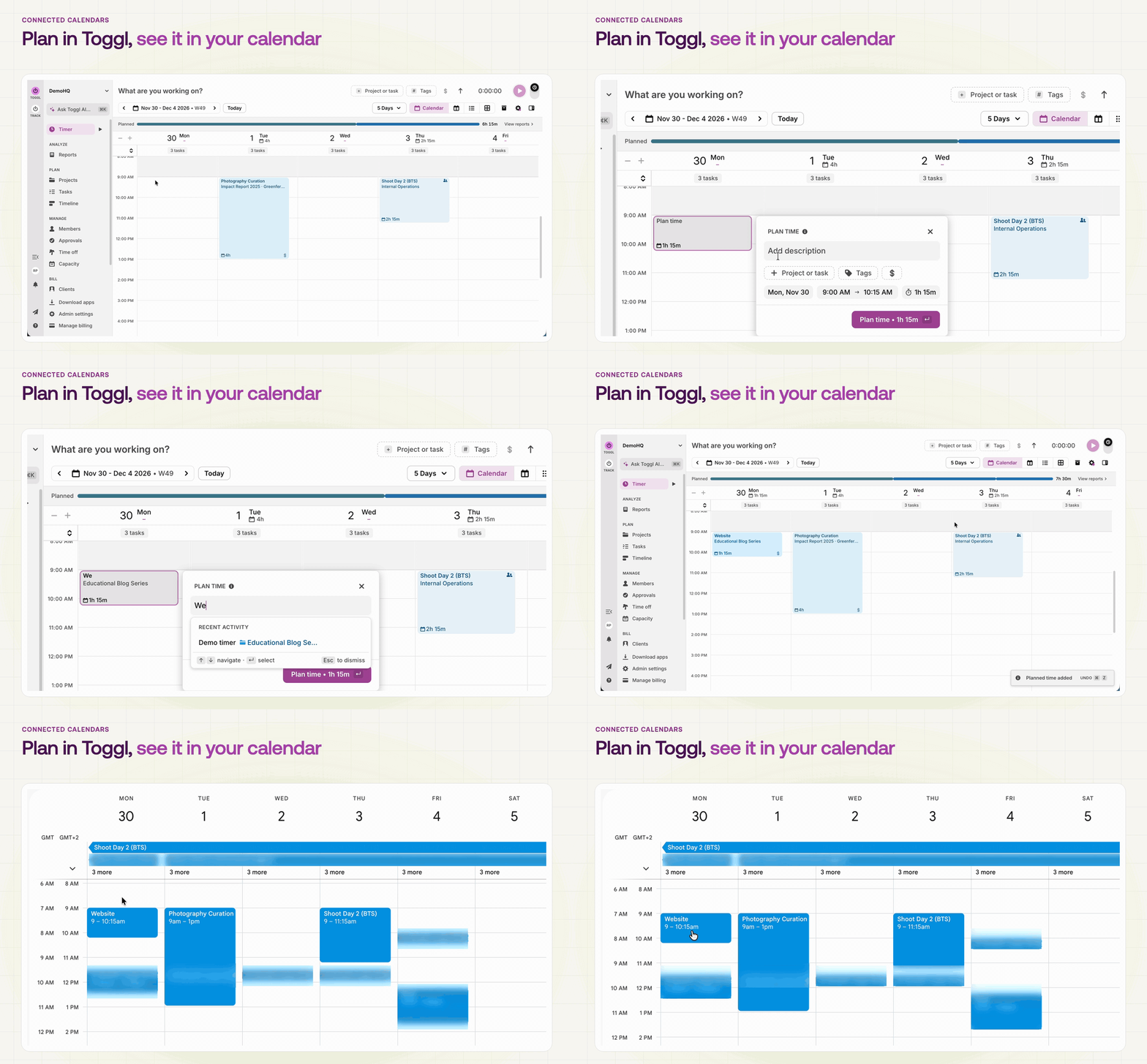
Tasks assigned to you with a start and end date but no planned time show up as all-day events, and each event links back to its task. Delete an event in your calendar and Toggl removes that planned slot, while the task and its tracked time stay. Set it up in the web or desktop app.
Additional information