How Fuse's design team plans its week at a glance with Toggl
Sports & Entertainment
In-house design team
Starter
United Kingdom
Timeline view
Board view
Projects
Tasks with time estimates
Time off management
Saved views
About
Fuse is a sports and entertainment marketing agency and part of a larger global marketing network. James Leighfield is Head of International Brand & Design, leading an in-house design team who handle briefs across a wide spectrum of clients. While the wider business runs on Microsoft tools and larger finance systems, this design team has used Toggl for years and fully switched from Toggl Plan and Toggl Track to Toggl in December 2025.
Fuse is a sports and entertainment marketing agency and part of a larger global marketing network. James Leighfield is Head of International Brand & Design, leading an in-house design team who handle briefs across a wide spectrum of clients. While the wider business runs on Microsoft tools and larger finance systems, this design team has used Toggl for years and fully switched from Toggl Plan and Toggl Track to Toggl in December 2025.
Results
- Plans and reshuffles the team's workload at a glance by dragging jobs across a live timeline, instead of tracking utilization percentages
- Supports a deliberately flat team structure — any designer can pick up any brief regardless of seniority
- Moved their Toggl Plan setup to Toggl and can now do everything they did before, including custom colors, hideable Board columns, and time off visualization
- Team tracks time against projects to get a top-level read on where design resource is going
"It really is the ability to drag and drop on a timeline and flexibly move stuff around that Toggl has versus any other platform. Being able to drag things around live, have it refresh live, and scroll while dragging with other people doing it at the same time — that feels more collaborative as a planning tool."
— James Leighfield, Head of International Brand & Design, Fuse
Challenges
Fuse's design team handles briefs across a large spread of clients, which means they have to be agile with their resource. What they needed wasn't granular time-policing — it was a fast, visual way to see who had capacity and move work around accordingly.
"As a team, we handle briefs across a large spectrum of clients. Because we're a lean team, we have to be pretty agile with our resource. We're not monitoring percentage capacities — it's more a day-to-day eyeball: that person has time free, we can drag that job from X to Y."
Most planning tools made that kind of live rearranging clunky. For a design team used to collaborative creative software, traditional calendar-style tools didn't fit the way they actually work.
Solution
A timeline you can actually drag
The timeline is where the team lives day to day. James's core reason for staying with Toggl over the years is that no other tool matches how fluidly it lets them move work around — live, collaboratively, and without the interface fighting them.
"Other platforms make that a much clunkier experience. For creatives who are used to collaborative tools, it feels much more appropriate than other software or traditional calendar-type software."
A flat team where anyone can pick up a brief
Because the team can see everyone's capacity in one view and drag jobs between people, they don't have to rigidly assign work by seniority. The visualization does the coordinating.
"It helps remove that stigma of 'senior design can only work on these jobs, junior can only work on those.' We can all muck in on the same thing, and it's a good way of visualizing that."
Bucketing by type of work, not micromanaging hours
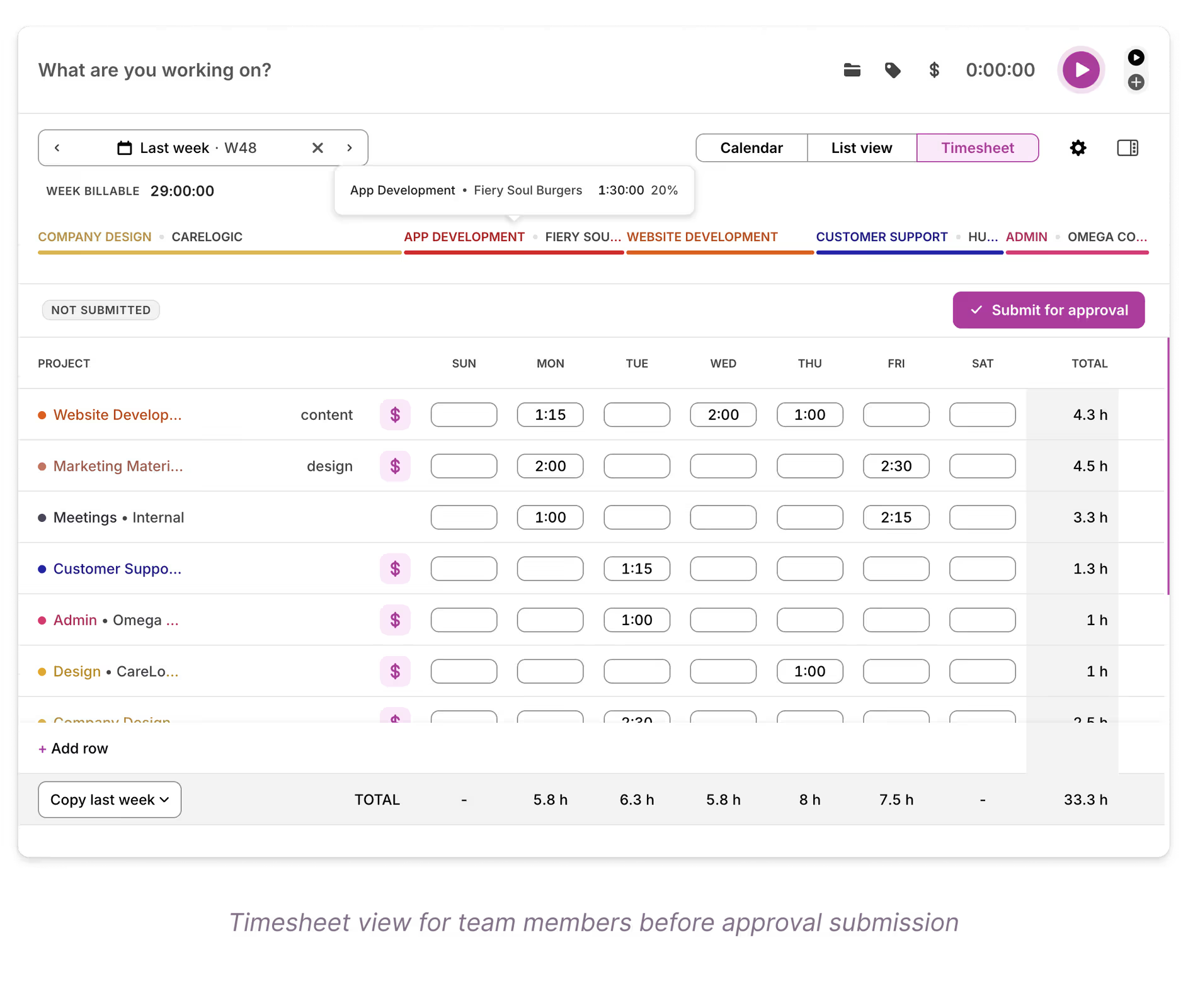
The team uses projects to bucket work by type — internal versus client — and logs in full-day or half-day time logs. That gives James the top-level resourcing read he actually wants.
"We bucket the types of work using projects — an internal need is a different project to a client need — and just put whether it's a full day or a half day. We're not tracking half an hour here and there, just top-line capacity."
Board for spotting what's stuck
Alongside the Timeline, the team uses the Board as a quick status check — a left-to-right flow where the "blocked" column signals where they need to take action.
Saved views made the move click
What made Toggl click for the team was discovering they could tweak and then favorite their own views to match exactly how they work. That was the turning point in their move from Toggl Plan — once they'd saved the setups that suited them, getting everything the way they wanted came easily.
"The main breakthrough for us was working out you could favorite views. Once we tweaked things and favorited those views, the transition became a lot easier."
What stands out to James is how quickly the product has evolved — features he was waiting on early on, like custom colors and hideable columns, are now in place.
"I appreciate the effort that's gone into making lots of changes quickly and listening to the community. We appreciate the speed of improvement."
— James Leighfield, Head of International Brand & Design, Fuse
For James, the fit is specific: Toggl is the right fit for teams that need to see their resource in order to stay agile.
"For what we use it for, it's probably teams that want to visualize their resource better in order to be a bit more agile. It’s the perfect solution for a lean team."