Calendar Event Tags and Billable Status, so Meetings Are Billed Right Before You Track Them
In this article
In this article
Share this:
Add tags and set billable status directly on a calendar event, before any time is logged. Both carry over when you hit Log time, so your billable numbers are right from the start.
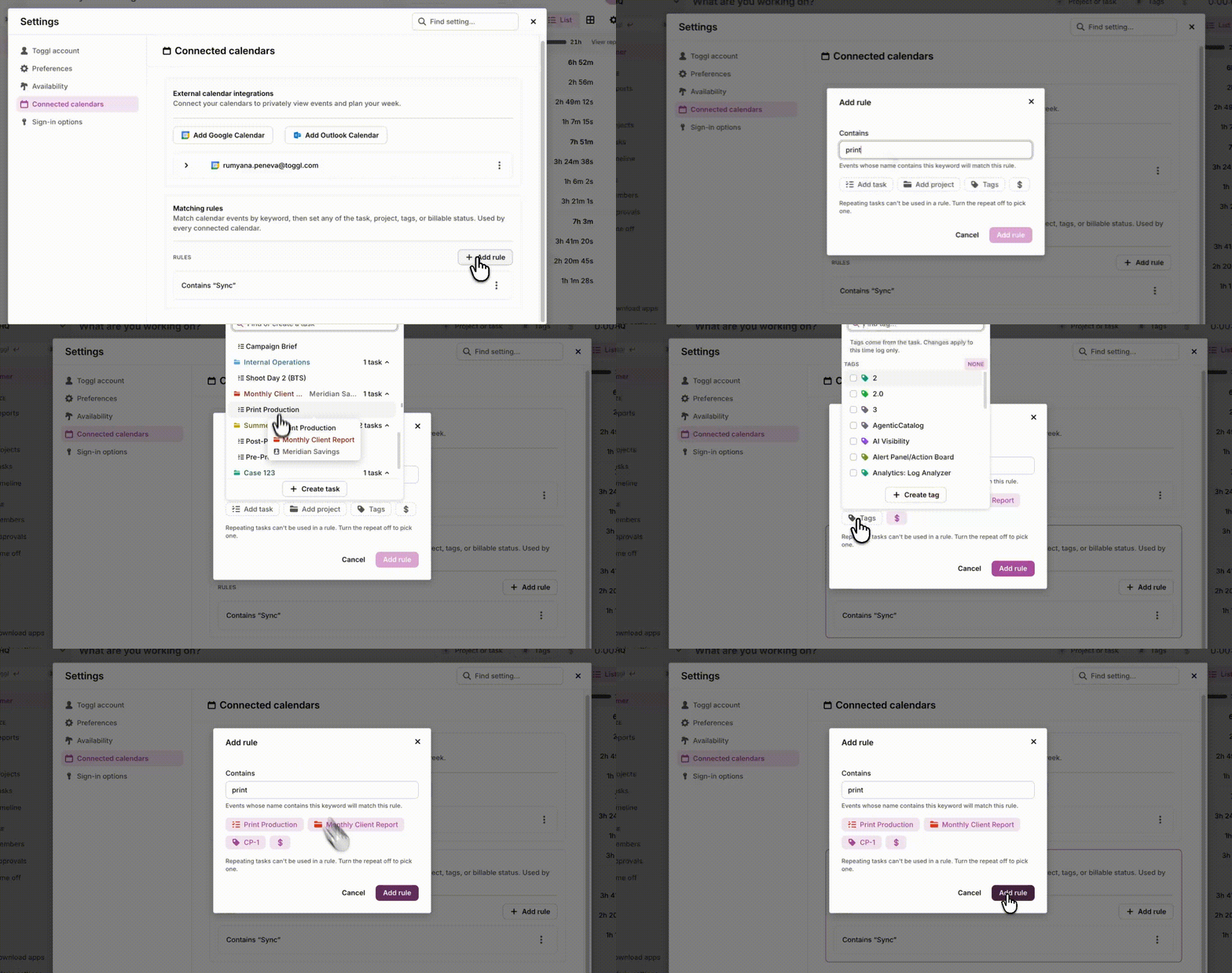
To have every external client call tagged and billable automatically, set up a matching rule in Settings → Connected calendars. It applies to every event it matches.
Additional information