
Roles Show Where Your Team's Time Goes by the Type of Work
In this article
In this article
Share this:
Set up the roles your team actually works in, like Designer, Developer or Project manager, and Toggl sorts tracked time by role on its own.
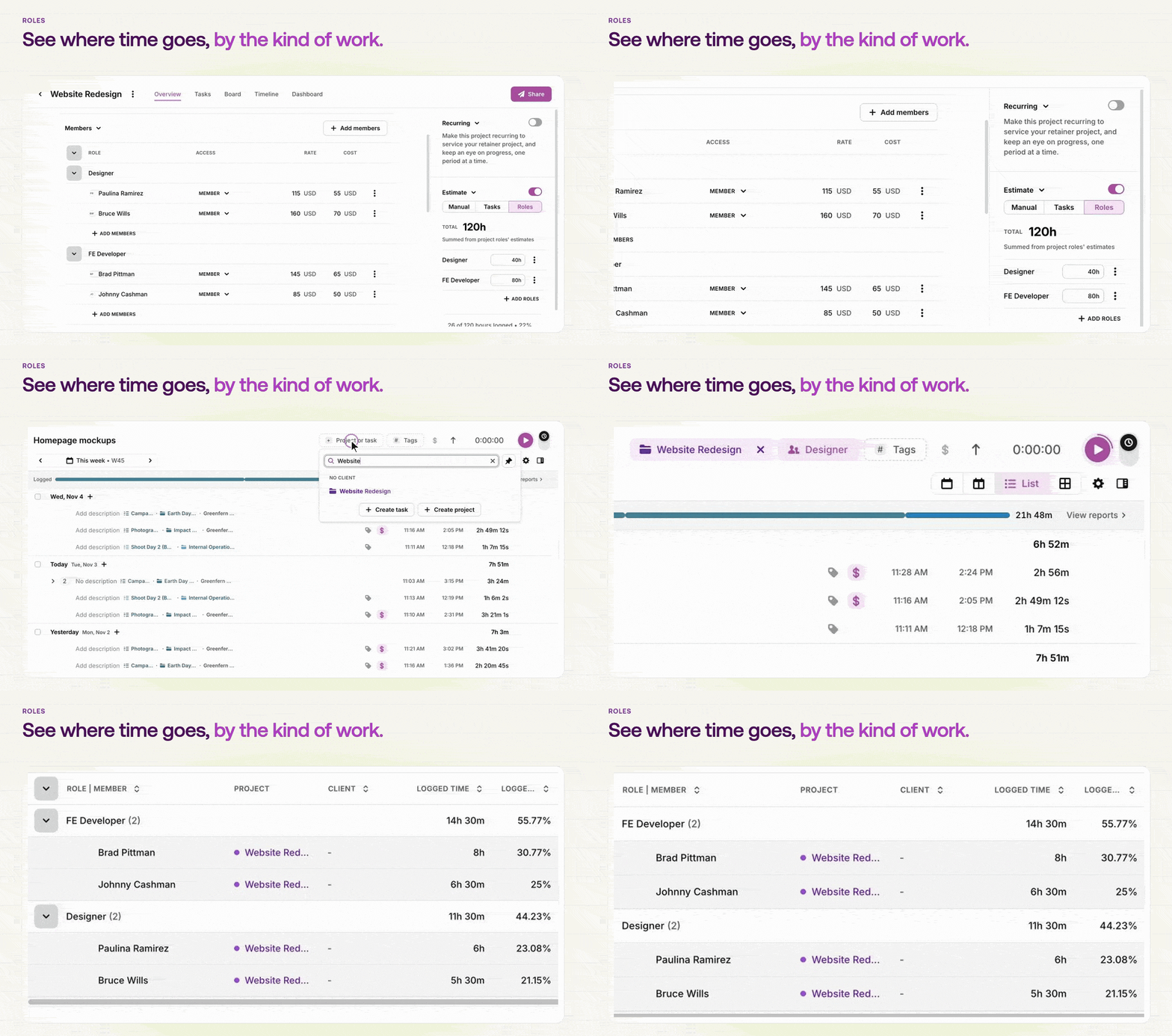
Give each member a role and their time counts toward it, whether they track to a project, a task or a subtask. On projects, estimate hours by role and add people straight into a role. Someone can hold more than one role on a project and picks the right one when they log time. Then break your Summary report down by role to see how much time went to each kind of work, across all your projects.
Additional information