
Submitting Timesheets on Behalf of Members Keeps Approvals Moving
In this article
In this article
Share this:
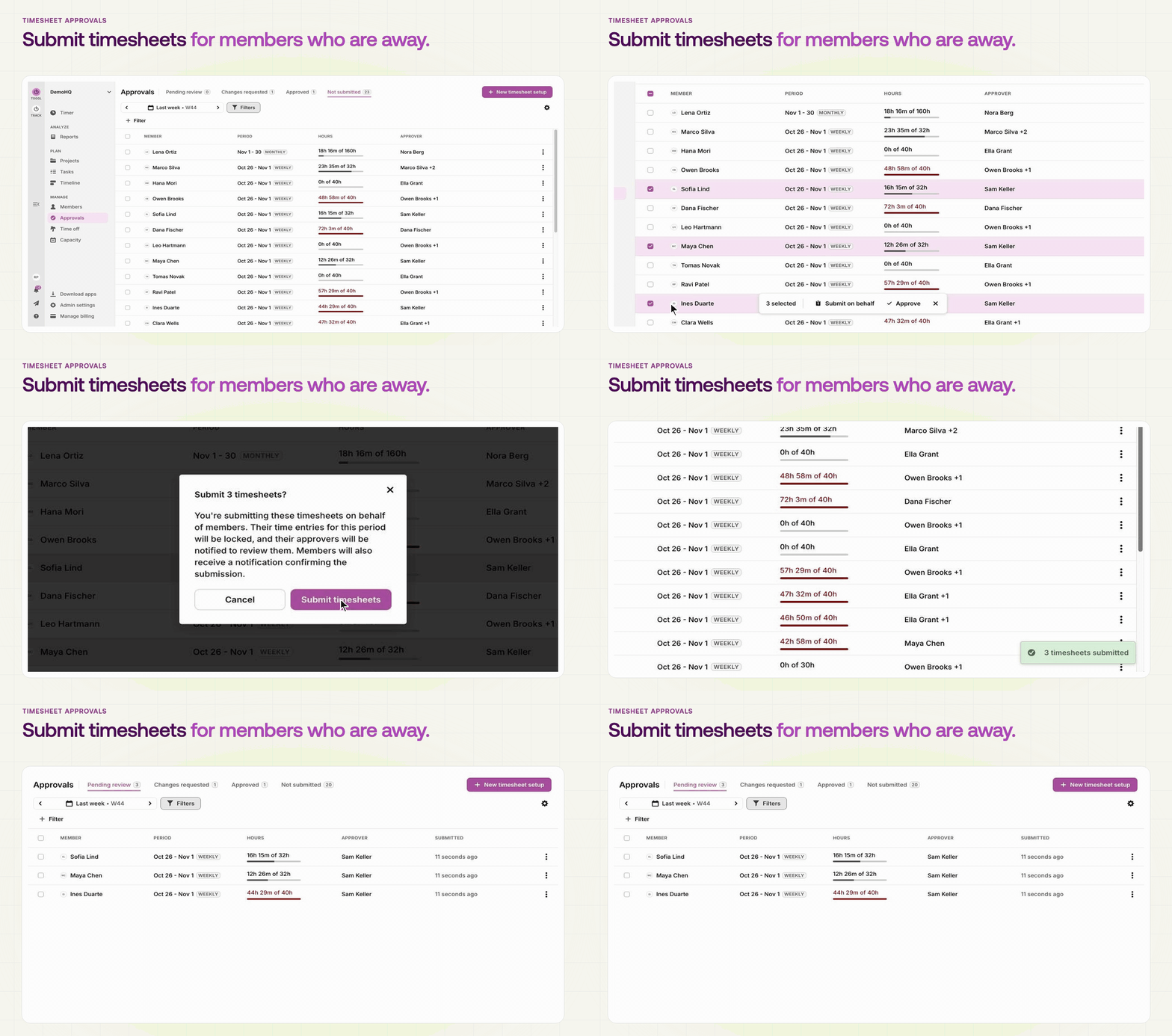
When someone is away at the end of a period, admins can now submit their timesheet for them, so approvals for that period don't sit stuck until they're back.
Submit one timesheet at a time, or select a batch on the Not submitted tab and submit them all at once. If changes were requested, admins can resubmit on the member's behalf, and they can withdraw a submission while it's still waiting on the first approver. The member gets an email whenever someone submits or withdraws for them, and approvers see who submitted it.
Additional information