Group Your Timeline by Team, Project, or Assignee with Timeline Grouping
In this article
In this article
Share this:
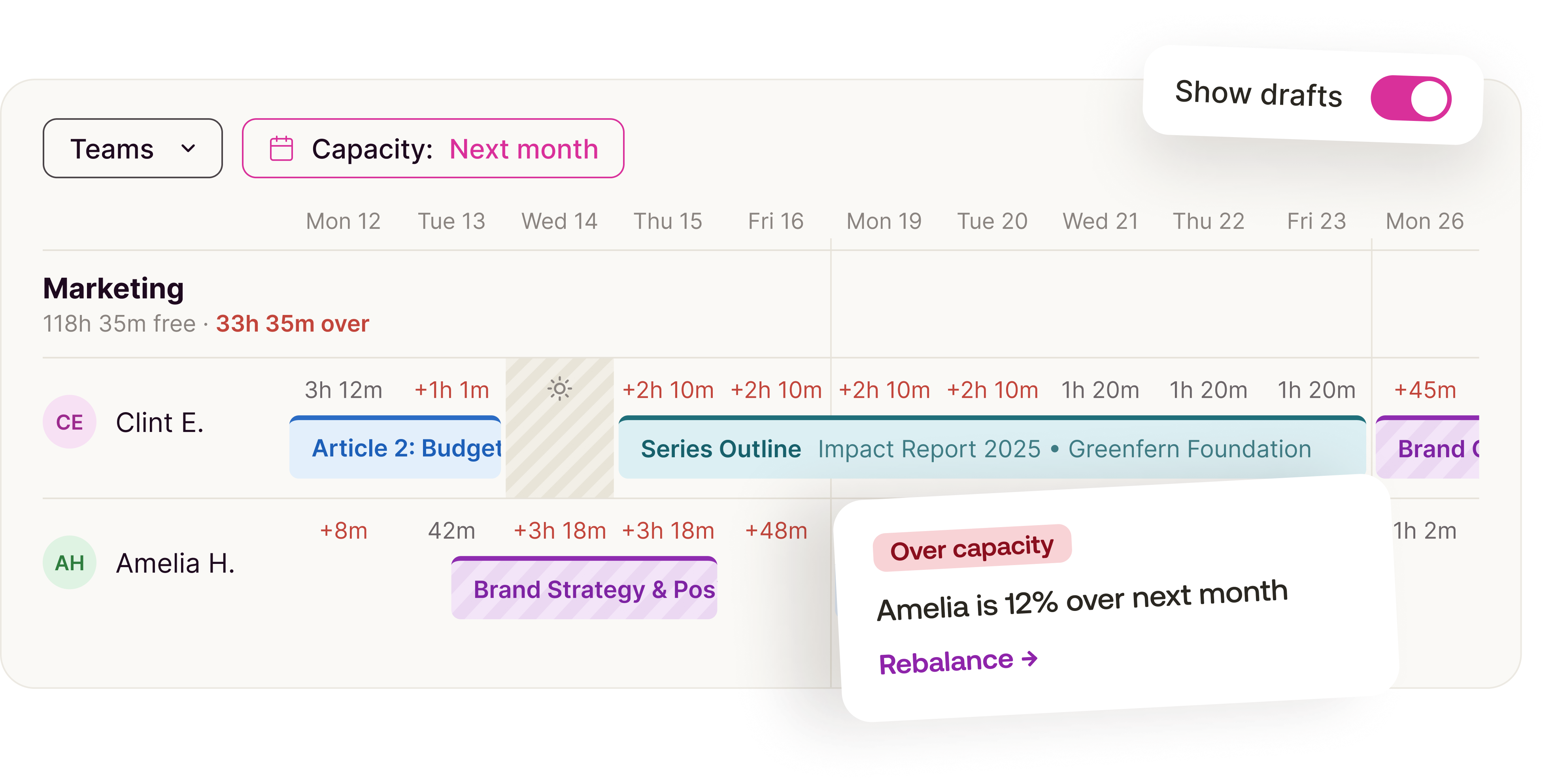
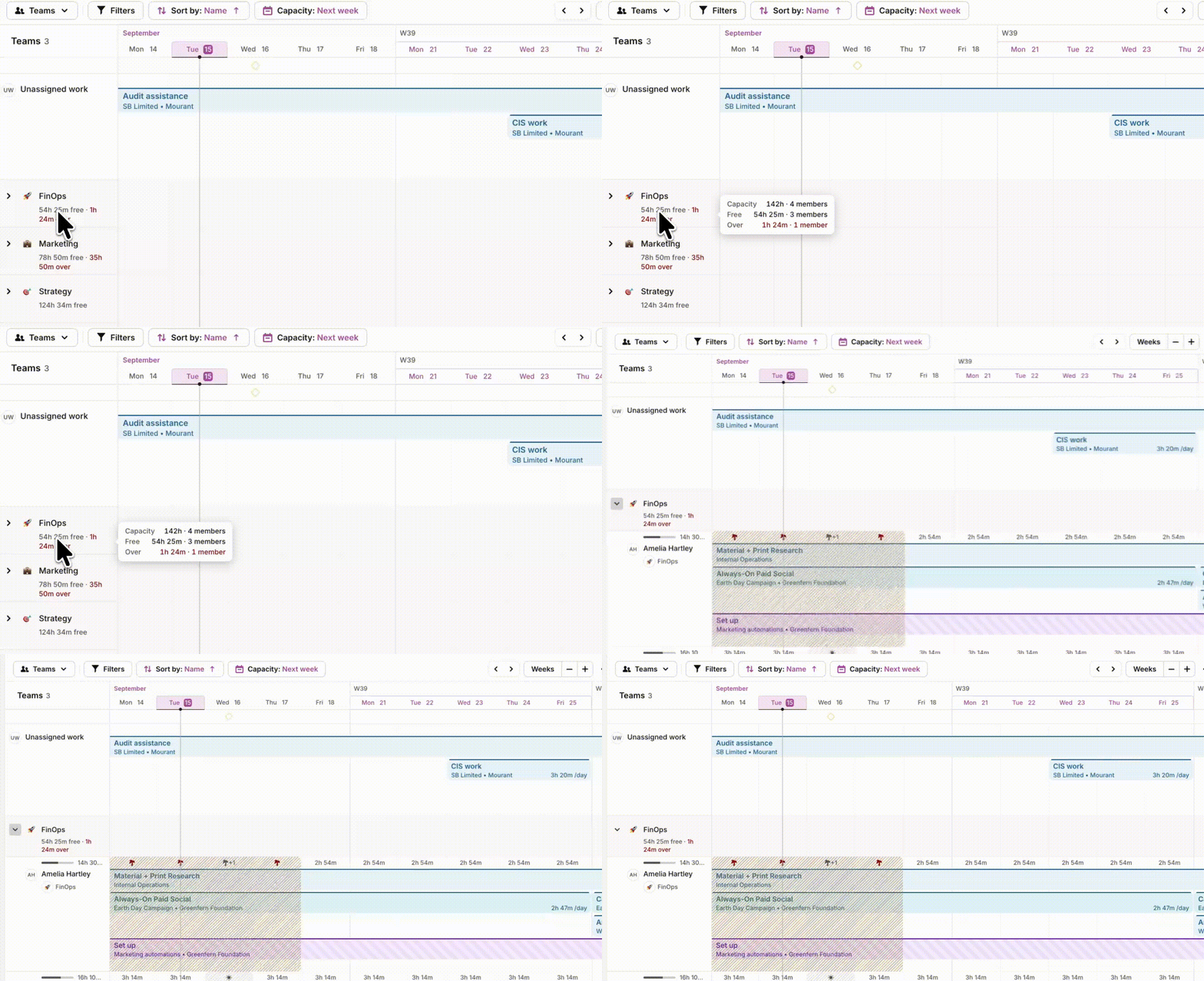
The Timeline can now be grouped by team, showing aggregated capacity for everyone on it over your selected time period. Hover any indicator for the under- or over-capacity context, and compare individual totals against the team total. People without a team sit under "No Team," and unassigned tasks get their own "No assignee" row, so nothing slips through.
Bonus: the Timeline can also group by project, with tasks organized by real assignee, project start and end dates shown right on the Timeline, and full support for draft and recurring projects.
Additional information